Free tool · No signup

LinkedIn URL Generator and Checker

Get custom LinkedIn URL ideas from your name, check any idea against LinkedIn's rules before you try it, and turn a messy link copied from the app into a clean profile URL for your CV or email signature.

✓Free, no sign-up or login✓Runs in your browser, nothing is sent anywhere✓Generator, rules checker and link cleaner in one
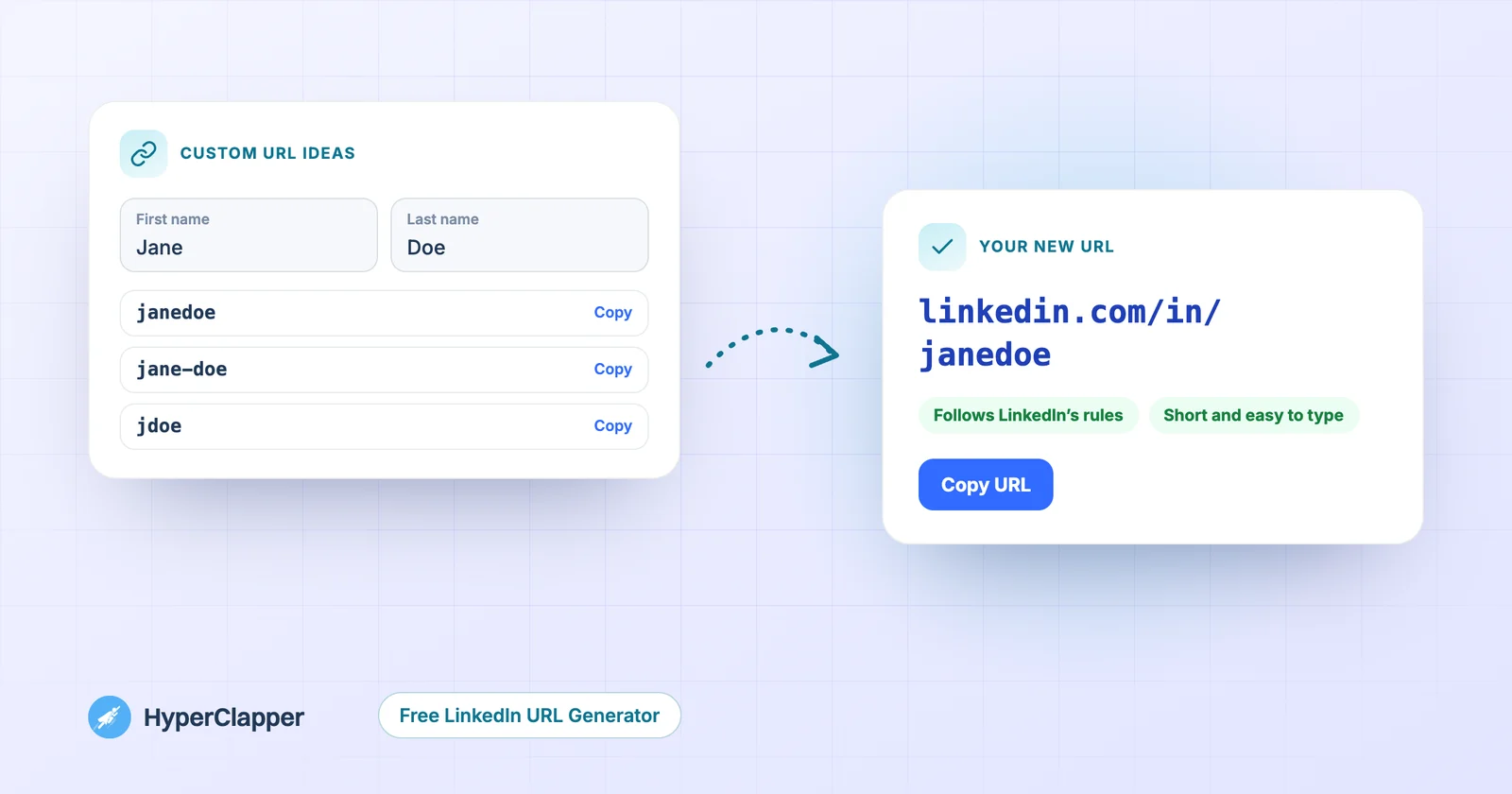
Custom LinkedIn URL ideas generated from a name, and the chosen URL checked against LinkedIn's rules
Free LinkedIn URL generator
Generate, check and clean your LinkedIn URL

Type your name to get custom URL ideas that follow LinkedIn's rules, check an idea of your own, or paste any LinkedIn link to clean it for your CV. Everything runs in your browser.

Profile ready? Get your posts seen.Get real likes and comments from LinkedIn professionals in the first hour after you post.
Boost it free
About this tool

What this LinkedIn URL generator does

Every LinkedIn profile gets a web address. If you never changed yours, it probably ends in a random code, like linkedin.com/in/jane-doe-4b2a91a3. That works, but it looks messy on a CV and is hard to type from a business card.

This tool does three jobs. It suggests clean custom URLs from your name, it checks any idea you have against LinkedIn's rules, and it strips tracking codes and extras from links you copy out of the LinkedIn app.

It does not log in to LinkedIn or change anything for you. You pick a URL here, then save it on LinkedIn in about a minute. If you are still looking for your current link, our guide on where to find your LinkedIn URL walks through every device.

At a glance
You give itAny LinkedIn link, or your name
You getA clean profile URL and custom URL ideas
CostFree
SignupNone needed
Use the tool
Step by step

How to generate a custom LinkedIn URL

1

Type your name

Open Custom URL ideas and type your first and last name. Add what you do, like marketing or design, for extra options.

2

Pick an idea or check your own

You get up to eight ideas that follow LinkedIn's rules. Type your own idea in the checker to see if it uses only allowed characters and a sensible length.

3

Save it on LinkedIn

On LinkedIn click Me, View profile, then Edit public profile & URL, and the pencil next to your URL. Paste your choice and save. LinkedIn tells you then if it is already taken.

4

Clean the link you share

Paste your profile link into Clean my URL and copy the clean version for your CV, business card or email signature.

Features

What the tool gives you

Everything runs in your browser. There is nothing to install and no account to create.

Custom URL ideas

Up to eight clean ideas from your name, such as janedoe, jane-doe or jdoe, plus versions with what you do when your name is common.

Rules checker

Checks length, allowed characters and the word LinkedIn, and warns about ideas that are long or hard to read.

Link cleaner

Removes tracking codes, country subdomains and extra paths from links copied from the app, and gives you the clean URL.

Ready to paste

Copy the full URL, a short version for a CV, or a link for your email signature in one click.

Default URL detector

Tells you if a profile still uses LinkedIn's automatic URL with a random code, so you know it is worth changing.

Private and free

Nothing you type leaves your browser. No sign-up, no limit, nothing stored.

Guide

LinkedIn's rules for custom URLs

LinkedIn checks your custom URL when you save it. Knowing the rules first saves a few failed tries.

What LinkedIn allows

LinkedIn's help pages say a custom URL can be 3 to 100 characters long and should not contain spaces, symbols, special characters or the word LinkedIn. Letters and numbers always work, and hyphens are widely used in custom URLs.

✓3 to 100 characters
✓Letters and numbers, plus hyphens
✓No spaces, symbols or accented letters
✓Not the word linkedin

Changes and availability

LinkedIn says you can change your custom URL up to five times in six months, and URLs that are taken are not released on request. Keep a second and third choice ready before you start.

What happens to your old link

Once you save a new custom URL, the old address stops pointing to your profile. Update your CV, email signature, website and any QR codes after you change it.

Step by step on LinkedIn

On a computer, the setting is under Edit public profile & URL. For screenshots of every screen, see our full guide to customizing your LinkedIn URL.

✓Click Me, then View profile
✓Click Edit public profile & URL on the right
✓Click the pencil next to your public profile URL
✓Type your new URL and click Save
Guide

How to choose a good LinkedIn URL

The best URL is the one people can type from a business card without mistakes.

Use your real name first

Your first and last name together, like janedoe, is the easiest to remember and matches what people search for. A hyphen between them, like jane-doe, is easier to read.

When your name is taken

Add a middle initial, swap the order, or add a short word for what you do, like janedoe-design. Avoid birth years and long strings of numbers, which look like a default URL.

Match your other profiles

If you already use a handle on your website, GitHub or another network, use the same one on LinkedIn when you can. People who find you in one place can then guess your address in the others, and your name shows up consistently when someone searches for it.

Keep it short and permanent

Skip job titles and company names that may change. A shorter URL is easier to print and to read out loud. For more ideas, see our list of professional LinkedIn URL examples.

Guide

Where to use your clean LinkedIn URL

A clean URL is worth putting everywhere people look for you professionally.

CV and cover letter

Use the short form, linkedin.com/in/yourname, next to your email and phone number. Recruiters can type it, and it fits on one line.

Email signature and website

Use the full link so it is clickable. The tool gives you a ready link that just says LinkedIn, which looks tidier than a long address.

Business cards and slides

Print the short form, or turn it into a QR code with our free LinkedIn QR Code Generator so people can scan it straight to your profile.

Check it after you change it

Open the new link in a private browser window to see your public profile the way a stranger does. If it shows less than you expect, check what you share publicly under Edit public profile & URL, where you can turn sections on or off.

Watch

How to get more followers on LinkedIn with HyperClapper

A short walkthrough of how a good post plus a strong first hour helps you grow.

More free tools

Everything else you need for LinkedIn

All free, all in your browser, no signup. See all free tools

LinkedIn Profile Finder previewFree · No signup
LinkedIn Profile Finder
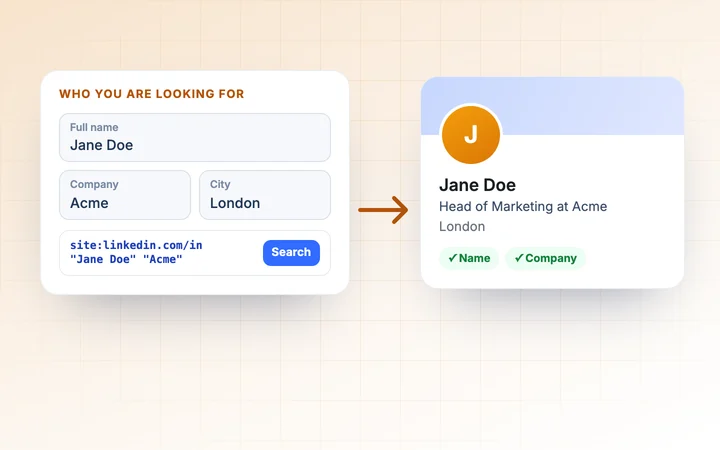
Find someone's LinkedIn profile from their name, company, job title or city, with ready-made searches.
Use free tool →
LinkedIn Engagement Rate Calculator previewFree · No signup
LinkedIn Engagement Rate Calculator
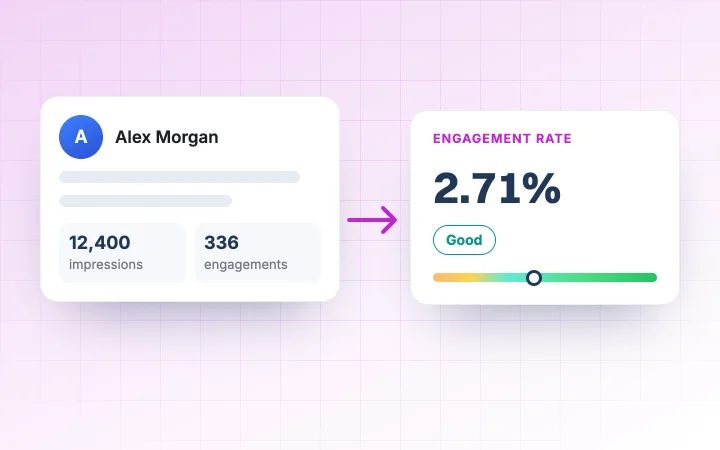
Work out the engagement rate of your LinkedIn posts and compare up to 10 posts side by side.
Use free tool →
LinkedIn SSI Calculator previewFree · No signup
LinkedIn SSI Calculator
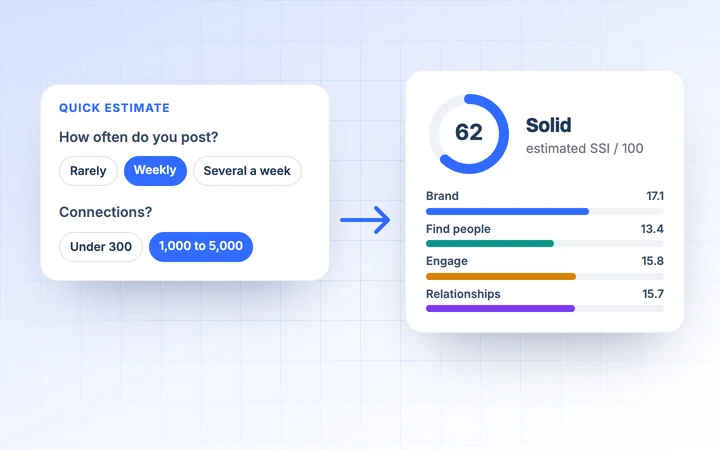
Estimate your Social Selling Index from 12 quick questions and get a plan for your weakest pillar.
Use free tool →
LinkedIn QR Code Generator previewFree · No signup
LinkedIn QR Code Generator
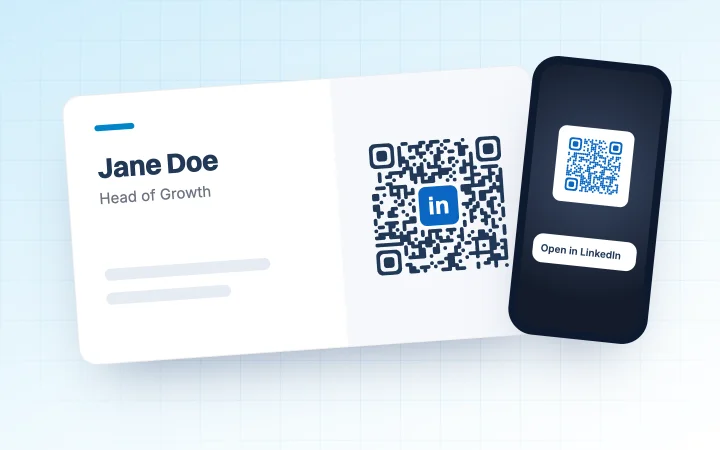
Make a QR code for your LinkedIn profile or company page, with your colours and logo, as PNG or SVG.
Use free tool →
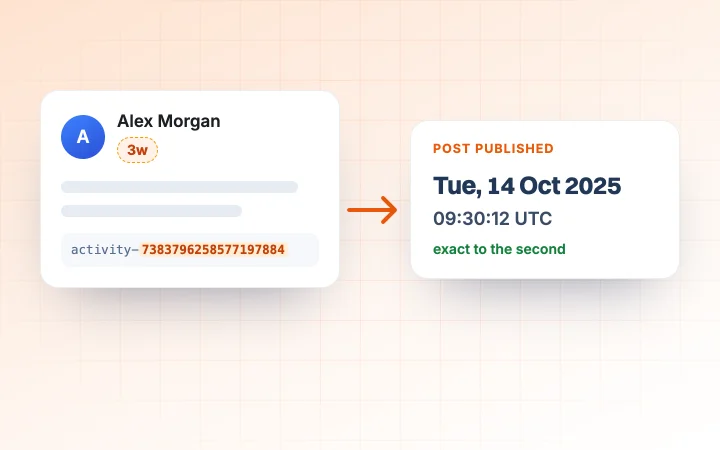
LinkedIn Post Date Extractor previewFree · No signup
LinkedIn Post Date Extractor
Paste a post or comment link and see the exact date and time it was published, in your time zone.
Use free tool →
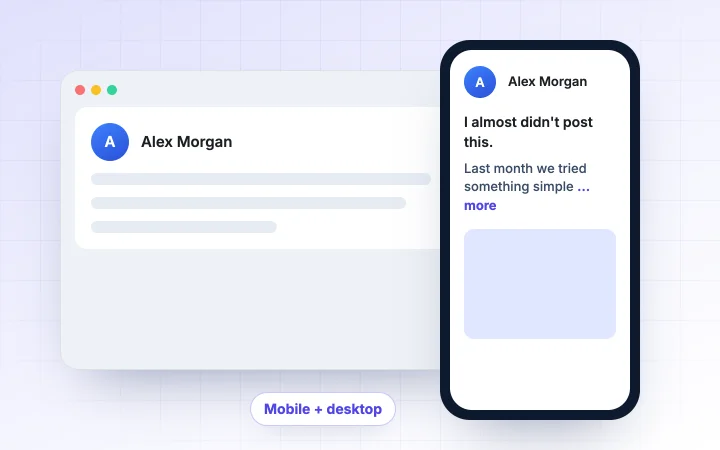
LinkedIn Post Preview toolFree · No signup
LinkedIn Post Preview
See your post on mobile and desktop before you publish, with the exact spot LinkedIn cuts it at "more".
Use free tool →
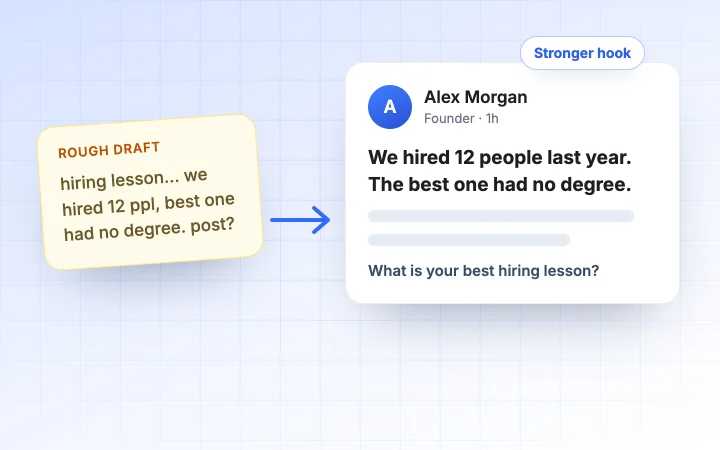
LinkedIn Post Generator previewFree · No signup
LinkedIn Post Generator
Paste a draft or rough idea and get a cleaner post with a stronger hook, better formatting and a clear call to action.
Use free tool →
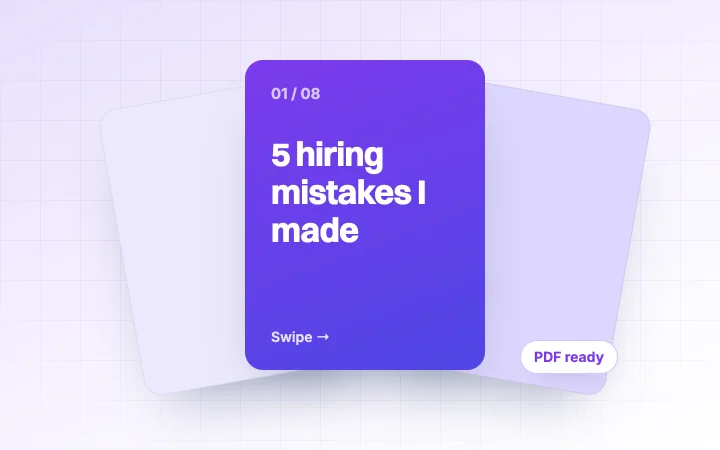
LinkedIn Carousel Generator previewFree · No signup
LinkedIn Carousel Generator
Design swipeable carousel slides with AI, pick a theme and download a PDF ready to post on LinkedIn.
Use free tool →
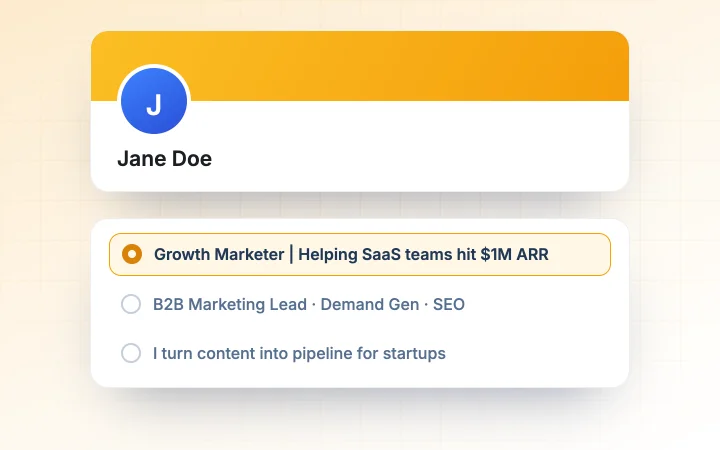
LinkedIn Headline Generator previewFree · No signup
LinkedIn Headline Generator
Get instant headline ideas from proven formulas plus AI, tuned to your goal and checked for length.
Use free tool →
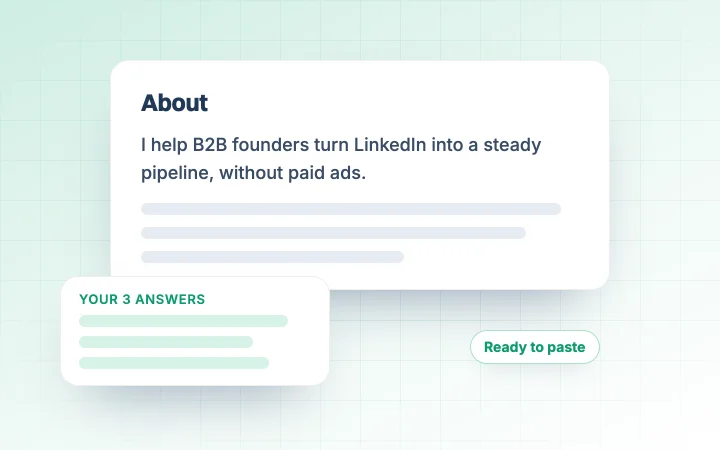
LinkedIn Summary Generator previewFree · No signup
LinkedIn Summary Generator
Write your LinkedIn About section from three short answers, in the tone you choose.
Use free tool →
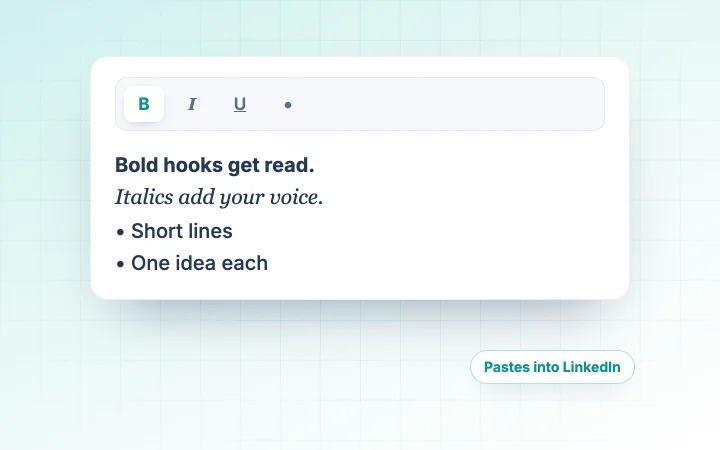
LinkedIn Text Formatter previewFree · No signup
LinkedIn Text Formatter
Add bold, italic, underline and bullets to your posts and see a live LinkedIn preview.
Use free tool →
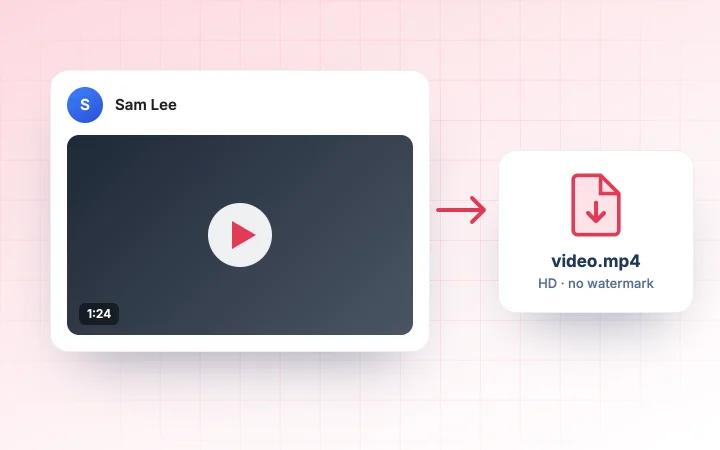
LinkedIn Video Downloader previewFree · No signup
LinkedIn Video Downloader
Paste a LinkedIn post link and save a public video as an MP4, with no watermark.
Use free tool →
FAQ

Questions people ask about the LinkedIn URL Generator

Is there a free LinkedIn URL generator?+

Yes. This tool suggests custom LinkedIn URLs from your name for free, checks them against LinkedIn's rules and needs no sign-up. You then save your favourite on LinkedIn.

Can this tool change my LinkedIn URL for me?+

No. It never logs in to LinkedIn. You save the URL yourself under Me, View profile, Edit public profile & URL. It takes about a minute.

How do I check if a LinkedIn URL is available?+

LinkedIn only tells you when you try to save it. Use the checker here to make sure the idea follows the rules, then try it on LinkedIn and keep a second choice ready.

What characters can a LinkedIn URL have?+

LinkedIn says 3 to 100 characters with no spaces, symbols, special characters or the word LinkedIn. Letters and numbers work, and hyphens are widely used.

How do I remove tracking codes from my LinkedIn link?+

Paste the link into Clean my URL. The tool removes everything after the question mark, fixes country subdomains and gives you the clean profile URL to copy.

How often can I change my LinkedIn URL?+

LinkedIn says up to five times within six months. Each change makes your old link stop working, so update your CV and signature afterwards.

Is the LinkedIn URL generator free and private?+

It is free with no sign-up and no limit. Everything runs in your browser and nothing you type is sent or stored.

URL sorted? Now get your posts seen.

HyperClapper gets real likes and comments from LinkedIn professionals on your post right after you publish, so more people find their way to your profile.

3 boosts a month on the Free plan · No credit card required