Free tool · No signup

LinkedIn SSI Calculator: Estimate Your Social Selling Index

Answer 12 quick questions about how you use LinkedIn and get an estimated SSI out of 100, split into LinkedIn's four pillars, plus three concrete moves for your weakest one. No Sales Navigator needed.

✓Free, no sign-up or login✓Runs in your browser, your answers are not sent anywhere✓Score, four pillars and a plan in about a minute
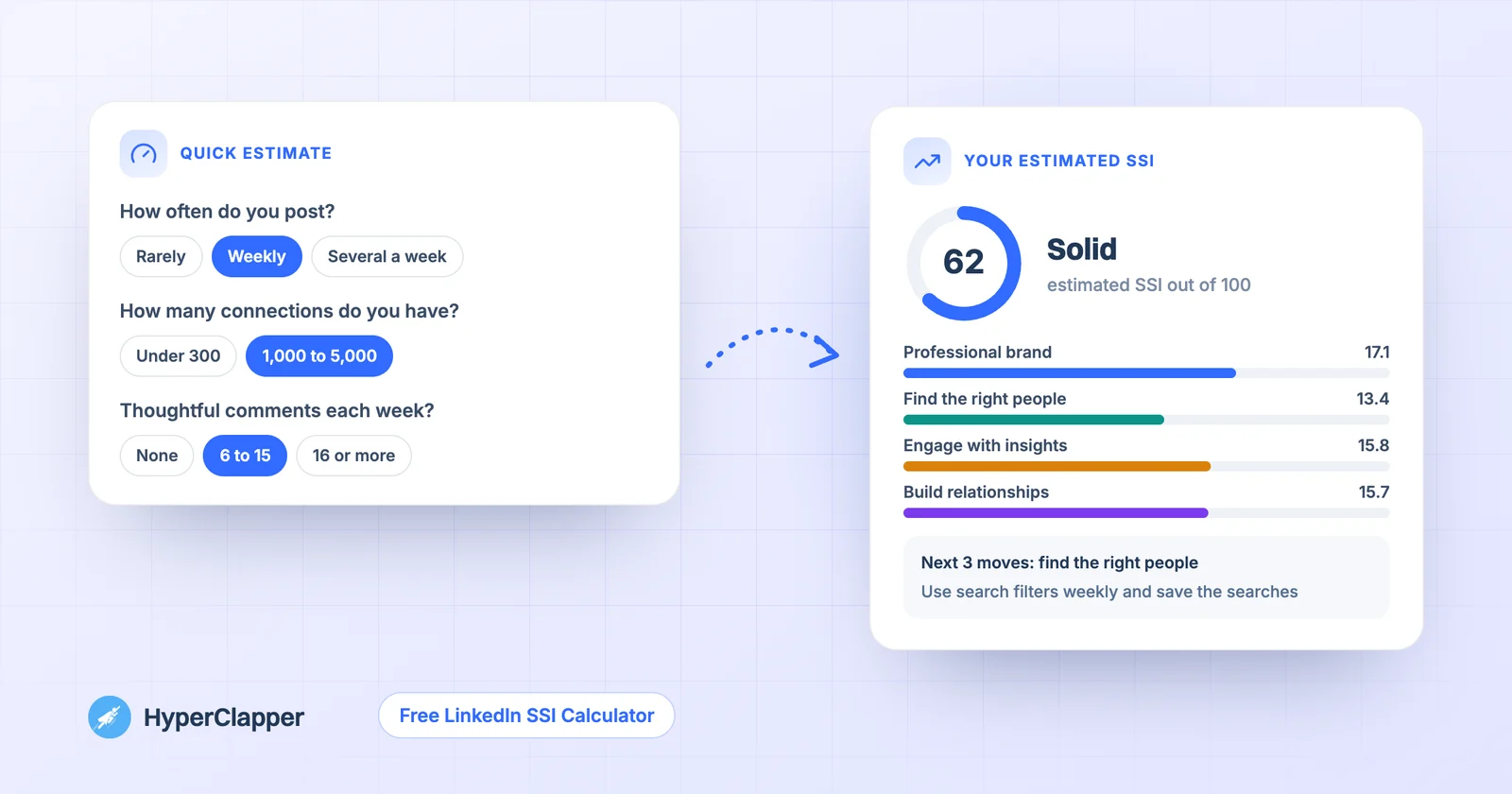
Quick questions turned into an estimated LinkedIn SSI of 62 with four pillar scores and a plan
Free LinkedIn SSI calculator
Estimate your LinkedIn SSI score in 60 seconds

LinkedIn now shows the exact SSI only to Sales Navigator users, so this is the free way to see where you stand. Answer 12 quick questions about how you use LinkedIn and get an estimated score out of 100, split into the four SSI pillars, plus a plan for your weakest one. Have Sales Navigator? Enter your real pillar scores in the second tab.

About this tool

Why use an SSI calculator?

LinkedIn's Social Selling Index, or SSI, rates how well you use LinkedIn on a scale of 0 to 100. LinkedIn builds it from four pillars, each worth up to 25 points: your professional brand, finding the right people, engaging with insights and building relationships.

For years anyone could see their score for free. LinkedIn now shows it only to Sales Navigator users, so most people can no longer check it. This calculator gives you an estimate based on the habits the four pillars measure, so you can see where you stand and what to work on.

It is an estimate, not LinkedIn's number. LinkedIn does not publish its formula. If you do have Sales Navigator, you can enter your real pillar scores and use the tool for the plan instead. For the full background, read our guide on how to check your LinkedIn SSI score.

At a glance
You give it12 quick answers about how you use LinkedIn
You getAn estimated SSI out of 100, four pillar scores and a plan
CostFree
SignupNone needed
Use the tool
Step by step

How to calculate your LinkedIn SSI

1

Answer 12 quick questions

Three questions per pillar, about your profile, your posting, your network and your conversations. Pick the answer closest to a normal week.

2

See your estimated score

You get a score out of 100, a level from Getting started to Strong, and a bar for each of the four pillars out of 25.

3

Read your plan

The tool finds your weakest pillar and gives you three specific moves to raise it, things you can start this week.

4

Track it over time

Copy your result and run the calculator again in a month. The change in each pillar shows whether your new habits are working.

Features

What the SSI calculator gives you

Everything runs in your browser. There is nothing to install and no account to create.

Estimated SSI out of 100

A single score built the same way as LinkedIn's: four pillars, each worth up to 25 points.

All four pillar scores

See professional brand, finding the right people, engaging with insights and building relationships side by side.

A plan for your weakest pillar

Three concrete actions for the pillar that is holding your score back, not generic advice.

Use your real scores too

Have Sales Navigator? Enter your four real pillar scores to get the same plan for your actual weakest area.

Copy your result

Copy your score, pillars and plan in one click to keep track or share with a manager or coach.

Private and free

Your answers stay in your browser. No sign-up, no limit, nothing stored.

Guide

How LinkedIn's SSI is built

Each pillar is worth up to 25 points, and the four add up to your score out of 100.

Establish your professional brand

A complete profile, posts that people engage with and a clear sense of what you do. This pillar rewards being findable and credible.

Find the right people

Searching for and connecting with people in your target audience, and how many people look at your profile.

Engage with insights

Commenting on, sharing and reacting to posts in your field. Thoughtful comments count for more than likes.

Build relationships

Connection requests that get accepted, personal notes and real conversations, especially with senior people and decision makers.

Guide

What is a good SSI score?

LinkedIn does not publish official ranges. These are the rough levels the calculator uses.

Rough score levels

Use these as a guide, and compare yourself with your own past scores first.

✓70 and above: strong, you use LinkedIn the way the SSI rewards
✓50 to 69: solid, one or two weak pillars hold you back
✓30 to 49: building, small weekly habits move this quickly
✓Under 30: getting started, begin with your profile and posting

Your industry changes the picture

LinkedIn has shown SSI ranks against people in your industry and network, and sales roles often score higher than others because the index was built for social selling. A score of 55 can be good in one field and average in another.

Balance beats one high pillar

Because each pillar caps at 25, raising a weak pillar from 8 to 16 adds more than pushing a strong one from 22 to 25. That is why the plan always targets your weakest pillar.

Don't chase the number

The SSI measures activity, not results. A high score is a sign of good habits, but what matters for your career or pipeline is the conversations, meetings and opportunities those habits bring. Use the score to spot a weak area, then judge success by real outcomes like replies, profile views from the right people and meetings booked.

Guide

How to raise your SSI

Small, steady habits move the score more than one big push.

Fix your profile in one sitting

A clear headline, a photo and banner, an About section and two or three Featured items lift the brand pillar quickly. Our free LinkedIn Headline Generator and Summary Generator can help.

Post and comment every week

Aim for at least one post a week and a few thoughtful comments a day on posts in your field. Comments that add a point raise the insights pillar and bring profile views.

Connect with a note

Send a short, specific note with every connection request and follow up with something useful. Accepted requests and replies feed the relationships pillar.

Measure progress monthly

Run the calculator once a month and copy the result into a note. Because the questions stay the same, any change in a pillar comes from a real change in your habits. Pick one pillar per month to focus on, so you know which new habit made the difference.

Give your posts a strong first hour

Posts that get early likes and comments reach more people, which brings profile views and new connections. HyperClapper gets real likes and comments from LinkedIn professionals right after you publish. For deeper tactics, see our pillar-by-pillar SSI plan.

Watch

How to get more followers on LinkedIn with HyperClapper

A short walkthrough of how a good post plus a strong first hour helps you grow.

More free tools

Everything else you need for LinkedIn

All free, all in your browser, no signup. See all free tools

LinkedIn Profile Finder previewFree · No signup
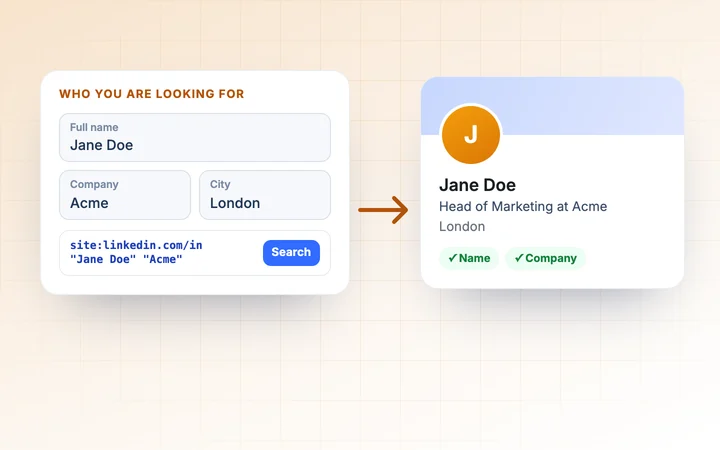
LinkedIn Profile Finder
Find someone's LinkedIn profile from their name, company, job title or city, with ready-made searches.
Use free tool →
LinkedIn Engagement Rate Calculator previewFree · No signup
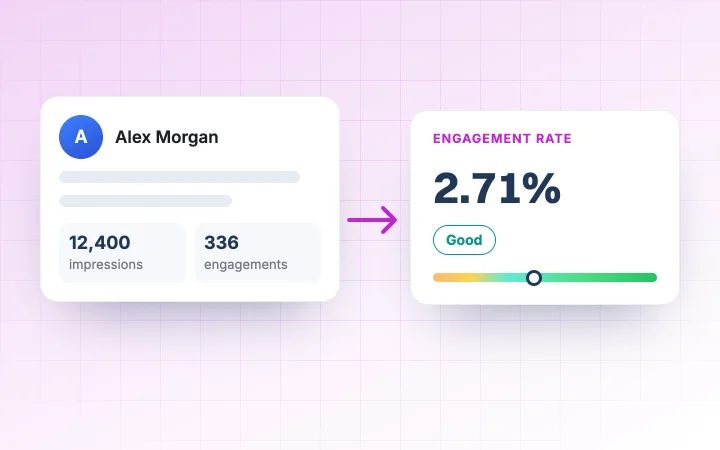
LinkedIn Engagement Rate Calculator
Work out the engagement rate of your LinkedIn posts and compare up to 10 posts side by side.
Use free tool →
LinkedIn URL Generator previewFree · No signup
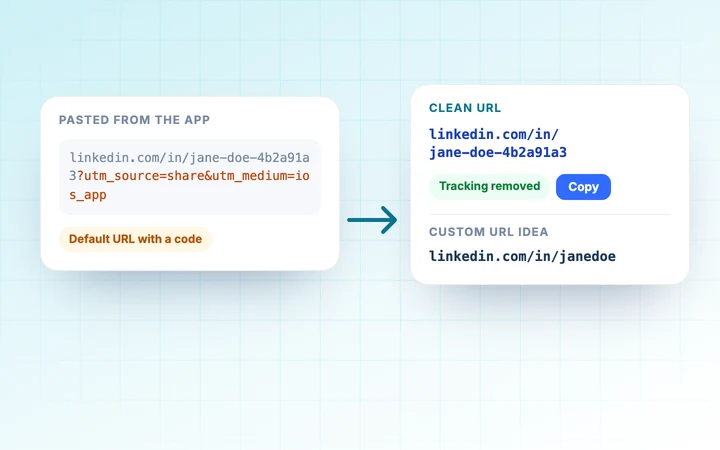
LinkedIn URL Generator
Clean any LinkedIn link into your profile URL for a CV, or get custom URL ideas checked against LinkedIn's rules.
Use free tool →
LinkedIn QR Code Generator previewFree · No signup
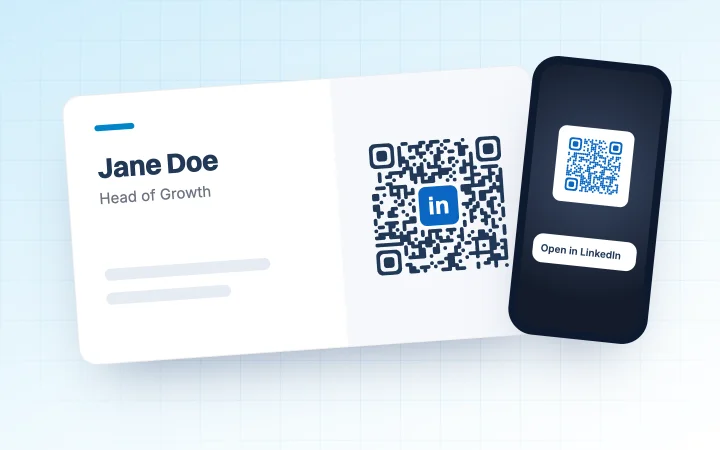
LinkedIn QR Code Generator
Make a QR code for your LinkedIn profile or company page, with your colours and logo, as PNG or SVG.
Use free tool →
LinkedIn Post Date Extractor previewFree · No signup
LinkedIn Post Date Extractor
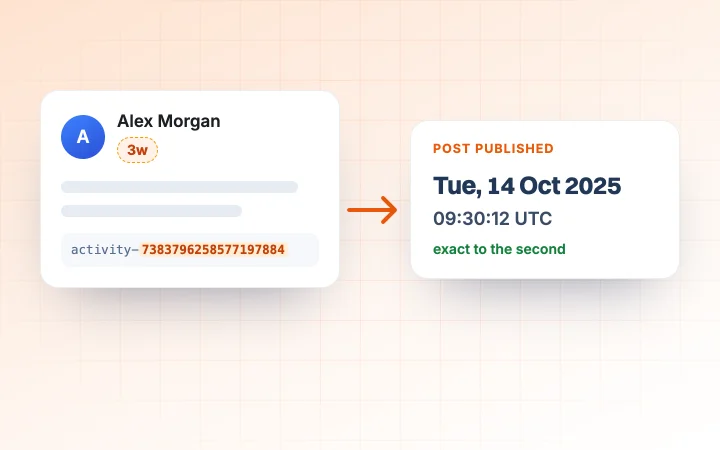
Paste a post or comment link and see the exact date and time it was published, in your time zone.
Use free tool →
LinkedIn Post Preview toolFree · No signup
LinkedIn Post Preview
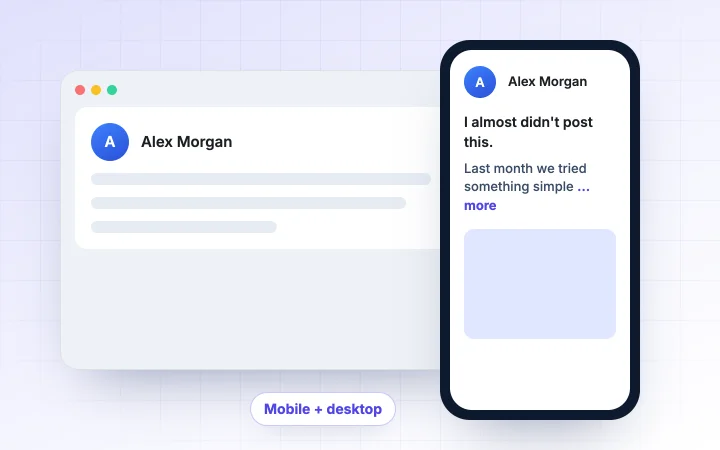
See your post on mobile and desktop before you publish, with the exact spot LinkedIn cuts it at "more".
Use free tool →
LinkedIn Post Generator previewFree · No signup
LinkedIn Post Generator
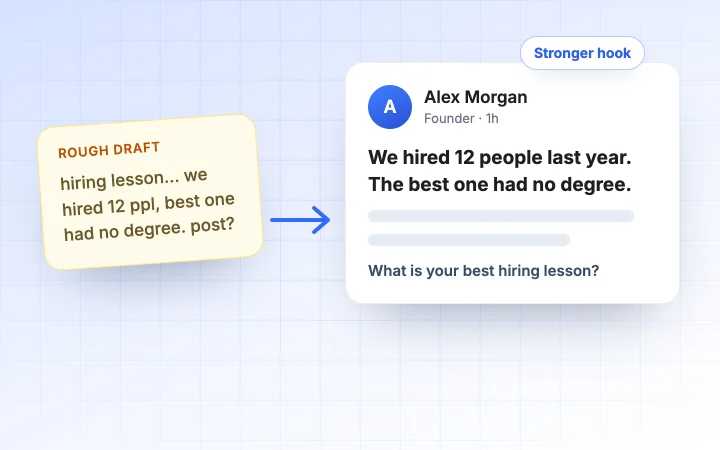
Paste a draft or rough idea and get a cleaner post with a stronger hook, better formatting and a clear call to action.
Use free tool →
LinkedIn Carousel Generator previewFree · No signup
LinkedIn Carousel Generator
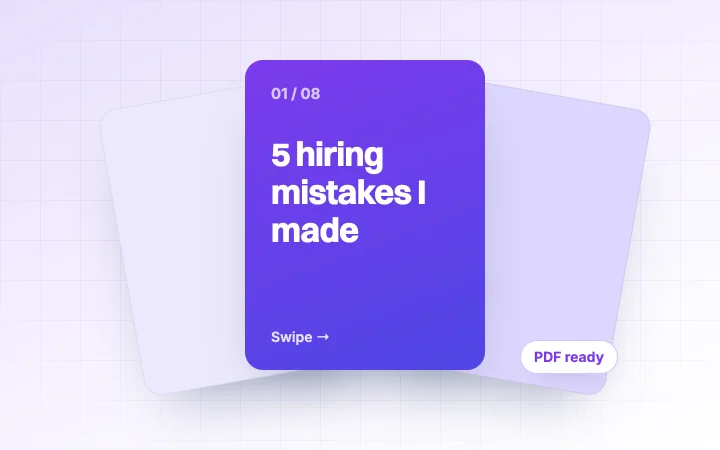
Design swipeable carousel slides with AI, pick a theme and download a PDF ready to post on LinkedIn.
Use free tool →
LinkedIn Headline Generator previewFree · No signup
LinkedIn Headline Generator
Get instant headline ideas from proven formulas plus AI, tuned to your goal and checked for length.
Use free tool →
LinkedIn Summary Generator previewFree · No signup
LinkedIn Summary Generator
Write your LinkedIn About section from three short answers, in the tone you choose.
Use free tool →
LinkedIn Text Formatter previewFree · No signup
LinkedIn Text Formatter
Add bold, italic, underline and bullets to your posts and see a live LinkedIn preview.
Use free tool →
LinkedIn Video Downloader previewFree · No signup
LinkedIn Video Downloader
Paste a LinkedIn post link and save a public video as an MP4, with no watermark.
Use free tool →
FAQ

Questions people ask about the LinkedIn SSI Calculator

Is this the same as LinkedIn's SSI?+

No. It is an estimate based on the habits LinkedIn's four pillars measure. LinkedIn does not publish its formula, so your real score may differ. If you have Sales Navigator, enter your real pillar scores for an exact plan.

Can I still check my real SSI for free?+

LinkedIn now shows the SSI only to Sales Navigator users, so most free accounts can no longer see it. This calculator gives you a free estimate instead.

How is the SSI calculated?+

LinkedIn scores four pillars, each out of 25: establishing your professional brand, finding the right people, engaging with insights and building relationships. They add up to a score out of 100.

What is a good LinkedIn SSI score?+

There is no official benchmark. As a rough guide, 70 and above is strong, 50 to 69 is solid and under 30 means there is a lot of room to grow. Industry and role change what is typical.

How long does it take to improve my SSI?+

Profile changes can help within days. Habits like weekly posting, daily comments and personal connection requests usually show in the score over a few weeks.

Is the SSI calculator free and private?+

It is free with no sign-up and no limit. Your answers stay in your browser and are not sent or stored anywhere.

Know your weak pillar? Start with your next post.

HyperClapper gets real likes and comments from LinkedIn professionals on your post right after you publish, which brings profile views, connections and conversations.

3 boosts a month on the Free plan · No credit card required