LinkedIn Video Downloader

Download LinkedIn videos instantly in original quality — free, fast, and safe. HyperClapper’s LinkedIn Video Downloader lets you download LinkedIn videos without watermark, without login, and without limits.

This free LinkedIn video download tool works with public LinkedIn posts, supports all video formats, and is tested regularly to stay compatible with the latest LinkedIn updates.

How to Download LinkedIn Videos Free (Step-by-Step)
Downloading a LinkedIn video takes less than 10 seconds:

Find the LinkedIn post that contains the video you want to download
Copy the LinkedIn post URL from your browser or LinkedIn app
Paste the URL into the downloader above
Click Download and save the MP4 video to your device

No extensions, no sign-up, and no technical steps required.

This free LinkedIn video downloader is regularly updated to ensure compatibility with LinkedIn changes and deliver a fast, secure downloading experience in 2026 and beyond.

Why LinkedIn Videos Perform So Well

LinkedIn videos consistently outperform text-only posts.
Here’s why video content on LinkedIn works:

People skim their LinkedIn feed instead of reading long textShort-form
LinkedIn videos stop the scroll faster
Native videos receive significantly higher engagement

LinkedIn video posts generate multiple times more engagement than text posts and images.
They also help creators and businesses start more conversations and build stronger professional connections.

For B2B creators and companies, LinkedIn video content has become essential for visibility and growth.

Best Practices for LinkedIn Video Posts

If you’re downloading LinkedIn videos to repost, repurpose, or analyze, keep these tips in mind:

Keep videos under 30 seconds for higher retention
Always add subtitles — most LinkedIn videos are watched without sound
Write a short hook in the post description
Add a clear call-to-action in the first comment

These small optimizations can dramatically increase reach and engagement.

What to Do After Downloading a LinkedIn Video

Once you’ve downloaded a LinkedIn video, you can:

Turn the video into a LinkedIn carousel
Extract insights and rewrite it as a high-engagement post
Schedule it with optimized timing
Boost visibility with safe, human-like engagement

HyperClapper helps creators grow on LinkedIn without risking their accounts.

Looking to Grow on LinkedIn?

HyperClapper is an AI-powered LinkedIn growth tool trusted by creators and professionals to increase reach, engagement, and visibility — safely.

Try HyperClapper free and see how your LinkedIn posts perform when the right people see them.

How to Get more Followers using HyperClapper in 2026

Trusted by leading companies

Boost your Linkedin Post, in just 5 mins

😎
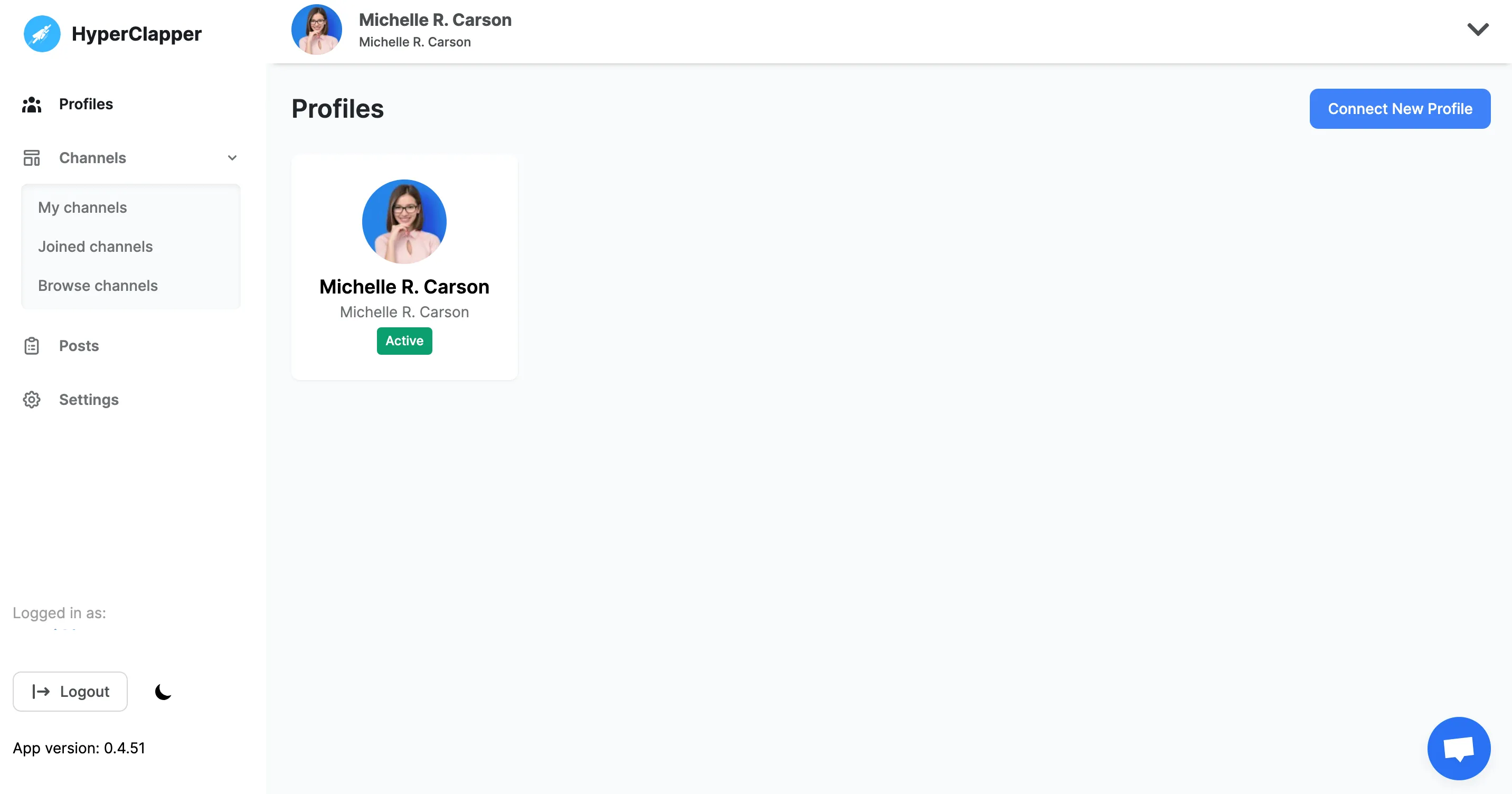
Connect your Linkedin Profile

Make sure you are logged in with your Linkedin profile on chrome and installed the extension, Click on connect new profile button to connect your active Linkedin profile.

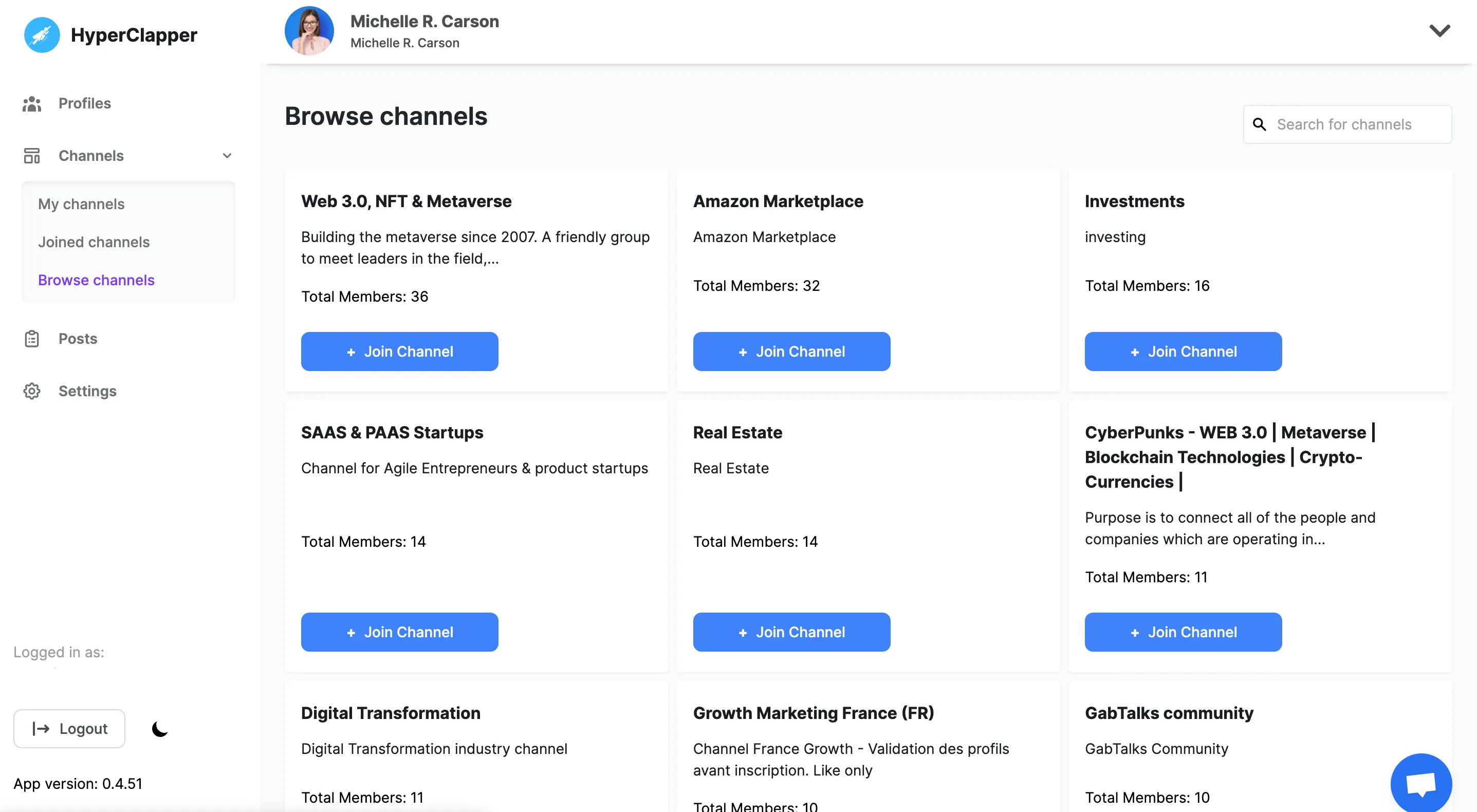
Join from
your favorite pods

Find groups that are relevant to your content and join them. It’s even easy to create a pod of your desire and engage with people who are in your industry.

● Filter pods by location, Industry, SSI Score, and followers.

● Create your own pods with multiple tags on them.

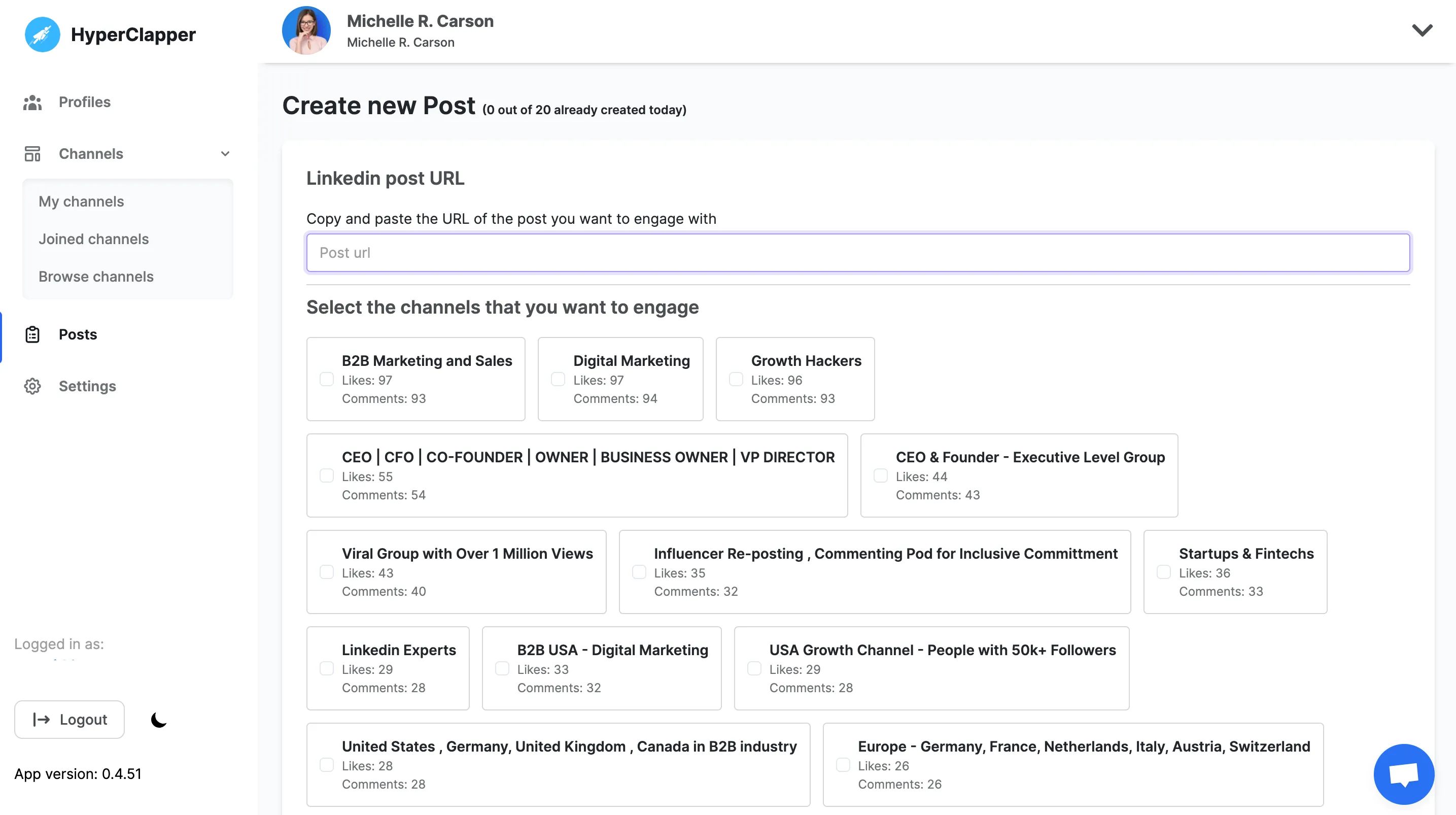
Share Linkedin Post and get thousands of ♥️ likes & comments.

People from pods or groups will automatically start to like and comment on your LinkedIn posts.

● Pick from the list of pods that are relevant to you

● Pick and edit quality comments that people will leave on your post

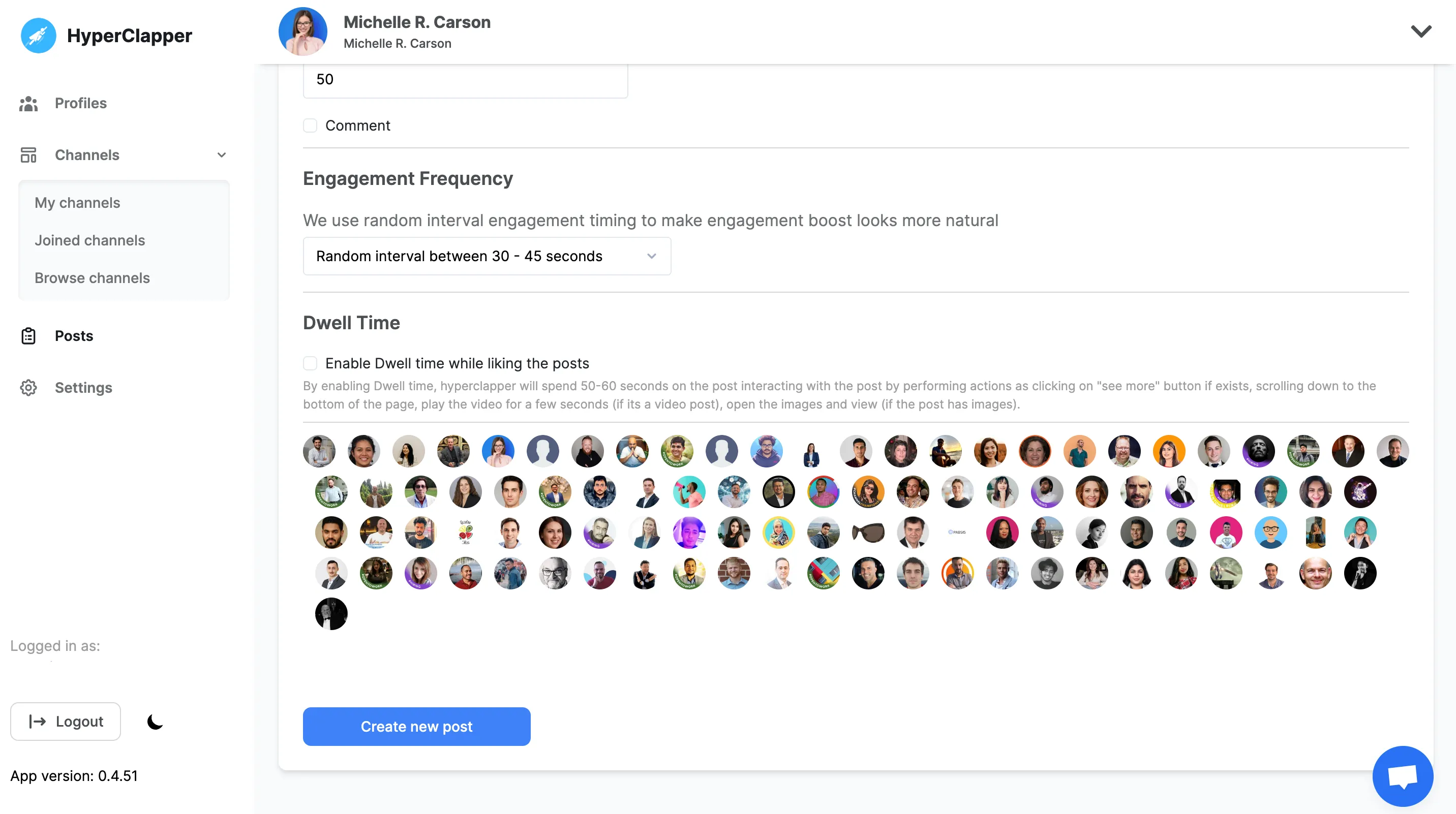
Check 10x 🚀real-time
Engagment
on your post

Just sit and relax! Your post will start getting 10x views. You will notice in real-time people will start engaging with your content and leave likes and comments that will push your post to a bigger audience.

● Track your real-time post views, likes, and comments.

Frequently Asked Quetions

Frequently Asked Questions
Is this LinkedIn Video Downloader free to use?

Yes. HyperClapper’s LinkedIn Video Downloader is completely free with no limits. You can download as many LinkedIn videos as you want without paying or signing up.

Can I download private LinkedIn videos?

You can only download public videos or videos you have access to.

What video format will I get after downloading?

Videos are downloaded in MP4 format, which works on all devices including mobile, desktop, and tablets.

Is it safe to use HyperClapper’s LinkedIn Video Downloader?

Yes. HyperClapper does not store your data, does not track downloads, and does not require access to your LinkedIn account. Your privacy is fully protected.

Are there other free LinkedIn tools available?

Yes. HyperClapper offers multiple free LinkedIn tools to help creators and professionals grow visibility and engagement safely.

Do I need to log in with LinkedIn?

No. You don’t need to connect or log in to your LinkedIn account.

Does this add a watermark?

No. Videos are downloaded in original quality without watermark.

Can I download private LinkedIn videos?

You can only download public LinkedIn videos or videos you already have access to. Private or restricted posts cannot be downloaded.

Does this work on mobile devices?

Yes. The LinkedIn Video Downloader works on both desktop and mobile browsers without installing any app or extension.