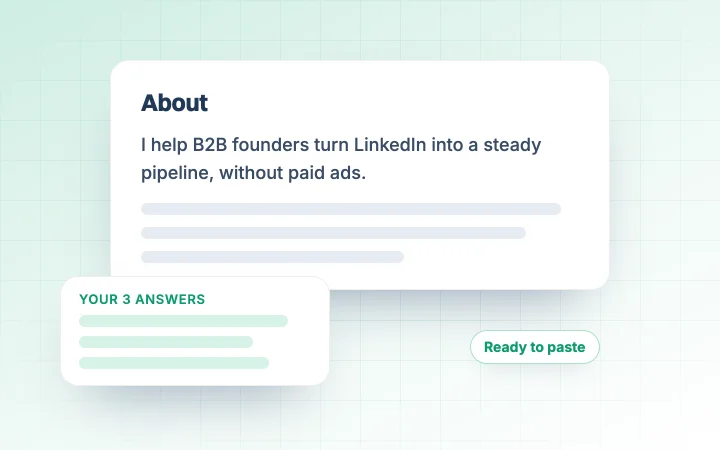
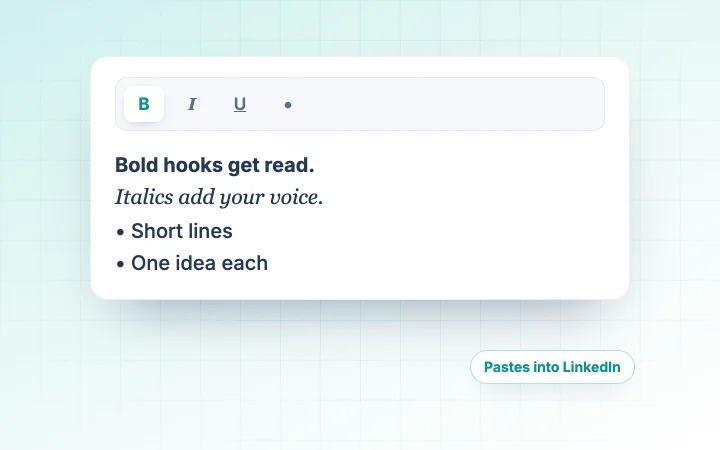
Paste a draft or type a rough idea. The AI rewrites it into a LinkedIn post with a stronger hook, easy-to-read formatting and a clear call to action.
It is a free AI LinkedIn post writer that works from what you already have. You give it a draft, a few bullet notes or a one-line idea. It gives you back a cleaner post with an opening line that earns the click on "see more", short paragraphs with space between them, and an ending that asks people to respond.
Most people do not struggle with having nothing to say. They struggle with saying it in a way that works in the LinkedIn feed. This tool fixes that part. Your story, your point and your facts stay yours. The tool improves the hook, the structure, the flow and the call to action, in a professional tone.
It is built for founders, consultants, coaches, job seekers, recruiters, marketers and anyone who posts on LinkedIn and wants each post to read better. There is no account to create, nothing to install and no credit card. Open the page, paste, and boost.
Type into the box that says "Write or paste your LinkedIn post here". A full draft works best, but a rough idea or a few notes also work. The character counter shows how long your text is as you go.
The AI reads your text and rewrites it. It adds an engaging hook, breaks long blocks into short lines, sharpens the wording and adds a clear call to action at the end.
Your new version appears in the Boosted Post panel. Read it once. Change any word that does not sound like you and check that every fact, number and name is correct.
Copy the post, paste it into LinkedIn and publish. If you want more people to see it, boost it with HyperClapper so real professionals engage in the first hour.
One box, one button. Everything below happens when you click Boost My Post.
Only the first couple of lines show in the feed before "see more". The tool rewrites your opening so it gives people a reason to keep reading.
Long paragraphs become short lines with white space between them. That makes the post easy to scan on a phone, where many people read LinkedIn.
Your post ends with a clear next step, such as a question to answer or an action to take. That gives readers an easy way to start a conversation.
The wording is tightened and cleaned up so the post sounds confident and clear, without slang or filler.
No draft yet? Type the idea in a sentence or two, with the key point you want to make, and the tool turns it into a full post you can edit.
It runs in your browser. No account, no email, no credit card. Use it whenever you have a post to improve.
Good LinkedIn posts usually follow a simple shape. Pick one of these, write a rough version in your own words, then paste it into the generator to tighten the hook and formatting.
The most common shape for personal posts. Open with the moment, tell what happened in a few short lines, share what you learned, then ask the reader about their experience.
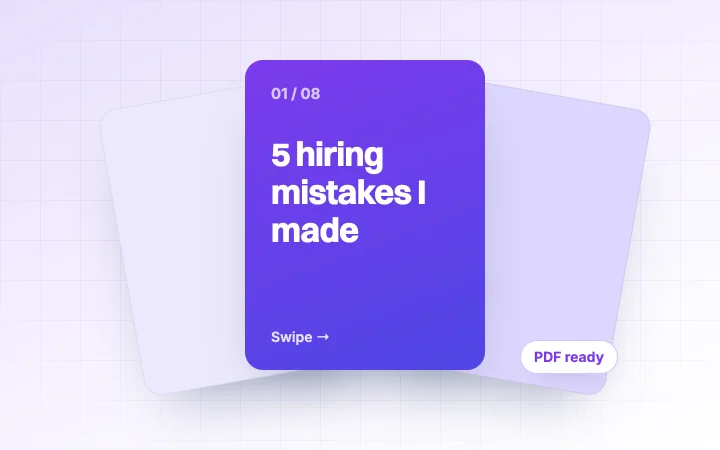
Useful for tips, tools, mistakes or lessons. Promise a number in the hook, keep each point to one or two lines, and finish with a question that invites people to add their own.
State a view your audience may not expect, explain why you hold it, and back it with one real example. Keep it respectful. The goal is discussion, not a fight.
Show where you, a client or a project started, what changed, and the result. Use real details. Readers trust specific numbers and names more than general claims, so only include ones you can stand behind.
Teach one small thing in clear steps. One problem, three to five steps, one tip at the end. These posts get saved because people want to come back to them.
Here is the kind of change the generator makes. The idea is the same. The way it reads in the feed is very different.
This draft has a good point, but the point is buried. The first line is background, it is one block of text, and it ends without asking anything.
The result leads with the outcome, uses short lines, and ends with a question that is easy to answer.
Readers decide in the first line whether to stop. The new hook gives them a surprise and a result. The short lines are easy to scan on a phone. The question at the end is specific, so people know exactly what to comment.
The generator handles the structure. These habits help with everything else.
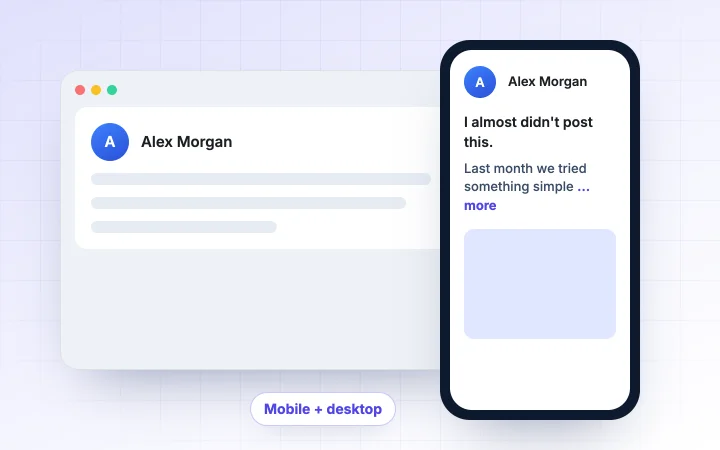
Draft the whole post, then find the most interesting sentence and move it to the top. On desktop, about 210 characters show before "see more", and fewer on mobile, so the opening has to work on its own.
Share what you actually saw, did or learned. A specific story from your work beats general advice every time. AI can improve how you say it, but the experience has to be yours.
These are the most common reasons a good idea gets little attention.
Early likes and comments help LinkedIn decide whether to show your post to more people. Reply to every comment you get soon after posting. A reply often starts a second round of conversation.
A short walkthrough of how a good post plus a strong first hour helps you grow.
All free, all in your browser, no signup. See all free tools
Yes. It is completely free to use, with no signup, no login and no credit card.
No. A full draft gives the best result, but you can also type a rough idea or a few notes. The tool turns them into a complete post you can edit.
LinkedIn's community policies do not ban AI help, but they expect your content to be authentic and honest. Treat the output as a draft, add your own experience and make sure it sounds like you.
Start from your own draft or notes rather than a blank topic, so your story and words are the base. Then read the boosted version and change any phrase you would not say out loud.
There is no single right length. LinkedIn allows up to 3,000 characters per post. Many good posts are a few short paragraphs, long enough to make one clear point and short enough to read in under a minute.
Lead with the result, a surprise, a clear opinion or a specific number. Keep it to one or two short lines, because only the start of your post shows before "see more".
Hashtags are optional. If you use them, a few relevant ones at the end are enough. This tool does not add hashtags for you, so add your own if you want them.
Not at the moment. The tool gives you one boosted version in a clear, professional tone. You can edit it, or change your input and click Boost My Post again for a fresh take.
No. It writes the improved post for you to copy. You paste it into LinkedIn and publish it yourself, so nothing is shared without you seeing it first.
Write a strong hook, keep it easy to read, end with a question and reply to comments quickly. Early engagement matters, which is where HyperClapper helps: real professionals in channels you choose like and comment in the first hour.
When you boost a post with HyperClapper, real professionals in the channels you choose like and comment in the first hour, from a community of 5,000+ real people and no bots. Start on the Free plan with 3 boosts a month, no credit card needed.
Grab 3 free boosts on your next LinkedIn post — real likes & comments from 5,000+ creators. No card, cancel anytime.
+5k