A clear Linkmate pricing breakdown: free plan limits, paid tier costs, what each plan includes, and how it compares to alternatives in 2026.
📅 ⏱ 11 min read📝 ~2100 words
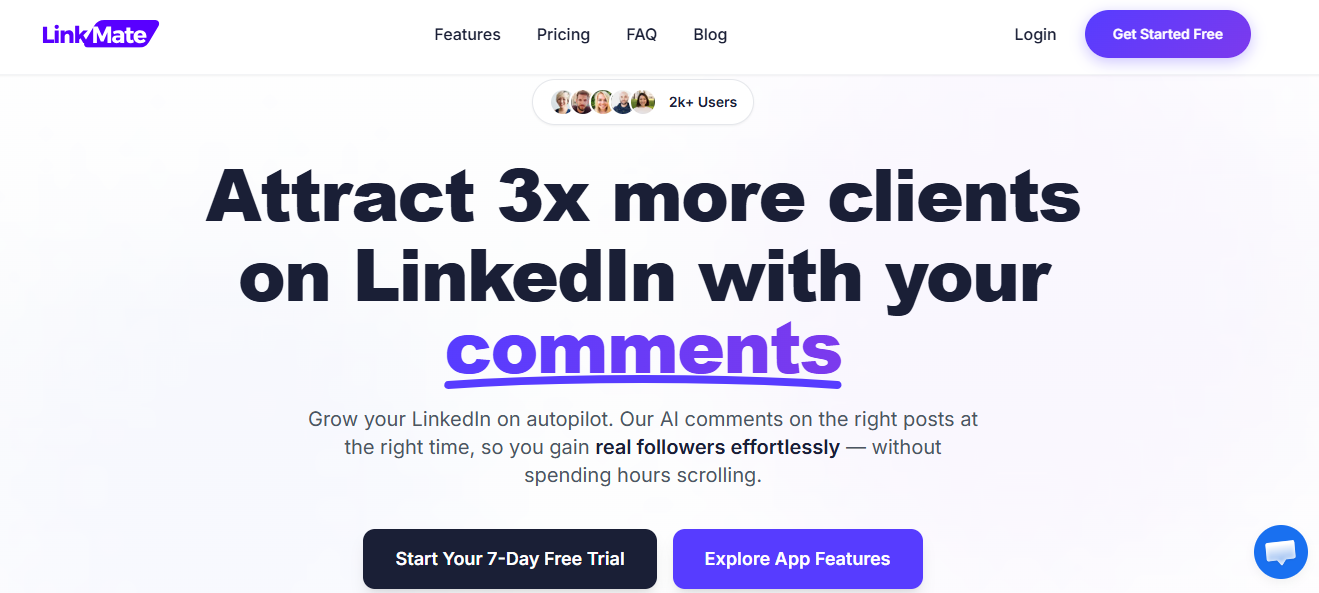
A recurring pattern among professionals shopping for LinkedIn growth tools is landing on Linkmate pricing pages while actually hunting for a backlink marketplace — and walking away confused. Linkmate is a LinkedIn engagement pod tool (a Chrome extension that automates mutual engagement within a group of users to boost early post signals), not an SEO link-building platform. That distinction matters enormously for cost comparisons. Once you know what category you're buying, the pricing logic becomes straightforward: a freemium tier for occasional users, a mid-tier for active creators, and a premium option for those treating LinkedIn reach as a serious growth lever.
Key Takeaways
Linkmate is a LinkedIn engagement pod tool, not an SEO backlink builder — a common and costly mix-up.
It offers a free plan with meaningful limits on posts per week and pod access, plus paid tiers starting affordably.
Paid plans unlock larger pods, higher post frequency, and analytics — essential for creators publishing 3+ times per week.
The platform sits in a grey area of LinkedIn's Terms of Service — worth understanding before scaling up.
For agencies or ghostwriters managing multiple LinkedIn profiles, pod tools and content platforms like Hypelio serve fundamentally different needs.
Most counterintuitive finding: pod engagement boosts reach metrics but does not equal qualified audience growth — the two are genuinely different outcomes.
Linkmate is a Chrome extension-based LinkedIn automation tool that uses engagement pod mechanics — where members of a closed group automatically like and comment on each other's posts — to boost the early engagement signals that LinkedIn's algorithm uses to decide how widely to distribute a post. Think of it as a mutual amplification club: your post gets seen by pod members first, their early engagement tells the algorithm the content is worth showing more broadly, and your organic reach extends beyond your existing follower base.
The key distinction to anchor expectations: Linkmate is a LinkedIn reach amplification tool. It has nothing to do with building backlinks to websites or placing links in content marketplaces. This confusion is not trivial — a large portion of users searching "Linkmate pricing" are actually comparing it against tools like Heylink or Links.me, which operate in an entirely different category (SEO link marketplaces). The products have similar-sounding names; the pricing logic, use cases, and risks are completely different.
Pod-Based LinkedIn Growth: The Mechanism Behind the Price
When a post is published, the Linkmate Chrome extension automatically queues engagement actions from other pod members within the first hour — the window when LinkedIn's algorithm is most sensitive to engagement velocity. Engagement velocity is the speed at which a post receives interactions after publishing; higher velocity in the first 60–90 minutes correlates with wider distribution. According to Linkmate's own engagement data (2026), the average LinkedIn engagement rate in 2026 sits at 4.7% — a 22.1% increase from 2025 — which reflects just how competitive organic reach has become and why early-signal amplification has practical value.
This mechanism is what the pricing tiers are actually selling: access to larger pods, more frequent post submissions, and better pod placement. Understanding that unlocks the whole pricing structure.
Linkmate Plans and Pricing: Tier-by-Tier Breakdown for 2026
Linkmate Plans and Pricing: Tier-by-Tier Breakdown for 2026
Linkmate offers a freemium model with three main tiers. The table below summarises what each level delivers and what it costs, so you can compare at a glance before diving into the details.
Plan
Linkmate Cost per Month
Posts/Week
Pod Size Access
Key Extras
Free
£0
1–2
Small pods only
Basic engagement; no analytics
Pro / Starter
~£15–£25
5–7
Mid-size pods
Comment customisation, basic analytics
Premium / Agency
~£39–£59
Unlimited or high cap
Large priority pods
Full analytics, priority placement, team seats
⚠️
Warning:Linkmate pricing details are subject to change — always verify the current tier costs directly on Linkmate's website before committing. The figures above reflect the pricing structure as reported in mid-2026 and are presented as reference ranges, not live prices.
Linkmate Free Plan Limits: What You Actually Get Without Paying
The free plan is genuinely usable — but only just. Linkmate free plan limits typically cap users at one to two post submissions per week, restrict access to smaller pods (meaning fewer automatic engagements per post), and exclude analytics and comment customisation. You can test whether pod mechanics work for your content before spending anything. What you cannot do is build a consistent posting cadence or access the larger, more active pods where the real reach lift happens.
Creators who skip the free plan evaluation step and jump straight to paid typically find they've overestimated how much pod size alone affects results — testing on free first is worth the two-week patience.
When to Upgrade Your Linkmate Plan
The clearest signal to upgrade is when you're publishing more than twice per week and consistently hitting the free plan's post cap. At that point, the tool is actively throttling your usage, not just limiting features. A second signal: if your posts are reaching pod engagement limits but you're not seeing corresponding growth in profile views or connection requests, upgrading to a larger pod tier is the logical next test. Upgrading before you're publishing consistently, however, is premature — the value scales with posting frequency.
Is Linkmate Worth It? Benefits, Risks, and Honest Limitations
Is Linkmate Worth It? Benefits, Risks, and Honest Limitations
Four patterns consistently emerge when analysing how engagement pod tools perform across active LinkedIn accounts:
Early engagement boost is real — posts submitted to active pods routinely see 2–4x more engagement in the first hour than posts published to the same audience without pod support.
Reach does not equal leads — inflated impression counts and engagement numbers can mask whether content is actually resonating with the right audience or converting into qualified conversations.
LinkedIn TOS remains a grey area — automated engagement tools are not explicitly approved by LinkedIn, and accounts that scale usage aggressively have reported temporary restrictions.
ROI varies sharply by posting frequency — users publishing fewer than three times per week rarely justify the paid tier cost through measurable outcomes.
Pod engagement is a distribution amplifier, not an audience builder. The two look identical in a vanity metrics dashboard and are almost nothing alike in a pipeline report.
Who gets clear value: founders and creators publishing consistently (three or more posts per week) who want algorithmic lift for content that already has genuine audience relevance. Who gets less: occasional posters, accounts still finding their voice, or anyone whose primary goal is qualified lead generation over reach volume.
Common Mistakes to Avoid When Using Linkmate
Treating pod likes as social proof — your audience can sense generic comments; customise them or they'll undermine credibility.
Using it as a substitute for good content — the algorithm distributes posts further; it cannot make weak content perform well past the first engagement wave.
Scaling too fast on a new account — a sudden spike in automated engagement on a low-activity profile is a known account restriction trigger.
💡
Pro Tip:Start with customised pod comments rather than generic likes. Posts that receive specific, relevant comments in the first hour signal topical authority to the algorithm — not just engagement volume.
The risks and limitations are manageable for most users at modest posting volumes. At agency scale — where you're managing multiple client LinkedIn profiles — the risk calculus changes significantly, and a different category of tool becomes more appropriate.
Linkmate vs Competitors: Pricing Comparisons and Alternatives in 2026
The most common pricing comparison error is benchmarking Linkmate against tools that do entirely different jobs. Here is an honest breakdown by category.
Best Link Building and LinkedIn Growth Tools Pricing Compared
Among Linkmate alternatives in the LinkedIn pod and reach amplification category, Lempod and Podawaa are the most direct competitors. All three operate on similar freemium models with paid tiers scaling on pod size and post frequency. According to Linkmate's own competitive analysis (2026), MeetAlfred starts around £39–£59 per month for basic outreach features — a higher entry point because it covers email and multi-channel sequencing, not just LinkedIn reach. That is a different product, not a better-priced version of Linkmate.
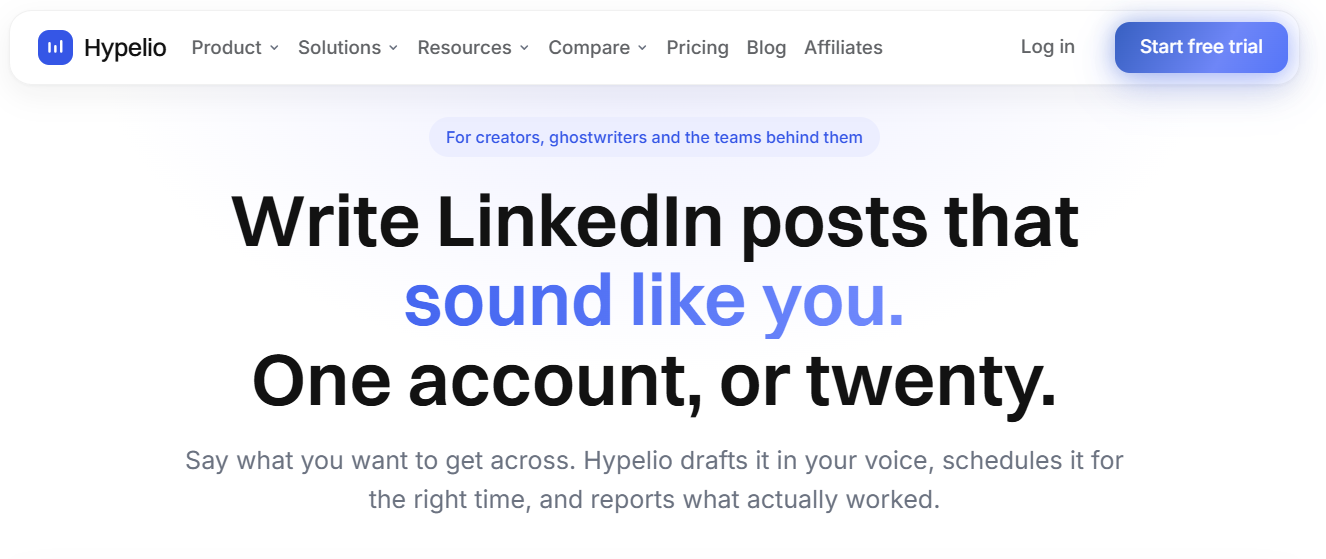
What Linkmate does not compete on: content production, multi-account management, voice-to-draft creation, or client approval workflows. Those are the capabilities that agencies and ghostwriters typically need most. For that use case, tools like Hypelio — which structures pricing per connected account and includes a story bank, scheduling, and client-ready reporting — address a genuinely different set of problems. Rated 4.8/5 on G2 and used across teams at Google, Meta, and Goldman Sachs, Hypelio is the stronger choice when the job is managing LinkedIn content at scale across multiple profiles, not just amplifying one person's post reach.
🔴
Avoid:Comparing Linkmate pricing against SEO link-building tools like Heylink or Links.me. They are categorically different products. Pricing logic, risks, and outcomes are incompatible — comparing them produces misleading conclusions about value.
What consistently separates accounts that get real value from LinkedIn growth tools is not picking the cheapest option in a category — it is picking the right category for their actual goal. Linkmate wins on reach amplification cost-efficiency for solo creators; content management platforms win on pipeline, compliance, and multi-client scale.
Managing LinkedIn for clients or multiple profiles?
Hypelio handles content creation, scheduling, and client approvals across every account — without you ever holding a client's password.
What is the cheapest Linkmate plan and what does it include?
The cheapest Linkmate plan is the free tier, which costs nothing and includes one to two post submissions per week into small pods. It excludes analytics, comment customisation, and access to larger or priority pods. It is enough to test whether pod mechanics work for your content before committing to a paid plan.
How does Linkmate pricing compare to similar LinkedIn automation tools?
Linkmate is priced at the affordable end of the LinkedIn automation category. Direct pod competitors like Lempod and Podawaa operate on similar freemium-to-paid models in roughly the same price range. Outreach tools like MeetAlfred start higher (around £39–£59/month) because they cover multi-channel campaigns, not just reach amplification.
Is Linkmate good value for small businesses or freelancers?
For freelancers and founders publishing three or more posts per week who want algorithmic reach lift, the paid tier offers reasonable value. For small businesses whose LinkedIn activity is irregular or whose goal is qualified leads over impressions, the return is less clear — pod engagement boosts reach metrics but does not directly generate pipeline.
What usage limits does Linkmate impose on lower-tier plans?
Lower-tier Linkmate plans cap post submissions per week (typically one to two on free), restrict pod size access to smaller groups, and exclude comment customisation and analytics. These limits mean you get fewer automatic engagements per post and less visibility into how your posts are performing within the pod system.
Does Linkmate offer a free trial, and what are its cancellation and refund terms?
Linkmate's freemium model effectively functions as a permanent free trial — you can use the tool indefinitely on the free plan before paying. Cancellation terms for paid plans are typically month-to-month with no long-term lock-in. Verify the current refund policy directly with Linkmate before purchasing, as terms can change.
How many links — or how much LinkedIn reach — can I realistically build with Linkmate?
Linkmate does not build backlinks — it amplifies LinkedIn post reach through pod engagement. On paid plans, each post submitted to a large pod can receive 20–50+ automated engagements in the first hour. Realistic reach lift depends on pod activity levels, post quality, and your existing follower base — not a fixed number Linkmate can guarantee.
What does Linkmate include in each plan beyond basic pod access?
Higher Linkmate plans and features typically include comment customisation (so automated responses look less generic), post analytics showing engagement breakdown, priority pod placement (your post is queued earlier), and in some tiers, team seat options for managing more than one LinkedIn profile. The free plan includes none of these extras.
👋
⚡ Free plan
Leaving already?
Grab 3 free boosts on your next LinkedIn post — real likes & comments from 5,000+ creators. No card, cancel anytime.