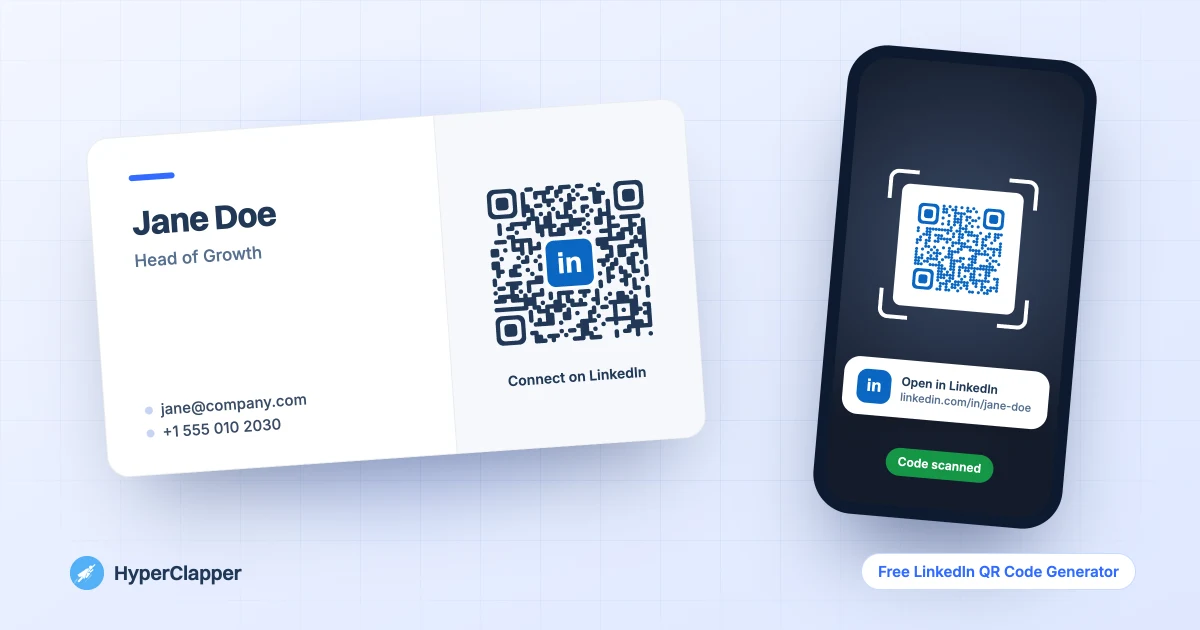
Type your LinkedIn username or paste your profile link and get a QR code that opens it in one scan. Choose your colour, a dotted or rounded style, add the "in" badge or your photo, then download a sharp PNG or SVG for business cards, slides and event badges.

A QR code is the fastest way to turn a handshake into a LinkedIn connection. Instead of spelling out your name and hoping they find the right profile, people point their phone camera at the code and land on your page.
The LinkedIn app has its own QR code, but it only lives inside the app, you cannot change how it looks, and it is awkward to get as a print-quality file. This generator works on any computer, gives you a 1,200 px PNG or a scalable SVG, and lets you match the code to your brand colours.
The code points straight to your public LinkedIn link. There is no redirect in between, so it keeps working for as long as your profile link stays the same, and nobody tracks who scans it.
Type your username, for example jane-doe, or paste your full profile link. For a company page, switch Link type to Company page. You can also paste the link to a post, an event or a newsletter under Other link.
Choose LinkedIn blue, navy, black or any custom colour, then Square, Dots or Rounded modules. Dark colours on a white background scan most reliably.
Put the "in" badge or your own photo in the centre, and add a short line under the code, such as Scan to connect. The generator raises error correction automatically when a logo is added, so the code still scans.
Download a PNG for documents and screens, or an SVG for print and design tools. Before you print a batch, scan the code with your phone camera once to check it opens your profile.
Everything runs in your browser. There is nothing to install and no account to create.
Type just your username or paste any LinkedIn link. Tracking parameters such as utm_source are removed, so the code stays short and scans faster.
Five ready colours plus a custom picker. The tool warns you when a colour is too light to scan reliably.
Classic square modules, modern dots or connected rounded shapes, all with rounded corner markers that look clean on cards and slides.
Add the "in" badge or upload your headshot or company logo. Your image stays on your device and is never uploaded.
PNG at 1,200 px for documents and screens, SVG that scales to any size for business cards, posters, roll-ups and event badges. Transparent background on request.
The code holds your LinkedIn link directly. No redirect service, no expiry date, no scan tracking and no sign-up.
Anywhere people meet you in person or see your work, a QR code saves them a search.
Put the code on the back of your card with a short line such as Connect on LinkedIn. A clean, high-contrast code scans better than a decorated one, so keep the colour dark and the logo small.
Add the code to your name badge, the last slide of your presentation or a stand banner. On a slide, leave it up for a few seconds while you talk so people have time to scan from their seats. For a slide or poster, a larger code works from further away.
In a printed CV or a PDF proposal, a small QR code next to your contact details lets readers jump to your LinkedIn profile from their phone. In an email signature a plain link is usually better, because people are already on a screen.
Switch to Company page to send people to your business page, or use Other link for a specific post, a LinkedIn event, a newsletter or a job. Retail counters, packaging and flyers are good places for a company page code.
Both point to your profile. The difference is where you can use them and how they look.
In the LinkedIn mobile app, tap the search bar at the top. A QR code icon appears on the right; tap it to see My code, which you can show to someone, and Scan, which opens your camera. LinkedIn moves features around from time to time, so the exact spot may differ in your version of the app.
The app code is fine when you are standing next to someone with your phone in hand. For anything printed or designed, a generated code is easier to work with.
If your profile link ends in random numbers, set a custom public URL before you print. On LinkedIn, open your profile and choose Edit public profile & URL, then pick something like linkedin.com/in/jane-doe. Make the QR code after that, because a code made for the old link will stop working if you change it later.
Most scanning problems come from a few simple design choices.
Phone cameras look for dark modules on a light background. Navy, black and LinkedIn blue on white all work well. Pale colours, or a light code on a dark background, often fail. The tool warns you when your chosen colour is too light.
QR codes carry spare data so they can still be read when part of the code is covered. When you add a logo, this generator switches to the highest error-correction level and keeps the logo to roughly the middle fifth of the code, so there is room to spare.
Scan the downloaded file from your screen with two different phones before you order cards or banners. Then scan one printed proof. It takes a minute and saves a reprint.
A QR code gets people to your profile. What keeps them following is what you post. HyperClapper helps each new post get real likes and comments from LinkedIn professionals in its first hour, so the people who scanned your code actually see your posts in their feed.
A short walkthrough of how a good post plus a strong first hour helps you grow.
All free, all in your browser, no signup. See all free tools
Type your LinkedIn username or paste your profile link into the generator above, pick a colour and style, then click Download PNG or Download SVG. The code opens your profile when scanned.
Yes. It is free with no sign-up and no limit on how many codes you make. There is no watermark.
No. It is a static code that contains your LinkedIn link directly, with no redirect service in between, so it works for as long as that link works. If you change your custom profile URL, make a new code.
In the LinkedIn mobile app, tap the search bar and then the QR code icon on the right. You will see My code and Scan. The location can change between app versions.
LinkedIn's own QR code is in the mobile app. On a computer, use this generator: paste your profile link and download the code as a PNG or SVG.
Yes. Choose the "in" badge or Your photo under Centre logo. The tool raises error correction so the code still scans, and your image never leaves your device.
Yes. Switch Link type to Company page and type the page name or paste its link, or choose Other link and paste the link to a post, event, newsletter or job.
At least 2 cm (about 0.8 in) wide, with a white margin around it. Bigger is safer. Use the SVG file so it prints sharp.
No. This is a static code with no tracking, which also means no expiry and no third party in the middle. If you need scan counts, use a dynamic QR service, which sends people through its own redirect link.
HyperClapper gets real likes and comments from LinkedIn professionals on your post right after you publish, so it keeps reaching more people, including your new connections.
Grab 3 free boosts on your next LinkedIn post — real likes & comments from 5,000+ creators. No card, cancel anytime.
+5k