
A pattern observed consistently across LinkedIn outreach campaigns is that the tools people choose matter far less than how they configure them. Dripify LinkedIn automation is a cloud-based platform that automates connection requests, follow-up messages, profile visits, and endorsements in sequential drip campaigns — designed to mimic human networking behavior rather than fire off mass blasts. For sales teams and founders running structured outreach, it meaningfully reduces the manual hours per qualified conversation. But the single question that dominates community discussions — "Will this get me banned?" — rarely gets a direct, specific answer. This guide changes that.
- Who this is for: Sales professionals, founders, coaches, and recruiters running structured LinkedIn outreach at scale.
- What you'll learn: How to set up a Dripify drip campaign, safe daily limits, pricing tiers, and how it compares to Expandi and other alternatives.
- Safety truth nobody states plainly: LinkedIn restricted over 1 million accounts in 2025 — and 15–45% of automation users get restricted within 6 months, making safe configuration non-negotiable, not optional.
- Most counterintuitive finding: Running automation at lower-than-maximum limits consistently outperforms aggressive settings in both reply rates and account longevity.
- The gap outreach tools leave: Dripify gets you into conversations, but your profile's content credibility when prospects check you out is a separate problem — one that engagement platforms like HyperClapper are built to solve.
- What Is Dripify and How Does LinkedIn Automation Actually Work
- How to Set Up a Dripify Drip Campaign Step by Step
- Is Dripify Safe to Use on LinkedIn
- Dripify Pricing, Analytics, and Whether It's Worth the Cost
- Dripify vs Expandi vs Alternatives
- Frequently Asked Questions About Dripify and LinkedIn Automation
What Is Dripify and How Does LinkedIn Automation Actually Work
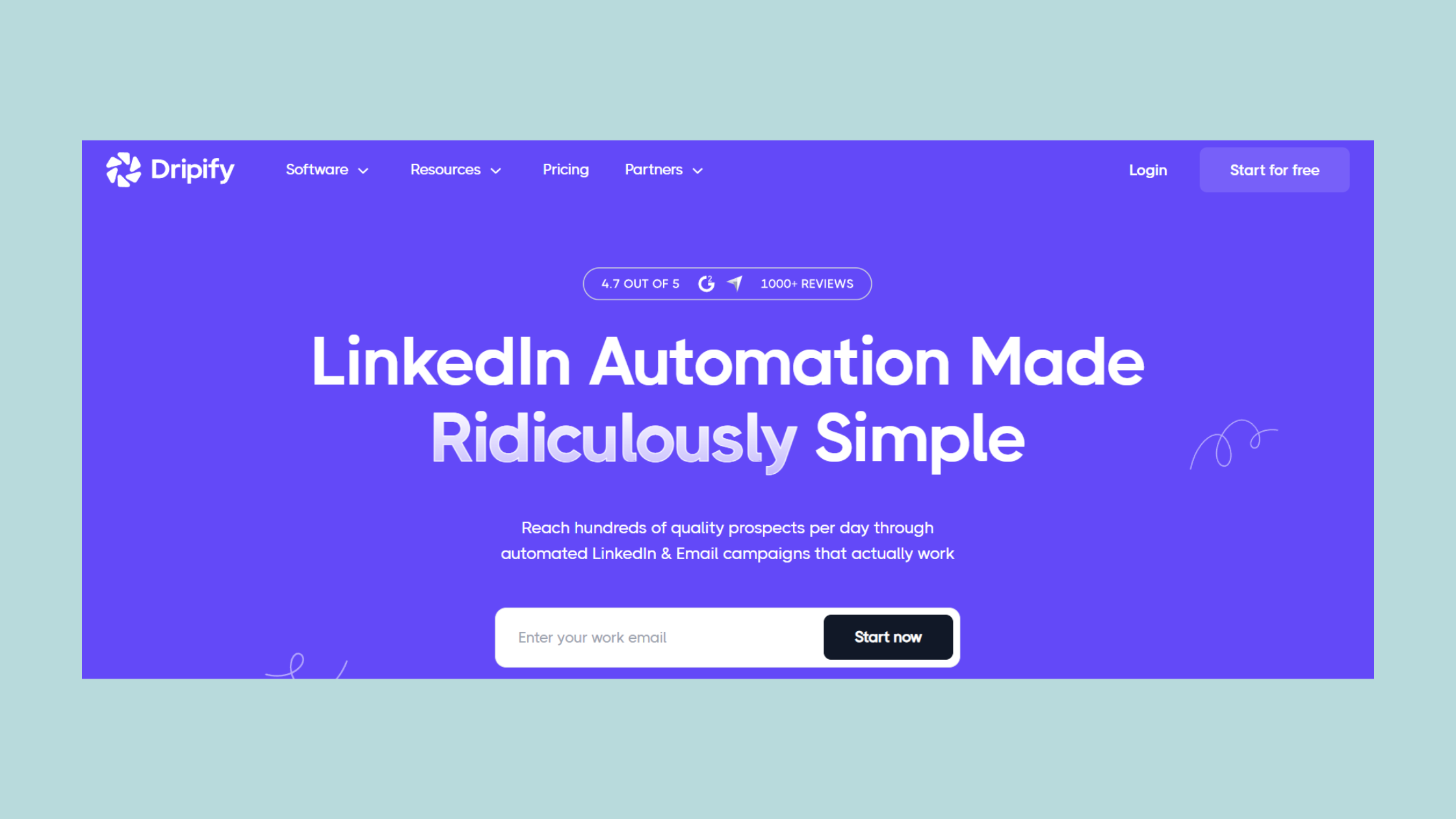
Dripify is a cloud-based linkedin automation tool that runs outreach sequences from dedicated servers — not from your browser. That distinction matters more than most guides acknowledge. Browser-extension tools (like older versions of Dux-Soup) execute actions through your local browser session, which means LinkedIn sees your IP and browser fingerprint attached to every automated action. Dripify's cloud architecture separates your account activity from your device, reducing one major behavioral signal LinkedIn uses to flag automation.
How does Dripify work? You connect your LinkedIn account, import a lead list, and build a sequence of chained actions: a connection request, a follow-up message triggered by acceptance, optionally a profile visit or skill endorsement, and further messages at timed intervals. The platform handles execution on its own servers around the clock — campaigns run while your laptop is closed.
The engagement-to-outreach funnel concept is central to how Dripify is designed: rather than blasting a single message, you move leads through sequential touchpoints that warm them gradually. LinkedIn's algorithm reads behavioral signals including reply rates, session timing, and action frequency — and sequential drip campaign sequence timing is far less likely to trigger anomaly detection than a burst of 200 connection requests in one hour.
Key Features: What Dripify Can (and Can't) Do
Dripify's core capabilities for LinkedIn outreach automation include:
- Automated connection requests with personalized note templates
- Sequential follow-up messages triggered by lead behavior (accepted, replied, ignored)
- Profile visits and skill endorsements as warm-up actions
- A/B testing for message copy and subject lines
- Team management and multi-account dashboards (Pro and Advanced tiers)
- Dripify analytics and campaign tracking with per-step conversion data
- Sales Navigator integration for advanced lead targeting
What it cannot do: Dripify is not a content tool. It does not help your posts gain visibility, generate comments on your content, or build the kind of profile credibility that makes a prospect trust you when they click through after receiving your message. That gap — between outreach and content authority — is real, and it's worth planning for separately.
The accounts that get the highest reply rates from outreach automation are almost always the ones whose profiles look genuinely active — recent posts, real engagement, visible expertise. Automation gets the message delivered; the profile closes the deal.
How to Set Up a Dripify Drip Campaign Step by Step
Setting up your first Dripify drip campaign setup takes roughly 20–30 minutes if your lead source is ready. Here is the exact sequence:
- Connect your LinkedIn account — in Dripify's dashboard, authenticate via LinkedIn OAuth. Do not use your credentials directly; use the official connection flow. (2 minutes)
- Import leads — paste a LinkedIn search URL, connect a Sales Navigator saved search, or upload a CSV. The source quality directly affects reply rates — a tightly filtered search (job title + geography + industry) will outperform a broad one every time. (5–10 minutes)
- Build your action sequence — drag and drop actions: connection request → delay (2 days) → message if accepted → delay (3 days) → follow-up message. Keep sequences to 3–5 steps maximum initially. (10 minutes)
- Write your message copy — use Dripify's personalization variables ({firstName}, {company}, {position}) but write the rest in plain human language. One sentence about why you're connecting. One sentence about what you offer. One specific question. (5 minutes)
- Configure daily limits — set connection requests to 20–30 per day maximum during your first 30 days. This is the LinkedIn account warm-up period. (2 minutes)
- Activate and monitor — check Dripify's dashboard every 48 hours for the first week. If acceptance rates drop below 15%, pause and revise your targeting or message copy. (Ongoing)
Daily Limits, Warm-Up Periods, and Safe Usage Settings
The LinkedIn account warm-up period is the most skipped step — and skipping it is the most common reason new automation users get restricted within weeks. Connection request daily limits in Dripify default to conservative ranges for good reason: LinkedIn's behavioral detection looks at acceleration, not just volume. An account that goes from 0 to 80 connection requests per day overnight is flagged. One that ramps from 15 to 40 over four weeks looks human.
Safe usage settings to configure from day one:
- Connection requests: 15–25/day in weeks 1–4; increase to 30–50/day in weeks 5–8
- Messages: 50–80/day maximum for established accounts
- Profile visits: 80–100/day — these are lower-risk actions LinkedIn treats as browsing
- Active hours: Keep automation within a realistic 8–10 hour window, not 24/7
Is Dripify Safe to Use on LinkedIn — Risks, Limits, and What Gets Accounts Banned
According to GigRadar (2026), LinkedIn automation tools result in 15–45% of accounts being restricted within 6 months — and LinkedIn restricted over 1 million accounts in 2025 alone. That data point reframes the question. It's not "Is Dripify safe?" It's "What configuration choices determine whether you're in the 15% or the 45%?"
Dripify's cloud-based architecture addresses several risk factors: no browser fingerprinting, randomized action timing between steps, and built-in daily caps that prevent the burst behavior LinkedIn's detection targets. But no automation tool is zero-risk. LinkedIn's Terms of Service technically prohibit third-party automation regardless of how sophisticated the tool is.
The behaviors that trigger account flags most consistently are:
- Sending connection requests faster than 50/day on an account with no warm-up history
- Using identical message templates with zero personalization across thousands of leads
- Running automation from a newly created or recently reactivated account
- Automating during LinkedIn product updates or feature releases (when behavioral detection temporarily tightens)
Common Mistakes That Get LinkedIn Automation Users Restricted
Teams that ignore the warm-up period and immediately run at maximum limits consistently see restrictions within the first 30 days. Beyond that, the mistakes cluster around message quality: copy-pasting identical opening lines across thousands of outreaches is detectable both by LinkedIn's systems and by the leads receiving them — and a 2% reply rate tells you something is wrong long before a restriction does.
Practical risk reduction checklist for LinkedIn outreach automation best practices:
✓ The LinkedIn Automation Safety Checklist
- ☐Complete your LinkedIn account warm-up period — minimum 3–4 weeks at reduced limits before scaling up
- ☐Set connection requests to 20–25/day maximum for first 30 days
- ☐Personalize every message with at least 2 custom variables beyond {firstName}
- ☐Keep active automation hours within an 8–10 hour daily window
- ☐Pause campaigns during LinkedIn major feature releases or known detection spikes
- ☐Monitor acceptance rates weekly — below 15% means targeting or copy needs revision
- ☐Never automate from a newly created account without at least 90 days of organic activity first
Dripify Pricing, Analytics, and Whether It's Worth the Cost
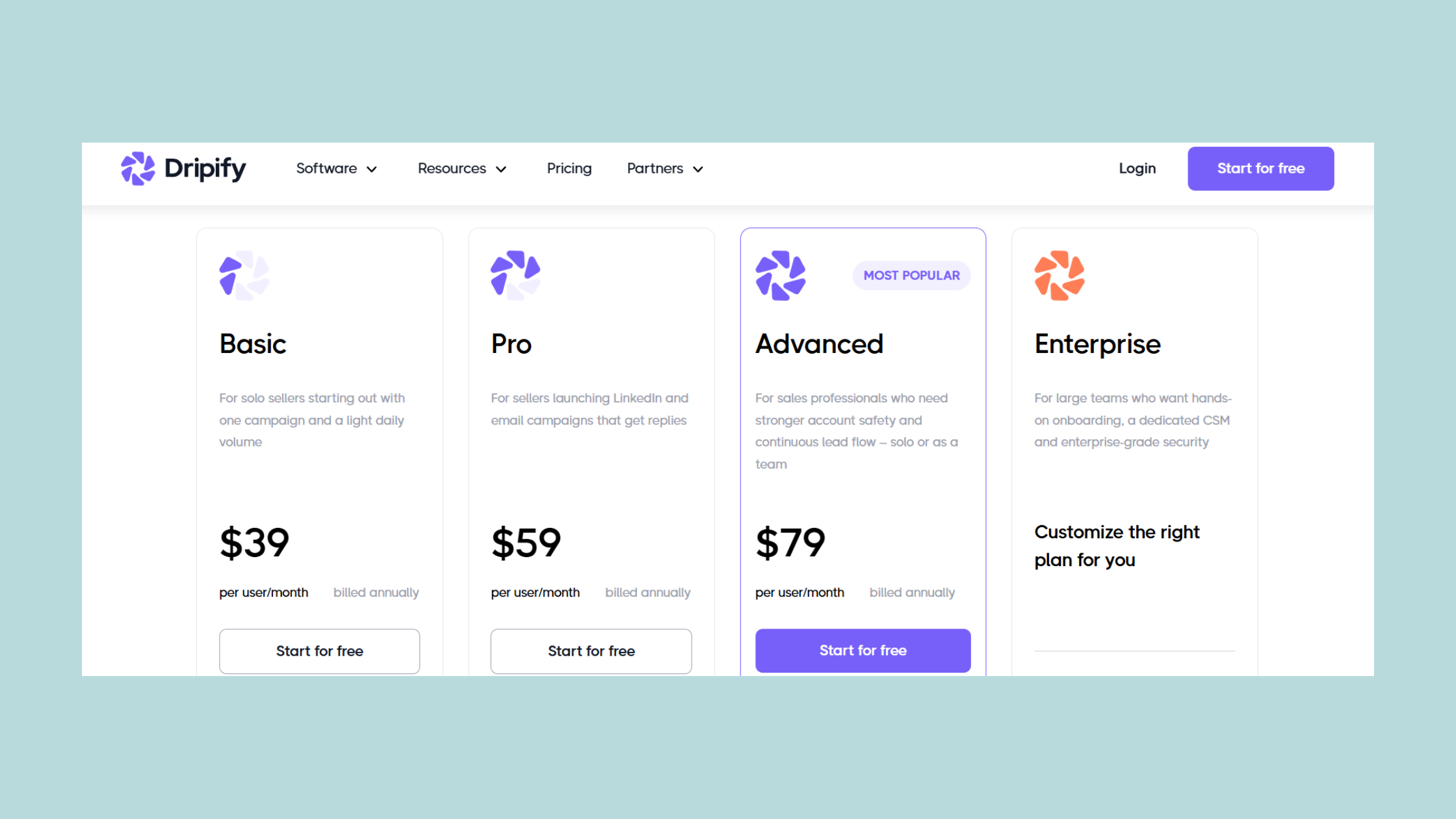
Dripify pricing plans run across three tiers, and the right one depends on how sophisticated your outreach actually needs to be:
| Plan | Price (per user/mo) | Best For | Key Limits |
|---|---|---|---|
| Basic | ~$39 | Solo users with simple sequences | No A/B testing, no team features |
| Pro | ~$59 | Sales reps, serious outreach | A/B testing, full analytics |
| Advanced | ~$99 | Agencies and team accounts | Team management, role controls |
There is no permanent free plan. Dripify offers a free trial sufficient to run one campaign sequence — enough to validate the tool against your specific use case before committing. For cost-effectiveness: a solo founder sending 20 carefully crafted outreach messages per week will likely see better ROI from manual effort. A sales team running parallel campaigns to 300+ leads per week sees payback within the first closed deal in most observed cases.
Dripify analytics and campaign tracking is one of the tool's genuine strengths. The dashboard surfaces acceptance rates, reply rates, per-step drop-off, and campaign conversion funnels. In practice, this data is most valuable not for vanity metrics but for diagnosing where sequences lose momentum — if step 3 shows 80% drop-off, you know the follow-up timing or copy needs reworking, not your targeting.
LinkedIn Outreach Automation Best Practices to Maximize Campaign ROI
What separates top-performing Dripify campaigns from average ones is almost never the tool settings — it's the lead quality and message specificity. Campaigns targeting a narrowly defined ICP (Ideal Customer Profile) with messages referencing a specific pain point in their industry consistently outperform broader approaches by meaningful margins. According to SBL's LinkedIn automation research (2026), well-configured outreach sequences achieved an 18% reply rate against an industry average of 3–5%. That gap exists because of personalization depth, not automation sophistication.
Make Your Profile Credible Before You Send a Single Outreach
Dripify gets prospects to click your profile — HyperClapper makes sure what they see builds trust. Real engagement, AI-powered replies, and post visibility in one platform.
Explore HyperClapper →Dripify vs Expandi vs Alternatives: Which LinkedIn Automation Tool Is Right for You in 2026
Among the best LinkedIn automation tools 2026, the choice between Dripify and its main competitors comes down to a single question: do you need simplicity or customization? Most teams overestimate how much customization they'll actually use.
| Tool | Best For | Risk Level | Price Range |
|---|---|---|---|
| Dripify | Simple, clean outreach sequences | Medium | $39–$99/mo |
| Expandi | Hyper-personalization (image/GIF) | Medium | ~$99/mo |
| Waalaxy | LinkedIn + email combined outreach | Medium | $40–$80/mo |
| LinkedIn Helper | Budget-conscious solo users | Higher (browser-based) | ~$15/mo |
| Dux-Soup | Profile scraping + basic sequences | Higher (browser-based) | $12–$49/mo |
Dripify vs Expandi: Expandi wins on personalization depth — its dynamic image and GIF insertion capability is genuinely differentiated, and in testing, personalized visual outreach sees meaningfully higher reply rates for certain audiences (particularly creative industries and startup founders). Dripify wins on onboarding simplicity and team management UI. For most B2B sales teams that are new to LinkedIn automation, Dripify's cleaner interface gets campaigns live faster with fewer configuration errors.
linkedin helper and dux-soup are browser-extension tools — both are lower cost but carry higher restriction risk because they operate through your browser session, making them easier for LinkedIn's detection systems to identify. For casual experimentation they work; for sustained team outreach, the risk-to-reward calculation favors cloud-based tools.
A Dripify alternative worth considering for specific use cases:
- Phantombuster — if you need multi-platform scraping beyond LinkedIn
- Waalaxy — if your outreach combines LinkedIn + email sequences
- Apollo.io — if you need LinkedIn outreach integrated with a full CRM and email enrichment workflow
When to Use a Dripify Alternative Instead
Creators who skip evaluating alternatives and default to Dripify often find themselves paying for features they use at 20% capacity. Use a Dripify alternative when:
- Your outreach includes email alongside LinkedIn (Waalaxy or Lemlist)
- You need advanced image personalization to stand out in saturated niches (Expandi)
- Budget is the primary constraint — LinkedIn tools for lead generation at lower price points exist, though with higher risk profiles
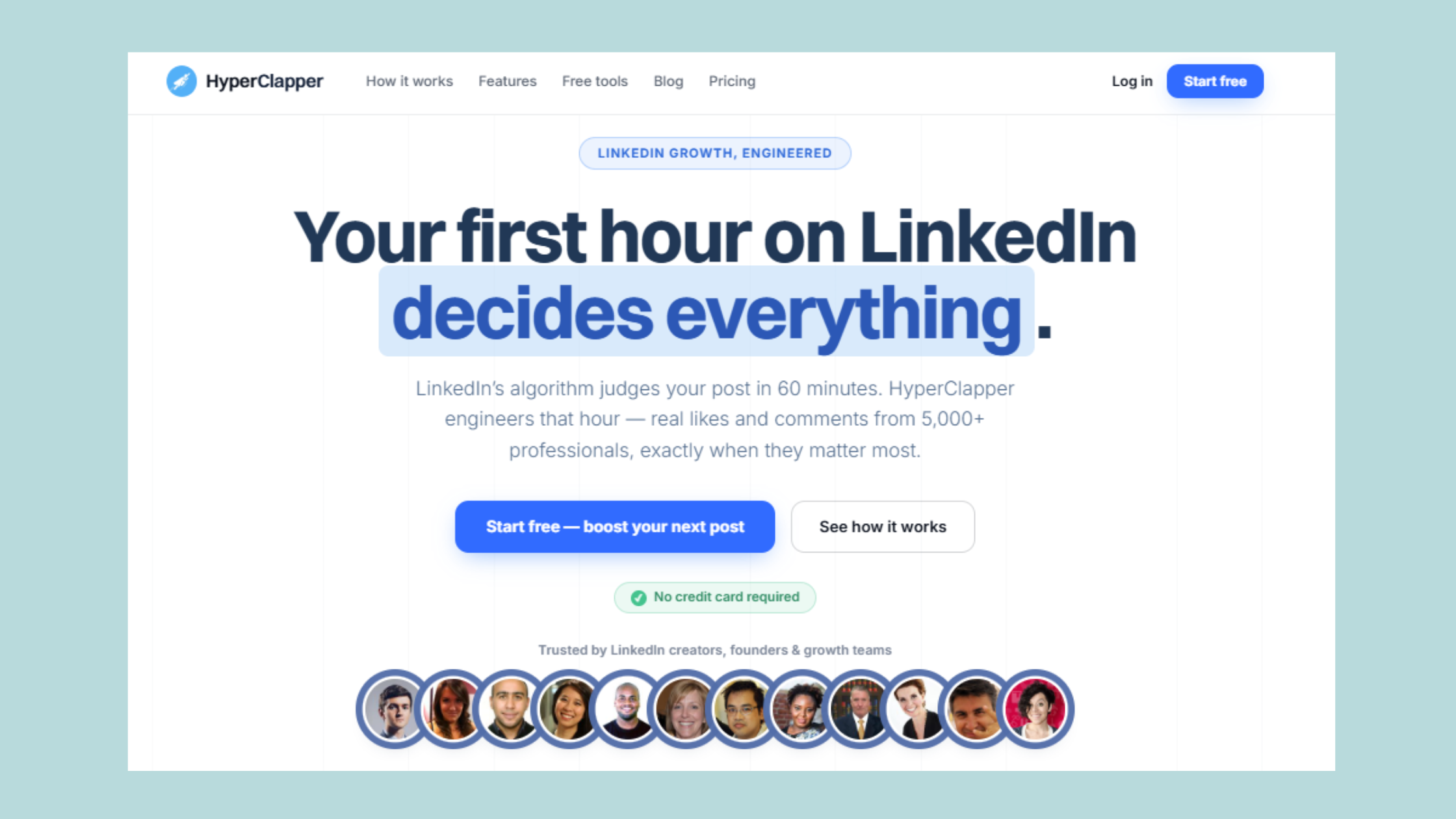
One gap no outreach tool fills: none of them help when a prospect lands on your profile and sees little recent activity or engagement. That's where a platform like HyperClapper complements outreach automation — it amplifies the posts that make your profile look credible, active, and worth responding to. Think of it as two halves of the same strategy: Dripify handles the outbound reach, HyperClapper handles the inbound credibility signal that makes prospects say yes.
The most reliable LinkedIn automation strategy in 2026 is not the most aggressive one — it is the one that treats outreach volume and profile credibility as equally important levers, and manages risk thresholds with the same discipline as it manages campaign copy.
Your Outreach Works Better When Your Content Does Too
HyperClapper drives real LinkedIn engagement — likes, comments, and AI-powered replies — so your profile converts the prospects Dripify sends your way.
See How HyperClapper Works →Frequently Asked Questions About Dripify and LinkedIn Automation
What is the best LinkedIn automation tool?
The best linkedin automation tool in 2026 depends on your use case. Dripify is the strongest choice for clean, cloud-based outreach sequences with solid analytics. Expandi leads for hyper-personalization. For post visibility and content engagement, HyperClapper is purpose-built — it focuses on real community engagement rather than outreach automation.
How can I automate my LinkedIn?
You can automate LinkedIn outreach using cloud-based tools like Dripify — connect your account, import a lead list, build a drip sequence, and set conservative daily limits during your first 30-day warm-up period. For post engagement automation, platforms like HyperClapper handle likes, comments, and AI-powered replies through real engagement channels rather than bots.
Is there a free tool for LinkedIn post automation?
Dripify offers a free trial but no permanent free plan. Most credible cloud-based LinkedIn automation tools are paid — free tools tend to be browser extensions with higher restriction risk. For content engagement, HyperClapper offers accessible entry-level access. LinkedIn's native scheduler handles basic post scheduling at no cost.
What is the best way to automate LinkedIn outreach with Dripify in 2026?
Start with a 30-day warm-up period at 20–25 connection requests per day. Build 3–5 step sequences with 24–48 hour gaps between actions. Personalize beyond {firstName} — reference the prospect's industry or a recent company event. Monitor acceptance rates weekly; below 15% means your copy or targeting needs revision before scaling.
Will Dripify get my LinkedIn account banned?
Not inevitably — but according to GigRadar (2026), 15–45% of automation users face restrictions within 6 months. Risk is determined by configuration, not the tool itself. Respect warm-up periods, stay within daily limits, personalize your copy, and never automate from a brand-new account — these four factors determine the outcome more than the tool you choose.
What is the daily LinkedIn automation limit in Dripify?
Dripify's safe recommended limits are 20–30 connection requests per day during warm-up, scaling to 30–50/day for established accounts. Message volume can reach 50–80/day for mature accounts. These are Dripify's own conservative defaults — the connection request daily limits LinkedIn enforces platform-wide are approximately 100/week, making Dripify's defaults sensibly below that ceiling.
Does Dripify work with Sales Navigator?
Yes — Dripify integrates directly with Sales Navigator. You can import saved lead lists, use advanced search filters, and sync prospects into your Dripify campaigns. Sales Navigator's richer targeting (seniority, company size, growth signals) combined with Dripify's sequencing is one of the most effective linkedin outreach automation tool setups available for B2B teams in 2026.
How do I set up a drip campaign on LinkedIn using Dripify step by step?
Connect your LinkedIn account in Dripify's dashboard, import leads from a search URL or Sales Navigator list, build a sequence of chained actions (connection request → delay → follow-up message), write personalized copy using variable fields, set daily limits to 20–25 connections/day, then activate and monitor acceptance rates every 48 hours for the first week. Full steps are covered in the setup section above.



