A pattern observed consistently across LinkedIn automation campaigns is that most users track the wrong numbers. They measure connection requests sent, profile views triggered, likes received — and then wonder why none of it translates to pipeline. LinkedIn automation ROI is not an activity score; it is a business outcome equation: (revenue or pipeline attributed to LinkedIn) minus (tool cost + time cost), divided by total spend. The teams that answer "does this work?" with confidence are the ones running a two-layer stack — outreach automation via a tool like Octopus CRM paired with content amplification via HyperClapper — and measuring each layer against real conversion data.
- For: B2B founders, sales teams, recruiters, and marketers trying to justify — or improve — their LinkedIn automation spend
- What you'll learn: How to combine Octopus CRM outreach with HyperClapper engagement in a single measurable workflow
- Why it matters: According to Brenton Way (2026), 58% of B2B marketers say LinkedIn delivers the best ROI of any social channel — but only if they measure pipeline, not activity
- Counterintuitive finding: Boosting your content before running outreach — not after — is what raises reply rates
- Safety reality: According to GigRadar (2026), 15–45% of accounts using aggressive LinkedIn automation are restricted within 6 months — tool choice and behavior patterns determine which side you land on
- What Is LinkedIn Automation ROI — and Why Most Tools Miss It
- How Octopus CRM Works — and Where It Fits in Your Outreach Workflow
- What HyperClapper Does — and How It Amplifies Everything Octopus CRM Starts
- The Combined Workflow: LinkedIn Lead Generation Automation in 2026
- Is LinkedIn Automation Safe — Risks, Limits, and Mistakes to Avoid
- FAQ: Octopus CRM, HyperClapper, and LinkedIn Automation ROI
What Is LinkedIn Automation ROI — and Why Most Tools Miss It
LinkedIn automation ROI is the ratio of business outcomes generated through automated LinkedIn activity — pipeline, revenue, qualified meetings — to the total cost of producing those outcomes, including tool subscriptions and the time spent managing them. Most practitioners never calculate it because the inputs feel hard to isolate. So they fall back on activity metrics instead.
The Difference Between Activity Metrics and Real Business Outcomes
Activity metrics are counts of things the tool did: connections sent, messages delivered, posts liked, profile views triggered. Business outcomes are what those actions eventually produced: qualified conversations, booked calls, deals in pipeline.
The most common failure mode here is optimising the former while ignoring the latter. A campaign sending 500 connection requests per month looks productive on a dashboard. But if only 12 accept, 3 reply, and 0 book a call, the cost-per-qualified-lead is catastrophic — and no one notices because the team is celebrating "500 touches."
The question is never "how much automation activity did we produce?" It is always "what did that activity cost per pipeline dollar generated?" Everything else is vanity.
According to Linkboost (2026), LinkedIn leads convert to closed deals at a rate 3.2x higher than Facebook or Instagram leads. This means even modest reply rates on LinkedIn outreach carry disproportionate revenue potential — but only if the outreach actually reaches the right people with credible backing content. That is the gap a two-layer stack addresses.
Understanding the measurement problem is step one. Next is understanding the tools that solve each side of it.
How Octopus CRM Works — and Where It Fits in Your LinkedIn Outreach Workflow
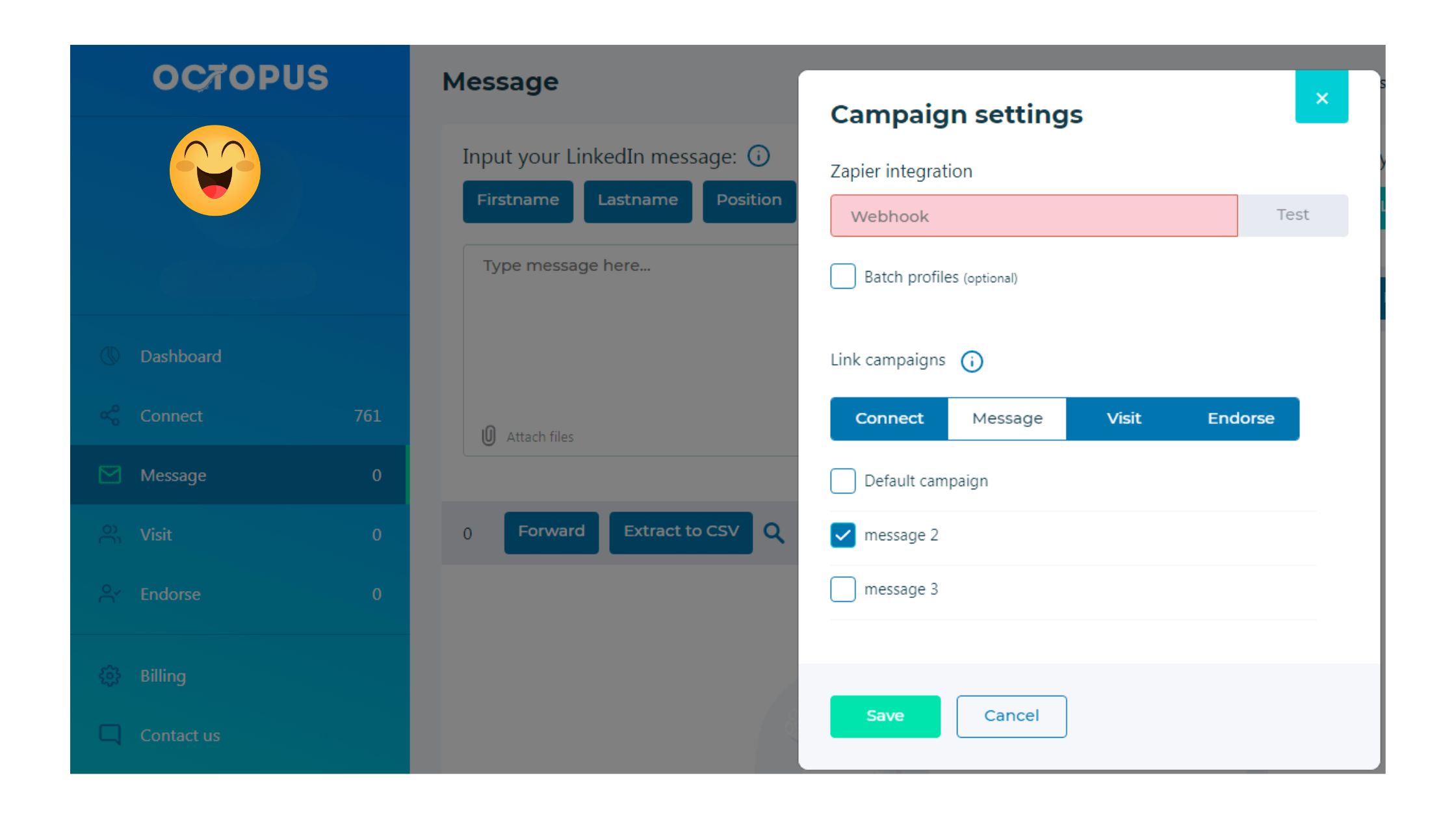
Octopus CRM is a Chrome extension that sits on top of LinkedIn and automates connection requests, follow-up messages, profile views, and skill endorsements — functioning as a lightweight outreach CRM without leaving the platform. It is built specifically for volume prospecting: find a filtered audience, build a sequence, let it run.
Automate LinkedIn Connection Requests Without Triggering Flags
The standard workflow looks like this:
- Search and filter your target audience using LinkedIn's native search or Sales Navigator (30 seconds)
- Push the list to Octopus CRM and assign a campaign (1 minute)
- Set a personalised connection message — short, specific, not salesy (2 minutes)
- Configure timed follow-up messages — typically Day 3 and Day 7 after acceptance (5 minutes)
- Review accepted/replied leads and move warm conversations out of automation into manual follow-up
Octopus CRM vs. Other LinkedIn Automation Tools for B2B
Compared to cloud-based tools, Octopus CRM runs locally through Chrome, which means it only works when your browser is open but also means it leaves a smaller server-side footprint. For teams evaluating best LinkedIn automation tools for B2B, the right choice depends on whether you need browser-based simplicity (Octopus CRM) or cloud-based multi-seat operation. For a detailed comparison, see this breakdown of Octopus CRM alternatives and this deep-dive on Octopus CRM for LinkedIn automation.
What Octopus CRM cannot do: make your profile or content look credible. A prospect who receives your connection request and checks your profile to find posts with zero engagement will hesitate. That credibility gap is precisely where the second layer of the stack comes in.
What HyperClapper Does — and How It Amplifies Everything Octopus CRM Starts
80% of companies using LinkedIn automation report increased lead generation, according to Closely (2026) — but the ones achieving the highest conversion rates pair outreach volume with visible content authority. That is the specific problem HyperClapper solves.
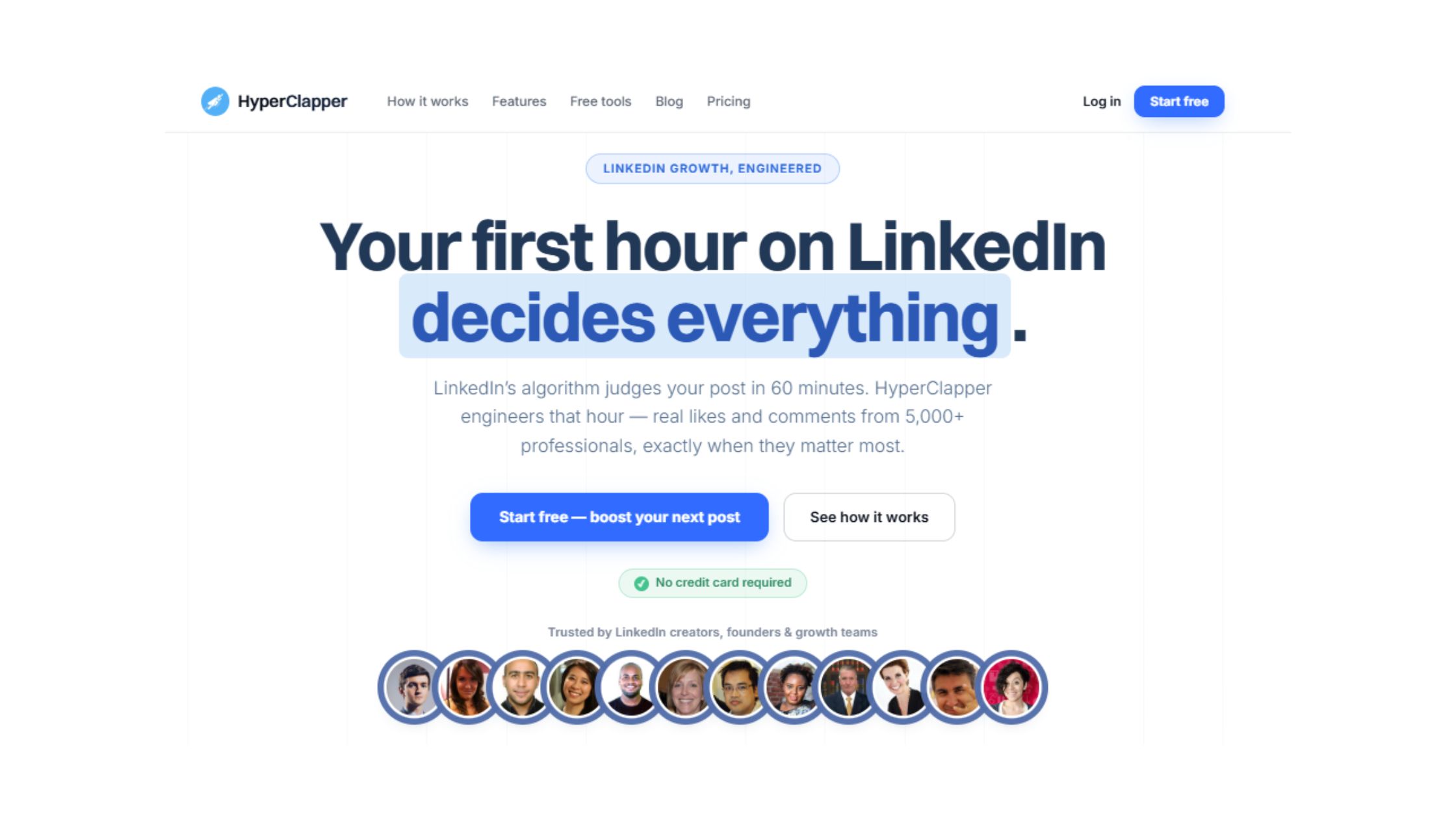
Engagement velocity is the speed at which a post receives likes and comments after publishing — LinkedIn's algorithm uses it as a primary signal for how widely to distribute content. HyperClapper is built to drive this signal through real engagement, not fake activity.
The mechanism: users submit a post to the platform, select channels (each channel connects to roughly 50 real community members who engage with posts), and receive genuine likes and contextual comments. More channels means broader reach — three channels delivers approximately 150 possible engagements from real platform participants.
What Is HyperClapper Used For — Pricing, Features, and Who It's Built For
HyperClapper pricing and features are tiered around engagement volume, with core capabilities including:
- Post Boosting — submit a LinkedIn post and receive real likes and comments through community channels
- AI Replies — generate and post contextual replies to keep conversations active; the Feed More feature adds replies days after publishing to sustain algorithmic momentum
- Company Page Boosting and Replies — extend engagement to brand pages, not just personal profiles
- Content Guard — a moderation layer that filters sensitive or risky content before it circulates
- Analytics — post performance tracking and LinkedIn growth insights
HyperClapper is built for LinkedIn creators, founders, coaches, recruiters, marketers, agencies, and sales teams — anyone whose outreach effectiveness depends on having credible, actively-engaged content visible on their profile. For a direct comparison with similar tools, see HyperClapper vs. LinkBoost and the top 5 LinkedIn engagement pods compared.
Turn your LinkedIn posts into credibility signals that warm up every outreach
HyperClapper boosts post visibility with real community engagement and AI-powered replies — so every prospect who checks your profile sees an active, authoritative feed.
Start Boosting Posts FreeThe Combined Workflow: LinkedIn Lead Generation Automation in 2026
Teams that run outreach and content in parallel — rather than treating them as separate tracks — consistently see higher reply rates and lower cost-per-qualified-lead than those using either tool alone. The sequence matters. Here is the workflow that produces measurable LinkedIn automation ROI:
Increase LinkedIn Post Visibility Automatically While Running Outreach
The LinkedIn engagement automation strategy that works in 2026 runs like this:
- Publish a credibility post — a case study, insight, or result your target audience cares about
- Submit it to HyperClapper channels within the first hour to drive engagement velocity and algorithmic distribution
- Wait 24–48 hours — prospects in your target audience now see an actively-engaged post on your profile
- Launch the Octopus CRM outreach sequence to the same filtered audience
- Warm leads encounter your content when they visit your profile after receiving the connection request — reply rate rises
How to Measure and Improve LinkedIn Automation ROI
Connecting the two tools at the data level is what converts this from a workflow into a measurable LinkedIn lead generation automation system. Use these three tracking steps:
- UTM-tag every link in boosted posts — so inbound clicks from LinkedIn content can be isolated in your CRM or analytics tool
- Export Octopus CRM response data weekly — track acceptance rate, reply rate, and meetings booked per campaign
- Calculate outreach-to-pipeline conversion rate — divide qualified conversations by total connections sent; anything above 3–5% signals a healthy sequence
With those three data points, the ROI calculation becomes concrete: (pipeline value attributed to LinkedIn) ÷ (monthly tool costs + hours spent × your hourly rate). See also professional follow-up messages that boost LinkedIn ROI for how to handle warm leads once automation opens the door.
Is LinkedIn Automation Safe — Risks, Limits, and Mistakes to Avoid
LinkedIn automation is not inherently unsafe — but it is inherently detectable at the wrong volumes and with the wrong tools. LinkedIn's Terms of Service prohibit automated scraping and mass unsolicited messaging. Where tools stay within human-like behavior patterns, gradual ramp-ups, and reasonable daily limits, the risk profile drops significantly.
When to use LinkedIn automation in the sales funnel is a question of touch sensitivity. Automation is most effective — and safest — at the top of funnel: awareness building, initial connection, early nurture messaging. The moment a prospect signals real interest, the conversation should move to manual. Automating closing conversations is where deals get killed and accounts get flagged.
Best LinkedIn Automation Tools for B2B — and When to Combine Them
The five mistakes that reliably kill LinkedIn automation ROI, regardless of which tools you use:
- Maxing out daily limits immediately — always ramp up over 2–3 weeks on new campaigns
- Using generic connection messages — "I'd love to connect" gets ignored; specificity gets accepted
- Not warming up the account before starting automation — manual activity first, then automated volume
- Running outreach without supporting content — prospects check your profile; empty or stale feeds kill credibility
- Measuring only sends, not responses and pipeline — the most common trap, and the one that makes ROI impossible to calculate
HyperClapper's Content Guard moderation system and real-engagement model are specifically designed to avoid the behavioral signals LinkedIn flags — no bots, no fake accounts, no engagement from profiles with suspicious patterns. For B2B teams evaluating LinkedIn outreach automation tools, the combination of a volume-controlled outreach tool with a credibility-building engagement platform is the most defensible architecture available in 2026.
✓ The LinkedIn Automation Safety Checklist
- ☐Warm up new accounts manually for 1–2 weeks before enabling any automation
- ☐Cap daily connection requests at 20–30 initially; scale gradually to 80 max
- ☐Write personalised connection messages — name the specific reason for connecting
- ☐Boost at least one credibility post via HyperClapper before launching outreach
- ☐Switch warm leads to manual follow-up as soon as they respond positively
- ☐Track outreach-to-pipeline conversion rate monthly — not just sends
- ☐Review and refresh message sequences every 6–8 weeks to avoid template fatigue
Ready to build a LinkedIn automation stack that actually converts?
HyperClapper handles the engagement layer — real community boosts, AI replies, and content credibility — so your Octopus CRM outreach lands with authority, not silence.
Try HyperClapper FreeFrequently Asked Questions About LinkedIn Automation ROI
Does LinkedIn automation work?
Yes — LinkedIn automation works when it handles top-of-funnel volume while human conversations close deals. According to Closely (2026), 80% of companies using LinkedIn automation report increased lead generation and 60% report higher sales. The tools that fail are those used without supporting content, personalisation, or a measurement framework tied to pipeline outcomes.
What is ROI in automation, and how do I calculate it for LinkedIn?
ROI in automation is the business return generated per dollar spent on tools and time. For LinkedIn, the formula is: (pipeline or revenue attributed to LinkedIn) minus (tool subscriptions + hours spent × hourly rate), divided by total spend. A 3–5% outreach-to-pipeline conversion rate on a well-run campaign is a realistic baseline to benchmark against.
How can I use Octopus CRM and HyperClapper together to get more LinkedIn leads?
Publish a credibility post, boost it via HyperClapper channels 24–48 hours before launching your Octopus CRM outreach sequence to the same audience. Prospects who see an engaged, active post when they check your profile after receiving a connection request convert at a meaningfully higher rate than those who land on an empty feed.
What is the best way to automate LinkedIn outreach without getting banned?
Stay below 80 connection requests per day, ramp up gradually over 2–3 weeks on new campaigns, personalise every connection message, and never automate post-acceptance closing conversations. Tools with human-like delay patterns and real-engagement models — rather than aggressive bot behavior — carry significantly lower restriction risk.
Does combining LinkedIn CRM automation with engagement tools improve results?
Yes. Outreach automation drives volume; engagement tools drive credibility. Running both in sequence means prospects encounter active, well-engaged content when they evaluate your profile — which is the moment that determines whether they accept, reply, or ignore. The combination addresses both sides of the conversion gap that neither tool covers alone.
What LinkedIn automation tools work best together for B2B sales in 2026?
The most effective pairing for B2B is a structured outreach sequencer like Octopus CRM combined with a content credibility platform like HyperClapper. Octopus CRM handles the LinkedIn lead generation automation workflow — connection requests, follow-ups, pipeline tracking. HyperClapper handles post visibility and social proof. Together they cover the full outreach-to-pipeline journey.
How do I measure ROI from LinkedIn automation campaigns?
Track three numbers: acceptance rate (connections accepted ÷ sent), reply rate (responses ÷ acceptances), and meetings booked per campaign. UTM-tag every link in your LinkedIn posts to attribute inbound traffic to content. Then divide pipeline generated by total monthly spend — tool costs plus time cost — to get a real cost-per-qualified-lead figure.
What consistently separates LinkedIn automation stacks with real ROI from those that just generate activity reports is not any single tool — it is the deliberate sequencing of content credibility before outreach volume, measured at every stage against pipeline outcomes rather than platform actions. Accounts that build both layers and track both metrics see compounding returns. Those that run outreach in isolation typically plateau within 60 days, regardless of how sophisticated their sequences are.



