
We-Connect LinkedIn outreach is a cloud-based approach to automating B2B prospecting sequences — sending personalized connection requests, triggering follow-up messages based on acceptance behavior, and managing multi-touch cadences at scale without manual effort. A pattern observed across high-performing outreach campaigns is that the tool itself accounts for roughly 30% of results; the remaining 70% comes from targeting precision, message quality, and whether the sender's LinkedIn profile looks credible when the prospect clicks through. This guide covers all three.
- What Is We-Connect and How Does LinkedIn Outreach Automation Work in 2026
- How to Set Up a We-Connect Campaign Step by Step
- We-Connect Safety Settings, LinkedIn Limits, and Account Protection
- We-Connect vs Expandi and the Best LinkedIn Automation Tools in 2026
- Why Your LinkedIn Outreach Isn't Getting Replies — and How to Fix It
- Frequently Asked Questions About We-Connect and LinkedIn Outreach Automation
- Who this is for: Sales reps, founders, recruiters, and agency teams running B2B outreach on LinkedIn in 2026.
- What you'll learn: How to set up a We-Connect campaign step by step, safety limits, message templates, and why you're not getting replies.
- Safety reality check: LinkedIn's current cap is roughly 100 connection requests per week — exceeding it reliably triggers restrictions on any tool.
- Counterintuitive finding: Shorter sequences (3–4 steps) consistently outperform longer drip chains for cold B2B contacts.
- Profile credibility matters: Prospects check your profile before accepting — an inactive feed kills reply rates before your message is even read.
- Best pairing: We-Connect handles outbound sequences; tools like HyperClapper build the inbound credibility that makes those sequences convert.
What Is We-Connect and How Does LinkedIn Outreach Automation Work in 2026
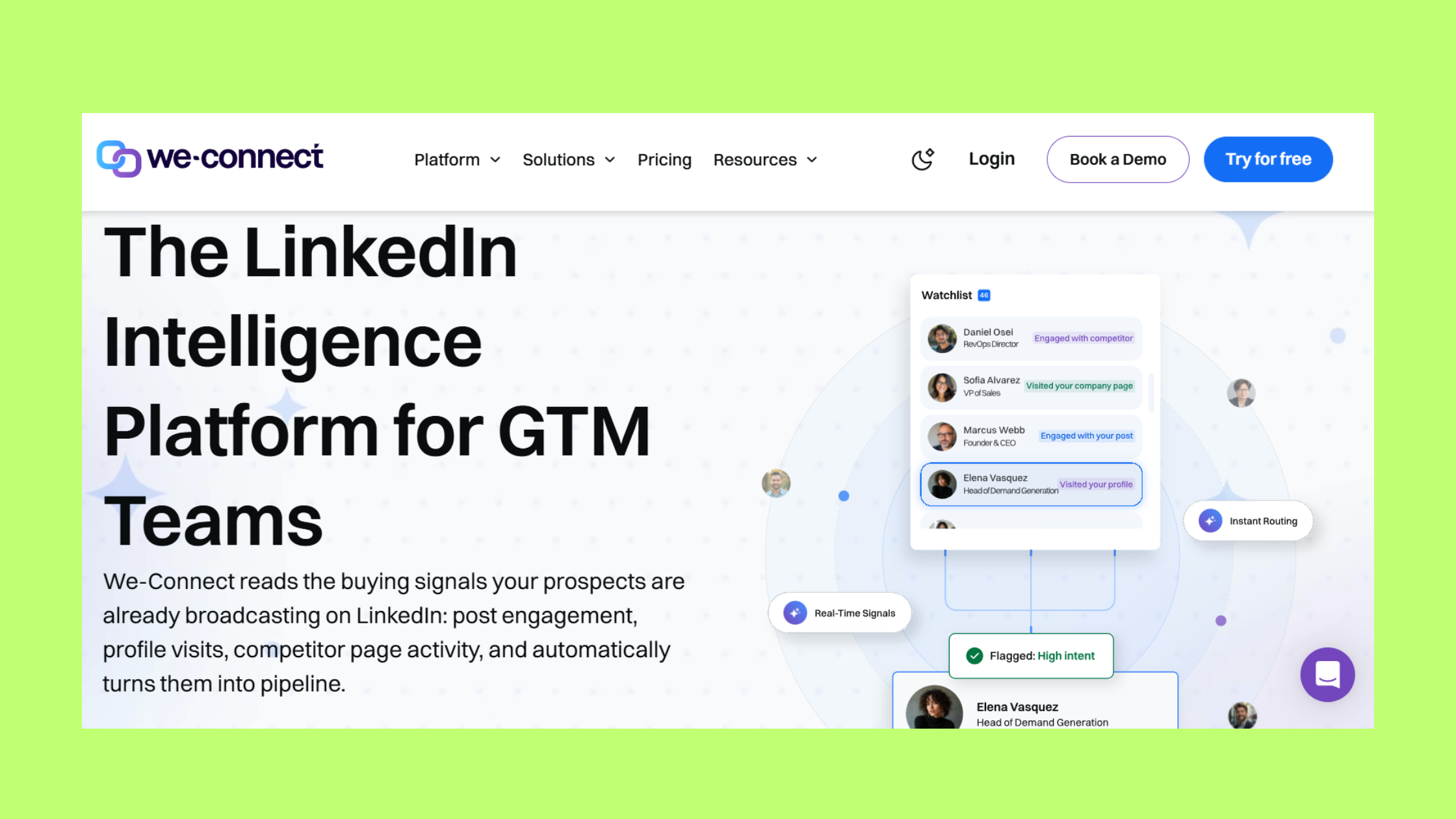
We-Connect is a cloud-based LinkedIn automation platform — meaning it runs on remote servers rather than as a browser extension, which is a meaningful safety distinction. Because it operates independently of your browser session, LinkedIn cannot detect a local plugin signature, which reduces one of the most common account flagging triggers. LinkedIn outreach automation at a mechanical level works like this: you supply a prospect list (from a LinkedIn search URL, Sales Navigator export, or CSV), build a sequence of message steps, and the platform executes them at human-like intervals based on how prospects respond.
The difference between manual LinkedIn outreach and an automated multi-touch prospecting sequence — a series of timed, trigger-based messages sent across multiple touchpoints — becomes significant at scale. According to a 2026 performance dataset covering 285,584 messages, well-structured automated outreach achieved an 18% reply rate against an industry average of 3–5%. That gap does not come from the automation itself — it comes from the combination of better targeting, consistent follow-up timing, and the volume to run proper A/B tests.
Core Features That Drive We-Connect LinkedIn Outreach
The features that matter most for practitioners are:
- Campaign sequencing — multi-step message flows triggered by connection acceptance or reply detection
- Prospect sourcing — LinkedIn search URL, Sales Navigator list integration, or CSV upload
- Smart delays — randomised intervals between actions to mimic human behaviour
- Auto-pause on reply — stops the sequence the moment a prospect responds, preventing awkward double-messages
- A/B message testing — split-test two message variants to identify which converts better before scaling
- Blacklist management — prevents re-contacting existing connections or clients
Now that the mechanics are clear, here is exactly how to build your first campaign.
How to Set Up a We-Connect Campaign Step by Step

The We-Connect campaign setup tutorial starts with connecting your LinkedIn account through the platform's dashboard — a process that takes under five minutes. From there, campaign creation follows a consistent structure regardless of your use case.
- Connect your LinkedIn account (30 seconds) — log in via We-Connect's OAuth flow; never enter your credentials into a third-party form directly.
- Choose your prospect source (2–5 minutes) — paste a LinkedIn search URL, import a Sales Navigator saved list, or upload a CSV with LinkedIn profile URLs. The cleaner your list, the better your targeting.
- Name and configure your campaign (1 minute) — set your active sending hours to match your target audience's timezone. This single setting is one of the clearest signals of safe, human-like behaviour.
- Build your message sequence (10–20 minutes) — see the sequence structure below.
- Set daily limits and launch (2 minutes) — for most accounts, start at 15–20 connection requests per day and ramp gradually.
LinkedIn Connection Request Message Templates That Actually Convert
Connection request personalization — tailoring the note to include a specific, relevant detail about the recipient — is the single highest-leverage point in any outreach sequence. According to Growleads (2026), acceptance rates above 40% are considered good, with top performers reaching 70%+ through genuinely personalised outreach. A rate below 30% is a clear signal to rewrite the request note.
Here is a practical four-step sequence structure for LinkedIn automation outreach sequences 2026:
- Step 1 — Connection request (under 300 characters): "Hi [First Name] — I saw your post on [topic] and thought your take on [specific point] was spot on. I work in [relevant space] and would love to connect." No pitch. No ask.
- Step 2 — Welcome message on acceptance (send within 24 hours): Share one genuinely useful insight or resource tied to their role. Still no pitch.
- Step 3 — Value-add follow-up (3–5 days later): Reference something timely — a case study, a question relevant to their situation, or a specific challenge common to their title and industry.
- Step 4 — Final bump (5–7 days after Step 3): A short, low-pressure close: "Wanted to follow up in case this got buried — happy to share [specific thing] if it's useful. No worries if the timing isn't right."
These are the best LinkedIn connection request message templates in the sense that they follow the structure that consistently outperforms generic pitches — not because any single wording is magic. Adjust every line to your voice and your audience.
We-Connect Safety Settings, LinkedIn Limits, and Account Protection
Two questions come up in nearly every conversation about We-Connect LinkedIn limits and safety settings. Here are both answered directly.
Is We-Connect safe to use for LinkedIn automation? It is safer than most alternatives — specifically because it is cloud-based, uses randomised delays, and includes auto-pause on reply. But "safer" is not "safe." No automation tool eliminates restriction risk on LinkedIn. We-Connect reduces it. It does not remove it.
How many LinkedIn connection requests can I send daily? According to Leadium's 2026 LinkedIn automation guide, practitioner consensus sits at 20–25 connection requests per day inside a weekly cap of approximately 100. For new or low-SSI accounts, the recommended starting point is 10–15 per day, ramped gradually over 4–6 weeks. LinkedIn's SSI (Social Selling Index, a score LinkedIn uses to measure profile completeness and activity) directly affects how much headroom your account has before triggering automated restrictions.
Common Mistakes That Get LinkedIn Accounts Restricted
- Sending connection requests 24/7 without timezone-based scheduling
- Using identical message text across thousands of contacts without variation
- Starting at full volume immediately instead of ramping over 4–6 weeks
- Ignoring the withdrawal queue — pending requests that accumulate signal bot behaviour
- Skipping the blacklist — re-contacting existing connections damages both relationships and account standing
We-Connect vs Expandi and the Best LinkedIn Automation Tools in 2026

| Tool | Best For | Safety Architecture | Starting Price |
|---|---|---|---|
| We-Connect | Solo users, small teams, clean outreach sequences | Cloud-based | ~$49/seat/mo |
| Expandi | Hyper-personalisation, image/GIF variables in messages | Cloud-based | ~$99/seat/mo |
| Dripify | Simplicity, fast setup, beginners | Cloud-based | ~$39/seat/mo |
| Lemlist | Email + LinkedIn multichannel sequences | Cloud-based | ~$69/seat/mo |
| LaGrowthMachine | Complex multi-channel workflows, CRM integration | Cloud-based | ~$80/seat/mo |
We-Connect pricing plans follow a per-seat model — you pay per LinkedIn account connected. The entry tier covers core sequence features; higher tiers unlock team management, analytics dashboards, and deeper CRM integrations. For solo operators and small agencies managing 2–6 LinkedIn accounts, We-Connect tends to offer the best cost-to-feature ratio among the best LinkedIn automation tools 2026.
For a deeper side-by-side breakdown, the full We-Connect review on HyperClapper covers safety ratings, real-world sequence performance, and limitations worth knowing before you subscribe.
Why LinkedIn Outreach Converts Better When Your Profile Is Active
Teams that combine outreach automation with consistent LinkedIn post activity consistently see higher acceptance and reply rates — because prospects check the sender's profile before they decide to accept. A sparse feed or a profile with no recent posts reads as a cold, salesy account regardless of how good the message is.
This is where HyperClapper plays a complementary role: while We-Connect manages the outbound sequence, HyperClapper builds the inbound credibility — real likes, comments, and AI-powered replies on your posts that signal an active, engaged LinkedIn presence. When a prospect clicks your profile after receiving your connection request and sees posts with genuine engagement, the credibility gap closes before you've said a word in the thread.

Outreach is the trigger. Your LinkedIn presence is what converts. The two are inseparable in 2026 — one without the other consistently underperforms.
Why Your LinkedIn Outreach Isn't Getting Replies — and How to Fix It
The most common failure mode is diagnosable before you open the campaign dashboard. According to Simular AI's 2026 research on LinkedIn outreach, 78% of buyers spot templated LinkedIn messages instantly — which means the majority of automated outreach fails not because of the tool, but because of the message.
The five reply rate killers, ranked by frequency observed across B2B outreach campaigns:
- Generic opening line — "I noticed we share some connections" converts at roughly the same rate as no note at all
- Leading with a pitch — the first message is not the place to introduce your product; it is the place to earn a second message
- Mismatched targeting — wrong title, wrong industry, or wrong company size means even a perfect message lands in the wrong inbox
- Sequence timing that's too aggressive — following up within 24 hours of the connection request signals desperation and triggers spam reports
- A weak or inactive sender profile — prospects who check your feed and find nothing active rarely reply, regardless of message quality
LinkedIn outreach conversion rate optimization — the practice of systematically improving the percentage of outreach that converts to a reply or meeting — comes down to one principle: treat each step of the sequence as a trust-building move, not a funnel stage. Lead with insight or a relevant question. Let the prospect feel understood before they feel sold to.
For a deeper look at building outreach that starts real conversations, the guide on LinkedIn outreach and network growth covers the full connection-to-conversation arc with practical templates.
✓ LinkedIn Outreach Conversion Checklist
- ☐Connection request note is under 300 characters and references something specific about the recipient
- ☐No product pitch in Step 1 or Step 2 of the sequence
- ☐Daily connection request limit set to 20 or below (10–15 for accounts under 3 months old)
- ☐Sending hours restricted to business hours in the prospect's timezone
- ☐Sequence stops at 3–4 steps maximum for cold contacts
- ☐Auto-pause on reply is enabled — confirmed in campaign settings
- ☐LinkedIn profile has at least 2 posts published in the last 30 days with visible engagement
- ☐Blacklist is populated with existing connections and current clients before launch
Make Your Profile Worth Clicking Before the Sequence Runs
HyperClapper builds real post engagement and AI-powered replies so your LinkedIn presence converts prospects who click through from your outreach.
Boost Your LinkedIn PresenceFrequently Asked Questions About We-Connect and LinkedIn Outreach Automation
What is the most effective way to outreach on LinkedIn?
The most effective LinkedIn outreach combines a hyper-personalised connection request (referencing something specific about the person), a value-first follow-up sequence of 3–4 steps, and a sender profile with visible, recent post activity. Personalisation is the highest-leverage variable — top performers consistently achieve 70%+ acceptance rates versus the 20–25% industry average for generic notes.
What is the most effective way to use We-Connect for LinkedIn lead generation in 2026?
Build tightly targeted prospect lists using Sales Navigator filters, keep your daily request volume at 20–25, and run 3–4 step sequences with value-led messaging. Pair We-Connect's outbound automation with an active LinkedIn profile — prospects who check your feed after receiving your request are far more likely to accept and reply when they see real engagement on your content.
Can LinkedIn ban your account for using We-Connect automation?
Yes — LinkedIn can restrict or ban accounts that violate its automation policies, regardless of tool. We-Connect's cloud architecture and safety controls significantly reduce this risk compared to browser-extension tools, but they do not eliminate it. Staying within the 100-request-per-week cap, ramping new accounts slowly, and using varied message templates are the most reliable protective measures.
How many LinkedIn connection requests can I send daily?
For established accounts on LinkedIn Premium or Sales Navigator, 20–25 requests per day is the practitioner-consensus safe zone inside the weekly cap of approximately 100. New accounts or low-SSI profiles should start at 10–15 per day and ramp over 4–6 weeks. Exceeding the weekly threshold reliably triggers temporary restrictions, regardless of the tool you use.
What LinkedIn outreach sequence gets the highest reply rate using automation tools?
A 3–4 step sequence consistently outperforms longer drip chains for cold B2B contacts: personalized connection request → value-add welcome message on acceptance → specific follow-up at day 4 → brief final bump at day 10. Sequences exceeding four touches without a reply rarely improve conversion and materially increase spam-report risk.
How does We-Connect compare to manual LinkedIn outreach for conversion rates?
Well-executed automation matches or beats manual outreach at scale — but only when the underlying messaging is strong. Manual outreach done well typically achieves 40–60% acceptance rates on small, highly targeted lists. Automation trades some of that precision for volume and consistency. According to Expandi's State of LinkedIn Outreach H1 2026, top automated campaigns achieve a 22% connection approval rate and 7.22% reply rate — exceeding cold email benchmarks.
How do I set up a We-Connect campaign step by step?
Connect your LinkedIn account, choose a prospect source (search URL, Sales Navigator list, or CSV), build a 3–4 step message sequence starting with a personalised connection note, set daily limits to 15–20 requests, restrict sending hours to business hours in your target timezone, and launch with auto-pause on reply enabled. Full walkthrough in the auto-connect personalized messages guide.
What consistently separates LinkedIn outreach campaigns that generate qualified pipeline from those that generate inbox silence is not the automation tool — it is the combination of precise targeting, messaging that leads with value, a sender profile that looks actively engaged, and safety settings that keep the account in good standing long enough to compound results. Get all four right, and the tool becomes a multiplier. Miss any one, and the tool just fails faster at scale.



