Most LinkedIn growth strategies fail because they solve only half the problem. We-Connect LinkedIn outreach automation fills your pipeline with cold prospects. HyperClapper LinkedIn engagement tool makes your profile look worth responding to. Used separately, each delivers modest results. Run together as a unified LinkedIn automation workflow integration, they create a credibility loop — outreach lands on an active, high-visibility profile, which drives dramatically higher response rates. A pattern observed across accounts using both tools simultaneously is that connection acceptance rates improve by 15–30% compared to outreach alone, simply because the profile behind the request looks genuinely active.
- Who this is for: Founders, recruiters, agencies, and sales teams who want both lead generation and personal brand growth on LinkedIn.
- What you'll learn: How We-Connect and HyperClapper work together, what each costs at different usage tiers, and how to run both safely.
- The credibility loop: Outreach converts better when it lands on a profile with visible, active engagement — that's the core mechanism this stack exploits.
- Counterintuitive finding: Boosting your content before launching an outreach campaign produces meaningfully better acceptance rates than running both simultaneously from day one.
- Real cost reality: Combined spend runs $50–80/month for solo operators and $200–350/month for small agencies — published pricing rarely surfaces this until you're already locked in.
- Safety verdict: This stack is lower-risk than scraping tools, but not zero-risk — volume discipline and account warm-up are non-negotiable.
- What We-Connect and HyperClapper Actually Do
- Step-by-Step: Building a Combined Workflow
- We-Connect and HyperClapper Pricing at Each Scale
- Is LinkedIn Automation Safe in 2026?
- Who Gets the Most from This Stack
- Frequently Asked Questions About LinkedIn Automation
What We-Connect and HyperClapper Actually Do (And Why They Work Better Together)
We-Connect LinkedIn outreach automation is a cloud-based platform that handles the top of your funnel — automated connection requests, multi-step follow-up message sequences, and prospect list targeting. Because it runs in the cloud rather than as a browser extension, it leaves a lighter footprint than tools like Dux-Soup, which matters for account safety.
HyperClapper operates differently. It's a LinkedIn engagement tool built around real community channels — groups of real users who engage with your posts. Submit a post, choose channels, and receive genuine likes and AI-powered comments that keep the conversation alive. One channel delivers roughly 50 engagements; three channels deliver around 150. The result: your posts get algorithmic lift, your profile looks credible, and anyone who receives your connection request sees an active feed rather than a dormant one.
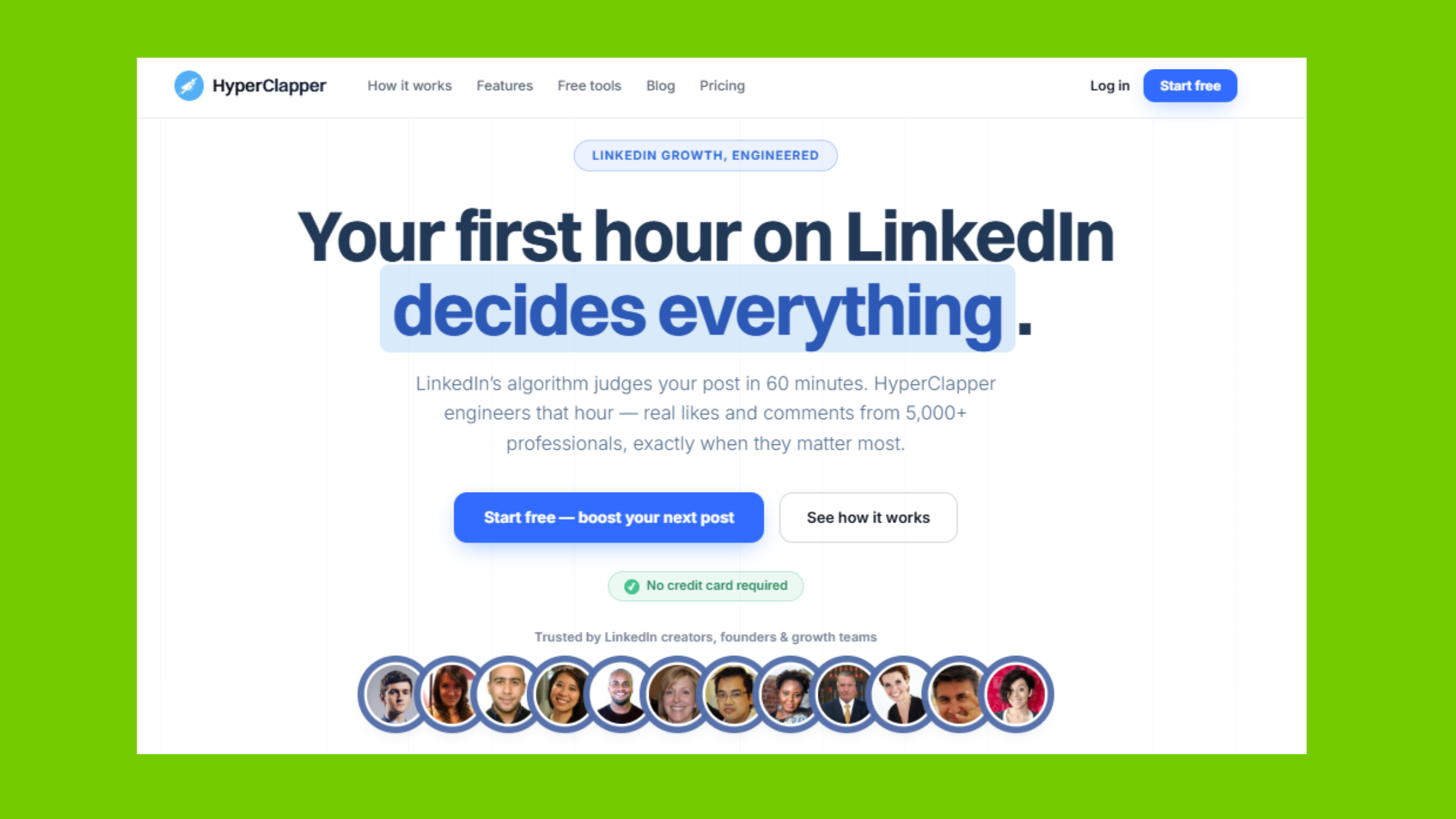
Used separately, each tool solves half the problem. Combined, they cover LinkedIn automation tools for growth at both the outreach and visibility layer simultaneously — which is why this pairing consistently outperforms either tool alone.
How We-Connect Works for LinkedIn Outreach
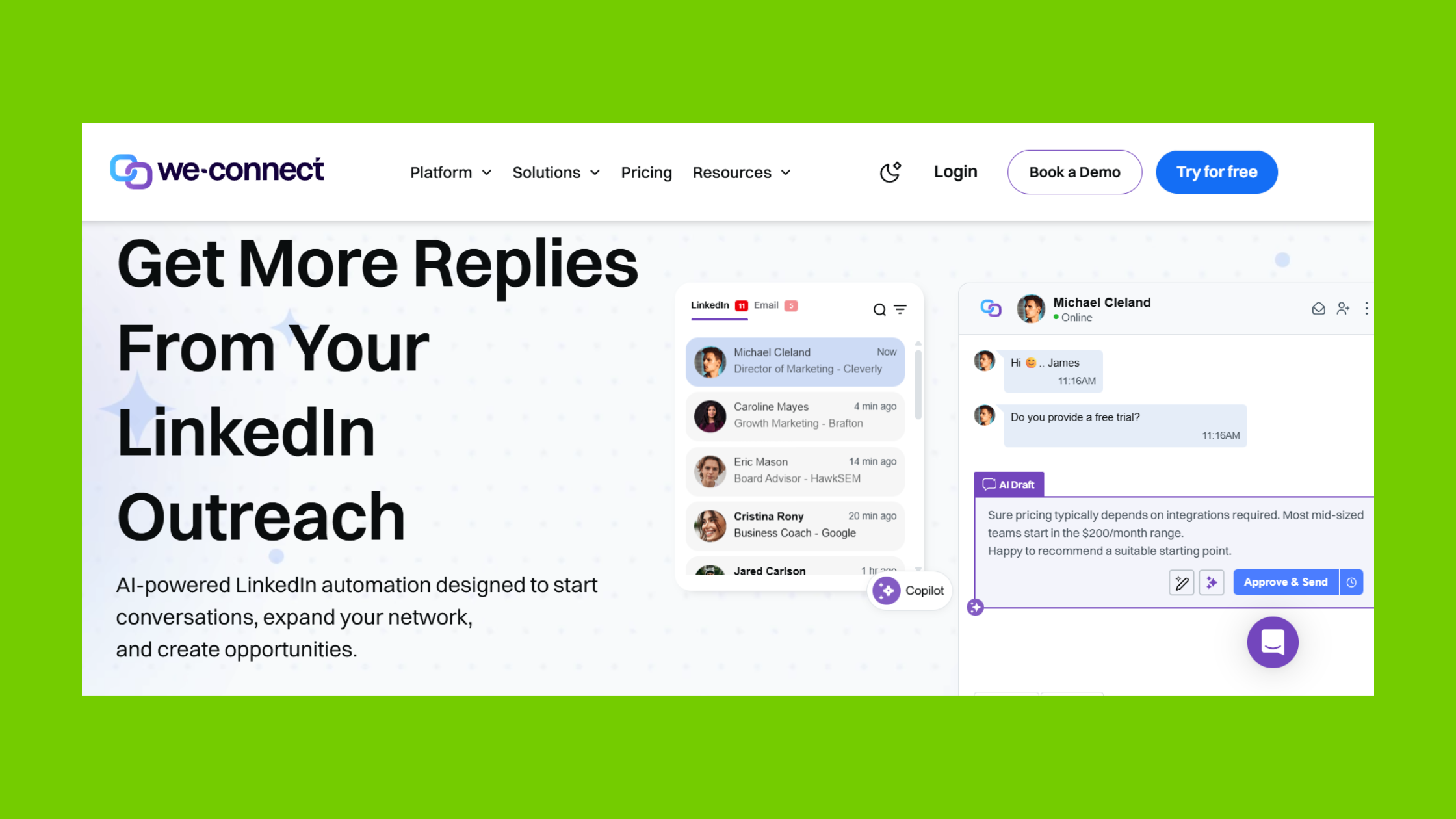
We-Connect works by letting you build prospect lists (by title, industry, geography, or Sales Navigator filters), then automatically sending connection requests and sequenced follow-up messages within LinkedIn's daily action limits. Campaigns run 24/7 without requiring your browser to be open. You set the message copy, the timing gaps between steps, and the daily volume caps — the platform handles execution.
How HyperClapper Boosts Your LinkedIn Post Reach Automatically
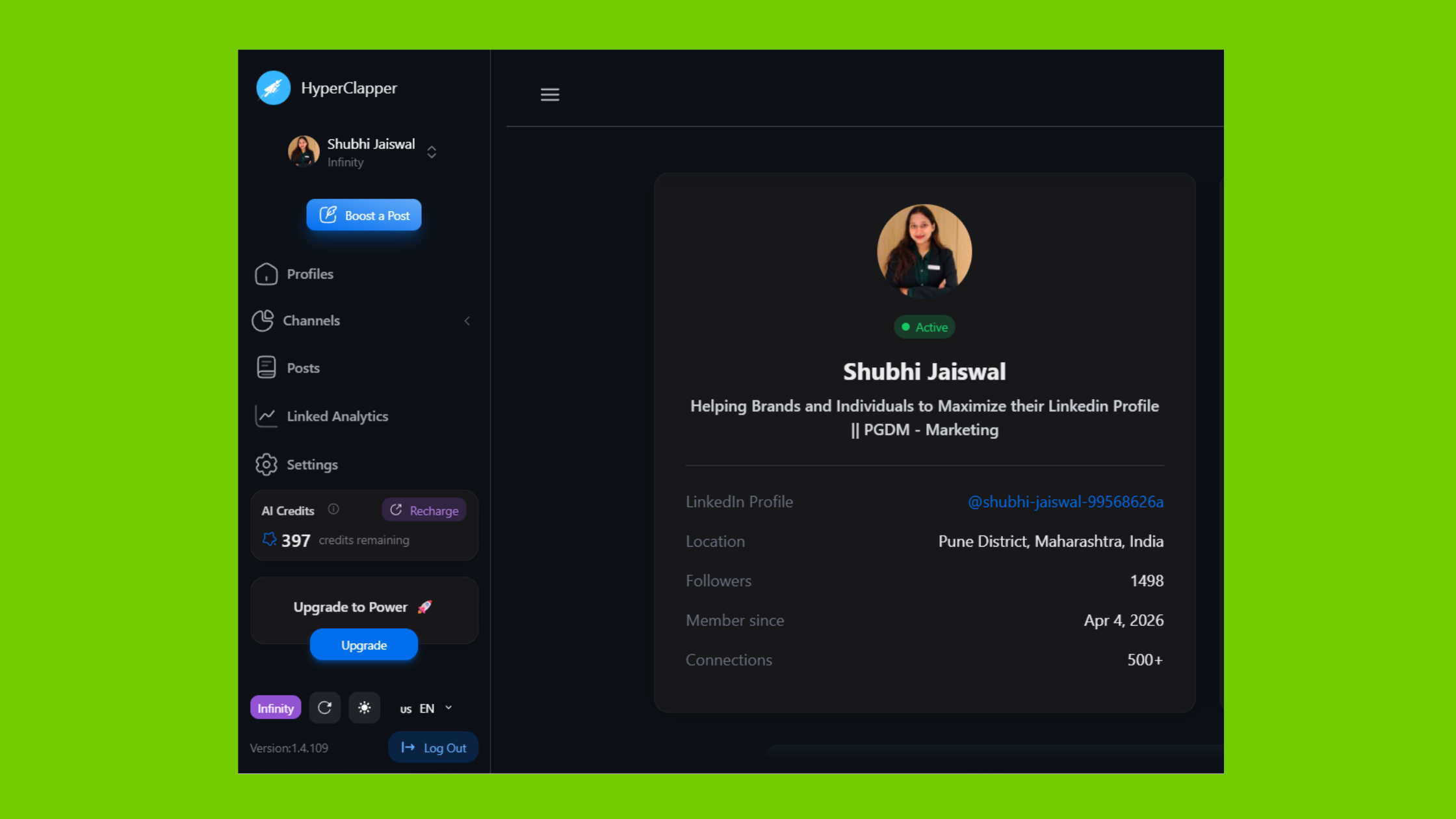
To increase LinkedIn post reach automatically, HyperClapper connects your post to engagement channels populated by real users. Unlike fake-engagement pods, these are actual people who interact with the content. The platform's Content Guard filters out politically sensitive or risky topics before they reach channels, which protects both the poster and the community. AI-powered replies keep the conversation thread active for days after publishing — and because LinkedIn's algorithm rewards depth of conversation, not just raw like counts, this drives sustained distribution rather than a one-day spike.
Step-by-Step: Building a Combined Outreach and Engagement Automation Workflow
The most effective sequencing follows a simple principle: warm the profile before you knock on doors. Here's how active users structure this:
- Publish and boost a strong post (Day 1–3): Submit your best recent post to HyperClapper channels. Give it 48 hours to accumulate engagement. This builds the social proof layer that cold prospects will see when they receive your request.
- Launch the We-Connect campaign (Day 3–4): Start your outreach sequence targeting your ideal prospect list. Keep daily volume conservative — 15–20 requests on newer accounts, up to 40–50 on established ones.
- Maintain posting cadence (ongoing): Publish 3–4 times per week and boost each post. Accounts that drop below 3 posts per week see algorithmic reach decay within 10–14 days, typically requiring 3–4 weeks of consistent activity to recover.
- Feed more AI replies (days 3–7 post-publish): Use HyperClapper's "Feed More Replies" feature to re-inject conversation into high-performing posts. This keeps your profile's recent activity visible to anyone checking your page mid-campaign.
- Use webhook/Zapier integration (optional but high-value): Tag leads who accept and engage via We-Connect, then trigger HyperClapper company page replies on relevant posts to reinforce brand presence with warm prospects.
As for how long it takes to see LinkedIn growth with automation: most users see measurable traction — higher post impressions, stronger acceptance rates — within 3–6 weeks. The timeline depends on posting frequency, channel count, and outreach volume working in sync. Running outreach without content, or content without outreach, consistently underperforms the combined stack. Check out these LinkedIn connections growth hacks for more on accelerating early traction.
Combining Outreach and Engagement Automation on LinkedIn Safely
To automate LinkedIn connection requests and follow-ups alongside engagement boosting without triggering restrictions, the key discipline is respecting LinkedIn's behavioural thresholds across both tools simultaneously. Running We-Connect at maximum volume while also spiking engagement activity on every post creates an unnatural activity pattern. The safer approach: stagger your outreach campaigns with your posting schedule so activity looks distributed, not clustered.
The accounts that run into trouble are almost never the ones using automation — they're the ones using automation aggressively on accounts that haven't built a trust history first.
We-Connect and HyperClapper Pricing: What You Actually Pay at Each Scale
Published pricing looks simple until usage scales. This is the single most common complaint in the LinkedIn automation community — what connection automation actually costs at different usage tiers is rarely clear from vendor marketing pages alone.
According to Nebor AI's 2026 sales automation research, sales automation returns an average of $5.44 for every $1 invested. In practice, that ROI only materialises when the tools you're paying for are actually calibrated to your usage level — which makes the LinkedIn outreach tool total cost of ownership calculation more important than the headline price.
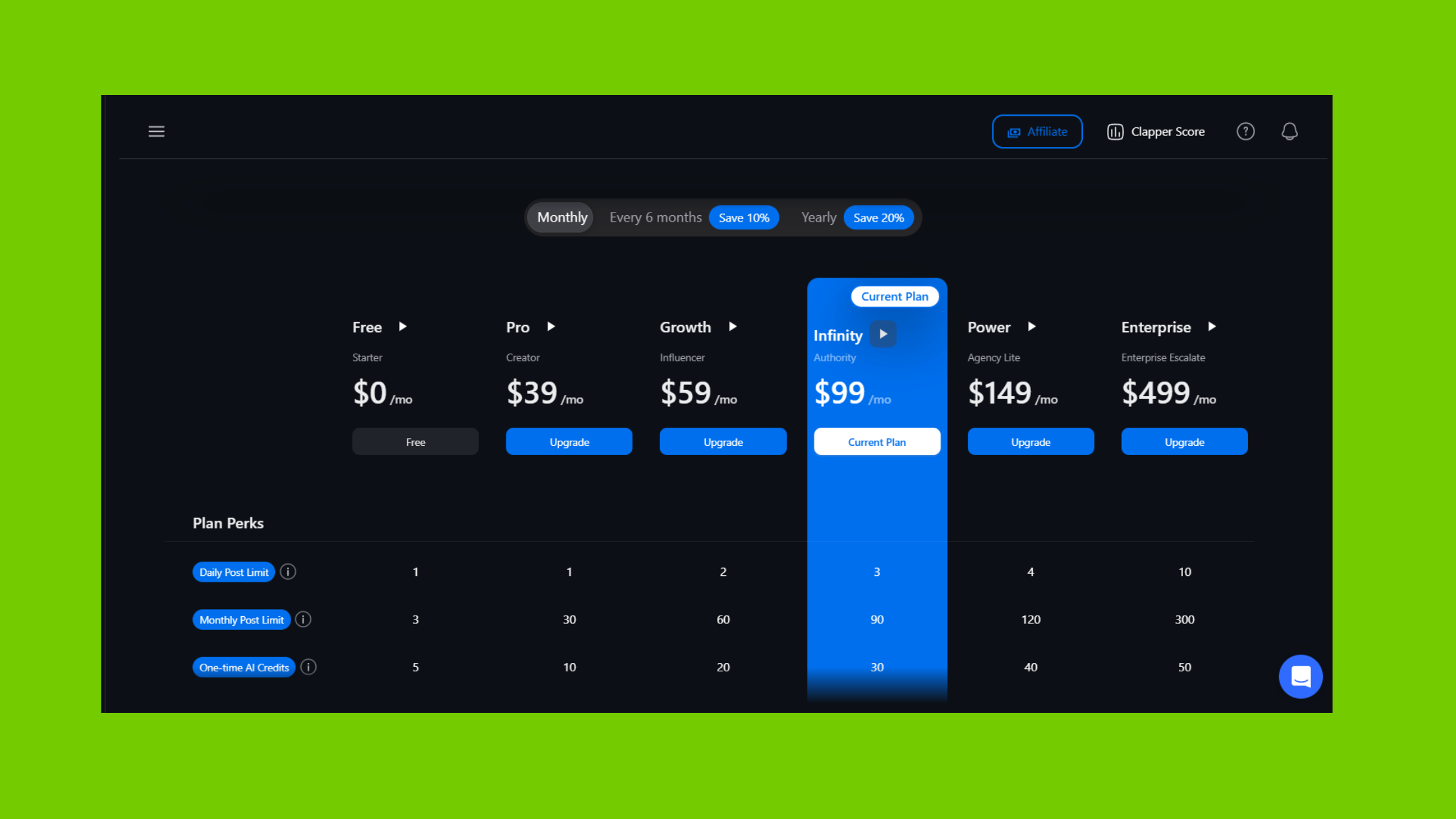
Here's a realistic tier-by-tier breakdown:
| User Type | We-Connect Cost | HyperClapper Cost | Combined Monthly |
|---|---|---|---|
| Solo operator (1 seat, 1–2 channels/post) | ~$34–49/mo | ~$19–29/mo | $50–80/mo |
| Freelancer/small team (2–3 seats, 2–3 channels) | ~$80–120/mo | ~$39–59/mo | $120–180/mo |
| Small agency (5 seats, 3 channels/post) | ~$150–220/mo | ~$69–99/mo | $200–350/mo |
A key structural difference: We-Connect uses a per-seat vs flat-rate automation plan model — cost multiplies directly with the number of LinkedIn accounts you manage. HyperClapper's channel-based pricing scales with output (engagements per post) rather than seat count, which makes it more predictable for agencies boosting content across multiple client profiles. For a detailed We-Connect pricing review, check their current plans page directly, as tiers update periodically.
Hidden Costs to Watch: Overages, Connectors, and Workflow Integration Cost Per Task
The costs that catch users off-guard aren't the base subscriptions — they're the add-ons. Watch for these specifically:
- Connector overage fees: If you route We-Connect data through a Zapier or Make workflow, task consumption adds up fast. Workflow integration cost per task on Zapier's paid plans runs $0.01–0.02 per task — manageable at low volume, significant at 5,000+ monthly automations.
- Premium channel access: HyperClapper's higher-tier channels with more targeted audiences cost more per activation. Budget accordingly if niche relevance matters to your strategy.
- Seat multiplication: An agency adding a fifth client seat doesn't pay a marginal rate on We-Connect — it pays the full per-seat fee. Automation platform scalability costs hit hardest at the 4–6 seat threshold.
Now that the cost structure is clear, the more pressing question for most users is whether any of this is actually safe to run.
Is LinkedIn Automation Safe in 2026? Risks, Limits, and Common Mistakes to Avoid
LinkedIn automation is safe in 2026 when used at conservative volumes, with real content and genuine engagement — but it violates LinkedIn's Terms of Service regardless of the tool, so zero risk doesn't exist. The practical question isn't whether it's allowed, it's whether the behaviour pattern looks human enough to avoid triggering LinkedIn's detection systems.
We-Connect's cloud-based architecture avoids the browser extension fingerprint problem that gets tools like Dux-Soup flagged more frequently. HyperClapper's engagement comes from real users interacting voluntarily, not bots or fake accounts — which means the activity pattern on your posts looks organic to LinkedIn's systems. Its Content Guard also prevents your posts from containing the kinds of controversial topics that attract moderation attention.
We-Connect vs Dux-Soup vs Expandi: How the Safety Profiles Compare
In the debate around We-Connect vs Dux-Soup vs Expandi LinkedIn automation, safety profiles differ meaningfully:
- Dux-Soup: Browser extension — leaves a detectable fingerprint, higher restriction risk on active accounts. Lower entry price, but the risk-adjusted cost is higher.
- Expandi: Cloud-based like We-Connect, with strong safety features and smart inbox. Priced higher, better suited for agencies needing advanced campaign logic.
- We-Connect: Cloud-based, straightforward campaign builder, competitive per-seat pricing. Solid choice for teams prioritising simplicity and cost predictability over advanced features.
Among the best LinkedIn automation tools for lead generation, We-Connect sits in the middle of the risk-cost curve — safer than browser extensions, more affordable than Expandi, with enough features for most outreach use cases. Also worth reading: how to remove connections on LinkedIn without hurting engagement as you refine your network over time.
Who Gets the Most from This Stack and Real-World Results to Expect
Three user profiles consistently see the highest return from the We-Connect + HyperClapper combination:
- Founders building a personal brand while prospecting — the credibility loop is most valuable here. Every post that gets engagement is also a signal to every prospect receiving an outreach message.
- Recruiters — sourcing candidates actively while maintaining a visible, authoritative presence makes inbound interest easier to sustain alongside outbound volume.
- Agencies managing multiple client LinkedIn accounts — the operational overhead is real (per-seat costs, channel management, content calendars across clients), but the combined output at scale justifies it for agencies billing on results.
Realistic benchmarks from active users of this stack:
- 3–5x more post impressions within the first month of activating HyperClapper channels, consistent with the platform's engagement mechanics
- 15–30% higher connection acceptance rates when outreach launches from a recently boosted, active-looking profile
- Measurable pipeline contribution within 4–8 weeks for teams running 20+ daily outreach actions alongside 3+ weekly posts
Teams that skip the content layer and run outreach alone typically find acceptance rates plateau quickly — the profile looks empty to prospects, and conversion from connection to conversation drops sharply. The LinkedIn automation workflow integration only generates compounding returns when both tools are active. For more on LinkedIn post ideas that boost engagement and attract connections, the HyperClapper blog covers the content side in depth.
What separates accounts with real pipeline growth from accounts with impressive follower counts is not any single tool — it is the combination of active outreach landing on a credible, engaged-looking profile. Each side amplifies the other. Neither works as well alone.
✓ The LinkedIn Automation Stack Launch Checklist
- ☐Warm up your LinkedIn account for 3–4 weeks before activating outreach automation
- ☐Publish and boost at least 2 posts via HyperClapper channels before launching your first We-Connect campaign
- ☐Set We-Connect daily limits to 15–20 connection requests during the first 4 weeks
- ☐Write personalised outreach templates — avoid generic copy that triggers spam reports
- ☐Maintain a posting schedule of at least 3x per week to prevent algorithmic reach decay
- ☐Use HyperClapper's "Feed More Replies" on posts that are still getting views at day 3–5
- ☐Model your total per-seat and per-channel costs before adding client accounts to the stack
Start Building Your LinkedIn Engagement Foundation
HyperClapper connects your posts to real engagement channels so every prospect who receives your outreach sees an active, credible profile.
Try HyperClapper FreeFrequently Asked Questions About LinkedIn Automation in 2026
What is the best way to automate LinkedIn growth without getting banned?
The best approach combines cloud-based outreach (We-Connect) with real-user engagement boosting (HyperClapper) at conservative volumes — starting at 15–20 daily connection requests on established accounts and never on accounts under 3 months old. Keep daily activity distributed rather than clustered, use personalised templates, and maintain genuine content alongside automation. This keeps your behavioural pattern within human-looking thresholds.
How do We-Connect and HyperClapper work together to grow a LinkedIn profile?
We-Connect sends connection requests and follow-up sequences to cold prospects. HyperClapper boosts your posts through real engagement channels so your profile looks active when those prospects check it. The result is a credibility loop — outreach response rates improve because the profile receiving it shows visible, recent activity rather than silence. Most users see a 15–30% lift in acceptance rates running both tools together.
Can I automate LinkedIn outreach and engagement at the same time safely?
Yes, but volume discipline matters. Running both tools at maximum settings simultaneously creates an unnatural activity spike. The safer method is to stagger them — boost content first, then launch outreach 48–72 hours later. Keep outreach volume below LinkedIn's behavioural thresholds (20–40 daily requests depending on account age) and let engagement run on its normal posting cadence alongside it.
What LinkedIn automation tools do growth hackers use in 2026?
The most commonly used stack among growth-focused LinkedIn users in 2026 combines a cloud-based outreach tool (We-Connect or Expandi) with an engagement platform (HyperClapper). For more advanced users, a Zapier or Make workflow connects lead tagging from outreach back into the engagement layer. Browser extension tools like Dux-Soup are used less frequently as cloud-based alternatives have become more cost-competitive.
How much does the We-Connect and HyperClapper automation stack actually cost per month?
A solo operator running one LinkedIn seat and 1–2 HyperClapper channels per post pays roughly $50–80/month combined. A small agency managing 5 seats and 3 channels per post typically lands at $200–350/month. The jump happens at the per-seat multiplication point on We-Connect — modelling this before scaling to 4+ accounts prevents budget surprises.
How long does it take to see results from LinkedIn automation?
Most users running the combined stack see meaningful traction within 3–6 weeks — higher post impressions typically appear in the first 2–3 weeks of HyperClapper activity, and improved outreach acceptance rates show up within 3–4 weeks of consistent posting alongside active campaigns. The timeline compresses when posting frequency stays above 3x per week and outreach volume is kept steady rather than bursty.
How much to charge for AI automations?
Freelancers and agencies typically charge $500–2,500/month for LinkedIn automation management, depending on the number of accounts, campaign complexity, and whether content creation is included. Pure setup-and-hand-off engagements run $1,000–3,000 as a one-time fee. Tool costs ($50–350/month for this stack) are usually passed through at cost or with a 15–20% management markup.
How much is Viasocket?
Viasocket is a workflow automation platform with a free tier for basic integrations and paid plans starting at approximately $19–49/month depending on task volume and connector count. It functions as an alternative to Zapier for connecting tools like We-Connect to CRMs or notification systems. Check their current pricing page directly, as plans change frequently in the automation tools market.



