
Snov.io LinkedIn lead generation works by layering a Chrome-based email extraction tool on top of LinkedIn's existing search and profile data, then routing verified contacts into automated cold email sequences — all without touching LinkedIn's private API. A pattern consistently observed across B2B prospecting workflows is that the teams who generate the most qualified pipeline from LinkedIn aren't just scrolling through search results manually; they're extracting verified emails at scale and hitting inboxes before competitors even finish their CRM import. According to ConnectSafely (2026), LinkedIn generates 75–85% of all B2B leads sourced from social media — which makes the find-verify-email workflow Snov.io enables genuinely high-leverage. This guide walks through exactly how to build that workflow in 2026.
- Who this is for: B2B sales reps, founders, and marketers who want to turn LinkedIn searches into verified email prospect lists
- What you'll learn: How to install and use the Snov.io Chrome extension on LinkedIn, set up drip campaigns, and avoid the mistakes that kill deliverability
- Why it matters: LinkedIn generates 75–85% of all B2B social media leads — Snov.io lets you capture and action that data systematically
- Key tool comparison: Snov.io vs Apollo vs LinkedIn Sales Navigator — they serve different jobs; combining two is usually better than picking one
- Counterintuitive finding: Snov.io does not automate LinkedIn messages — it automates email; most users discover this only after setup
- Fastest win: LinkedIn filters + Snov.io bulk capture = a targeted prospect list in under 30 minutes
- What Is Snov.io and Why Use It for LinkedIn Lead Generation?
- How to Find Leads on LinkedIn with Snov.io: The Chrome Extension Workflow
- Setting Up Snov.io Email Drip Campaigns from LinkedIn Prospects
- Snov.io vs Apollo vs LinkedIn Sales Navigator
- Common Mistakes to Avoid
- Frequently Asked Questions
What Is Snov.io and Why Use It for LinkedIn Lead Generation in 2026?
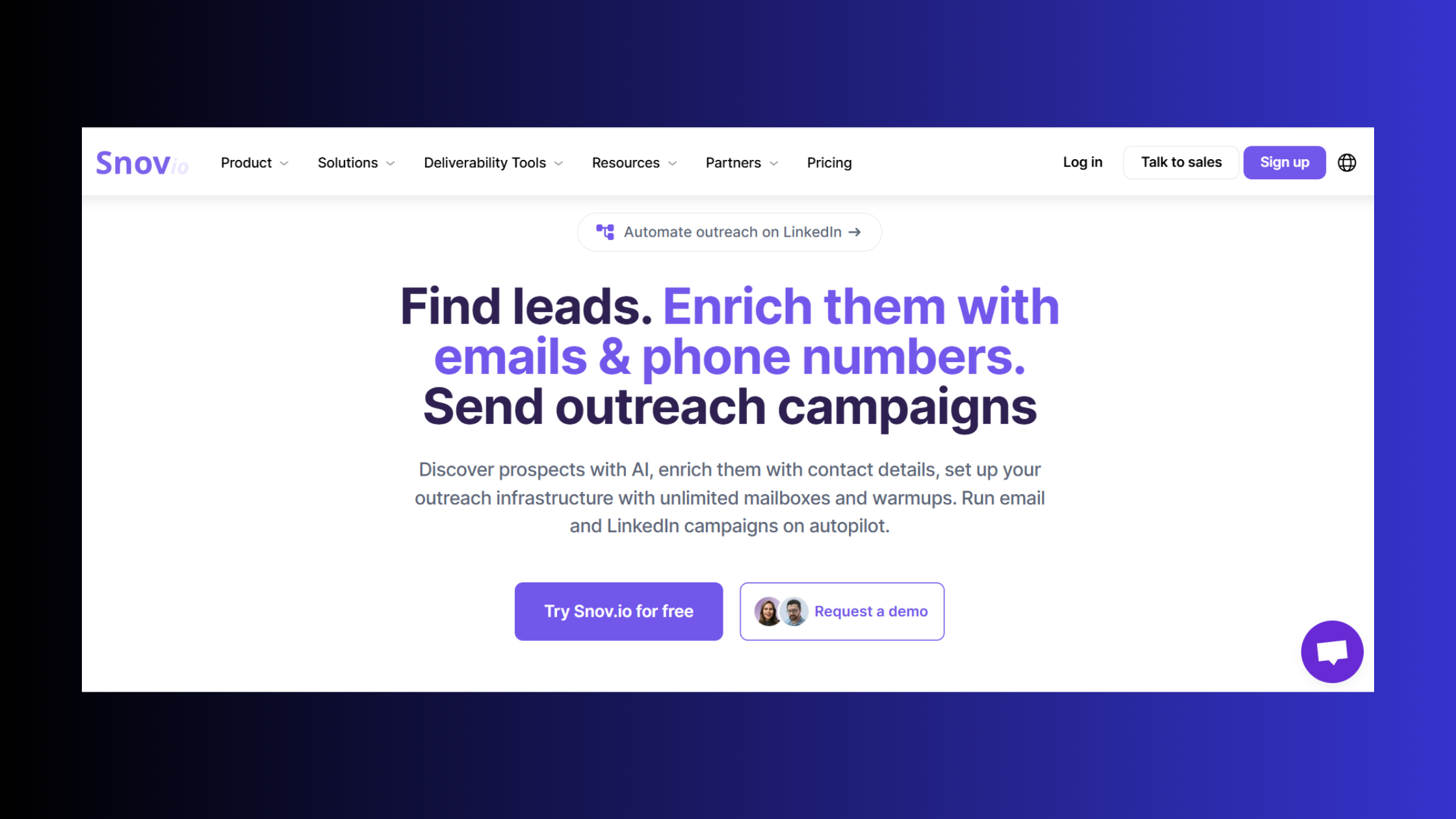
Snov.io is an all-in-one sales prospecting platform that combines email finding, email verification, and outreach automation in a single dashboard — used by solo founders, SDR teams, and agencies to build and contact cold prospect lists at scale. It is not a LinkedIn-native tool; it sits on top of LinkedIn as a data extraction and sequencing layer, which is an important distinction for how you manage compliance.
According to Warmly (2026), 94% of B2B marketers use LinkedIn for their lead generation efforts. That volume makes an efficient extraction workflow critical — manually copy-pasting profile data doesn't scale past a few dozen leads per week. Snov.io solves the bottleneck between "I found a list of qualified prospects on LinkedIn" and "I have verified emails ready to sequence."
Does Snov.io work with LinkedIn? Yes — through a Chrome extension and web app, not via LinkedIn's official API. This means Snov.io reads publicly visible profile data and enriches it against its own proprietary email database. LinkedIn's Terms of Service restrict automated data scraping, so the risk is real but lower than tools that access private API endpoints. More on that in the compliance section below.
What Is Snov.io Used for in B2B Sales?
In practice, sales teams use Snov.io for three jobs:
- Email finding — locating a verified business email for a named LinkedIn profile or a domain
- List building — bulk-exporting emails from LinkedIn search results, filtered by title, industry, or location
- Cold outreach automation — running multi-step email sequences with delays, A/B testing, and reply detection
It is not designed for LinkedIn message automation or content engagement — that is a different tool category entirely. If your goal is content-driven warm-up on LinkedIn (building visibility so cold emails land warmer), a platform like HyperClapper handles that layer by boosting post reach and driving real engagement before outreach begins.
Snov.io Pricing Plans 2026: What You Actually Get

Snov.io pricing plans 2026 run on a credit-based model. The free tier includes 50 credits per month — enough for testing but not list-building at scale. Paid plans start from roughly $30–$39/month for starter volumes (up to 1,000 credits) and scale into mid-market territory at $99–$189/month for higher credit limits, team seats, and advanced drip campaign features. Credits are consumed per email found or verified, so your real cost-per-lead depends on list quality and the share of profiles that return a verified email. Always verify pricing directly on Snov.io's site before committing, as plan structures shift.
The single most expensive mistake in cold email prospecting isn't the tool cost — it's paying for credits on a list you haven't segmented, then burning your sending domain on contacts who were never a fit.
How to Find Leads on LinkedIn with Snov.io: The Chrome Extension Workflow
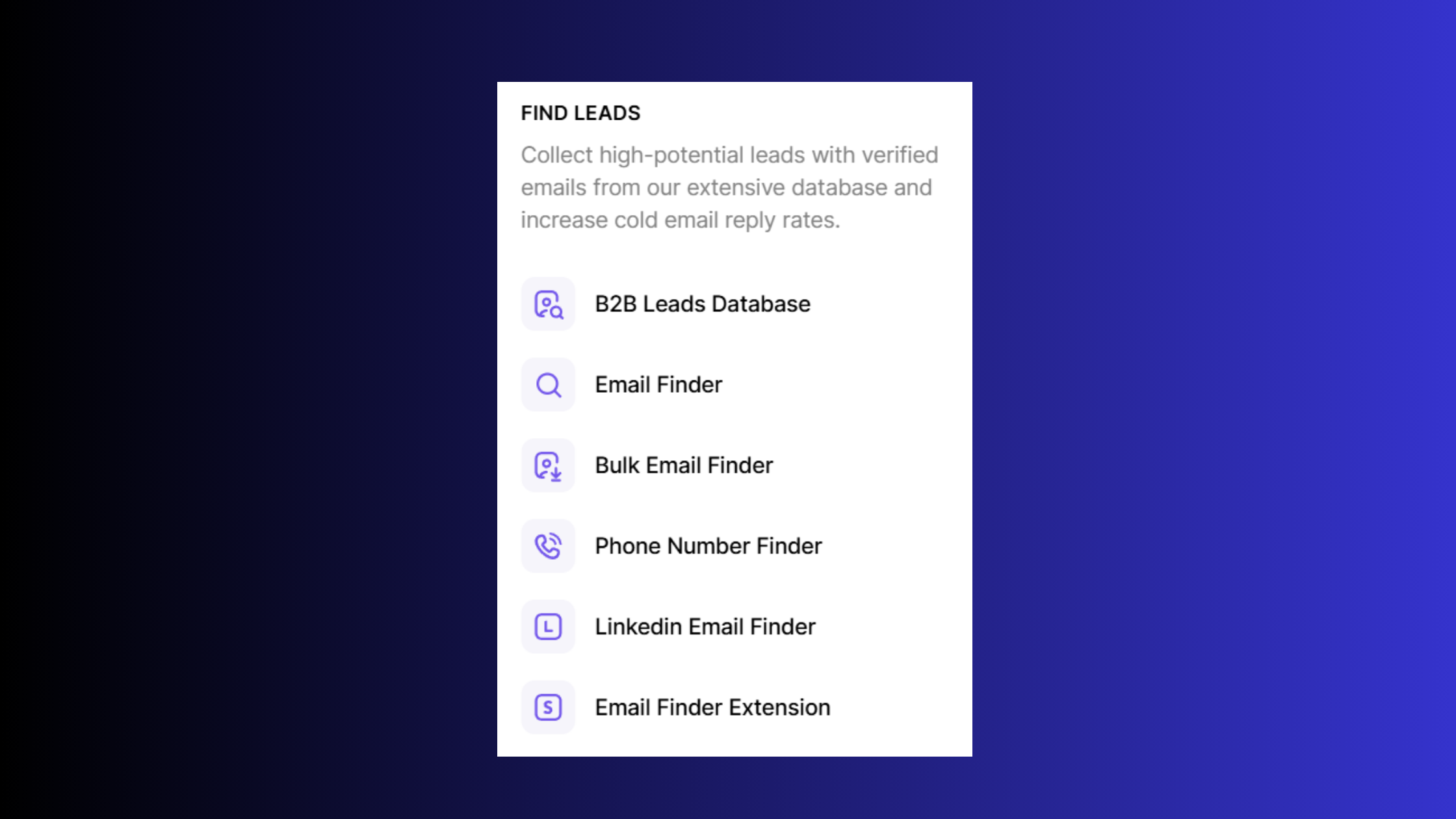
The Snov.io Chrome extension LinkedIn workflow is the fastest path from a LinkedIn search to a verified prospect list. Install the extension from the Chrome Web Store, authenticate with your Snov.io account, and it will activate a floating sidebar whenever you visit a LinkedIn profile or search results page.
Two extraction modes matter most:
- Single-profile capture: Visit a LinkedIn profile, click the Snov.io icon, and it returns the verified email (if available) for that individual — useful for high-value, researched outreach.
- Bulk capture from search results: Run a LinkedIn People Search with your target filters (job title, company size, location, industry), then use Snov.io's bulk export to capture emails across the full results page. This is where list-building accelerates dramatically.
Snov.io LinkedIn Email Finder: How Accurate Is Snov.io Email Data?
How accurate is Snov.io email data? Based on patterns observed across prospecting workflows, verified emails (marked with a green tick in Snov.io) carry a bounce rate in the 3–8% range, while "risky" or "unverified" statuses should be excluded before sending — they commonly push bounce rates above 15%, which is enough to trigger spam filters on most ESPs. Snov.io's accuracy is competitive with tools like Hunter.io and Kaspr for company-domain emails, though accuracy drops for personal Gmail or regional domains. Always run a final verification pass before importing to your sending tool.
Is Scraping LinkedIn Emails with Snov.io Legal in 2026?
How to scrape LinkedIn emails legally in 2026 is genuinely nuanced. Snov.io pulls publicly visible profile information and enriches it via its own email database — it does not access LinkedIn's private API or authenticated data behind a session wall. This is legally distinct from the CFAA-violation scraping that LinkedIn has successfully sued over (the hiQ Labs precedent is the key reference point). In practice, this reduces — but does not eliminate — ToS risk. LinkedIn may still restrict accounts that exhibit automated browsing behaviour, so keep your browsing pace human-like and avoid running bulk exports on a fresh LinkedIn account.
With a clean extraction process established, the next step is turning that verified list into a working outreach sequence.
Setting Up Snov.io Email Drip Campaigns from LinkedIn Prospects
Can Snov.io automate LinkedIn outreach? No — and this is the most common misconception. Snov.io automates email sequences, not LinkedIn messages. If you need LinkedIn DM automation, that requires a separate tool (such as those covered in our LinkedIn automation lead generation strategy guide) layered alongside Snov.io, not inside it.
For Snov.io email drip campaign setup, here is the standard workflow:
- Import your verified LinkedIn prospect list — upload the CSV exported from Snov.io's email finder, with bounce-risk contacts filtered out (estimated time: 5 minutes)
- Build a multi-step sequence — typically 3–5 emails: initial outreach, two follow-ups, a breakup email, and optionally a re-engagement step after 30 days (20–30 minutes)
- Set delays and triggers — space emails 3–5 business days apart; set reply detection so the sequence pauses automatically when someone responds (5 minutes)
- Connect a warmed sending mailbox — use a domain separate from your primary business domain, fully warmed for at least 4 weeks before launch (setup: 30 minutes; warming: ongoing)
- Launch and monitor — watch open rates, click rates, and bounce rates daily for the first week; pause immediately if bounce rate exceeds 5%
LinkedIn Prospecting Automation in 2026: What Snov.io Can and Can't Do
LinkedIn prospecting automation in 2026 covers two separate tracks: data extraction (Snov.io's territory) and on-platform engagement (content, comments, connection requests — a different tool category). What separates top-performing prospecting stacks from average ones is the combination: use LinkedIn's algorithm and post reach to build personal brand authority on LinkedIn so your name is recognisable before the cold email lands, then use Snov.io to deliver the email. A prospect who has seen your LinkedIn posts in their feed is dramatically more likely to open a cold email from you than one receiving it cold with zero prior exposure. Platforms like HyperClapper support this inbound-led outbound strategy by amplifying post visibility before outreach begins.

Get More LinkedIn Visibility Before Your Cold Emails Land
HyperClapper boosts your LinkedIn post reach with real community engagement — so prospects already know your name when Snov.io's email arrives.
Explore HyperClapper →Snov.io vs Apollo vs LinkedIn Sales Navigator: Which Is Best for LinkedIn Prospecting in 2026?
These three tools are frequently compared as if they are direct substitutes. They are not — each solves a different part of the LinkedIn lead generation workflow.
| Tool | Best For | Email Finding | Sequencing | LinkedIn-Native |
|---|---|---|---|---|
| Snov.io | Smaller teams, find-verify-drip in one tool | ✅ Yes | ✅ Yes | ❌ Chrome ext only |
| Apollo.io | Larger teams, bigger database, CRM-heavy | ✅ Yes | ✅ Yes | ❌ Chrome ext only |
| LinkedIn Sales Navigator | Deep LinkedIn filters, intent signals, InMail | ❌ No | ❌ No | ✅ Fully native |
The Snov.io vs Apollo LinkedIn prospecting comparison comes down to database size and CRM depth. Apollo's built-in B2B database is larger and its CRM integrations are tighter — better suited to mid-market sales teams running high-volume sequences. Snov.io's strength is price-per-credit efficiency and a cleaner drip campaign builder for smaller operations. For the majority of solo founders and small agencies, Snov.io costs less per verified contact and requires less setup overhead.
The Snov.io vs LinkedIn Sales Navigator comparison is a different question entirely. Sales Navigator is LinkedIn's premium search and relationship-intelligence product — it surfaces B2B prospect engagement signals like job changes, recent posts, and shared connections, and lets you send InMail (LinkedIn's direct message credit system) to people outside your network. What it does not do is give you their email address or automate follow-up. The practitioner recommendation: use Sales Navigator to identify and prioritise the right accounts using LinkedIn's real-time signals, then use Snov.io to find verified emails and sequence outreach. They are complementary, not competing.
Among the best LinkedIn email finder tools 2026, the main contenders alongside Snov.io are Hunter.io (domain-level finding, strong accuracy), Apollo (full database with sequencing), and Kaspr (strong European data coverage). Snov.io's advantage is the unified find-verify-drip workflow — you don't need a separate sequencing tool.
Boosting LinkedIn Visibility Before Cold Outreach: Why Warm Leads Convert Better
Teams that invest in content-driven outreach warm-up — publishing on LinkedIn consistently and building a recognisable presence before cold emailing — see meaningfully higher reply rates than teams doing cold outreach from a blank profile. In practice, referencing a prospect's recent LinkedIn post in your opening email line (even manually for high-value accounts) outperforms any personalisation token by a significant margin. It signals that you are a real person who actually looked at their work, not an automated system running templates. Building that personal brand authority on LinkedIn before outreach begins changes the dynamic from cold to warm — which is why pairing a visibility tool with Snov.io produces better results than using Snov.io alone. See our guide to proven LinkedIn lead generation campaigns for the full content-plus-outreach framework.
Common Mistakes to Avoid When Using Snov.io for LinkedIn Lead Generation
After seeing this workflow applied across prospecting campaigns of varying scale, four failure modes appear consistently enough to be worth naming explicitly.
Mistake #1 — Skipping email verification. Snov.io finds emails and also verifies them — but many users export a raw list without filtering out "risky" or "unknown" statuses. Sending to unverified addresses from LinkedIn profiles causes bounce rates above 10%, which can get your sending domain blacklisted within days. The fix is simple: export only "Valid" status emails, or run a final verification pass before importing to your ESP.
Mistake #2 — Ignoring B2B prospect engagement signals. Targeting everyone with the right job title regardless of activity generates low-intent lists. The most common failure mode among LinkedIn lead generation practitioners is building large, unfocused lists instead of small, high-activity ones. Prioritise contacts who have posted or engaged on LinkedIn within the past 30 days — they are demonstrably active and reachable.
Mistake #3 — Over-automating on a fresh domain too fast. Ramping to 200+ emails per day on an unwarmed domain is the fastest path to the spam folder. Use Snov.io's built-in email warm-up feature — or a dedicated warm-up tool — for at least 3–4 weeks before launching sequences. Start at 20–30 emails per day and scale gradually.
Mistake #4 — Generic sequences with surface-level personalisation. Pulling a first name and company name into a template is the minimum, not a strategy. LinkedIn lead generation in 2026 rewards hyper-personalisation. Reference a recent LinkedIn post they wrote, a company milestone, or a shared connection. Sequences with a genuinely specific opening line consistently outperform templated ones — and the LinkedIn social selling index rewards the kind of thoughtful engagement that produces those signals in the first place.
✓ The Snov.io LinkedIn Launch Checklist
- ☐LinkedIn account is seasoned (90+ days old, complete profile, regular activity)
- ☐Snov.io Chrome extension installed and authenticated
- ☐LinkedIn search filters applied before bulk export (title, headcount, location)
- ☐Email list filtered to "Valid" status only — risky/unknown removed
- ☐Sending domain is separate from primary business domain and warmed for 3–4 weeks
- ☐Sequence opening line personalised with LinkedIn post reference or company milestone
- ☐Reply detection enabled — sequence pauses automatically on response
- ☐Launch volume capped at 20–30 emails/day and monitored for bounce rate daily
Build the Visibility That Makes Cold Outreach Warm
HyperClapper amplifies your LinkedIn posts through real community engagement and AI-powered replies — so by the time your Snov.io email arrives, prospects already recognise your name. Explore the top LinkedIn automation tools for lead generation and see how the stack fits together.
Try HyperClapper Free →Frequently Asked Questions About Snov.io and LinkedIn Lead Generation
Is LinkedIn Good for Lead Generation?
Yes — LinkedIn is the highest-quality B2B lead generation platform available in 2026. According to Brenton Way (2026), LinkedIn generates 80% of all B2B social media leads, with a visitor-to-lead conversion rate of 2.74% — more than three times higher than Facebook's 0.77%. For B2B specifically, no other social platform comes close.
How Can Lead Generation Be Done Through LinkedIn?
Lead generation in LinkedIn operates through three main approaches: organic content that attracts inbound interest, direct outreach via connection requests and InMail, and data extraction tools like Snov.io that pull verified emails from LinkedIn profiles for cold email sequences. The most effective 2026 strategy combines all three: content builds awareness, data tools build lists, and sequenced email drives conversations. See our full inbound-led outbound guide for the complete framework.
What Is a Lead Generation Form on LinkedIn?
LinkedIn lead gen forms are native form units attached to LinkedIn ads that auto-populate with a prospect's LinkedIn profile data (name, email, job title, company) when they click — eliminating the friction of manual form-filling. They are a paid advertising feature, not an organic tool. Snov.io does not integrate with LinkedIn lead gen forms directly; they serve a different acquisition channel (paid ads vs. organic prospecting).
What Is the Best Way to Use Snov.io to Generate Leads from LinkedIn in 2026?
The highest-ROI Snov.io LinkedIn lead generation workflow in 2026 is: use LinkedIn's native filters to build a targeted search result of 200–500 qualified profiles, use Snov.io's bulk Chrome extension capture to extract and verify emails, then build a 4–5 step personalised email sequence referencing each contact's recent LinkedIn activity. Pair this with active LinkedIn content publishing to ensure name recognition before the email arrives.
Is Snov.io Safe to Use for LinkedIn Data Extraction Without Violating Terms of Service?
Snov.io operates in a lower-risk zone than tools accessing LinkedIn's private API — it reads publicly visible data and cross-references its own database rather than scraping session-authenticated pages. However, LinkedIn's ToS does restrict automated data collection broadly, so some risk remains. Mitigate it by using a mature LinkedIn account, keeping extraction sessions human-paced, and avoiding bulk exports of 500+ profiles in a single sitting.
How Does Snov.io Compare to LinkedIn Sales Navigator for Finding B2B Leads?
Sales Navigator and Snov.io solve different problems. Sales Navigator provides deeper LinkedIn-native filters, real-time intent signals, and InMail credits — but gives you no email addresses and no sequencing. Snov.io extracts verified emails and automates follow-up — but has no access to LinkedIn's intent data. The strongest B2B prospecting stack uses both: Sales Navigator for targeting and Snov.io for email extraction and outreach. Also explore how tools like Linked Helper layer into this stack.
Can I Build a Cold Email Sequence from LinkedIn Contacts Using Snov.io?
Yes — this is exactly what Snov.io is built for. Extract verified emails from LinkedIn profiles using the Chrome extension, import the list into Snov.io's campaign builder, and set up a multi-step email sequence with timed delays and reply detection. Snov.io does not send LinkedIn messages; it sequences emails only. For LinkedIn message automation, a separate tool is required alongside Snov.io.



