Salesflow + HyperClapper: Outreach Automation Plus LinkedIn Visibility
Learn how combining Salesflow and HyperClapper covers both linkedin outreach automation and post visibility — so cold prospects land on a credible, active profile.
📅 ⏱ 11 min read📝 ~2200 words
Most professionals running linkedin outreach automation pick one tool and call it done. The pattern observed across high-performing B2B sales stacks, however, is that outreach and visibility operate as two separate LinkedIn surfaces — and leaving one unaddressed quietly kills the other's conversion rate. Salesflow handles the pipeline: connection requests, message sequences, follow-ups. HyperClapper handles the profile side: real engagement on your posts, AI-powered replies, and the social proof that makes a cold message land on a credible profile rather than a quiet one. Together, they cover the full loop.
Salesflow automates LinkedIn outreach sequences; HyperClapper boosts post visibility through real engagement channels — they cover different LinkedIn surfaces without conflict.
Running HyperClapper engagement on a post 48–72 hours before Salesflow references it in outreach is the core warm-audience sequencing tactic.
LinkedIn account safety depends on send velocity, acceptance rate, and gradual ramp-up — not just which tool you use.
According to BearConnect (2026), automated outreach achieves 10.3% response rates versus 5.1% for manual — saving sales reps 15–20 hours weekly.
The most common failure mode is treating outreach and content visibility as separate strategies rather than one compounding system.
What Salesflow and HyperClapper Actually Do (And Why You Need Both)
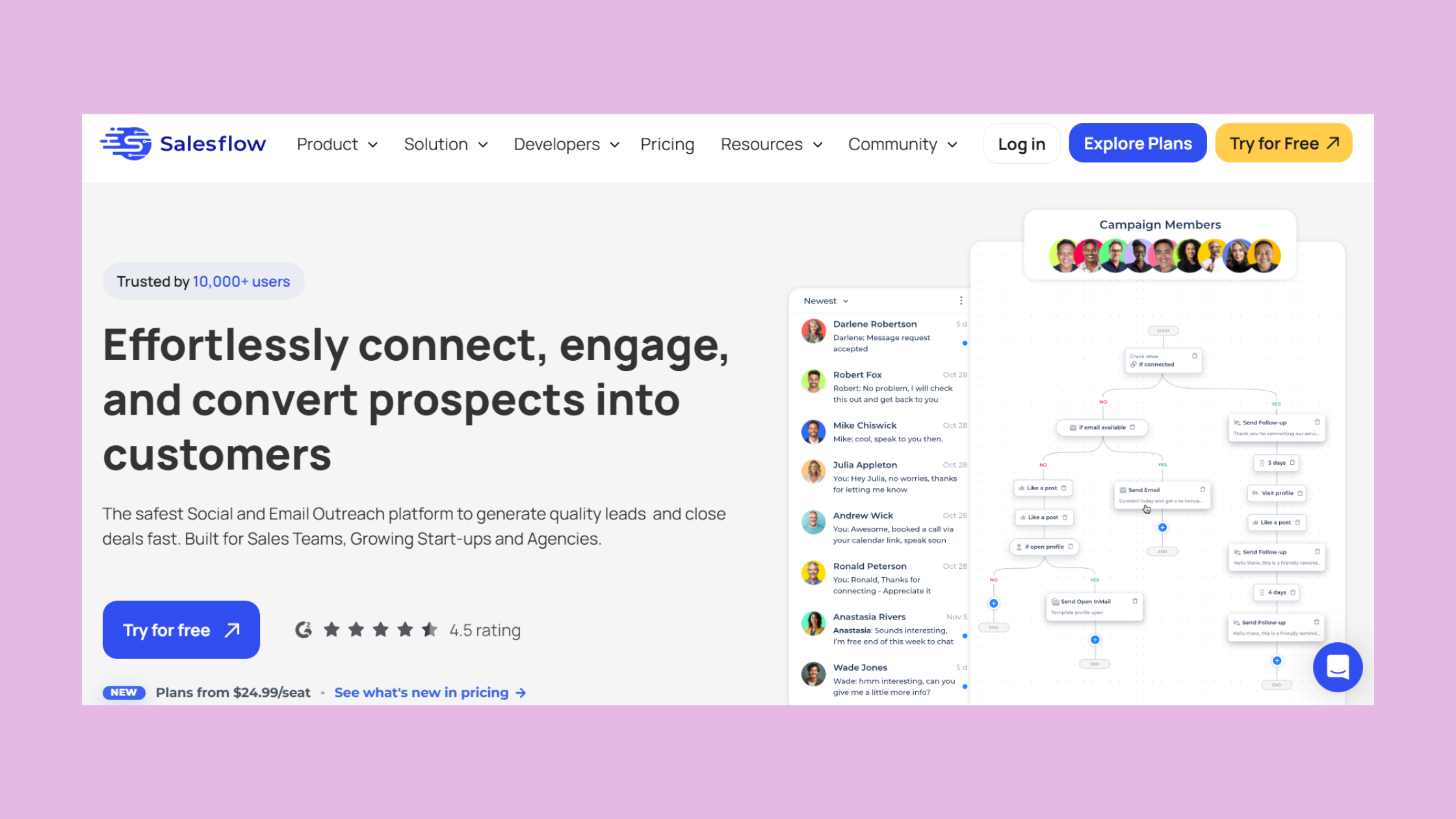
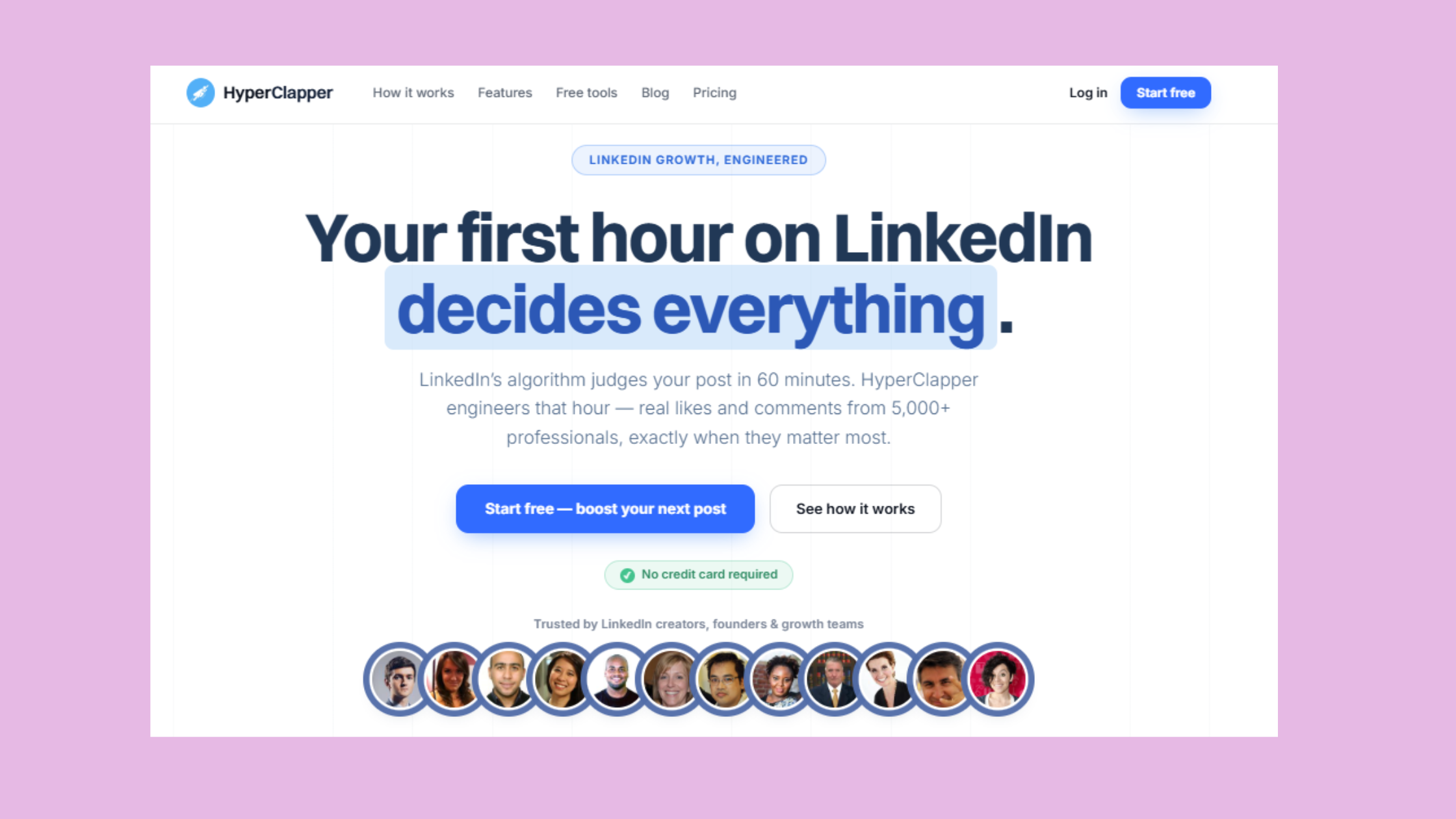
Salesflow is a LinkedIn outreach automation tool built for sequenced prospecting — it automates connection requests, follow-up messages, and pipeline tracking so your outreach runs in the background while you focus on replies that matter. HyperClapper is a LinkedIn engagement platform: it connects your posts to real engagement communities called channels, generates AI-powered replies to keep conversations active, and surfaces analytics on how your content is actually performing.
The gap most professionals leave open: cold prospects land on your profile after receiving your Salesflow message — and if that profile shows sparse post engagement, the conversion dies there. What separates top performers here is running both systems in parallel so that every outreach touchpoint is backed by a visible, active content presence.
How Salesflow Automates LinkedIn Outreach
Salesflow handles LinkedIn outreach automation through multi-step message sequences with built-in delays, daily send caps, and CRM integration. Users build prospect lists, set sequence logic, and let the tool manage the cadence. The human behavioral mimicry features — randomized send times, gradual volume ramp-up — are what keep accounts under LinkedIn's detection thresholds. For a full breakdown of how Salesflow compares with alternatives, see this Salesflow LinkedIn tool review.
What HyperClapper Is Used for on LinkedIn
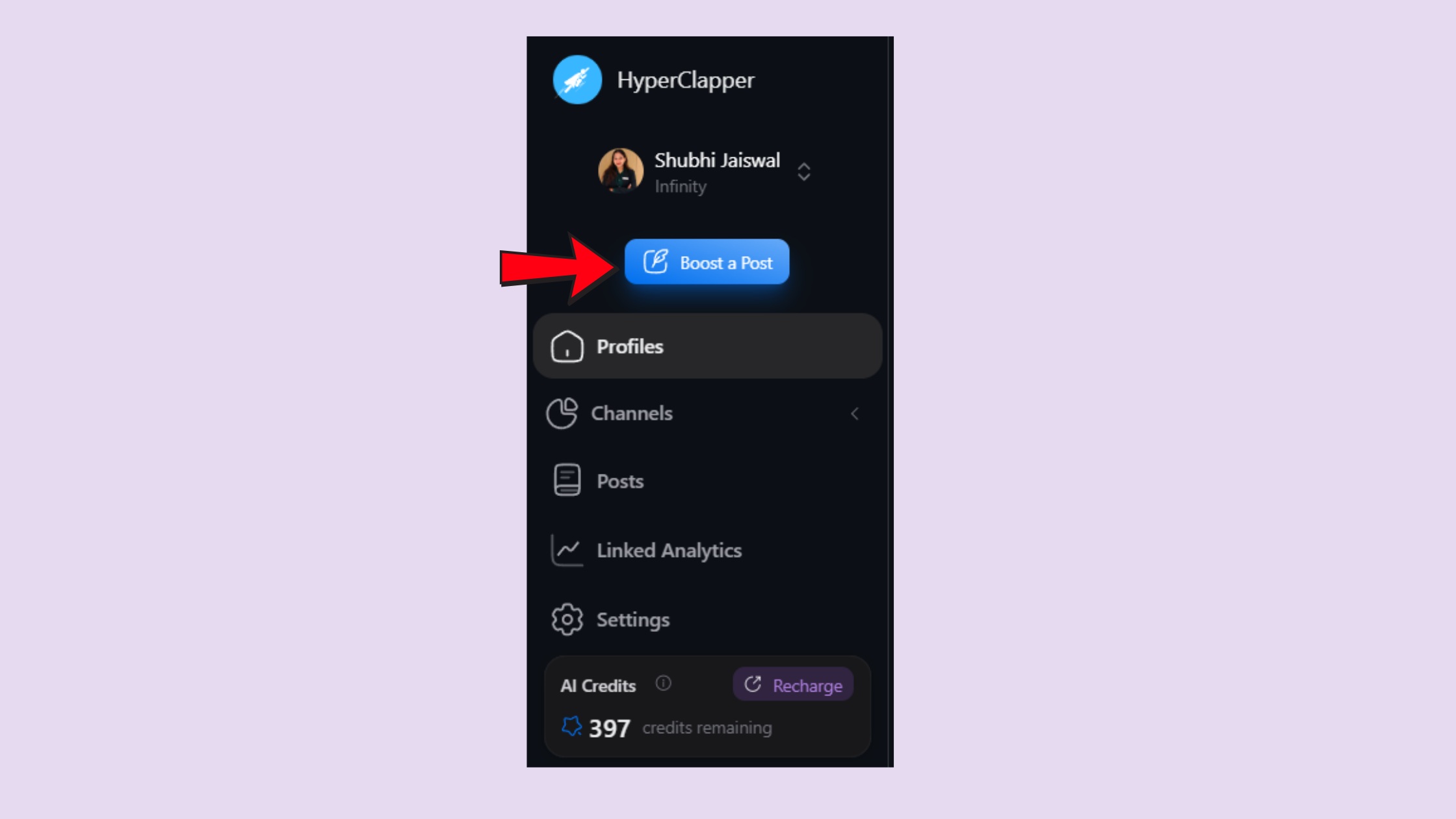
HyperClapper is used for boosting LinkedIn post visibility through real community engagement — not fake bot activity. Users submit a post, select channels (each channel ≈ 50 real engagements), and receive likes and comments from actual platform members. AI replies extend the conversation depth LinkedIn's algorithm rewards. The platform's Content Guard system filters politically sensitive or controversial posts, reducing the risk of drawing platform scrutiny on boosted content.
Outreach without visibility is a cold message arriving at an empty storefront. Visibility without outreach is a full window display with no sales team behind it.
How to Combine LinkedIn Outreach and Engagement Automation in 2026
The practical workflow to combine LinkedIn outreach and engagement automation runs in three steps. First, publish a thought-leadership post and run HyperClapper channels on it for 48–72 hours. Second, pull a prospect list of people who engaged with that post or fit the same ICP. Third, trigger a Salesflow sequence referencing the post — "saw you're interested in X" lands 3–4x warmer than a generic opener. This is warm audience sequencing at its most practical.
💡
Pro Tip:Let your HyperClapper-boosted post sit for at least 48 hours before Salesflow references it. Prospects who see an outreach message and then check a post with active comments are significantly more likely to accept the connection.
LinkedIn Profile Visibility Boost: Setting the Stage Before Outreach
LinkedIn Profile Visibility Boost with HyperClapper
A LinkedIn profile visibility boost is not just about follower counts — it is about what a prospect sees when they click your name after receiving your message. Posts with early engagement signal activity to LinkedIn's distribution model, which surfaces them to second and third-degree connections organically. According to the statistics_hints data consistent with LinkedIn's own distribution behavior, posts that accumulate early engagement receive roughly 2x the organic reach of posts with slow starts — which means every HyperClapper channel activation compounds beyond the direct engagements purchased.
B2B LinkedIn Lead Generation: Benefits, Use Cases, and Who This Stack Is For
According to BearConnect (2026), automated outreach achieves a 10.3% response rate compared to 5.1% for manual methods — while saving sales reps 15–20 hours weekly. In practice, that gap widens further when outreach is paired with visible content activity, because connection request acceptance rate improves when the prospect already recognizes your name from their feed.
10.3%
Average response rate for automated LinkedIn outreach vs. 5.1% manual
This stack fits B2B LinkedIn lead generation software use cases across several audience types:
Founders and sales teams running outbound who need pipeline volume and profile credibility simultaneously
Recruiters sourcing candidates where a strong content presence accelerates response rates
Agencies managing multiple client accounts — HyperClapper's company page boosting pairs with Salesflow's multi-account structure
Coaches and consultants building authority content while running prospect outreach in parallel
HyperClapper Pricing and Review: What You Actually Get
HyperClapper Pricing and Review
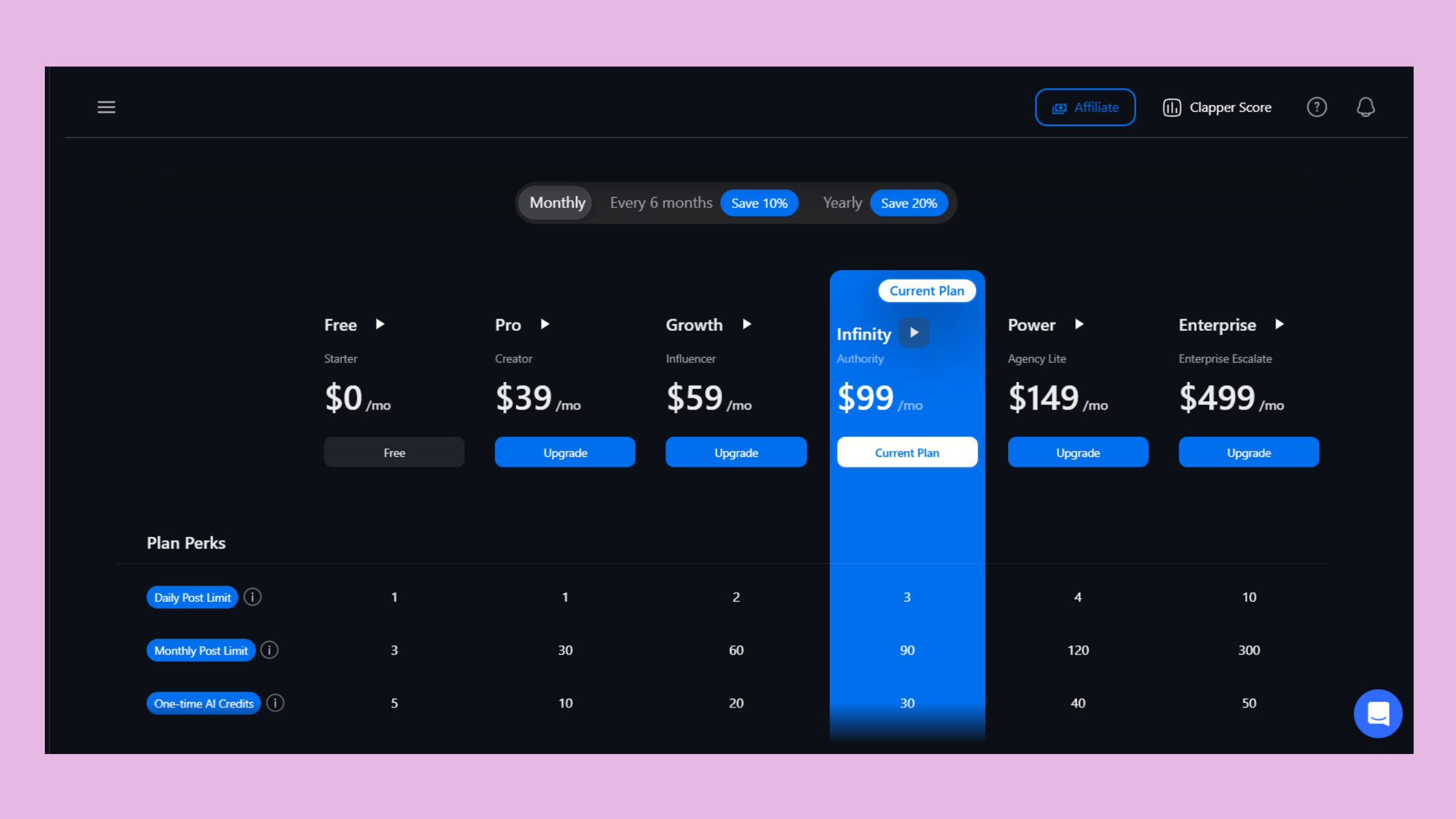
HyperClapper's channel model means you pay for engagement capacity rather than a flat subscription seat. One channel delivers approximately 50 possible engagements per post; three channels scale that to ~150. The platform also includes AI reply generation, company page boosting, feed-more replies (to revive posts days after publishing), and analytics. The Content Guard moderation layer is a meaningful differentiator — it screens posts before boosting, reducing the risk of amplifying content that could draw platform attention. For a deeper breakdown, the full HyperClapper visibility guide covers the mechanics in detail.
Turn Every Post Into a Warmer Prospect List
HyperClapper boosts your LinkedIn posts with real community engagement so your outreach lands on a credible, active profile.
Does LinkedIn Automation Get Your Account Banned? Risks, Limits, and Safe Practices
LinkedIn monitors behavioral signals — not just API usage. Send velocity, connection request acceptance rate, session timing patterns, and sudden activity spikes are all tracked. An account that goes from zero to 80 connection requests on day one is a different risk profile than one that ramps gradually from 10 to 30 to 60 over three weeks. Teams that skip the ramp-up phase consistently see restrictions within the first 7–14 days.
According to Overloop (2026), LinkedIn automation saves B2B teams 10+ hours per week, but the right tool stays under LinkedIn's 80 invites/day cap per account. In practice, most safe practitioners on newer or low-Social Selling Index (SSI) accounts stay under 20–30 per day until the account's behavioral baseline is established.
⚠️
Warning:Running multiple automation tools that both touch outreach simultaneously (e.g. two tools sending connection requests) multiplies your daily activity signal. LinkedIn sees combined behavior — not per-tool limits. Manage total daily volume, not per-tool volume.
Common Mistakes to Avoid with LinkedIn Automation Tools
Skipping the ramp-up phase — accounts flagged fastest are those that start at full send volume immediately
Using generic message templates with no personalization signal — low acceptance rates themselves trigger LinkedIn's spam detection
Ignoring SSI score — a low SSI correlates with lower safety thresholds before restrictions kick in
Salesflow vs Expandi: Choosing the Right Outreach Tool
The Salesflow vs Expandi LinkedIn automation comparison comes down to use-case fit. According to Expandi's H1 2026 State of LinkedIn Outreach report, Builder Campaigns see a 22% connection approval rate and 7.22% reply rate. Salesflow's advantage is cleaner CRM integration and a more streamlined multi-seat setup for sales teams. Expandi suits individual power users comfortable with more configuration. Neither addresses the content visibility layer — which is where HyperClapper sits as a complementary tool rather than a competitor to either. For a broader view of LinkedIn automation and outreach tools, the landscape comparison covers the full category.
Best LinkedIn Automation Tools for B2B Sales in 2026: How This Stack Compares
Best LinkedIn Automation Tools for B2B Sales in 2026
The best LinkedIn automation tools for B2B sales 2024 conversation has shifted — in 2026, account safety architecture matters as much as feature depth. The crowded field (Meet Alfred, Expandi, Dripify, Waalaxy) competes almost entirely on outreach sequencing. None of them address the content visibility layer that makes cold outreach convert better. That is the gap this Salesflow + HyperClapper stack fills.
A recurring pattern among B2B sales teams evaluating LinkedIn outreach automation tools is comparing tools on features alone — message limits, sequence steps, integrations — while ignoring whether the tool's safety architecture matches their account's current risk profile. What separates stacks that scale from stacks that get restricted is matching send volume to SSI score and account age, not picking the tool with the longest feature list.
To answer the direct question — can you use multiple LinkedIn automation tools together? Yes, provided they operate on genuinely different surfaces. Salesflow touches outreach (connections, messages). HyperClapper touches content (post engagement, replies). Combined daily activity volume still needs to stay within human-plausible limits, but there is no inherent conflict between the two. For teams exploring Mailshake alternatives and sales automation outreach tools, the multi-tool approach is increasingly the standard setup.
✓ The LinkedIn Automation Safety Checklist
☐Start at 10–15 connection requests/day and ramp over 2–3 weeks
☐Check your SSI score before setting send limits — lower SSI means lower safe thresholds
☐Enable human behavioral mimicry (randomized delays, variable send times) in Salesflow
☐Run HyperClapper engagement on posts before referencing them in outreach sequences
☐Monitor combined daily activity across all tools — LinkedIn sees total behavior, not per-tool
☐Use HyperClapper's Content Guard to screen posts before boosting
Build the Full-Loop LinkedIn Stack
Pair your outreach automation with real post engagement so every prospect arrives at a credible, active profile.
Frequently Asked Questions About LinkedIn Outreach Automation and Visibility in 2026
What is the best way to combine LinkedIn outreach automation with visibility tools?
The most effective approach is sequential: boost a post with HyperClapper first, wait 48–72 hours for engagement to accumulate, then trigger a Salesflow sequence targeting prospects in that audience. Outreach that references visible, engaged content converts better because the prospect already has social proof before the cold message arrives.
How does HyperClapper improve LinkedIn post reach for sales teams?
HyperClapper connects posts to real engagement channels — groups of active users who like and comment on submitted content. Early engagement signals quality to LinkedIn's algorithm, which then extends organic distribution. For sales teams, this means prospects see active, credible content before receiving an outreach message, shortening the trust-building cycle meaningfully.
Is it safe to automate LinkedIn connection requests and messaging in 2026?
Yes, with the right guardrails. LinkedIn monitors behavioral signals — send velocity, acceptance rate, session patterns — not just whether a tool is used. Tools with ramp-up protocols and human behavioral mimicry (like Salesflow) stay within safe thresholds. Staying under 20–30 requests/day on newer accounts is the most consistent safety practice observed across compliant users.
How can I use LinkedIn automation to generate more B2B leads without getting banned?
Match your send volume to your account's SSI score and age, ramp gradually over 2–3 weeks, personalize message openers to maintain a healthy acceptance rate, and pair outreach with visible post activity so your profile looks credibly active. A warm, engaged profile converts better and draws less platform scrutiny than a cold, sparse one.
What tools work together to automate LinkedIn prospecting and boost content visibility?
Salesflow handles outreach sequencing; HyperClapper handles post visibility and engagement. They operate on different LinkedIn surfaces — outreach and content — so they run simultaneously without conflict. This Salesflow HyperClapper LinkedIn automation pairing covers the full prospect journey from first content impression through to connection and conversation.
How does LinkedIn's algorithm respond to engagement pod activity?
LinkedIn rewards early engagement velocity — posts that accumulate likes and comments quickly signal quality and get broader distribution. Engagement pod tools like HyperClapper that use real community members (rather than bots) produce genuine behavioral signals. The key is that engagement comes from relevant, active accounts — low-quality or inactive accounts provide less algorithmic lift and higher platform risk.
👋
⚡ Free plan
Leaving already?
Grab 3 free boosts on your next LinkedIn post — real likes & comments from 5,000+ creators. No card, cancel anytime.