
Replacing Salesflare rarely fails because you chose the wrong tool — it fails because the migration was rushed and the team never fully adopted the new system. A pattern observed across dozens of CRM switches is that teams who plan the data export first and the tool selection second lose far fewer deals in transition. The right approach: map your growth stage to a specific alternative, export your Salesflare data cleanly before you cancel, run both systems in parallel for one to two weeks, and treat onboarding as a sales activity — not an IT task. Done in that order, most small teams complete a full replace Salesflare CRM switch in under three weeks with zero pipeline loss.
- Who this is for: Small and growing B2B sales teams (2–20 reps) currently on Salesflare who are hitting feature limits or cost ceilings.
- What you'll learn: Which alternative fits your growth stage, how to export Salesflare data cleanly, and a 6-step migration checklist.
- Why it matters: CRM switches that aren't planned properly stall pipeline for 3–6 weeks — the right sequence eliminates that risk entirely.
- Counterintuitive finding: Most teams switching for cost reasons don't actually save money — the savings appear only when they also reduce per-seat overhead through better role configuration.
- Top alternatives: HubSpot CRM (scalability), Pipedrive (pipeline simplicity), Zoho (depth), Streak (Gmail-native), Close (outreach-first).
- Migration timeline: 1–3 weeks for a team under 10, depending on data volume and custom field complexity.
- Why Growing Teams Are Moving Away From Salesflare in 2026
- The 5 Best Salesflare Alternatives for Small and Growing Teams
- How to Export Salesflare Contacts and Deals Before You Switch
- Step-by-Step: How to Switch CRMs Without Losing Deals or Momentum
- How to Onboard Your Team to a New CRM Without Killing Productivity
- Salesflare vs HubSpot, Pipedrive, and Zoho: Honest Risks and Limitations
- Boosting LinkedIn Visibility While Your CRM Transition Is in Progress
- Frequently Asked Questions About Salesflare Alternatives
Why Growing Teams Are Moving Away From Salesflare in 2026
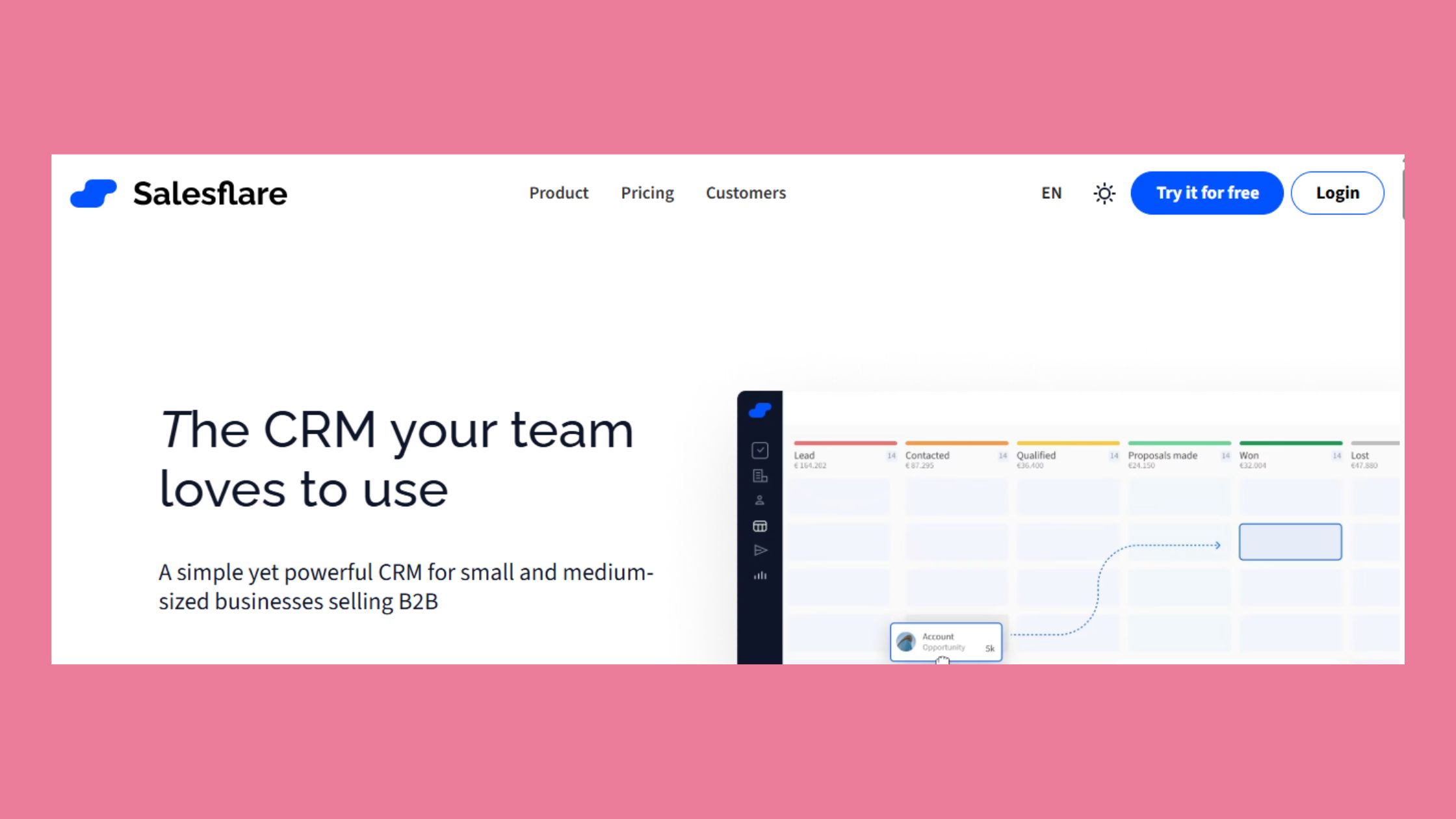
Teams don't leave Salesflare because it's bad. They leave because it stops growing with them. Salesflare is well-designed for early-stage B2B: automatic contact enrichment from email signatures, a clean visual pipeline, and smart inbox tracking that reduces manual data entry significantly. For a team of two to five people focused on one product and one segment, it works cleanly.
The inflection point appears around 8–12 reps. At that size, you start needing role-based permissions (so your SDRs aren't editing AE deals), native forecasting that doesn't require exporting to a spreadsheet, and reporting filters that go deeper than pipeline stage. Salesflare's architecture doesn't support those needs well. The community pattern is clear: Salesflare pricing too expensive is rarely the first complaint — it's usually the third, after "we can't forecast properly" and "we can't control who edits what."
According to Email Vendor Selection (2026), the CRM market is growing at 13.4% annually through 2027, driven largely by teams outgrowing point solutions and migrating to platforms with deeper workflow capabilities. This means the tooling landscape you're moving into is actively improving — the alternatives available today are materially better than two years ago.
What Salesflare Does Well (And Where It Hits Its Limits)
Salesflare's strengths are genuine:
- Automatic contact and company enrichment from email, LinkedIn, and calendar data
- Clean, low-friction pipeline that non-technical reps adopt quickly
- Built-in email sequences and tracking without a separate tool
- API and Zapier integrations that cover most small-team needs
Its limits become visible at scale:
- No granular role-based permissions below team-level access
- Forecasting requires manual exports or third-party add-ons
- Per-seat pricing that adds up fast as the team grows
- Limited multi-pipeline support for teams with multiple product lines
- Timeline data (email threads, meeting notes) is not fully portable during migration
The most common failure mode in a CRM switch is treating it as a software decision rather than a workflow decision — teams that map their pipeline stages and permission structure first, then pick a tool, almost always migrate more cleanly than teams that pick the tool first.
This article maps each alternative to a specific growth stage — so you can see not just what a tool does today, but when you'll outgrow it and what switching will actually cost you.
The 5 Best Salesflare Alternatives for Small and Growing Teams
The best CRM to replace Salesflare depends on where your team is now and where it's heading in the next 18 months — not just which feature list looks most complete today. These five alternatives cover the realistic range for small and growing B2B teams, from solo founders to 20-rep sales orgs.
| Tool | Best For | Team Size Fit | Free Plan? | Migration Ease |
|---|---|---|---|---|
| HubSpot CRM | Scale without switching again | 1–200+ | Yes (robust) | High |
| Pipedrive | Pipeline-focused sales teams | 3–50 | No (14-day trial) | High |
| Zoho CRM | Teams needing deep customisation | 5–100+ | Yes (3 users) | Medium |
| Streak | Gmail-native workflows | 1–15 | Yes (solo) | Medium |
| Close | High-velocity outbound teams | 3–30 | No (14-day trial) | Medium |
HubSpot CRM — Best for Teams That Want to Scale Without Switching Again
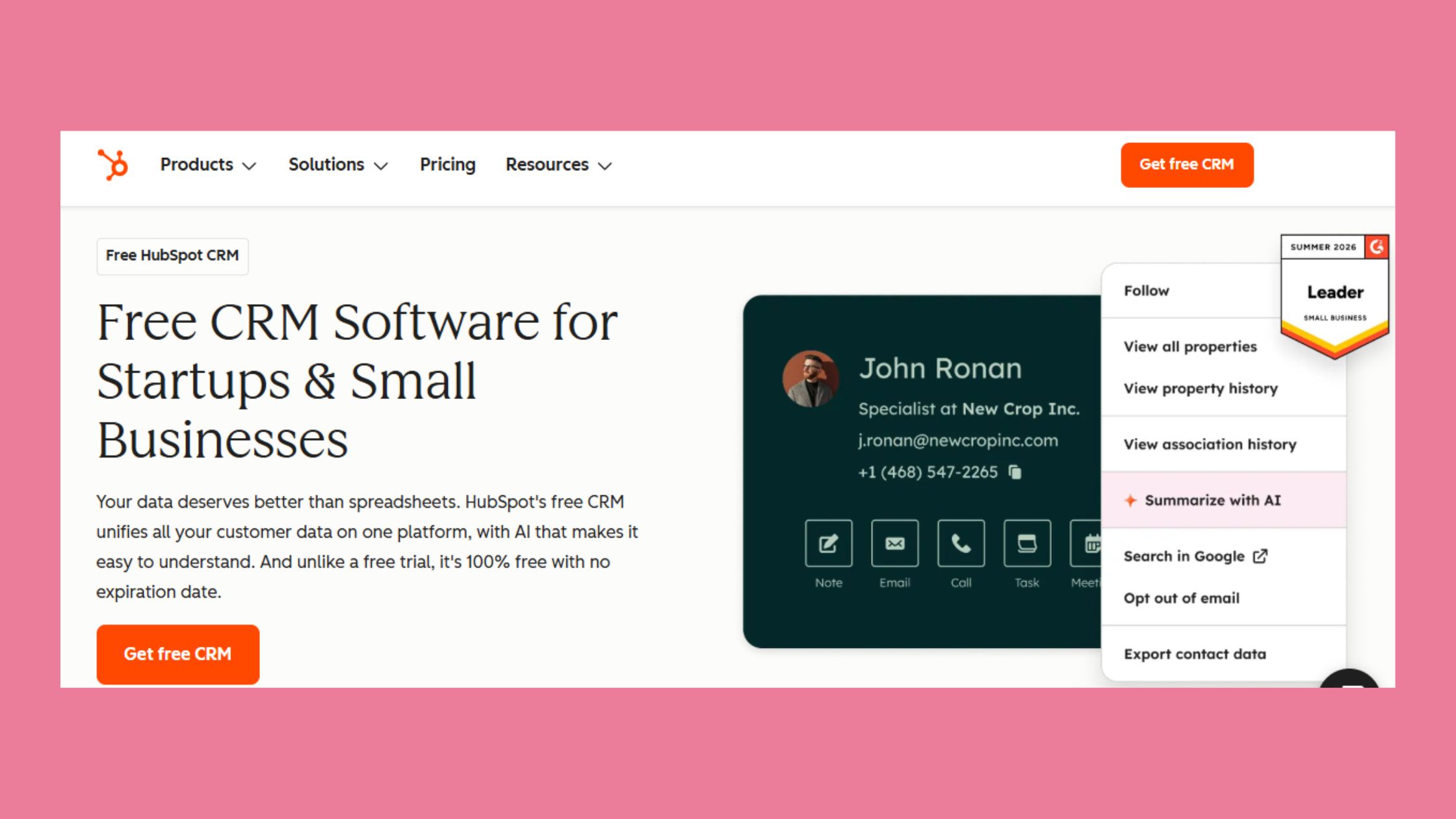
HubSpot CRM is the strongest answer to the "which Salesflare alternative for small business won't require another migration in two years" question. Its free tier is genuinely functional — unlimited contacts, deal tracking, email logging, and basic reporting — which makes it the top pick for teams under 5 that need room to grow without an immediate cost commitment. The Salesflare vs HubSpot CRM comparison usually tips toward HubSpot once teams hit 8+ reps, because HubSpot's Sales Hub adds forecasting, sequences, and role-based permissions as native features rather than workarounds.
What separates HubSpot from the alternatives here is the ecosystem depth — marketing, service, and operations hubs all share the same contact record, which means no data sync headaches when you add a second function. The tradeoff: to match Salesflare's automation defaults, you need Sales Hub Starter at minimum (~$20/seat/month), which changes the cost comparison considerably.
Pipedrive, Zoho, Streak, and Close — Matching the Tool to Your Stage
Pipedrive is the closest feature-feel match to Salesflare — a visual pipeline, activity-based selling prompts, and a clean interface that reps adopt without much hand-holding. It's the right choice for teams whose main pain with Salesflare is reporting depth and pipeline customisation, not scale. Its weakness: no free plan, and advanced reporting sits behind higher tiers.
Zoho CRM offers the deepest feature set in this list at the lowest per-seat cost — but its configuration overhead is real. Teams without a dedicated operations person typically spend their first month in settings rather than selling. Best for teams of 8+ that have someone willing to own the setup properly.
Streak lives entirely inside Gmail, making it the lowest-friction switch for teams whose entire workflow runs through Google Workspace. The free solo plan is genuinely useful; the Pro plan covers small teams. The ceiling is low — it doesn't scale past about 15 people before the Gmail-native model becomes a constraint.
Close is built for high-velocity outbound: built-in calling, SMS, and email sequences in one interface. If Salesflare's limit for your team is that it's not outreach-first enough, Close is the answer. If you're primarily inbound or relationship-driven, it's more tool than you need.
Head-to-Head Feature and Fit Comparison
The right framing for this decision isn't "which tool has the most features" — it's "which tool matches your CRM scalability threshold for the next 24 months." Teams that answer that question honestly rarely regret the switch. Teams that optimise for cheapest monthly cost often find themselves migrating again within 18 months.
Now that you have a clear alternative shortlist, the next step is the one most teams skip — exporting your Salesflare data properly before you touch anything else.
How to Export Salesflare Contacts and Deals Before You Switch
Yes, does Salesflare allow data export — it does, but the export is per-object, not a single unified file. That distinction matters because it means you'll need to run separate exports for contacts, companies, deals, and pipeline stage history, then map each file's column structure to your new CRM's field schema before importing. Teams that skip this mapping step spend twice as long cleaning data after import.
Here's what to export Salesflare contacts and deals before switching:
- Contacts — include all custom fields, not just the default export columns
- Companies/Accounts — with associated contact relationships preserved
- Deals/Opportunities — with stage timestamps so you can reconstruct pipeline velocity data
- Tags and segments used for lead routing or territory assignment
- Email sequence enrollment status — so active sequences aren't restarted accidentally
CRM Data Migration Complexity: What Actually Takes Time
In most CRM migrations for teams under 10, the data export itself takes less than a day. What takes time is the field mapping — aligning Salesflare's column names to the target CRM's schema — and the record validation after import. Plan for 2–4 hours of field mapping per object type if your Salesflare account has custom fields. For a team using only default fields, it's faster.
CRM data migration complexity scales with three factors: number of custom fields, number of active deals, and whether you have workflow automations (sequences, tasks, notifications) that need to be rebuilt in the new system. Custom automations are the most underestimated cost of any migration — they're not in the data export files at all and have to be manually recreated.
On the question of how long does a CRM migration take: for a team of 2–8 people using Salesflare's standard features, expect 1–2 weeks from export to fully operational new CRM. For a team of 8–20 with custom fields, sequences, and multiple pipelines, budget 3–4 weeks and assign a dedicated internal owner.
Step-by-Step: How to Switch CRMs Without Losing Deals or Momentum
The reason why do salespeople avoid switching CRMs is rarely laziness — it's a rational fear of losing pipeline visibility at exactly the wrong moment. A phased migration eliminates that fear because deals never disappear; they transition in a controlled sequence after the team is already comfortable with the new interface.
The 6-Step Migration Checklist
This is The Clean Switch Framework — a stage-sequenced migration approach that keeps pipeline visible throughout the transition rather than freezing it during a big-bang cutover.
✓ The Clean Switch Migration Checklist
- ☐Step 1 (Day 1–2): Export contacts, companies, deals, and tags from Salesflare as separate CSV files. Confirm custom fields are included.
- ☐Step 2 (Day 2–3): Configure the new CRM with your exact pipeline stage names, custom fields, and user roles before importing any data.
- ☐Step 3 (Day 3–4): Import contacts and companies first. Validate record counts — contacts imported should match contacts exported within 1–2% variance.
- ☐Step 4 (Day 4–10): Run both systems in parallel. New leads enter the new CRM; active deals stay in Salesflare. This is your parallel period — do not skip it.
- ☐Step 5 (Day 8–12): Migrate open deals by stage — earliest stage first, active close-stage deals last. This sequence preserves deal context when it matters most.
- ☐Step 6 (Day 14–21): Decommission Salesflare only after all deals are migrated, validated, and the team has logged at least 5 consecutive working days in the new system without reverting.
- ☐Rebuild automations and sequences in the new CRM before the parallel period ends — not after Salesflare is cancelled.
Creators who skip the parallel period typically find they're managing angry reps two weeks later because deal history is fragmented across two systems with no clear source of truth. The 5–10 day overlap feels like inefficiency but it prevents that scenario entirely.
Common Mistakes to Avoid During a CRM Switch
- Cancelling Salesflare before migration is verified — you lose access to timeline data you may still need
- Importing deals before contacts — this breaks relationship links and forces manual re-association
- Training the team before the system is configured — reps who train on a half-built CRM form bad habits
- Not assigning a single internal CRM owner — shared ownership of setup means no one owns it
How to Onboard Your Team to a New CRM Without Killing Productivity
Team onboarding friction is the hidden cost of every CRM switch — and it's almost entirely avoidable with the right sequencing. According to AeroLeads (2026), CRM tools that require less than 15 minutes of daily maintenance per user see roughly 80% adoption rates. That number drops sharply when reps spend more time logging than selling. The implication: your configuration choices in the first week determine your adoption rate for the next year.
The fastest path to successful onboard team to new CRM quickly is to configure the new system to mirror your existing terminology before anyone touches it. If your Salesflare stages were "Qualified → Demo Booked → Proposal Sent → Closed Won," replicate those exact labels in the new CRM. Reps who recognise their own language in a new interface adopt 2–3x faster than reps who have to learn new stage names simultaneously with a new interface.
Why do salespeople avoid switching CRMs? The consistent answer across teams is threefold: loss of muscle memory on where to find things, fear that deal history was lost during migration, and distrust that the new setup was done correctly. Address all three in your first team communication — show them their own deals in the new system, confirm the stage history migrated, and name the one person responsible for fixes.
Setting CRM Scalability Thresholds Before You Commit
CRM scalability thresholds are the team size and workflow complexity points at which a CRM's native features stop covering your needs and require paid upgrades, workarounds, or another migration. Setting these explicitly before you choose your next CRM prevents the same problem from recurring.
Before committing, ask three questions about any alternative:
- At what team size does this tool require a plan upgrade that changes the cost materially?
- Does it support multi-pipeline natively, or is that an add-on?
- What does the migration out of this tool look like if we outgrow it in two years?
Teams that answer these questions upfront typically stay on their chosen platform 40–60% longer before needing another migration.
Keep Your LinkedIn Pipeline Active While Your CRM Is in Transition
Keep Your LinkedIn Pipeline Growing with HyperClapper
Switching CRMs doesn't mean your lead generation has to slow down. While your team is busy migrating contacts, rebuilding workflows, and onboarding users, LinkedIn can continue generating conversations and opportunities—provided your content remains visible.
This is where HyperClapper becomes valuable. Instead of relying solely on your CRM to fill the pipeline, HyperClapper helps you maximize the reach and engagement of your LinkedIn posts through AI-powered engagement, intelligent comment suggestions, authentic community interactions, and detailed post analytics. By increasing your content's visibility, you can continue attracting inbound leads even while your CRM transition is underway.
For sales teams, founders, agencies, and B2B professionals, this creates an important balance: your CRM manages customer relationships, while HyperClapper helps generate new ones. Together, they ensure that changing your sales infrastructure doesn't interrupt your growth engine.
Whether you're moving from Salesflare to HubSpot, Pipedrive, Zoho, Close, or another CRM, keeping your LinkedIn presence active ensures your pipeline never goes cold. With the right migration strategy and consistent LinkedIn engagement powered by HyperClapper, your business can continue building relationships, booking meetings, and closing deals throughout the transition.
Frequently Asked Questions About Salesflare Alternatives
What is the easiest CRM to migrate to from Salesflare?
HubSpot CRM is the easiest migration target from Salesflare because it accepts CSV imports directly, maps standard fields automatically, and its free tier lets you validate the data before committing. Pipedrive is a close second for pipeline-heavy teams. Both have dedicated import wizards that handle contacts, deals, and notes in one pass.
What data should I export from Salesflare before cancelling?
Export contacts, companies, deals, pipeline stages, custom fields, email activity logs, and any attached notes or tasks before cancelling. Salesflare allows CSV export from each object type under Settings. Download everything before you downgrade your plan — some activity history becomes inaccessible once billing stops and the account enters a read-only state.
How can I switch CRMs without disrupting my sales team?
Run both systems in parallel for one to two weeks so reps never lose access to live deals mid-cycle. Import all data first, rebuild your pipeline stages and custom fields in the new tool, then move active deals over last. Treat onboarding as a sales activity with a dedicated owner — not an IT handoff.
Which CRM is most similar to Salesflare but cheaper?
Streak is the closest functional match to Salesflare for Gmail-native teams and has a free solo plan, making it cheaper at small team sizes. For slightly larger teams, Pipedrive replicates Salesflare's visual pipeline feel at a lower per-seat cost than Salesflare's growth tiers once you factor in the features unlocked at each price point.
How long does a CRM migration actually take?
Most teams under 10 reps complete a full CRM migration in one to three weeks. Data volume and custom field complexity are the main variables — a clean Salesflare export with under 5,000 contacts and simple pipeline stages typically maps and imports in a single day, leaving the remaining time for team onboarding and workflow rebuilding.
Why do salespeople resist switching CRMs even when the new tool is better?
Salespeople resist CRM switches because the learning curve directly costs them pipeline time — every hour reconfiguring a tool is an hour not selling. Resistance spikes when reps are asked to re-enter data manually. Migrations that preserve deal history and keep daily maintenance under 15 minutes per user see adoption rates above 80%.
Does switching CRMs put active deals at risk?
Active deals are only at risk if you cancel your old CRM before fully migrating open pipeline records. Move active deals last, after contacts and completed activity are confirmed in the new system. Running both platforms simultaneously for one to two weeks gives every rep a verified fallback, eliminating the window where deals can slip through.



