A LinkedIn automation tool is software that handles repetitive outreach tasks — connection requests, follow-up messages, profile visits, and InMail sequences — so you can focus on conversations that actually close. Meet Alfred is one of the most recognised names in this space, offering a multi-channel campaign engine that sequences LinkedIn, email, and Twitter touchpoints from a single dashboard. A pattern observed across teams using outreach automation is that the biggest gains come not from raw volume, but from how safely and consistently the tool operates within LinkedIn's detection limits — which is exactly where the tool-selection decision gets complicated.
- Meet Alfred automates LinkedIn connection requests, message sequences, profile visits, endorsements, and multi-channel follow-ups in one campaign workflow.
- Most users have their first campaign live within 30–60 minutes of signing up — setup is genuinely fast once your lead list is ready.
- Account ban risk is real: according to GigRadar, LinkedIn automation tools get 15–45% of accounts restricted within 6 months — daily limits and warm-up periods are non-negotiable.
- Meet Alfred reduces detection risk through randomised delays and human-behaviour simulation — but no tool eliminates it entirely.
- For visibility and engagement growth without outreach risk, platforms like HyperClapper take a fundamentally different approach — real community engagement instead of cold outreach automation.
- The most counterintuitive finding: cheaper tools often trade off on safety architecture, meaning the "budget" option can cost you your account.
- What Is Meet Alfred and What Can It Automate on LinkedIn
- How to Set Up Meet Alfred Campaigns Step by Step
- Is Meet Alfred Safe to Use on LinkedIn
- Meet Alfred Pricing, Plans, and How It Compares
- Frequently Asked Questions About LinkedIn Automation and Meet Alfred
What Is Meet Alfred and What Can It Automate on LinkedIn in 2026
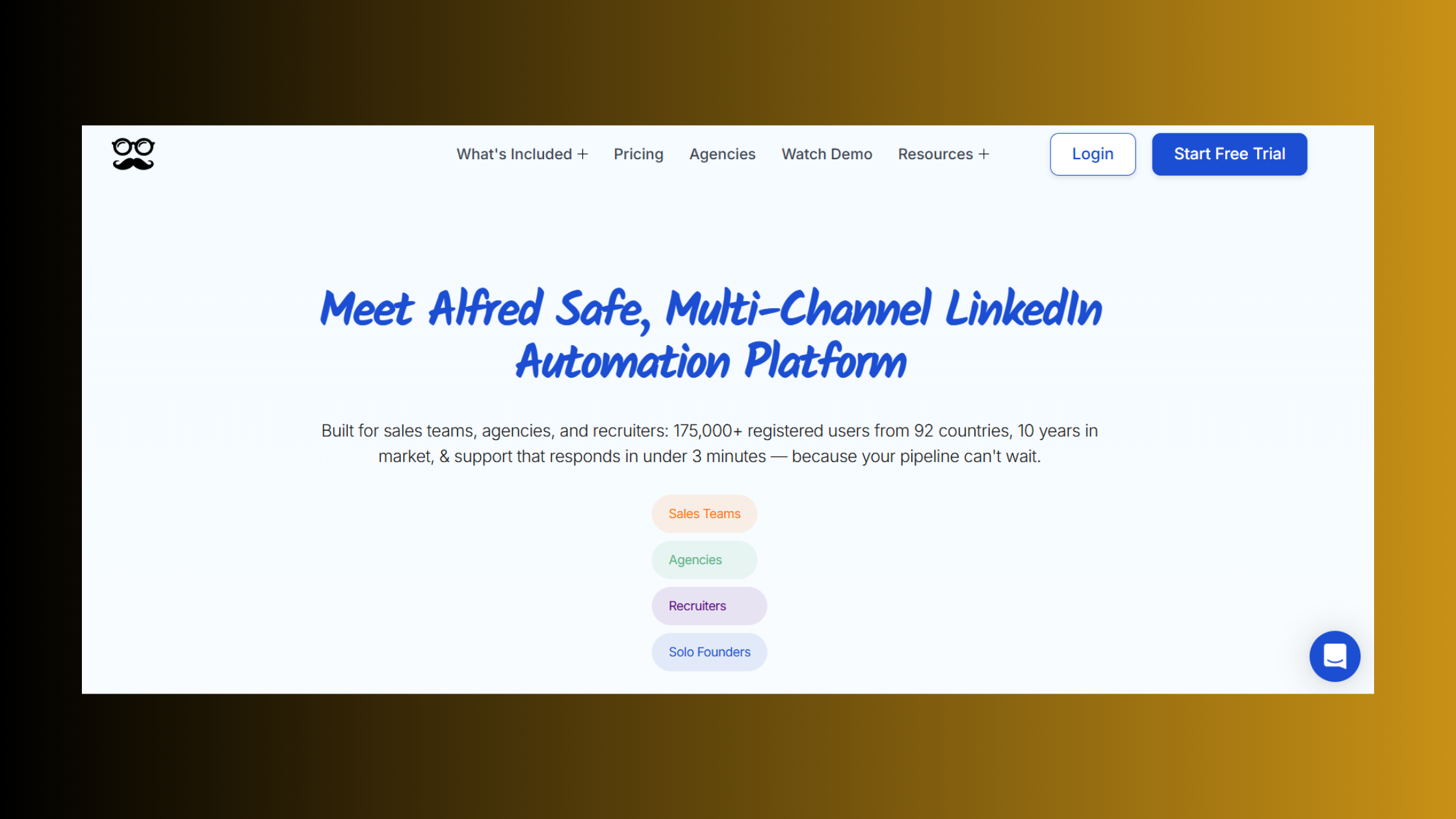
Meet Alfred is a multi-channel LinkedIn automation tool — software that builds sequential outreach campaigns combining LinkedIn actions, email, and Twitter into a single coordinated workflow. It sits firmly in the LinkedIn outreach automation tool category alongside tools like Expandi, Dripify, and Dux-Soup, meaning its core job is scaling prospecting reach, not boosting content visibility.
What LinkedIn tasks can Meet Alfred automate? Quite a broad set:
- Sending personalised connection requests with custom note variables
- Automated follow-up message sequences after acceptance
- Profile visits and skill endorsements (as warm-up signals before outreach)
- InMail messages to second- and third-degree contacts
- Email follow-ups and Twitter engagement woven into the same campaign sequence
- CRM sync to push lead data to HubSpot, Salesforce, and others
How Meet Alfred Works: The Multi-Channel Sales Cadence Engine
Think of Meet Alfred's campaign engine as a multi-channel sales cadence — a pre-programmed sequence of touchpoints that fires automatically based on prospect behaviour (accepted connection, no reply, clicked email, etc.). You define the logic once; the tool executes it daily without manual effort. This is what separates it from browser-extension tools that require your computer to be running, since Meet Alfred operates from the cloud.
That cloud-based architecture is also a key differentiator when comparing it to older tools like Dux-Soup, which runs as a Chrome extension and therefore only works when your browser is open. Cloud operation means campaigns run continuously — but it also means a more detectable server footprint from LinkedIn's perspective.
How to Set Up Meet Alfred Campaigns Step by Step
The Meet Alfred LinkedIn automation setup is faster than most users expect. Here is the full sequence from account connection to first live campaign:
- Connect your LinkedIn account — go to Settings → Accounts → Add LinkedIn Account. Meet Alfred will authenticate via your LinkedIn credentials and establish a session. (~5 minutes)
- Import your lead list — paste a LinkedIn Sales Navigator search URL, upload a CSV, or connect a LinkedIn search directly. The tool imports profile URLs as campaign targets. (~10 minutes)
- Create a campaign — click New Campaign, name it, and select a sequence template (connection → follow-up → email is the most common starting point). (~5 minutes)
- Personalise message variables — add {{first_name}}, {{company}}, or custom fields pulled from your lead list to make messages feel individual. (~10 minutes)
- Set daily action limits — configure connection request throttling: most safety-conscious users set 20–30 invites per day maximum during a warm-up period. (~2 minutes)
- Launch — toggle the campaign live. Meet Alfred begins executing the sequence during active hours you define. (~1 minute)
Most users complete this flow and automate LinkedIn connection requests within 30–60 minutes of signing up — assuming their lead list is already prepared. The bottleneck is almost always the lead list, not the tool configuration.
Automating LinkedIn Connection Requests and Follow-Up Messages
When you automate LinkedIn connection requests, the sequence typically follows this logic: send invite with personalised note → wait for acceptance → trigger message 1 → wait X days → trigger message 2 → branch to email if no reply. Meet Alfred lets you set time delays between each step (minimum 24 hours is strongly recommended) and add conditional branches based on whether the prospect replied.
Is Meet Alfred Safe to Use on LinkedIn — Risks, Limits, and Account Protection
The honest answer: Meet Alfred reduces ban risk, but cannot eliminate it. This is the question every community thread eventually circles back to, and it deserves a direct answer rather than marketing copy. According to GigRadar, LinkedIn automation tools get 15–45% of accounts restricted within 6 months, and LinkedIn restricted over 1 million accounts in 2025 alone. That is not a fringe risk — it is a mainstream one.
Meet Alfred's LinkedIn account safety protocols include:
- Randomised delays between actions to avoid mechanical pattern signatures
- Daily action caps configurable by the user — lower caps mean lower detection risk
- Human-behaviour simulation (variable timing, non-uniform action sequences)
- Active-hours scheduling so actions only fire during your defined working hours
Does LinkedIn ban accounts for automation? Yes — and detection risk scales directly with volume, speed, and pattern regularity. Sending 100 identical connection requests in 4 hours is far riskier than 20 varied requests spread across 8 hours. Connection request throttling — deliberately capping daily invite volume — is the single most effective account protection measure available inside any automation tool.
The real risk in LinkedIn automation is not the tool itself — it is the temptation to push volume beyond what the platform's detection systems consider human-patterned behaviour.
Common Mistakes That Get LinkedIn Automation Accounts Flagged
Teams that skip the warm-up period consistently see account restrictions within the first two weeks. Other common failure modes:
- Running campaigns 24 hours a day instead of within normal working hours
- Sending connection requests to profiles with low profile-completion scores (LinkedIn treats this as scraping behaviour)
- Using identical message templates across thousands of contacts without variation
- Ignoring withdrawal rates — if too many pending invitations pile up, LinkedIn flags the account proactively
LinkedIn automation safe practices are not optional extras. They are the baseline operating requirement for any account that wants to run campaigns for more than a few weeks without restriction.
Meet Alfred Pricing, Plans, and How It Compares to Expandi and Other Tools
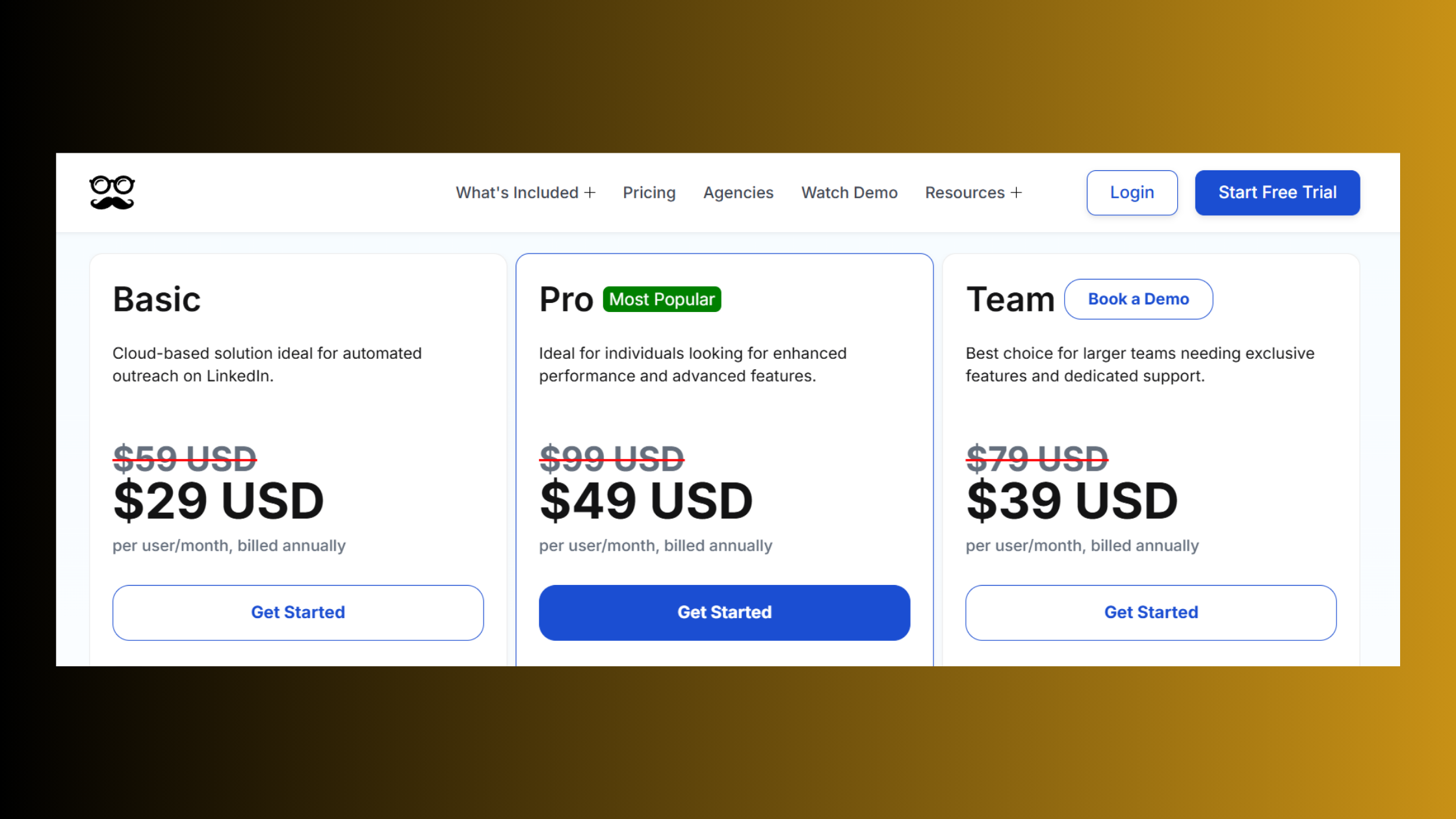
Meet Alfred pricing plans sit across three main tiers: Individual (single seat, core LinkedIn sequences), Business (multi-channel including email + Twitter, CRM sync, team features), and Agency (client management, white-labelling, multiple LinkedIn accounts). The value inflection point for most solo users lands at the Business tier — Individual is too limited for serious multi-step campaigns, while Agency pricing only makes sense at 5+ client accounts.
The Meet Alfred vs Expandi comparison is one of the most searched in this category — here is the honest tradeoff breakdown:
| Tool | Best For | Safety Architecture | Multi-Channel | Price Range |
|---|---|---|---|---|
| Meet Alfred | Multi-channel outreach teams | Moderate (cloud-based, randomised delays) | LinkedIn + Email + Twitter | ~$59–$299/mo |
| Expandi | Safety-first LinkedIn outreach | High (dedicated IP per user) | LinkedIn + Email | ~$99/mo flat |
| Dripify | Simple drip sequences, beginners | Moderate (cloud-based) | LinkedIn only | ~$39–$79/mo |
| Dux-Soup | Budget-conscious individual users | Lower (browser extension) | LinkedIn only | ~$12–$55/mo |
| LinkedIn Helper | Power users, advanced filtering | Moderate (desktop app) | LinkedIn only | ~$15–$45/mo |
| HyperClapper | Content visibility and engagement growth | High (no outreach, real community) | LinkedIn engagement only | Varies by plan |
The community insight worth naming directly: the gap between "cheapest option" threads and "best option" threads exists because lower-priced tools often cut corners on LinkedIn account safety protocols. Dux-Soup and browser-extension tools like LinkedIn Helper require your browser to stay open and are more easily fingerprinted by LinkedIn's detection systems. Dripify offers a clean UX for simple drip sequences but lacks the multi-channel depth Meet Alfred provides. Expandi's dedicated IP architecture makes it the strongest choice for users who rank account safety above all else.
For the best linkedin automation tools 2024 and beyond — see this full 2026 comparison guide which ranks tools by safety profile, not just feature count. According to Simular's 2026 tool roundup, the strongest all-round performers include Expandi for cloud-based outreach and Meet Alfred for multi-channel sequences.
When to Use Meet Alfred vs a LinkedIn Engagement Tool Like HyperClapper
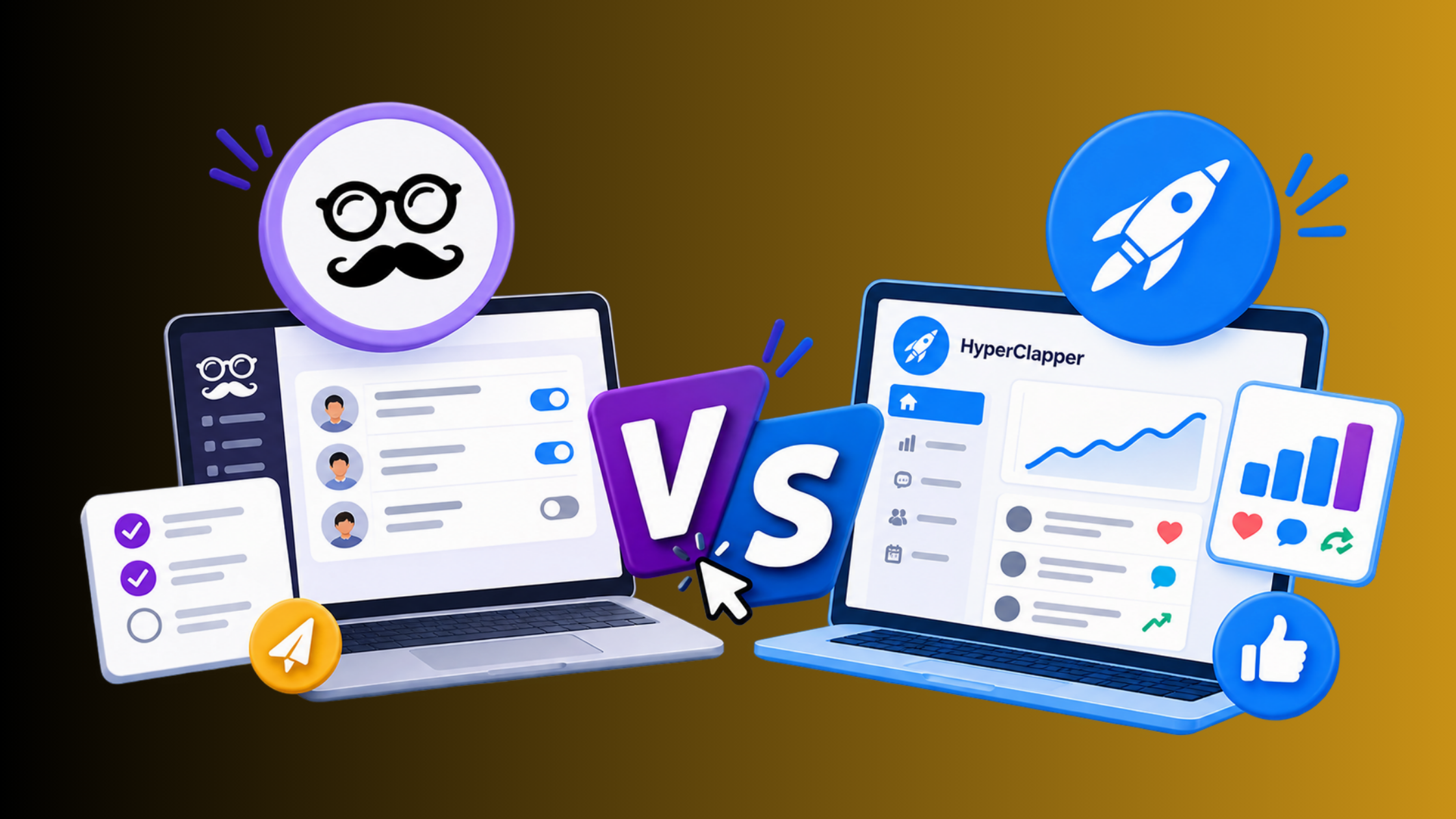
Meet Alfred and HyperClapper solve different problems — and confusing them leads to using the wrong tool for the wrong goal.
- Use Meet Alfred when your goal is outbound prospecting: finding new leads, sending cold connection requests, and running multi-step follow-up sequences at scale.
- Use HyperClapper when your goal is inbound visibility: getting more eyes on your existing content, driving real likes and comments from relevant professionals, and building LinkedIn algorithm signal boosting through genuine community engagement.
What consistently separates accounts with genuine, compounding LinkedIn reach from those stuck in outreach-only loops is that they combine both approaches — outreach tools to find new audiences, and engagement tools to ensure content is visible once those audiences land on your profile. The cold LinkedIn outreach without automation risk guide covers how to layer these approaches safely.
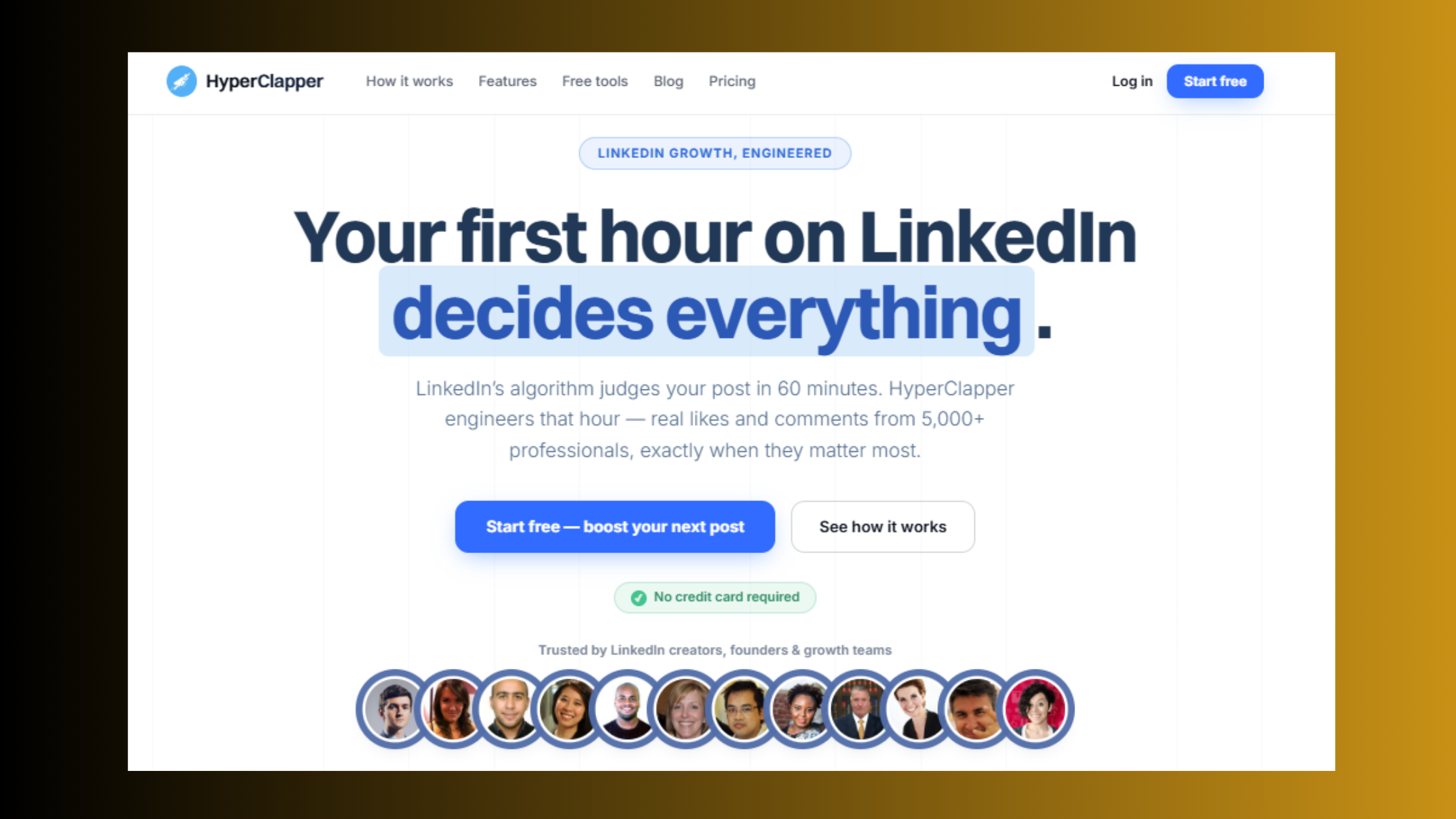
Want LinkedIn visibility without outreach risk?
HyperClapper boosts your posts with real engagement from real professionals — no cold messaging, no ban risk, no bot activity.
Try HyperClapper Free✓ LinkedIn Automation Safe Launch Checklist
- ☐Connect LinkedIn account and verify session is active in Meet Alfred
- ☐Set daily connection request limit to 20–30 max during warm-up (first 4 weeks)
- ☐Schedule campaign active hours to match your real working timezone
- ☐Personalise connection request notes with at least one custom variable (name, company, or role)
- ☐Set minimum 24-hour delay between sequence steps — never stack actions same-day
- ☐Monitor pending connection request count weekly — withdraw old invites if queue exceeds 500
- ☐Pair outreach campaigns with a content engagement strategy (HyperClapper or organic posting) to build profile authority in parallel
After seeing this pattern across outreach campaigns of different scales, the accounts that sustain long-term LinkedIn automation without restriction are not the ones using the most advanced tool — they are the ones who treat safety limits as a floor, not a ceiling to push against.
Frequently Asked Questions About LinkedIn Automation and Meet Alfred
What is the best LinkedIn automation tool?
The best LinkedIn automation tool depends on your goal. For multi-channel outreach sequences, Meet Alfred and Expandi lead the field. For safety-first LinkedIn outreach, Expandi's dedicated IP architecture makes it the strongest choice. For content visibility and engagement growth without outreach risk, HyperClapper is the most relevant option — it uses real community engagement rather than cold automation.
How do I set up automated LinkedIn outreach using Meet Alfred step by step?
Connect your LinkedIn account in Meet Alfred's Settings, import a lead list via Sales Navigator URL or CSV, create a new campaign and select a sequence template, personalise message variables, set daily action limits (20–30 connections/day during warm-up), then launch. Most users complete the Meet Alfred LinkedIn automation setup in under 60 minutes.
What is the safest way to automate LinkedIn without getting banned?
The safest approach combines low daily action limits (under 30 connection requests/day), a 2–4 week warm-up period before full-volume campaigns, randomised delays between actions, and active-hours scheduling. Using a cloud-based tool with per-user IP isolation (like Expandi) reduces detection risk further. LinkedIn automation safe practices are the baseline — not optional.
Can Meet Alfred automate LinkedIn connection requests and follow-up messages?
Yes — Meet Alfred can automate LinkedIn connection requests, personalised follow-up messages after acceptance, profile visits, skill endorsements, InMail, and email or Twitter touchpoints in a single campaign sequence. Each step fires automatically based on time delays or prospect behaviour triggers you configure inside the campaign builder.
What are the limits for LinkedIn automation tools like Meet Alfred?
LinkedIn's unofficial safe thresholds — widely consistent across tool documentation — are roughly 20–30 connection requests per day, 100–150 messages per day, and 500 or fewer pending invitations outstanding at any time. Meet Alfred lets you configure these limits manually. Exceeding them significantly increases the probability of a temporary or permanent account restriction.
How can I automate my LinkedIn posts and engagement — is there a free tool?
For post scheduling, LinkedIn's native scheduler handles basic automation for free. For engagement boosting — getting real likes and comments on posts — HyperClapper connects your posts to real engagement channels. There is no fully free tool for engagement automation at meaningful scale; most credible platforms offer trial access rather than a free tier.
How fast can you automate LinkedIn outreach?
With Meet Alfred, your first campaign can be live within 30–60 minutes of signing up — assuming your lead list is already prepared. The limiting factor is almost always lead list preparation, not tool configuration. However, how fast you run the campaign matters more than how fast you set it up: starting at full volume immediately is the fastest route to account restriction.
What separates top-performing LinkedIn automation setups from the ones that end in account restrictions is not the tool they chose — it is the discipline to treat LinkedIn's detection thresholds as a hard ceiling, even when the tool's settings allow you to push past them.
The accounts that build lasting LinkedIn reach through automation are not those who optimise for speed. They are the ones who pair disciplined outreach limits with strong content and engagement — which is why combining a tool like Meet Alfred for outbound pipeline with HyperClapper for inbound visibility is the pattern that consistently outperforms either approach alone.



