Advanced search on Twitter — now X — is a structured query interface that layers keyword filters, account filters, date ranges, engagement thresholds, and language settings on top of X's full-text index. A pattern observed consistently across research workflows is that professionals pay $500–$800/month for social listening tools while using roughly 20% of their features — features that the native Twitter X advanced search already covers for free. For the vast majority of competitive intelligence, trend research, and audience monitoring tasks, the built-in operator syntax returns the same signal as paid platforms. The gap is smaller than vendors want you to think.
- Free for all users: the core advanced search interface and full operator syntax cost nothing — X Premium only extends history windows and API rate limits.
- Still works in 2026: the dedicated search URL was deprioritized in the UI but never removed — it's fully functional.
- Operators most people miss: Boolean OR/NOT logic,
filter:quote,list:, andcard_name:dramatically expand what you can surface. - The #1 fix for "broken" results: switch from Top to Latest — this single change resolves roughly 70% of "missing results" complaints.
- Where paid tools genuinely win: bulk export, automated alerts, cross-platform monitoring, and team dashboards — not raw query power.
- For social growth on LinkedIn: the same research skills that power Twitter search translate directly to audience-building strategies on other platforms.
- What Twitter X Advanced Search Actually Is
- The Complete Twitter Advanced Search Operators Guide
- Twitter Search Tips for Research: 10 High-Value Use Cases
- X Advanced Search vs Paid Tools
- Why Advanced Search Results Feel Broken — And How to Fix It
- Common Mistakes to Avoid
- Frequently Asked Questions About Twitter X Advanced Search
What Twitter X Advanced Search Actually Is (And Why It Still Exists in 2026)
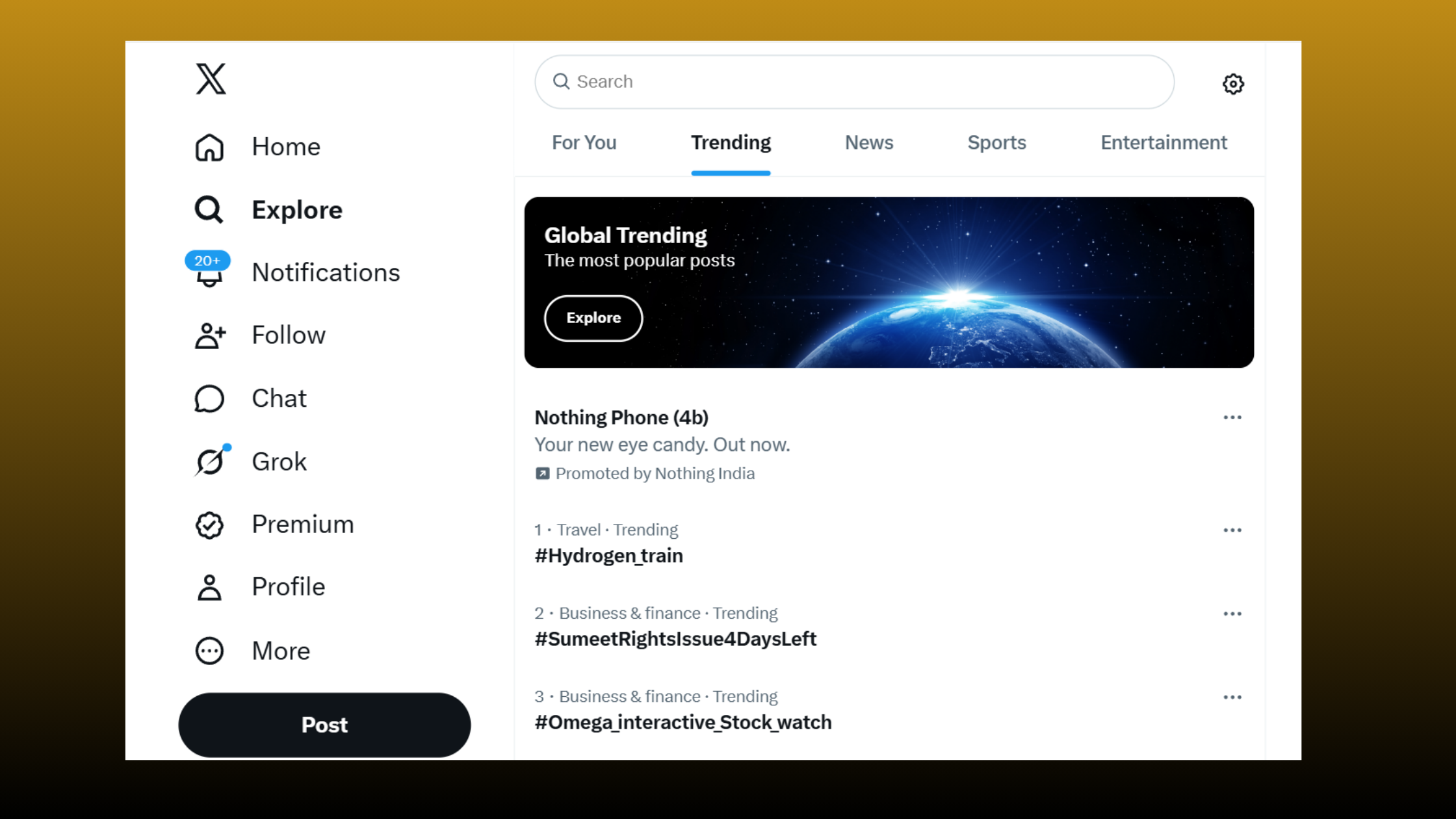
The twitter advanced search interface gives you a structured form — or a raw query bar — where you can stack filters that the basic search bar ignores entirely. Keywords, exact phrases, account names, date windows, minimum engagement thresholds, language, media type, and geolocation all work simultaneously in a single query string. That combination is what makes it a genuine research tool rather than a basic keyword box.
The most persistent confusion about advanced search in twitter is whether it still exists at all. The short answer: yes. X quietly removed the dedicated link from its main navigation, which caused a wave of "why did Twitter remove advanced search" posts in 2023 — but the URL (twitter.com/search-advanced) still loads in 2026, and the same filters are accessible via the Filters panel on desktop search results. It was a UI decision, not a product removal.
On the cost question: twitter search free access covers the full operator syntax and the search interface itself. X Premium (formerly Twitter Blue) extends how far back results go and raises API rate limits for developers — but if you're doing manual research through the browser, you don't need to pay anything to use every operator covered in this guide.
For 80% of research, monitoring, and competitive intelligence tasks, X advanced search returns the same signal as Brandwatch or Tweetdeck — without the monthly fee. The 20% where paid tools win is real, but it's specific: bulk export, automated alerting, and cross-platform data.
How to Access Advanced Search on X Twitter (Desktop and Mobile)
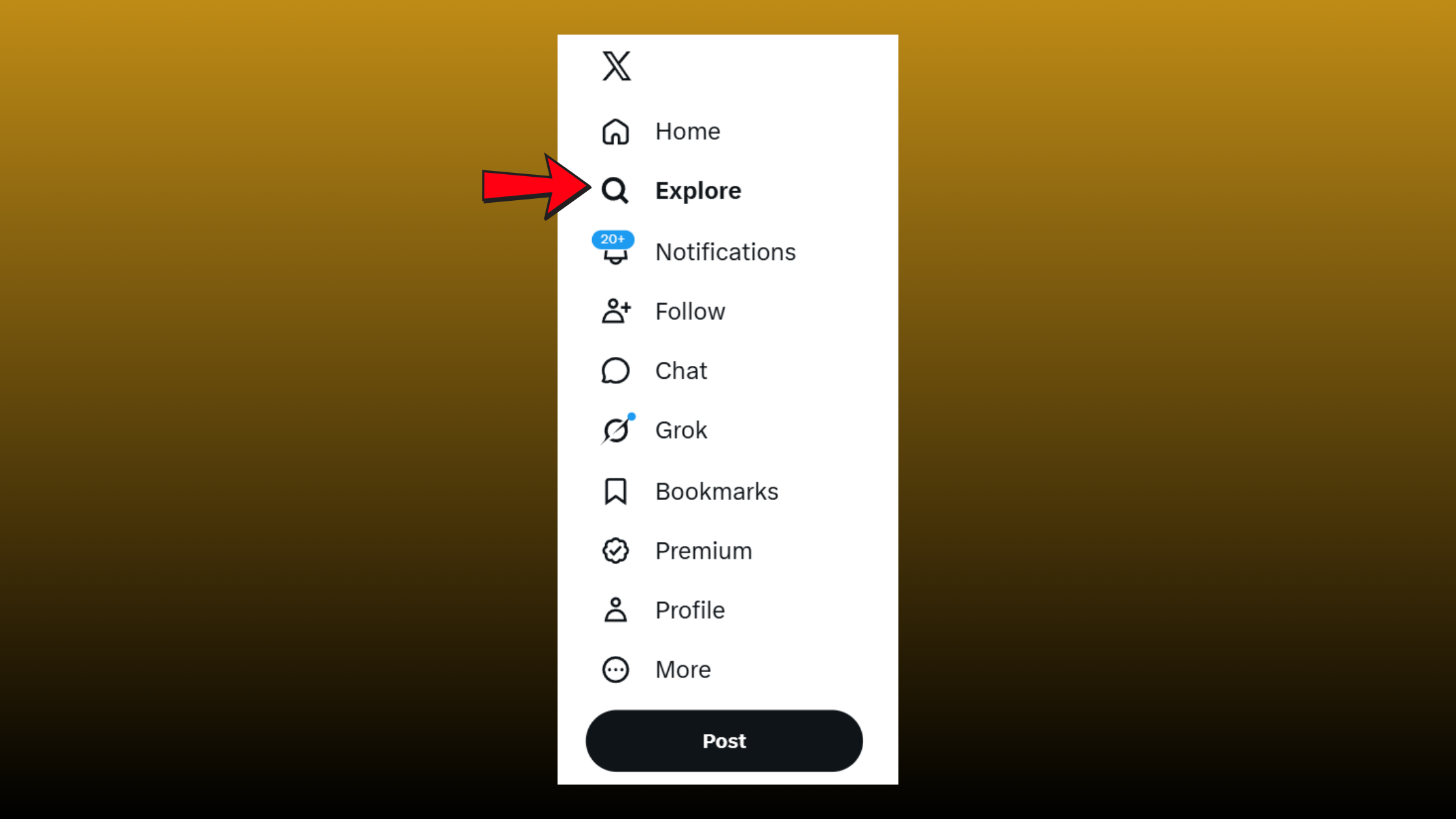
How to advanced search on twitter depends on which device you're using. On desktop, the fastest route is typing directly in the search bar, running any search, then clicking the filter icon (the sliders icon, top right of results). Alternatively, go directly to https://x.com/search-advanced — this works even when the link isn't visible in the UI. On mobile — x advanced search mobile — the dedicated form isn't available, but the operator syntax works in the standard search bar. Type your full operator string (e.g. from:elonmusk min_faves:500 since:2026-01-01) directly into the search bar on the X app and it processes it correctly. The experience is less visual but functionally identical.
https://x.com/search-advanced directly. When X redesigns navigation (which happens regularly), this URL remains stable while menu-based access disappears. It's faster than hunting through the UI every time.The Complete Twitter Advanced Search Operators Guide for 2026
Twitter advanced search operators are modifiers you add to a query string to filter results by specific criteria. Unlike most search engines, X's operator system is fully composable — you can chain as many as you need in a single query. Here's every supported category.
| Category | Operator | Syntax | Example |
|---|---|---|---|
| Exact phrase | Quoted string | "phrase here" | "product market fit" |
| Boolean OR | OR (uppercase) | term1 OR term2 | ChatGPT OR "Claude AI" |
| Boolean NOT | Minus sign (-) | -term | marketing -MLM |
| From account | from: | from:handle | from:hubspot |
| To account | to: | to:handle | to:nike |
| Mentioning | @mention | @handle | @salesforce |
| Minimum likes | min_faves: | min_faves:N | min_faves:100 |
| Minimum reposts (Retweets) | min_retweets: | min_retweets:N | min_retweets:50 |
| Minimum replies | min_replies: | min_replies:N | min_replies:10 |
| Date from | since: | since:YYYY-MM-DD | since:2026-01-01 |
| Date to | until: | until:YYYY-MM-DD | until:2026-03-31 |
| Has images | filter:images | filter:images | AI filter:images |
| Has videos | filter:videos | filter:videos | product demo filter:videos |
| Has links | filter:links | filter:links | SEO study filter:links |
| Quote posts only | filter:quote | filter:quote | GPT-4 filter:quote |
| Native reposts only | filter:nativeretweets | filter:nativeretweets | brand filter:nativeretweets |
| Safe content only | filter:safe | filter:safe | health filter:safe |
| Language | lang: | lang:XX | startup lang:en |
| Near location | near: + within: | near:"City" within:Nmi | near:"London" within:10mi |
| Card type | card_name: | card_name:type | card_name:poll |
| Within a list | list: | list:owner/listname | list:media/journalists |
How to Combine Multiple Operators Effectively (Boolean Search Combinations)
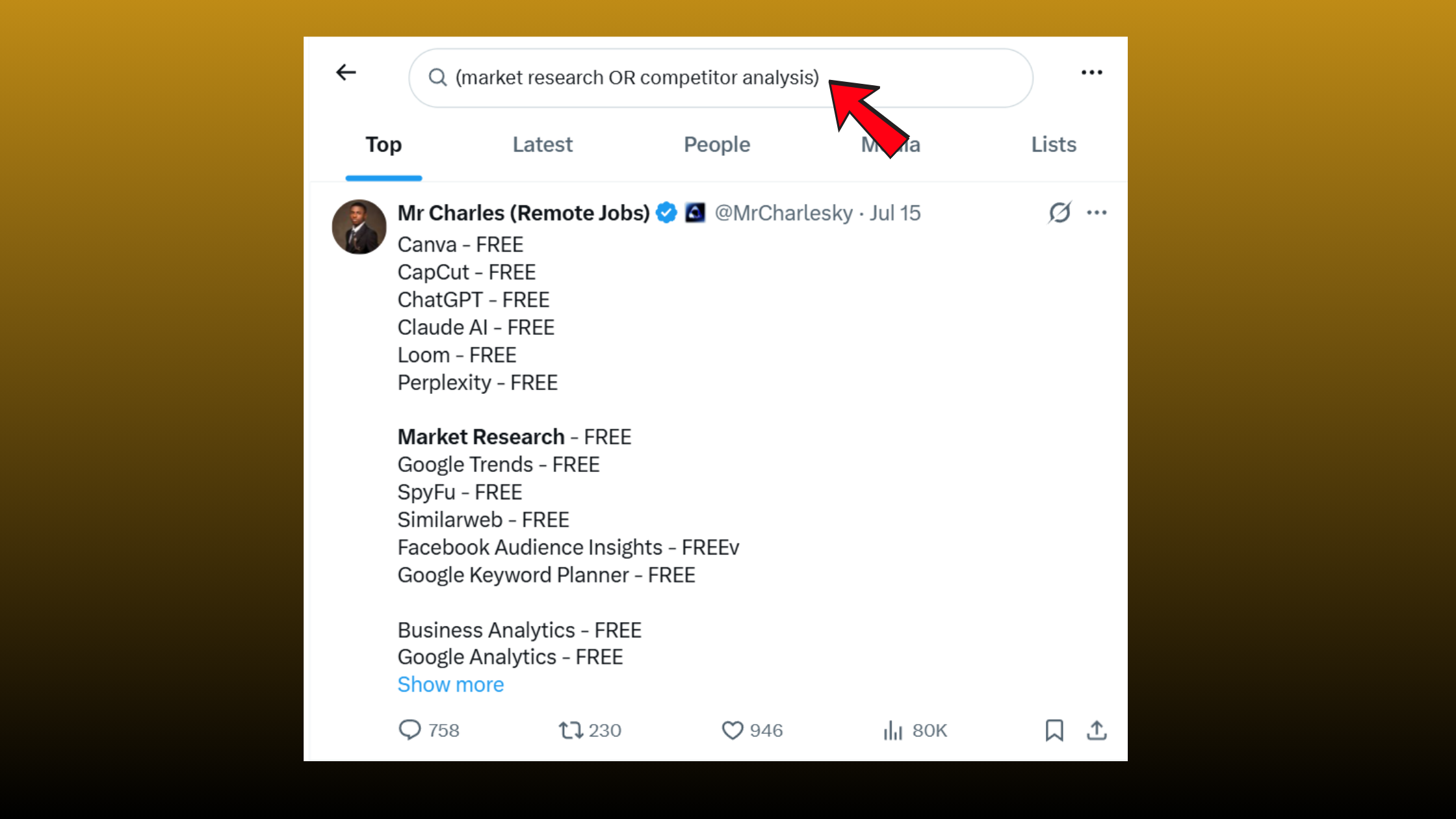
X search Boolean filters follow a simple logic: AND is implicit (just put a space between terms), OR must be uppercase, and NOT is a minus sign directly before the term. A real combined query for competitive research looks like this:
(market research OR competitor analysis) from:hubspot -filter:retweets since:2026-01-01 min_faves:50
This returns only original posts (no retweets) from HubSpot since January 2026 that mention either phrase and have at least 50 likes. The parentheses group your OR logic cleanly — without them, the OR can bleed into adjacent operators and corrupt results silently.
X Premium vs Free User Search Differences
Free users can search with the full operator set but are limited to roughly the past 7–30 days of results through the browser interface. X Premium subscribers get extended historical access — in some cases up to 12 months depending on query type. The X API (developer access) has separate tiers: the free tier allows limited historical search, while paid API tiers unlock the full-archive search endpoint going back to 2006. For most manual research workflows, the free interface is sufficient. For automated monitoring or bulk data pulls, the API is the right tool — though that shifts the cost model significantly.
Twitter Search Tips for Research: 10 High-Value Use Cases
Teams that master operator combinations consistently surface intelligence that others pay enterprise tools to find. The free social media monitoring Twitter capability here is genuinely underused — most professionals tap maybe 3 or 4 of these without realizing the full range is available at zero cost.
- Competitor sentiment mining:
"[competitor name]" -from:[competitor] min_faves:10 since:2025-01-01— surfaces what real customers say, not what the competitor posts. - Finding journalists on a beat:
filter:links lang:en "[your industry]" min_faves:20— filters for people sharing articles, typically press. - Recruiting candidates:
"open to work" OR "looking for opportunities" "[skill]" lang:en - Tracking a product launch:
"[product name]" since:2026-05-01 until:2026-05-07 -filter:retweets - Sourcing customer language for copy:
"I hate that [product category]" OR "I wish [product category]"— raw voice-of-customer. - Academic or policy research:
"[topic]" filter:links lang:en min_faves:50— finds credibly shared sources. - Finding influencers by engagement:
"[niche]" min_faves:200 -filter:nativeretweets - Event hashtag retrospective:
#[event] since:2026-03-01 until:2026-03-05 min_replies:5 - Industry trend spotting:
"[emerging topic]" since:2025-01-01 min_retweets:30 -filter:nativeretweets - Personal brand audit:
@yourusername -from:yourusername— everything others say about you.
What Twitter advanced search can do that paid tools can't in a meaningful sense comes down to two things: real-time latency (results appear within seconds of posting, faster than most paid tool ingestion pipelines) and zero data sampling at the free tier for manual queries. Paid tools at lower subscription tiers often sample 10–30% of the firehose — the native search hits the full index.
How to Find Tweets from a Specific Date Range on X for Free
To find tweets from a specific date range, use the since: and until: operators together: [keyword] since:2025-06-01 until:2025-06-30. Both require the YYYY-MM-DD format — any other date format silently fails and returns unfiltered results. After running the query, always switch to the Latest tab (not Top) — the Top tab re-sorts by relevance and engagement, which pushes older-but-popular posts above newer ones and makes date-range filtering appear broken. It's not broken. The tab toggle is the culprit in roughly 7 out of 10 "date range doesn't work" reports seen across community discussions.
According to Sprout Social (2026), X has 251 million daily active users. That's the pool your search queries draw from — at no cost, with no vendor markup. In practice, this means even niche queries return meaningful sample sizes for research purposes.
X Advanced Search vs Paid Tools: Brandwatch, TweetDeck, and Beyond
Most professionals reach for paid tools before exhausting what the native interface offers. The honest breakdown:
| Tool | Best For | Cost | Wins Over X Advanced Search | Where X Advanced Search Wins |
|---|---|---|---|---|
| X Advanced Search | One-off research, date-range searches, advanced operators | Free | — | — |
| Brandwatch | Enterprise sentiment analysis, brand monitoring, team dashboards | $800+/month | Data exports, AI sentiment analysis, cross-platform monitoring, automated alerts | Free to use, faster ad hoc searches, greater operator flexibility, no subscription required |
| TweetDeck / X Pro | Real-time monitoring with multiple columns | Included with X Premium | Live multi-stream dashboard, customizable columns, real-time tracking | Better for historical searches, date-range filtering, and complex search operators |
| Sprout Social | Social media management, scheduled reporting, team collaboration | $249+/month | Content scheduling, team workflows, automated reports, unified social inbox | Lower cost, more flexible search queries, better for instant research and historical lookups |
For Tweetdeck vs advanced search X: they serve different modes. TweetDeck (now X Pro, bundled with X Premium) is best for real-time multi-column monitoring — watching a hashtag, a keyword, and a competitor account simultaneously in live streams. Advanced search is better for retrospective deep dives: "what did people say about this product launch in week one?" They complement each other rather than compete.
Among the best free Twitter monitoring tools, the native advanced search sits at the top of the stack before you consider paying for anything. The free tier of X Pro (limited) and saved search bookmarks cover most real-time needs. Third-party tools earn their place only when you need what the native stack can't do: automated alerts, CSV export, or cross-platform aggregation.

Growing on LinkedIn While You Research on X?
The intelligence you find through Twitter search is only as valuable as the audience you can reach with it. HyperClapper helps LinkedIn creators, founders, and marketers turn insights into visibility — through real community engagement, not bots.
See How HyperClapper WorksCan You Automate or Schedule Advanced Search Queries for Ongoing Monitoring?
The native advanced search interface has no built-in scheduling or automation. However, there are three practical workarounds. First, save your exact query as a browser bookmark — the full URL encodes every filter, so bookmarking a results page re-runs the exact query on demand. Second, the X API's filtered stream and recent search endpoints let developers automate queries programmatically, though the free API tier now has tight rate limits. Third, tools like twitterapi.io document how to run the full operator set against the API for automated pipelines. For time-sensitive monitoring (PR crises, product launches), a lightweight API alert or a manual twice-daily bookmark check covers most needs without a paid tool subscription.
Why Advanced Search Results Feel Broken — And How to Fix It
A recurring pattern among researchers using x search twitter for the first time is concluding that the tool is broken when results feel incomplete or randomly missing. In nearly every case, the issue is one of four known behaviors — not a malfunction.
The Top vs Latest toggle is responsible for the majority of "missing results" reports. The Top tab applies X's relevance algorithm, which buries recent low-engagement posts behind older high-engagement ones. Switching to Latest delivers chronological results. This single change resolves the most common complaint immediately.
Account-level restrictions are the second cause. Protected accounts, suspended accounts, and any account that has blocked you are silently excluded from results — no error message appears. This is a deliberate platform restriction. If you're researching a specific account and their posts don't surface, check whether they're protected. You can't work around this through operator syntax.
The "For You" feed contamination issue is less obvious. When searching while logged in, X's personalization layer can bias results toward accounts you already interact with — creating a filter bubble in your search results. For neutral research, logging out or using a secondary browser profile gives a cleaner index view. What consistently separates power users from casual searchers is knowing that the same query run logged-in vs logged-out can return meaningfully different result sets.
How to Search Twitter Without an Account in 2026
Twitter search without account access is possible but limited. Navigating to x.com while logged out and using the search bar returns public tweet results — the same basic keyword search functions. However, the advanced search filter form requires being logged in to use through the UI. The operator syntax still works when pasted directly into the search bar while logged out. The practical workaround: construct your full operator string in a text editor, paste it into the search bar at x.com while logged out, and switch to Latest. This gives you an unbiased, unpersonalized result set — which is often exactly what research requires. Note that historical depth may be reduced compared to a logged-in free account.
Common Mistakes to Avoid When Using Twitter X Advanced Search
The most common failure mode is not the tool — it's the query. After seeing this across dozens of research workflow audits, the same four mistakes appear repeatedly.
- Using the basic search bar for complex queries — the advanced form exists for a reason. Typing a long operator string in the basic bar sometimes works, but the filter UI catches syntax errors visually before you run the query.
- Staying on the Top tab — as covered above, this re-sorts by engagement and makes date-range filtering appear broken. Always switch to Latest for research queries.
- Lowercase "or" in Boolean strings — this corrupts your query silently. X requires uppercase OR. This single error is responsible for a significant share of "advanced search doesn't work" complaints.
- Relying on manual search for time-sensitive monitoring — for PR crisis tracking, product launch reactions, or brand reputation monitoring, bookmarked query URLs or a lightweight API setup is essential. Manual re-querying misses the window where early signal matters most.
✓ The Twitter X Advanced Search Quality Checklist
- ☐Switch to the Latest tab before drawing any conclusions from results
- ☐Use uppercase OR and a minus sign for NOT in all Boolean strings
- ☐Use
YYYY-MM-DDformat forsince:anduntil:— no other format works reliably - ☐Add
-filter:retweetsto any query where you want original posts only - ☐Group OR clauses in parentheses:
(term1 OR term2)before adding other operators
Frequently Asked Questions About Twitter X Advanced Search
Can you export Twitter advanced search results to a spreadsheet?
No, X's native advanced search has no built-in export button — you copy results manually or pull them through the X API. This is one of the specific areas where paid platforms like Brandwatch genuinely earn their fee, since bulk CSV export is something the free search interface simply doesn't offer.
Do advanced search operators work in TweetDeck columns?
Yes, X Pro (formerly TweetDeck) columns accept the same operator syntax as advanced search, so you can build a live column from a full query string. The difference is mode, not power: X Pro streams results in real time, while advanced search is built for retrospective, date-bounded research.
Can Twitter advanced search find deleted tweets?
No, advanced search only queries X's live index, so deleted, suspended, and protected posts never appear in results — with no error message to tell you they're missing. Treat search output as a representative sample of what's currently public, not a permanent archive of everything ever posted.
Can you get banned for using Twitter advanced search operators?
No, operators are an official, documented part of X's search product, and using them through the browser breaks no rules. Risk only enters when you move to automated scraping or hammer the API past its rate limits — manual querying of the free interface carries no account penalty.
Can you use Google to search old tweets instead?
Yes, a Google query like site:x.com plus your keywords surfaces indexed posts, and it can reach further back than the free browser search window. The trade-off is control: Google indexes only a fraction of posts and gives you none of X's engagement, date, or Boolean filters.
Does advanced search work for non-English tweets?
Yes, the lang: operator filters results to a single language using X's own auto-detected language tag — lang:es for Spanish, lang:ja for Japanese. It filters rather than translates, and detection can misfire on short or mixed-language posts, so verify a sample before trusting the result set.



