
A pattern observed consistently across LinkedIn creators at every follower count is this: the posts that take off are rarely the best-written ones — they are the ones that collected engagement fastest in the first hour. LinkedIn engagement tools are platforms, pods, or software that artificially accelerate that early signal, telling the algorithm a post is worth distributing to a broader audience. Used correctly, they can realistically double post reach within 48 hours. Used poorly — or chosen without understanding the risk profile — they can trigger account restrictions instead. This guide covers what tools actually work in 2026, how they differ, and which approach fits your goals.
- WHO: LinkedIn creators, founders, marketers, and agencies who want more organic reach without paying for ads.
- WHAT: A practical breakdown of the top LinkedIn engagement tools — pods, AI reply tools, and analytics platforms — compared on safety, price, and best-fit use case.
- WHY: LinkedIn's algorithm gates distribution on early engagement velocity. Without a deliberate boost strategy, even strong content stagnates.
- COUNTERINTUITIVE FINDING: Low post reach is rarely a content quality problem — it is almost always a social proof timing problem.
- SAFETY: Tools using real community engagement carry significantly lower account risk than bot-driven automation tools.
- RECOMMENDATION: HyperClapper's real-channel model + AI replies is the strongest combination for safe, compounding reach growth in 2026.
- Why Your LinkedIn Post Reach Is So Low
- What LinkedIn Engagement Tools Are
- Best LinkedIn Engagement Tools in 2026: Compared and Ranked
- Are LinkedIn Engagement Tools Safe?
- How to Increase LinkedIn Post Reach: A Practical Strategy
- LinkedIn Analytics Tools for Creators
- Frequently Asked Questions About LinkedIn Engagement Tools
Why Your LinkedIn Post Reach Is So Low (And What's Really Going On)

The most common failure mode among LinkedIn creators is blaming the content when the real culprit is timing and social proof. Posts that receive no engagement in the first 90 minutes essentially never recover — the algorithm interprets silence as disinterest and throttles distribution before most of the audience ever sees the post. This is engagement velocity decay: the rapid drop-off in algorithmic reach that happens when early signals are absent.
How the LinkedIn Algorithm Decides Post Reach in 2026
LinkedIn's distribution model works in tiers. When a post is first published, it is shown to a small slice of the poster's network — roughly 5–10% of followers. The algorithm then measures engagement velocity (the speed at which a post receives likes and comments after publishing) over the first 60–90 minutes. If that initial audience reacts positively, the post gets pushed to a second, larger tier — and the content distribution snowball effect kicks in. A post with 20 genuine comments in the first hour can realistically reach 10x the audience of an identical post with two comments.
What this means in practice: quality content with poor early engagement stays invisible. The algorithm is not judging your writing — it is judging whether people reacted to it fast enough. That is the gap engagement tools are designed to close.
According to a LinkedIn analysis of 1.3 million posts (2026), the average engagement rate on LinkedIn is around 5.20%, with top-performing formats reaching up to 7.00%. The gap between average and top performers almost always comes down to that early velocity signal — not the content format itself.
Now that you understand what causes low reach, here is exactly what the tools designed to fix it actually are — and how they work under the hood.
What LinkedIn Engagement Tools Are (And How They Actually Work)

Think of LinkedIn engagement tools as a spark for a campfire — the fire (your content) still needs to be good, but without the spark (early engagement), it never catches. These tools provide the initial burst of social proof amplification that signals the algorithm to distribute further.
The category breaks into four distinct types:
- Engagement pod platforms — communities where members agree to like and comment on each other's posts (Podawaa, Lempod, HyperClapper channels)
- AI content and reply tools — software that generates or posts comments automatically to keep conversations active (Taplio's AI features, HyperClapper's AI Replies)
- LinkedIn analytics tools — platforms that track post performance, reach, follower growth, and content benchmarks (Shield Analytics, LinkedIn native analytics)
- Hybrid platforms — tools combining two or more of the above functions in one dashboard (HyperClapper, Taplio)
LinkedIn Engagement Pods Explained: How They Boost Visibility
LinkedIn engagement pods are groups of users who agree to engage with each other's posts to trigger the algorithm's early-signal detection. Each member posts, then other members in the pod like and comment within the first hour. The algorithm reads this burst of activity as genuine interest and pushes the post to a wider audience — the social proof amplification effect in action.
Pods range from manual Slack or WhatsApp groups to automated platforms like Podawaa, Lempod, and HyperClapper, where the process is managed inside a purpose-built tool. The automated platforms are faster, more consistent, and reach more engagers per post — but the quality of those engagements varies significantly by platform.
LinkedIn Automation Tools for Engagement: Where AI Fits In
LinkedIn automation tools for engagement go one step further by using AI to generate and post comments — removing the need for pod members to manually write responses. The risk profile here is higher than pure pod engagement: LinkedIn's terms of service restrict automated actions that mimic human behavior at scale. The key distinction is whether the tool is generating engagement from real accounts or bot accounts. Real accounts engaging voluntarily through a pod are structurally different from a bot farm posting generic comments — and LinkedIn's detection systems treat them differently too.
With the tool landscape clear, the next step is comparing the actual options side by side.
Best LinkedIn Engagement Tools in 2026: Compared and Ranked
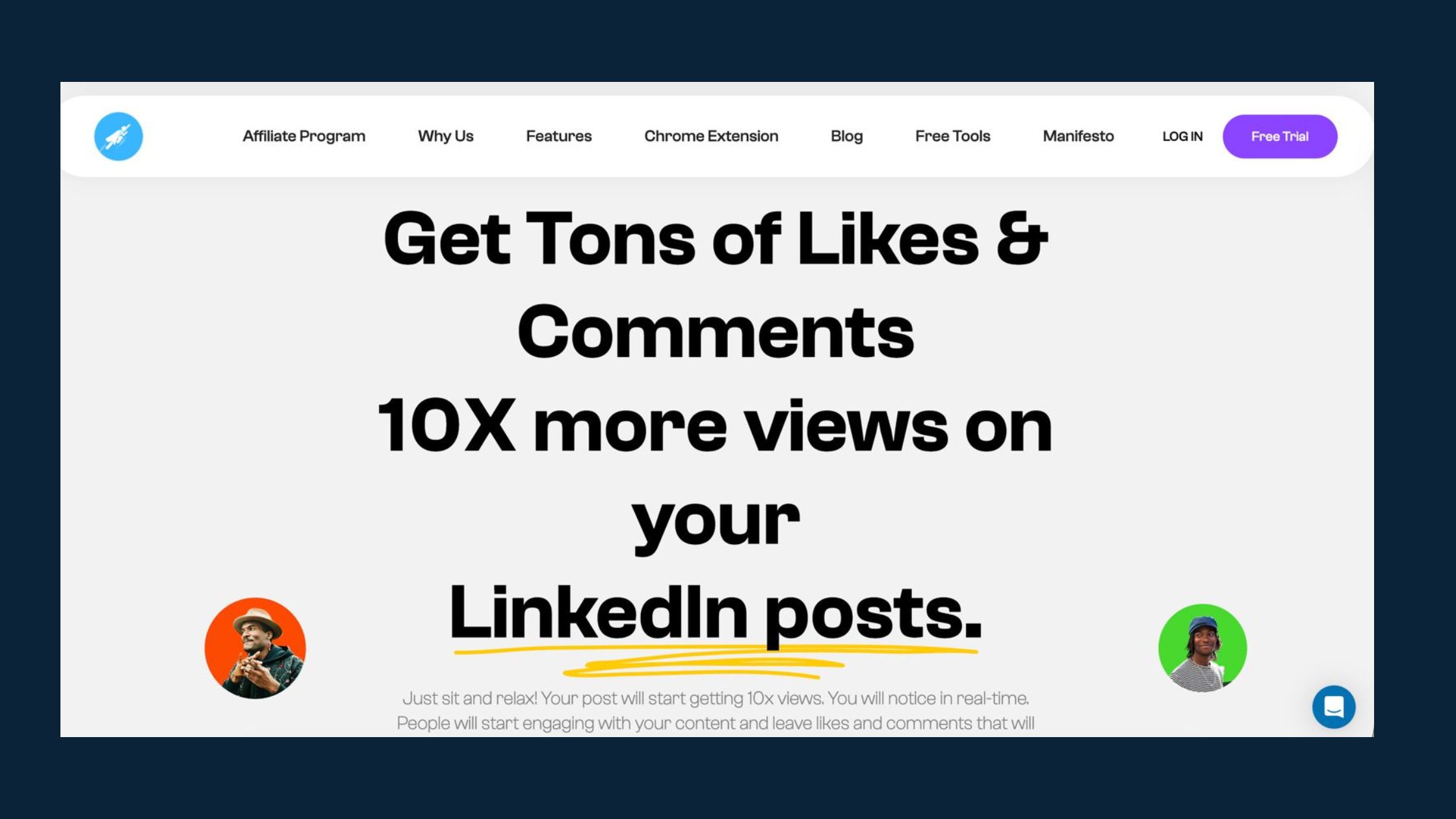
Creators who skip the comparison step and pick a tool based on marketing copy typically waste the first 60–90 days on the wrong platform for their use case. Here is the honest breakdown.
| Tool | Best For | Engagement Type | Safety Level | Starting Price |
|---|---|---|---|---|
| HyperClapper | Creators, founders, agencies wanting safe real + AI engagement | Real channels + AI replies | ⭐ Highest | Paid tiers |
| Taplio | Content creation + scheduling + analytics in one | AI content + scheduling | Medium | ~$49/mo |
| Shield Analytics | Deep creator performance metrics | Analytics only | Highest (read-only) | ~$18/mo |
| Podawaa | Pod-based boosting with some AI features | Pod engagement | Medium | Free tier / paid |
| Lempod | Niche pod communities, basic boosting | Pod engagement | Medium | ~$10/seat/mo |
HyperClapper: Real Community Engagement + AI-Powered Replies
Tools like HyperClapper take a structurally different approach from traditional pods. Instead of a single large group, HyperClapper organises engagement into channels — focused groups of real users who engage with posts. One channel delivers roughly 50 possible engagements; using two channels roughly doubles that. The platform also layers in AI-powered replies that can be fed into a post on day 1 and again on days 2–3, extending the post's algorithmic life beyond the initial window.
What separates HyperClapper from competitors here is the Content Guard moderation layer — a system that screens posts for sensitive or controversial content (politics, conflict, divisive topics) before they enter the engagement flow. This prevents the tool from amplifying content that could attract LinkedIn scrutiny and reduces the risk profile compared to unmoderated pod platforms.
LinkedIn Engagement Tool Pricing: What to Expect in 2026
The LinkedIn engagement tool pricing landscape in 2026 breaks into three tiers:
- Free LinkedIn engagement tools — manual pod groups on Slack or WhatsApp, LinkedIn's native analytics, and limited free tiers on platforms like Podawaa (3 free boosts). Effective for testing but don't scale.
- Mid-range ($10–$50/month) — Lempod, Shield Analytics, basic Taplio. Good for individual creators with consistent posting schedules.
- Full-feature ($50+/month) — Taplio's advanced plans, agency-tier HyperClapper. Justified for teams, agencies, or creators with significant commercial objectives tied to LinkedIn visibility.
According to ConnectSafely (2026), the LinkedIn automation tools market has reached an estimated $850 million annually — growing 42% year-over-year. This growth reflects how many professionals now treat LinkedIn engagement as a managed activity rather than a passive hope.
Get Real LinkedIn Engagement Without the Bot Risk
HyperClapper connects your posts to real engagement channels and AI-powered replies — designed to boost reach while keeping your account safe.
Try HyperClapper →Are LinkedIn Engagement Tools Safe? Risks, Limits, and What to Watch For
Safety in this category is not binary — it sits on a spectrum determined by how the tool generates engagement. Tools that rely on bots, fake accounts, or aggressive automated scraping carry the highest account suspension risk. Tools that connect real users voluntarily engaging through a structured community operate in a fundamentally lower-risk space, even though they touch the same LinkedIn algorithm signals.
LinkedIn's Terms of Service prohibit automated actions that mimic human behaviour at scale. The key word is "mimic" — a real person clicking like on a post they have chosen to engage with is not a ToS violation, even if a platform facilitated the connection. An AI script posting 200 comments from fake profiles in 10 minutes is a different matter entirely.
The distinction that matters for account safety is not "does a tool exist" — it is "does the tool generate engagement from real people making real choices, or from automated processes pretending to be people."
Red Flags to Avoid in LinkedIn Automation Tools
After observing patterns across how accounts get flagged on LinkedIn, these are the clearest warning signals in any tool's setup:
- Engagement from accounts with zero connection to your industry — a post about SaaS marketing getting comments from accounts in unrelated sectors triggers LinkedIn's relevance filters
- Volume spikes that don't match account history — jumping from 5 likes per post to 200 in one day without a corresponding follower base draws algorithmic review
- Generic, low-depth comments — "Great post!" repeated across engagers signals automated behaviour
- Tools that require your LinkedIn login credentials — these operate through your account directly and expose you to immediate suspension if caught
- No content moderation layer — sending controversial posts through an engagement network can amplify the wrong signals fast
For a deeper look at how different pod platforms compare on safety specifically, the comparison of the top 5 LinkedIn engagement pods covers each platform's risk profile in detail.
How to Increase LinkedIn Post Reach: A Practical Strategy Using Engagement Tools
The most effective approach combines three elements: a well-structured post, precise timing, and a coordinated early engagement activation. None of these alone is enough. Together, they create the conditions where the algorithm's distribution logic works in your favour.
Here is the step-by-step sequence that consistently outperforms single-variable approaches:
- Write a hook-first post (30–60 seconds) — the first line must stop the scroll. Questions, bold statements, or surprising numbers all outperform generic observations. See the LinkedIn post format guide for structure templates.
- Schedule for peak audience hours — Tuesday through Thursday, 7–9am or 12–1pm in your audience's time zone. Off-peak posts start with a smaller initial audience, making the velocity threshold harder to hit.
- Activate your engagement channel immediately at publish — through HyperClapper or your preferred pod platform. Waiting 30 minutes cuts the effectiveness of the early-signal window significantly.
- Layer in AI-powered replies within the first hour — comments create conversation depth, which LinkedIn's algorithm weighs more heavily than likes alone. AI replies that are contextually relevant maintain this without requiring manual effort.
- Monitor analytics at 2 hours and 24 hours — check impressions trajectory. A post that plateaus at 2 hours rarely recovers without a second engagement push.
- Feed more replies on day 2–3 — platforms like HyperClapper allow additional AI replies to be added after the initial push, reactivating the post in the feed for a second visibility window.
This is the The Engagement-First Reach Method — a sequence that treats the algorithm's scoring window as the primary variable to optimise, not the post content itself. The content determines the ceiling; the timing and engagement activation determine whether you reach it.
Common Mistakes That Kill LinkedIn Post Reach (Even With Tools)
Creators who skip this step typically find that engagement tools deliver initial results that plateau after 4–6 weeks. The pattern is consistent: tools compensate for weak strategy for a while, then stop working when the foundational mistakes compound.
- Using engagement tools as a substitute for content quality — tools amplify good posts; they do not rescue weak ones. A post with a low-quality hook still dies, just with more likes on it.
- Inconsistent posting cadence — accounts that drop below 3 posts per week see algorithmic reach decay within 10–14 days, typically requiring 3–4 weeks of consistent posting to recover their baseline distribution.
- Ignoring a LinkedIn content strategy to boost visibility — niche-specific content outperforms generic posts because LinkedIn's algorithm also considers topic relevance when deciding which second-tier audience to distribute to.
- Tagging people unnecessarily — tagging non-relevant accounts in posts to force notifications is a known spam signal and can suppress distribution rather than extend it.
For a broader organic strategy that works alongside these tools, the full guide on how to increase LinkedIn reach and engagement in 2026 without paid ads covers the content and distribution layers in detail.
LinkedIn Analytics Tools for Creators: Measuring What Actually Matters
Analytics without action is just scorekeeping. What makes LinkedIn analytics tools for creators valuable is not the dashboards themselves — it is the ability to identify which content formats, topics, and posting cadences generate the highest engagement velocity resistance over time. That pattern is what you replicate at scale.
Taplio vs Shield Analytics for LinkedIn: Which One Do You Need?
The Taplio vs Shield Analytics LinkedIn comparison comes down to what problem you are trying to solve:
- Shield Analytics is the go-to for pure performance measurement. It tracks impressions over time, follower growth attribution, content-type breakdowns, and post-level engagement data that LinkedIn's native analytics does not expose. For creators who post consistently and want to know which content is actually driving reach growth — Shield is the specialist tool.
- Taplio combines content scheduling, AI post generation, engagement tracking, and a CRM-lite contact layer. It is more useful for creators who want a single workflow tool rather than the deepest possible analytics depth. The tradeoff is that its analytics are broader but less granular than Shield's.
In practice, teams that use both tools tend to use Shield for weekly performance reviews and Taplio for daily content creation and scheduling — they solve different problems and can complement each other rather than compete.
HyperClapper adds a third layer to this picture: its built-in analytics track engagement performance and post reach tied directly to channel activity, closing the loop between the boost action and the measurable outcome. For creators who want to attribute reach gains specifically to their engagement strategy — rather than to organic factors — this is data that neither Shield nor Taplio provides.
The gap between creators who grow predictably and those who stay stuck is almost never content quality alone — it is the feedback loop. Analytics tools turn anecdote into pattern, and pattern into repeatable strategy.
✓ The LinkedIn Engagement Tool Setup Checklist
- ☐Choose an engagement platform that uses real accounts — not bots or fake profiles
- ☐Confirm the tool does NOT require your LinkedIn password — API or extension-based only
- ☐Set engagement activation to trigger within 5 minutes of posting — not retroactively
- ☐Enable content moderation or content guard features to screen sensitive posts
- ☐Add AI replies within the first 60 minutes to build conversation depth, not just likes
- ☐Review analytics at 24h and 72h post-publish to identify which posts earned the best velocity
- ☐Feed additional replies on day 2–3 for your highest-performing posts to extend algorithmic life
- ☐Maintain a minimum 3x/week posting cadence — algorithmic reach decays with gaps
Ready to Double Your LinkedIn Post Reach?
HyperClapper gives you real community channels, AI-powered replies, built-in analytics, and content moderation — everything you need to grow consistently without risking your account.
Start Growing on LinkedIn →Frequently Asked Questions About LinkedIn Engagement Tools
What are the best tools to double LinkedIn post reach in 2026?
The strongest combination in 2026 is a real-community engagement platform plus an analytics layer. HyperClapper (real channels + AI replies) handles the early-signal boost; Shield Analytics or Taplio tracks what is actually working. For creators wanting one platform, HyperClapper's built-in analytics closes the loop between boosting actions and measurable reach outcomes.
Which LinkedIn engagement tools are safe and won't get my account banned?
Tools using real people engaging voluntarily — not bots or automated scripts — are the lower-risk category. HyperClapper's channel model falls here. Red flags that indicate higher risk: any tool requiring your LinkedIn password, tools generating hundreds of generic comments instantly, or platforms with no content moderation. Never share login credentials with third-party tools.
Do LinkedIn engagement pods actually work, or is it just hype?
They work — with important caveats. Pods genuinely trigger LinkedIn's early-velocity detection and push posts to wider distribution. The hype risk is that they only amplify posts already worth reading. Pods with irrelevant engagers or generic bot-style comments can also signal spam to the algorithm, reducing rather than increasing reach. Quality of engagement matters as much as quantity.
How do LinkedIn engagement pods compare to paid promotion for reach?
Paid LinkedIn promotion delivers reach to targeted audiences immediately but stops when the budget stops. Engagement pods build organic algorithmic reach that compounds — a post with strong early engagement continues to be distributed for days without additional spend. In practice, pods are better for creator economy community leverage and building long-term profile authority; paid ads are better for time-sensitive campaign reach.
Can automation tools really improve LinkedIn algorithm performance?
Yes — when they accelerate genuine early engagement signals rather than faking them. The LinkedIn algorithm responds to velocity and conversation depth, both of which real-community tools and AI-reply features can legitimately improve. Automation that generates fake accounts or generic spam comments typically backfires: LinkedIn's detection systems have become significantly better at identifying low-quality engagement patterns in 2025–2026.
Are there free LinkedIn engagement tools worth using?
Free LinkedIn engagement tools exist but scale poorly. Manual Slack/WhatsApp pod groups are free but require significant coordination effort. LinkedIn's native analytics are free and useful for baseline tracking. Podawaa offers 3 free post boosts as a starting point. For consistent, scalable results beyond testing, a paid platform is almost always necessary within the first 30–60 days.
What tools increase LinkedIn post engagement for company pages?
Company page engagement is structurally harder than personal profile engagement because LinkedIn's algorithm prioritises individual voices. Tools like HyperClapper that offer company page boosting and company page reply features directly address this — they extend the same real-engagement and AI-reply capabilities to brand accounts, making company page content look naturally active rather than algorithmically suppressed.
What consistently separates LinkedIn accounts with genuine reach growth from those that plateau indefinitely is not any single tool — it is the combination of early engagement activation, consistent content cadence, and a feedback loop that identifies which posts deserve the biggest push. Accounts that get all three right see the content distribution snowball effect compound over months. Accounts that rely on engagement tools alone, without the strategy layer, typically hit a ceiling within 60–90 days regardless of how much they spend on boosting.



