
A pattern observed consistently across high-performing LinkedIn accounts is that the creators obsessing over hashtags are almost never the ones going viral — while the creators focused on hook strength, conversation depth, and early engagement velocity are. The real drivers of LinkedIn reach in 2026 are engagement velocity (the speed and volume of likes and comments in the first 60–90 minutes), dwell time (how long people pause on your post), and the depth of conversation your content sparks. Hashtags are a distraction. Here's what actually works.
- LinkedIn's algorithm ranks posts by early engagement velocity — comments and dwell time matter far more than hashtag count.
- The hook (first 1–2 lines before "see more") is the single highest-leverage element in any LinkedIn post.
- Hashtags provide minimal reach benefit on LinkedIn; 2–3 specific ones are fine, but 5+ can actively signal low quality.
- Editing a post during the first 60–90 minutes is where real risk lies — edits after that window are generally low-risk.
- Early engagement from real communities (not bots) is the most repeatable way to increase LinkedIn post reach organically.
- The most counterintuitive finding: deleting and reposting does not meaningfully improve reach over simply fixing a live post carefully.
- What Actually Makes a LinkedIn Post Go Viral in 2026
- How to Write a Hook for LinkedIn That Stops the Scroll
- The Truth About Hashtags on LinkedIn — And What to Do Instead
- Does Editing a LinkedIn Post Kill Your Reach? The Real Answer
- How to Increase LinkedIn Post Reach Organically With the Right Tools
- Frequently Asked Questions About LinkedIn Posts, Reach, and the Algorithm
What Actually Makes a LinkedIn Post Go Viral in 2026

Virality on LinkedIn is not random — it is the output of a scoring system that rewards early signal quality. Post engagement velocity — the speed at which a post accumulates meaningful interactions — is the primary factor the LinkedIn algorithm uses to decide whether to expand distribution beyond your first-degree network. Posts that earn rapid early comments and high scroll depth get pushed to second- and third-degree connections; posts that stall stay invisible.
How the LinkedIn Algorithm Ranks and Distributes Posts
The LinkedIn algorithm content distribution window is the critical period — roughly the first 60–90 minutes after publishing — during which LinkedIn scores your post for quality before deciding how far to amplify it. During this window, the algorithm measures:
- Comment depth — substantive replies signal a worthwhile conversation
- Dwell time and scroll depth on LinkedIn — how long readers actually pause on your post in the feed
- Notification feed refresh — every comment triggers a notification to that commenter's connections, creating a cascade effect
- Like-to-comment ratio — comments are weighted significantly higher than likes alone
What consistently separates top performers here is understanding that the algorithm is essentially asking: "Do real people find this worth stopping for?" Mechanics that answer "yes" — strong hooks, controversial takes, genuine questions — win distribution. Mechanics that try to game tags or formatting alone do not.
The LinkedIn algorithm doesn't rank content. It ranks conversations. Posts that start one get amplified; posts that don't get buried — regardless of how many hashtags they contain.
Understanding how the algorithm distributes posts sets the foundation for every tactic that follows. The hook is where that distribution window starts or dies.
How to Write a Hook for LinkedIn That Stops the Scroll
Knowing how to write a hook for LinkedIn is the single highest-return skill in your entire LinkedIn content strategy. The first one to two lines — everything visible before the "see more" truncation — determine whether a reader expands the post or scrolls past. If they scroll past, dwell time collapses to near zero, and the algorithm interprets that as a quality signal failure.
Three hook patterns work consistently across high-performing accounts:
- The bold counter-claim — "Stop using hashtags." Challenges a widespread assumption instantly.
- The specific number — "I gained 12,000 followers in 90 days without a single hashtag." Specificity creates credibility.
- Unfinished tension — "Most LinkedIn advice is wrong about one thing." Forces the reader to expand to resolve the tension.
Post Structure and LinkedIn Content Strategy Tips That Drive Engagement
Beyond the hook, LinkedIn content strategy tips that consistently move the needle follow a simple architecture: hook → single insight or story → clear, easy-to-answer call-to-action comment prompt. The comment prompt matters enormously — "What's your take?" generates 3–5x more replies than ending a post with no question at all, based on patterns seen across high-volume LinkedIn creator accounts.
Think of your LinkedIn post structure as a fishing line: the hook gets the bite, the body reels the reader in, and the comment prompt is the net. Miss any one of them, and you're throwing content into the void.
With the structure locked in, the next question most creators ask is about hashtags. The answer will probably surprise you.
The Truth About Hashtags on LinkedIn — And What to Do Instead

Do hashtags help on LinkedIn? The honest answer: minimally, and often not at all. LinkedIn's algorithm is driven by interest-graph and engagement-graph signals — it learns what topics you care about from what you engage with, not from the tags in posts you see. In practice, hashtag-based content discovery on LinkedIn is far weaker than on Instagram or X, and it has become weaker still as LinkedIn has deprioritised hashtag following.
Should I Use Hashtags on LinkedIn Posts?
Use at most two to three highly specific ones if they genuinely describe your niche (e.g. #B2BMarketing rather than #Marketing). But the answer to "should I use hashtags on LinkedIn posts" changes sharply when volume increases: stuffing five or more hashtags actively signals low-quality or spammy content to the algorithm — the opposite of what most people intend.
Why Are My LinkedIn Posts Getting No Views — And How to Fix It
Teams that diagnose low reach by adding more hashtags are almost always looking in the wrong place. The real culprits behind "why are my LinkedIn posts getting no views" are typically:
- A weak hook — scroll depth collapses before the algorithm can score the post
- No early engagement — publishing without any community ready to interact leaves the post in cold-start limbo
- External links in the post body — according to Melanie Goodman's analysis of the 2026 van der Blom research (based on 1.3 million posts), one external link in the post body reduces median reach by 18.8%. Move links to the first comment instead.
- Posting at the wrong time — outside your audience's active window, posts decay before they can build momentum
The fix is not cosmetic. Increase LinkedIn post reach organically by fixing the fundamentals: hook first, early engagement second, post body structure third. Hashtags are a distant fourth at best.
Does Editing a LinkedIn Post Kill Your Reach? The Real Answer
This is the most anxiety-inducing question in the LinkedIn creator community — and the answer is genuinely nuanced. Whether does editing a LinkedIn post affect reach depends almost entirely on when you edit, not whether you edit.
According to analysis of 340 edited LinkedIn posts, edits made within the first 10 minutes have no measurable impact on reach. However, major edits after the 30-minute mark reduce impressions by 30–50% compared to unedited posts with similar early engagement signals. Separately, Maverrik's reporting on Richard van der Blom's algorithm research notes that editing within the first hour can reduce reach by as much as 10–15% because the platform re-evaluates the post mid-scoring cycle.
Importantly, the content freshness signal is not refreshed by an edit. LinkedIn does not treat a post edit the way it would treat a new post — so editing a dead post will not give it a second life. And according to LinkedIn's product team, the delete-and-repost approach does not meaningfully outperform a careful in-place edit either.
Can You Edit a LinkedIn Post After Publishing?
Yes — you can edit a LinkedIn post after publishing at any time. The question is not whether you can, but when it is safe to do so. The practical rule: fix critical typos or errors within the first 5–10 minutes (minimal risk), or wait until after the initial distribution window has closed — roughly 90 minutes to 2 hours post-publish — before making any substantive edits.
✓ The LinkedIn Post Publishing Checklist
- ☐Proofread fully before hitting publish — not after
- ☐Move any external links to the first comment, not the post body
- ☐Limit hashtags to 2–3 specific, niche-relevant tags
- ☐If editing is necessary, do it within the first 10 minutes OR after the 90-minute window
- ☐Engage with every comment in the first hour to feed the algorithm's scoring
- ☐End every post with a clear, easy-to-answer comment prompt
How to Increase LinkedIn Post Reach Organically With the Right Tools
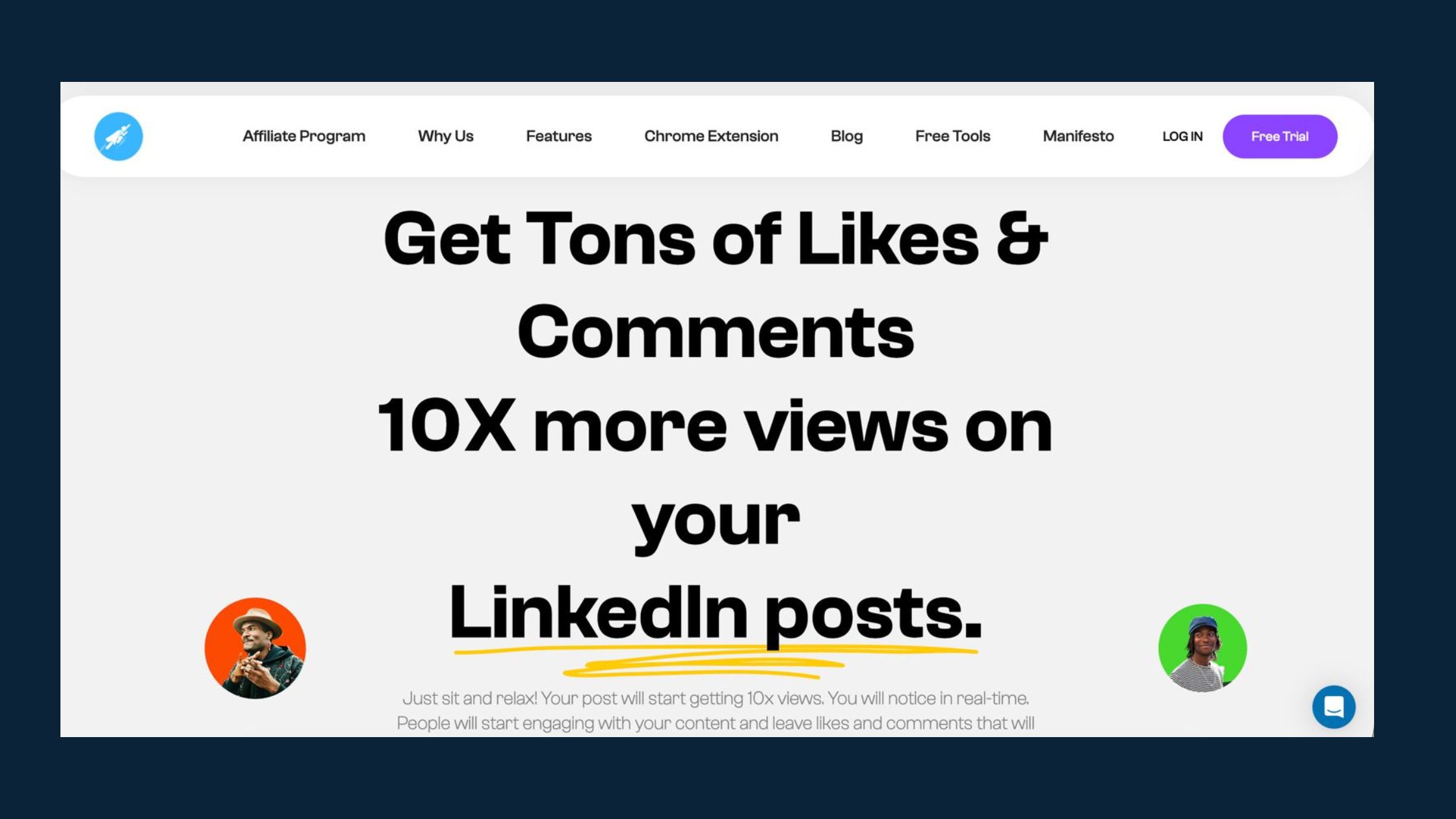
Organic reach on LinkedIn compounds when you consistently generate early engagement signals — the best creators do not hope for viral luck, they engineer the conditions for it. The most repeatable approach combines quality content with structured early engagement from real communities.
Tools like HyperClapper are built specifically for this: they connect creators to real engagement channels — groups of genuine professionals who like and comment on posts — giving the algorithm the early velocity signal it needs to amplify content further. One channel delivers around 50 real engagements; three channels can generate up to 150, giving a post the kind of early momentum that pushes it into second- and third-degree networks organically.
For those comparing platforms, the top LinkedIn engagement pods compared breakdown covers how HyperClapper, Podawaa, LinkBoost, Lempod, and Alcapod differ — particularly on safety controls and comment quality, which matter more than raw numbers for algorithmic scoring.
On the scheduling side, the best LinkedIn scheduling tools are those that allow you to publish at the precise moment your audience is most active — because the natural early engagement window is always the foundation. Tools like Buffer, Taplio, and Shield Analytics all offer audience activity timing data. Stack that timing with structured early engagement, and the compounding effect on reach is significant.
Want Early Engagement Without the Guesswork?
HyperClapper connects your posts to real engagement communities — so you get the early velocity signal the LinkedIn algorithm needs to amplify your content.
Try HyperClapper FreeFrequently Asked Questions About LinkedIn Posts, Reach, and the Algorithm
Does an edited LinkedIn post get less views?
It depends on when you edit. Edits within the first 10 minutes show no measurable reach impact. Major edits after 30 minutes can reduce impressions by 30–50% compared to unedited posts with similar early engagement. The risk window is the first 60–90 minutes — when the algorithm is actively scoring the post for distribution.
What happens if I edit a LinkedIn post?
The post stays live with the updated content and retains all its existing likes and comments. However, LinkedIn does not treat the edit as a new post — there is no re-distribution, no reset of the algorithm clock, and no content freshness signal triggered. Editing a poorly-performing post will not revive it.
Does LinkedIn penalize edited posts?
LinkedIn's product team states there is no formal penalty for editing posts. The risk is indirect: edits during the active scoring window (first 60–90 minutes) can interrupt engagement velocity and cause the algorithm to re-evaluate mid-cycle, which may reduce reach. Outside that window, the risk is minimal.
Do LinkedIn hashtags actually increase post reach, or is it a myth?
Largely a myth in 2026. LinkedIn's algorithm is interest-graph and engagement-graph driven — it learns from behaviour, not tags. Two to three specific hashtags provide a marginal niche signal; beyond that, there is no measurable reach benefit, and five or more hashtags can signal low-quality content to the algorithm.
What are the real reasons some LinkedIn posts go viral?
Viral LinkedIn posts almost always share three traits: a hook that earns the "see more" click, early engagement velocity in the first 60–90 minutes (comments especially), and a conversation prompt that sustains discussion. The algorithm rewards content that starts and maintains genuine conversations — not content that looks polished but generates passive scrolling.
How should I structure a LinkedIn post to get maximum engagement without hashtags?
Use this three-part structure: Hook (1–2 lines that create curiosity or challenge an assumption) → Single insight or story (the substance — keep it focused, not exhaustive) → Comment prompt (a specific, easy-to-answer question). Move any external links to the first comment to avoid the 18.8% reach reduction penalty.
Is the LinkedIn algorithm penalising posts with too many hashtags?
Not a direct penalty, but a strong negative correlation exists. Posts with five or more hashtags are associated with lower reach — likely because heavy hashtag use signals broadcast-style content rather than conversation-driven content, which the algorithm deprioritises. The mechanism is indirect, but the outcome is consistent.
How does the LinkedIn algorithm rank posts — LinkedIn algorithm explained for 2026?
The LinkedIn algorithm explained simply: it scores posts during an initial distribution window by measuring early engagement velocity, dwell time, comment depth, and relevance to each viewer's interest graph. High-scoring posts get pushed to wider networks; low-scoring posts stay limited to first-degree connections. Content that starts conversations wins distribution.
What consistently separates accounts with real, compounding reach from accounts with high follower counts and low visibility is not any single tactic — it is the combination of a strong hook, early engagement momentum, and content that earns comments rather than passive likes. Accounts that get all three right see reach compound over time. Accounts that focus on surface-level optimisations like hashtag counts typically plateau — regardless of how frequently or consistently they post.



