
A LinkedIn summary that converts does one specific job: it turns a passive profile view into an inquiry, a DM, or a booked call. Most professionals write a career recap instead — a chronological list of roles that signals "I'm job hunting" rather than "I solve your problem." A pattern observed across high-performing LinkedIn profiles is that the ones generating consistent inbound leads treat the About section as a landing page, not a résumé. The structure, tone, and call-to-action placement all work together — and when any one element is missing, the whole thing stalls.
- For: Freelancers, consultants, founders, and professionals who want their LinkedIn profile to generate real leads — not just views.
- What you'll learn: The five-element anatomy of a high-converting About section, a step-by-step writing process with a real example, and the most common mistakes killing your conversions.
- Why it matters: According to Leadfeeder (2026), 80% of B2B social leads come from LinkedIn — but only profiles that actively guide visitors to a next action capture any of them.
- Counterintuitive finding: A shorter, 200–300 word summary typically outperforms a 600-word one — because most visitors never click "See more."
- The single biggest fix: Add a clear call to action at the very end of your About section. Most profiles have none.
- What a LinkedIn Summary That Converts Actually Does
- The Anatomy of a High-Converting LinkedIn About Section in 2026
- Step-by-Step: How to Write a LinkedIn Summary for Leads
- Common Mistakes That Kill Conversions
- Tools and Services to Write or Improve Your LinkedIn Summary
- Frequently Asked Questions About LinkedIn Summaries and Lead Generation
What a LinkedIn Summary That Converts Actually Does (And Why Most Fall Flat)
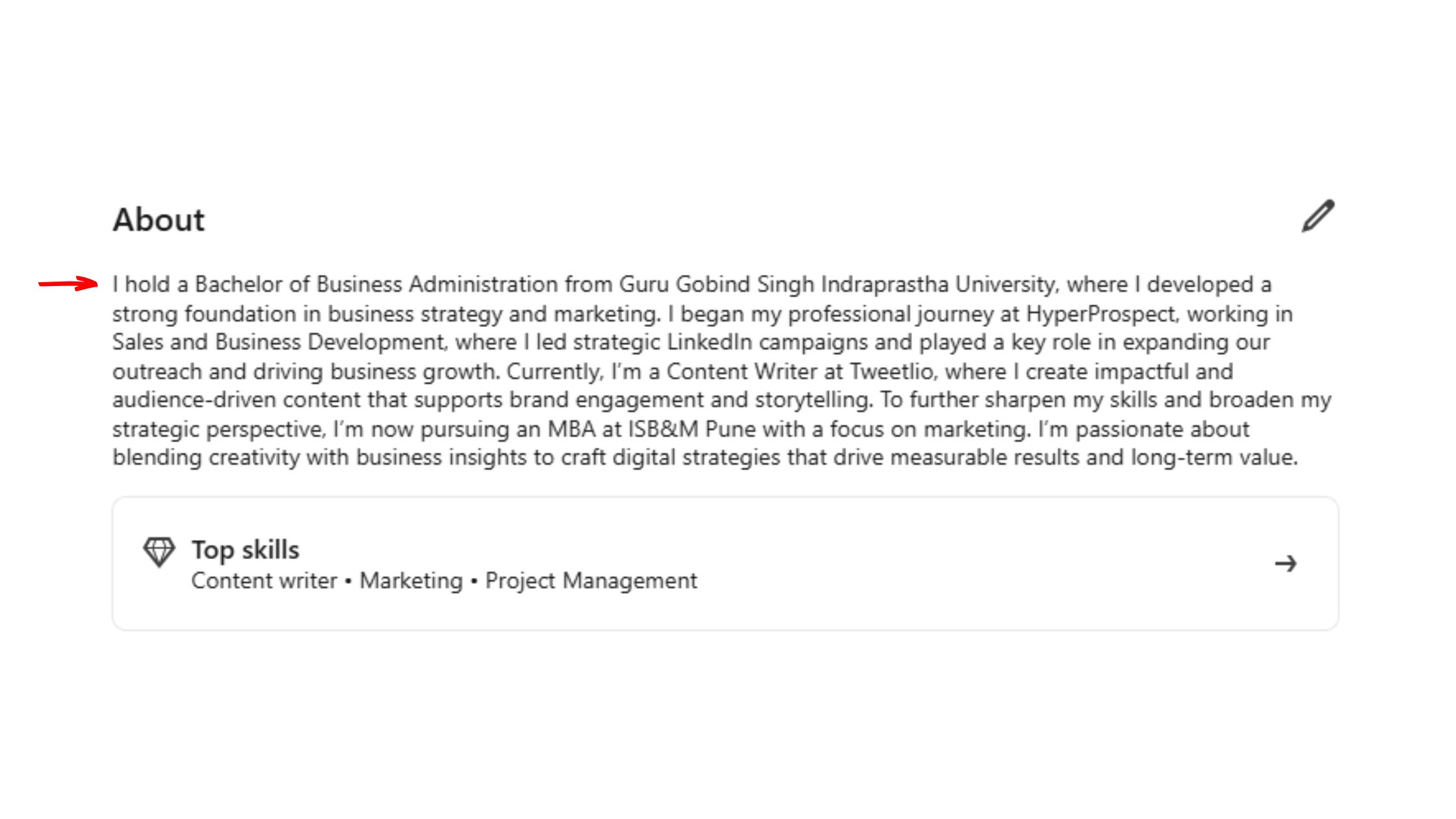
Most LinkedIn About sections are written for the author, not the reader. They answer "what have I done?" instead of "what can I do for you?" — and that single inversion is why views rarely become results. The community pattern here is consistent: professionals invest hours polishing their headline and profile photo, then paste in a paragraph lifted from their CV and wonder why no one reaches out.
Does a LinkedIn Summary Actually Help With Lead Generation?
Yes — but only when it's structured to guide the visitor to a specific action. An optimised About section is one of the few profile elements that appears in LinkedIn search results as a text snippet, making it visible before anyone even clicks your name. According to the HyperClapper LinkedIn summary guide, campaigns that include specific CTAs in the About section consistently produce higher inquiry rates than those without.
The above-the-fold LinkedIn text — the two or three lines visible before the "See more" truncation — carries disproportionate weight. If those lines don't hook the reader immediately, the rest of your carefully crafted summary goes unread. Think of it as a subject line: the body of the email is irrelevant if the subject doesn't get opened.
A LinkedIn summary is not a biography. It is a conversion mechanism. Every line either earns the next click or loses the lead.
The distinction that matters most: social proof builds trust, but trust alone does not drive action. A summary that lists credentials without ever telling the visitor what to do next is a summary that generates admiration, not leads.
The Anatomy of a High-Converting LinkedIn About Section in 2026
Five elements appear in virtually every high-converting LinkedIn About section. Remove any one of them and conversion rates drop measurably.
- Hook: One or two lines that speak directly to the reader's situation or problem — not your job title.
- Professional value proposition: A professional value proposition is a single clear statement of who you help, with what outcome, and how you're different.
- Social proof narrative: Specific results, not vague claims — "helped 40+ SaaS founders reduce churn by 20%" beats "experienced growth specialist."
- Relevance to the reader's problem: Mirror the language your ideal client uses to describe their pain point.
- Call to action: One clear next step. Not two. Not three. One.
Above-the-Fold Hook: The Lines That Decide Everything
The first 220 characters of your About section appear before the "See more" cut. That is roughly two short sentences. What separates top performers here is that they open with the reader's problem, not their own background — "Struggling to turn LinkedIn connections into clients?" converts better than "I'm a B2B marketing consultant with 10 years of experience."
Social Proof Narrative and Professional Value Proposition
Numbers do the heavy lifting. "Helped 3 enterprise clients reduce onboarding time by 35%" is a social proof narrative — it shows results, implies expertise, and makes the claim credible. Vague language like "passionate about results" does the opposite: it signals that real results don't exist. Pair specific outcomes with a clear statement of who you serve and you cover both proof and positioning in a single paragraph.
On length: the sweet spot for how long a LinkedIn summary should be is 200–300 words. Long enough to build trust across the full text, short enough that a visitor who does click "See more" actually finishes it. Summaries over 500 words see sharply diminishing read-through in practice.
Step-by-Step: How to Write a LinkedIn Summary for Leads (With Examples)
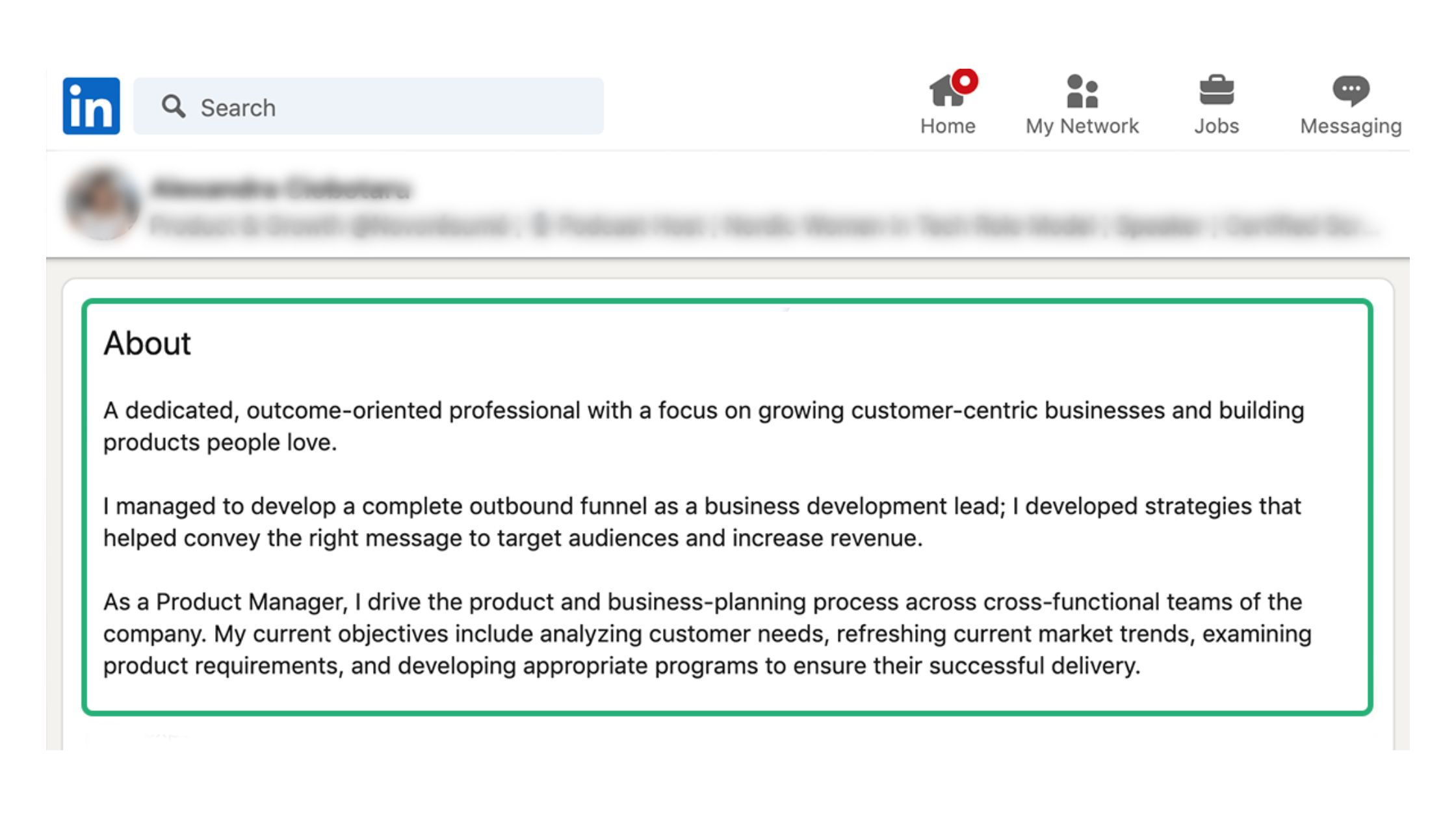
Here is a repeatable five-step process for writing a LinkedIn About section that converts profile visitor intent — the reason someone landed on your profile — into a concrete next action.
- Define your target reader (5 minutes): write one sentence describing exactly who you want to reach and what problem they're trying to solve. Everything else flows from this.
- Write the hook (10 minutes): open with their problem, not your résumé. "Founders scaling past $1M often hit the same wall — inconsistent revenue." That's a hook.
- State your value proposition (5 minutes): one sentence — who you help, with what outcome, and what makes your approach different.
- Add social proof (5 minutes): one or two specific results with real numbers. If you don't have numbers yet, use volume — "worked with 20+ clients across SaaS, fintech, and e-commerce."
- Close with a CTA (2 minutes): one action. "DM me 'AUDIT' for a free 15-minute profile review" is specific, low-friction, and easy to act on immediately.
LinkedIn Summary Tips That Make Your Profile Stand Out
The LinkedIn summary for freelancers and consultants has a specific challenge: you need to convey trustworthiness faster than a salaried professional would, because visitors are evaluating whether to hire you, not connect with you. Use client-centric language throughout — "my clients" rather than "my experience." Check out these LinkedIn summary examples that stand out for annotated real-world models.
For LinkedIn profile optimization for lead generation to work holistically, your summary must sync with three other elements: your headline (which sets the expectation), your Featured section (which delivers the proof), and your recent posts (which demonstrate active expertise). A great summary pointing to a sparse, inactive profile loses credibility instantly.
See LinkedIn summary examples that get replies for additional real-world templates you can adapt.
Common Mistakes That Kill Conversions (And How to Fix Them)
The most common failure mode is treating the About section as a career timeline. Recruiters reading a résumé want chronology. Potential clients reading a LinkedIn profile want to know: can this person solve my problem? These are different audiences with different needs, and writing for the wrong one is the single fastest way to neutralise your summary's conversion potential.
First Person vs. Third Person: Which One Actually Converts?
First person wins for personal brands — almost without exception. In the first person vs third person LinkedIn summary debate, first person reads as warmer, more relatable, and more direct. "I help B2B founders close more deals" feels like a conversation. "John helps B2B founders close more deals" feels like a press release. The only scenario where third person makes sense is a high-profile executive whose brand team manages their profile — and even then, it often reads as distancing rather than authoritative.
The "invisible visitor" problem compounds this: most people who view your profile never send a connection request or a message. The summary must work as a standalone persuasion piece — it cannot assume any follow-up interaction will happen. If your About section doesn't create intent to act on the first read, it fails.
✓ The LinkedIn Summary Conversion Checklist
- ☐First two lines hook the reader with their problem — not your job title
- ☐Value proposition names who you help, the outcome, and your differentiator
- ☐At least one specific result with a real number (clients, %, or volume)
- ☐Written in first person throughout
- ☐Total length between 200–300 words
- ☐One clear, specific CTA at the very end — not buried mid-paragraph
- ☐Summary language aligns with headline and Featured section for a coherent funnel
Tools and Services to Write (or Improve) Your LinkedIn Summary
According to Leadfeeder (2026), LinkedIn now has 1.3 billion total members and drives 80% of B2B social leads. That scale means a well-optimised profile isn't a nice-to-have — it's a competitive necessity. The good news: you have genuine options for getting your summary right faster.
AI tools to write LinkedIn summary drafts — ChatGPT, Claude, and LinkedIn's own AI suggestion feature — can generate a solid first draft in under two minutes. But teams that rely on raw AI output without editing typically end up with generic, voice-free summaries that read like every other profile. The fix is simple: give the AI your specific results, your ideal client description, and your preferred CTA before generating. The output improves dramatically.
Best LinkedIn profile writing services — human writers specialising in personal branding — produce the highest-quality output but carry a meaningful cost, typically $200–$800 depending on the writer's experience. For founders and executives where a single inbound lead pays for the service many times over, the ROI is clear. For early-career professionals, AI-assisted self-editing is the more practical path.
Once your summary is optimised, the next question is traffic: how many people actually see your profile? Tools like HyperClapper address this directly — by amplifying your LinkedIn post visibility through real community engagement, your content reaches more of the right people, who then visit your profile and encounter your newly converted summary. It's the difference between a great storefront on a quiet street and a great storefront on a busy one. For turning profile views into warm leads, combining a strong summary with consistent post visibility is the pattern that compounds over time.
No AI tool and no human writer can produce a great LinkedIn summary without your input. Your niche, your specific results, and your ideal client profile are the raw material — the tool or writer just shapes them. Skip that input and you get a generic summary that sounds like everyone else.
Get More Eyes on Your Optimised Profile
A converting summary needs traffic to work. HyperClapper boosts your LinkedIn post visibility through real community engagement — driving more of the right visitors to your profile.
See How HyperClapper WorksFrequently Asked Questions About LinkedIn Summaries and Lead Generation
How to write a crazy effective LinkedIn summary?
Open with your ideal client's problem, not your job title. Follow with a specific value proposition, one or two real results with numbers, and close with a single low-friction CTA. Keep it between 200–300 words, write in first person, and make every line earn its place by answering "so what does this mean for the reader?" See LinkedIn summary examples that get noticed for annotated templates.
What is a good LinkedIn summary example?
A strong example for a B2B consultant: "Scaling a SaaS product past $2M ARR without a repeatable sales process? I've helped 30+ founders fix exactly that — reducing their sales cycle by an average of 40%. I specialize in pipeline architecture and outbound enablement for B2B SaaS teams between $1M–$10M. DM me 'PIPELINE' and I'll send you my free Sales Audit checklist." It hooks, proves, and closes — in under 60 words.
Write me a LinkedIn summary that gets clients — what should I tell an AI tool?
Give the AI four inputs before generating: (1) your exact target client — industry, company size, job title; (2) the specific problem they face that you solve; (3) one to three real results with numbers; and (4) the exact CTA you want to use. Without these, any AI tool produces generic output. With them, it produces a workable first draft you can edit in 10 minutes.
What makes a LinkedIn About section generate leads instead of just views?
A call-to-action placement in bio at the very end — after you've built trust — is the single most common missing element in profiles that get views but no inquiries. Profile visitor intent is already warm: they clicked for a reason. A clear next step (DM me, book a call, download X) converts that warm intent into action. No CTA means the visit ends with no outcome.
How should a consultant write their LinkedIn summary to attract ideal clients?
Consultants need to signal trustworthiness faster than salaried professionals because visitors are evaluating them as a potential hire. Lead with a client-centric hook, include at least one specific measurable result, name the type of client you typically work with, and close with a low-friction next step. Avoid listing every service — one clear positioning statement outperforms a menu of offerings every time.
What elements must a high-converting LinkedIn summary include?
Five non-negotiable elements: a reader-focused hook above the fold, a clear professional value proposition, at least one specific social proof result with a number, language that mirrors the reader's problem, and a single explicit call to action at the end. Remove any one of these and conversion potential drops. Add all five and your summary works even when you're not actively prospecting.
How long should a LinkedIn summary be?
200–300 words is the consistent sweet spot. It's long enough to build credibility across all five conversion elements, but short enough that visitors who click "See more" actually finish reading. Summaries over 500 words see significantly lower read-through rates — most visitors scan, decide, and leave within 30 seconds.
How do I make my LinkedIn summary stand out?
Lead with a counterintuitive statement or a direct challenge to your reader's current situation — it forces them to keep reading. Use specific numbers instead of adjectives ("helped 40 clients" vs. "experienced professional"). And end with a CTA that offers something tangible rather than a vague "let's connect." Specificity is the differentiator at every level of the summary.
What consistently separates LinkedIn profiles that generate steady inbound leads from those that just accumulate views is not a single clever line — it's the alignment of all five elements, working together, in the right order. Profiles that nail the hook but skip the CTA plateau. Profiles with a great CTA but no social proof get ignored. Get all five right, drive consistent traffic to your profile through visible content, and the summary does the converting for you — around the clock, without any outreach required.



