Which LinkedIn Post Examples Actually Drive Real Engagement?
Discover linkedin post examples that drive real engagement in 2026 — with format benchmarks, hook formulas, timing data, and a content mix strategy that works.
📅 ⏱ 20 min read📝 ~3800 words
A pattern observed across thousands of LinkedIn accounts is this: the posts that generate real engagement aren't the polished corporate announcements or the motivational quotes — they're the ones that feel like one person talking directly to another. LinkedIn post examples that consistently outperform aren't random. They share specific structural traits — a strong hook, a human angle, and a format the algorithm is designed to reward. The gap most professionals experience isn't a lack of ideas. It's not knowing how to balance professionalism with the kind of personal storytelling that makes people stop scrolling.
Key Takeaways
For: LinkedIn creators, founders, marketers, and professionals who want more reach from every post they publish
What you'll learn: The post formats that consistently outperform, how to write hooks that stop the scroll, and how the algorithm actually scores your content
The most counterintuitive finding: Text-only posts with strong hooks regularly outperform posts with stock photos — but original images beat both
Timing matters more than most creators realise: Posting Tuesday–Thursday between 7–9am or 12–1pm can meaningfully increase early engagement momentum
Storytelling posts average 3–5x more comments than promotional posts — yet promotional posts are what most people default to
Early engagement is the real lever: comments in the first 60 minutes signal the algorithm to amplify — this can be engineered deliberately
Why Most LinkedIn Posts Get Ignored (And What the Data Says)
Why Most LinkedIn Posts Get Ignored
Most LinkedIn posts are ignored before they're read. The platform publishes around 2 million posts, articles, and videos every single day (Leadfeeder, 2026). In that volume, a post without a compelling opening and a clear reason to care disappears within minutes. The painful reality for most professionals is that they default to low-effort content — job announcements, generic motivational quotes, or product pitches — that the algorithm has learned to deprioritise because audiences scroll past it.
What the data shows is more specific. According to LinkedIn statistics compiled in 2026, carousel posts achieve a 6.60% engagement rate — consistently the highest of any format. Meanwhile, analysis of 673,658 posts from nearly 65,000 accounts found that likes are down 13% but overall engagement is actually up 14–17%, with comments driving that growth. This means LinkedIn's audience is becoming more selective — they're commenting more on content they genuinely value and ignoring content that doesn't earn their attention.
6.60%
Average engagement rate for carousel posts on LinkedIn in 2026 — the highest of any post format
How the LinkedIn Algorithm Actually Ranks Different Post Types
Engagement velocity is the speed at which a post receives likes and comments after publishing — and it is the single most important signal LinkedIn's algorithm uses to decide whether to amplify a post further. Comments are weighted more heavily than likes. Dwell time — how long someone spends reading before scrolling — is tracked and rewarded. And critically, the first 60–90 minutes after posting determine whether a post enters wider distribution or stalls.
The algorithm scores different post types differently. Native documents and carousels score high because they generate multiple page-turn interactions. Text posts with strong hooks score well when comment velocity is fast. External links — URLs pointing off LinkedIn — are actively suppressed because they take users away from the platform. In practice, posts that keep people on LinkedIn (carousels, native video, text debates) consistently outperform posts that push them away.
💡
Pro Tip:If you need to share a link, put it in the first comment rather than the post body. This preserves algorithmic reach while still directing readers to the resource — a tactic used consistently by LinkedIn's top-performing creators.
Now that you understand how the algorithm scores posts, the next step is seeing what the highest-performing formats actually look like in practice.
High-Performing LinkedIn Post Examples Across Every Format
The best LinkedIn post examples don't just exist in one format — they span several post types, each suited to a different intent. What they share is structure: a hook, a payoff, and a clear reason for the reader to engage.
Storytelling and Personal Post Examples That Consistently Win
Personal storytelling posts are the highest-performing format on LinkedIn by comment volume. Storytelling posts average 3–5x more comments than promotional posts — not because audiences prefer vulnerability for its own sake, but because a real story triggers an emotional response that makes people want to respond. A well-constructed personal post follows a simple arc:
Opening tension: "I almost quit my job two years ago. Here's what changed."
The turning point: What happened, what was learned, what was at stake
The takeaway: One specific, transferable insight — not a moral, a lesson
The conversation opener: A question or observation that invites response
The most common failure mode in LinkedIn storytelling is ending the post with a lesson so generic it could apply to anyone. Specificity is what makes readers comment — and it's what makes the algorithm amplify.
A recruiting professional who shares the story of the candidate who turned down a $200k offer — and what that taught them about what top talent actually wants — will outperform ten posts about "5 tips for hiring managers" every time. The story is the insight.
Thought Leadership and Contrarian Take Examples
Contrarian posts work because they generate disagreement — and disagreement means comments. LinkedIn's algorithm cannot distinguish between positive and negative engagement signals. A comment is a comment. The formula for a high-performing contrarian take:
State a commonly-held belief ("Everyone says you should post daily on LinkedIn.")
Challenge it with a specific counter-claim ("I posted 5x per week for 3 months and my reach dropped by 18%.")
Support with real detail ("Here's what I found when I pulled my analytics...")
Invite pushback ("Am I wrong? I'd genuinely like to know.")
The key is the specific detail. Generic contrarianism ("not everything works for everyone") gets ignored. Specific contrarianism with a real number gets debated.
Carousel, Document, and Video Post Examples
Carousel posts — multi-slide PDF documents uploaded natively to LinkedIn — are the highest-engagement format the platform currently supports, at 6.60% average engagement. They work because each slide swipe registers as an interaction, telling the algorithm the post is holding attention. A high-performing carousel typically:
Has a cover slide that functions like a book cover — a specific promise, not a topic
Delivers one idea per slide (7–12 slides is the sweet spot observed across top performers)
Ends with a slide that prompts a save, a share, or a specific comment ("Which of these do you use? Comment the number.")
Video posts are growing faster than any other format — video uploads were up more than 20% across 2025 according to LinkedIn's own data. Videos under 90 seconds perform best for reach; longer-form native video (3–5 minutes) performs better for profile visits and follower conversion. The critical difference from YouTube: native uploads only — YouTube links are suppressed.
Do images or text posts perform better on LinkedIn? The honest answer is: it depends on the image. According to widely cited visual content data, content with relevant images gets 94% more views than content without images. But "relevant images" is doing a lot of work in that sentence. Original images — a real photo, a hand-drawn diagram, a genuine screenshot — dramatically outperform stock photography. Text-only posts with exceptional hooks regularly beat stock-photo posts, because the algorithm rewards comment velocity, not aesthetic quality.
⚠️
Warning:Uploading external video links (YouTube, Vimeo) instead of native LinkedIn video will reduce your post's distribution. LinkedIn actively suppresses posts that redirect users off the platform — always upload video files directly.
How to Write a LinkedIn Post People Actually Read
How to Write a LinkedIn Post People Actually Read
The hook is the entire game. LinkedIn truncates post text after 2–3 lines with a "see more" button — and roughly 80% of readers never click it. This means the first 120–150 characters of every post need to create enough tension, curiosity, or specificity that clicking "see more" feels like the only reasonable option. Hook formulas that consistently work in 2026:
The specific number: "I sent 847 LinkedIn connection requests last quarter. Here's what actually worked."
The counter-narrative: "Most LinkedIn advice is wrong. Here's why I stopped following it."
The admission: "I made a mistake that cost us a $40k client. I almost didn't share this."
The direct value promise: "3 things every recruiter should ask in the first interview. (Most skip #2.)"
LinkedIn Post Format That Gets Likes and Comments
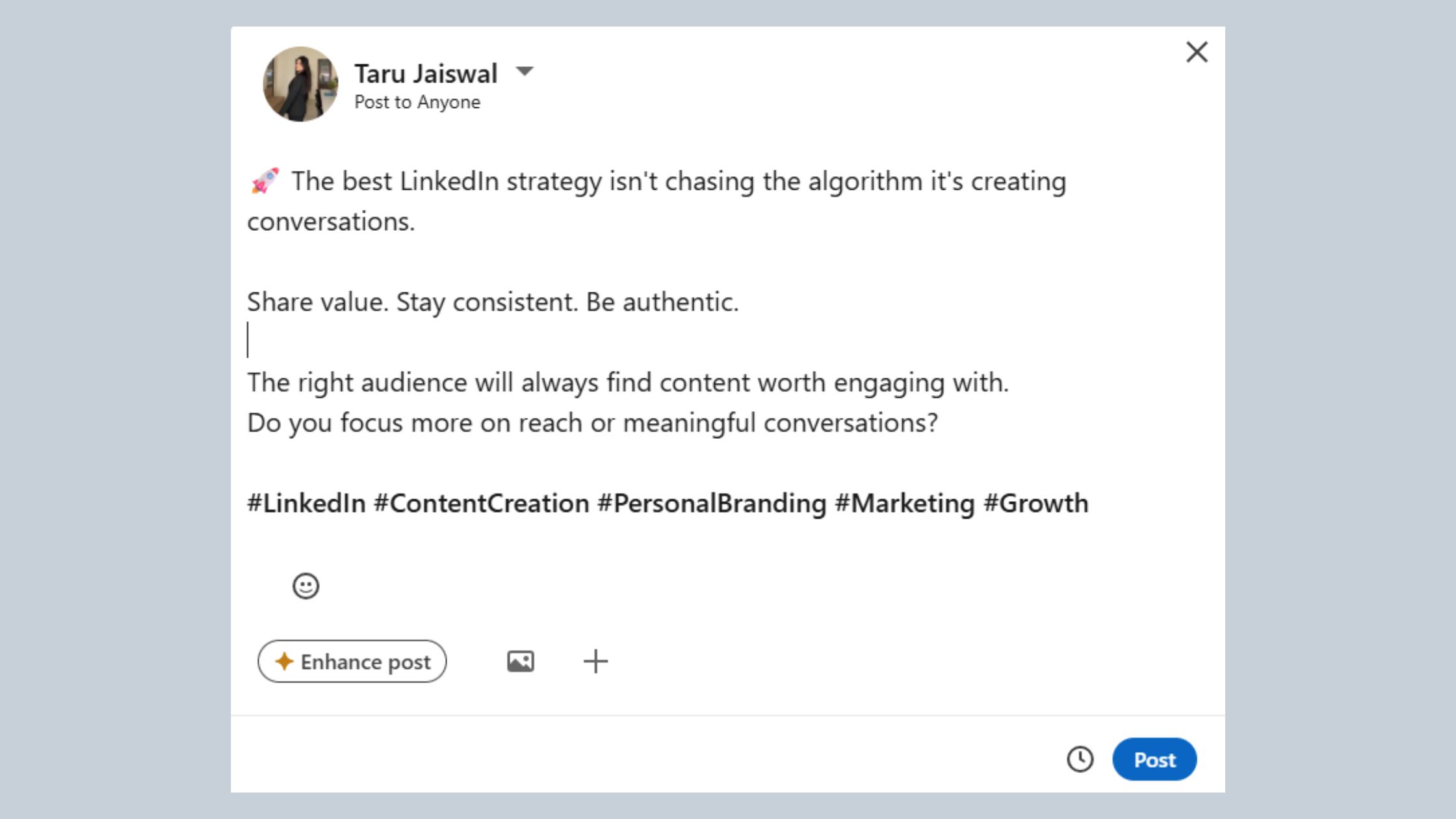
The LinkedIn post format that gets likes isn't about decoration — it's about skimmability. Mobile users are the majority on LinkedIn, and dense paragraphs lose them in the first scroll. The formatting practices that consistently increase completion rate:
Line breaks after every 1–2 sentences — white space is not wasted space, it's invitation to keep reading
No more than 3 lines of text before a visual pause (break or bullet)
Sparing emoji use — one or two to signal tone, never to replace substance
End with a specific question, not a generic "What do you think?" — "Have you tried this? What format works best for your audience?" generates more responses
How long should a LinkedIn post be for engagement? The data-backed answer: 150–300 words for text posts hits the algorithmic sweet spot. Posts in the 1,200–1,600 character range tend to outperform both shorter and longer posts by triggering the "see more" click without losing readers who do engage. Very short posts (under 50 words) work only when the hook is exceptional. Very long posts (over 700 words) rarely outperform — readers drop off, dwell time falls, and the algorithm registers disinterest.
What hashtag strategy actually maximises LinkedIn post reach? Three to five niche-specific hashtags consistently outperform lists of 10–15 generic ones. The reason is straightforward: LinkedIn's hashtag algorithm distributes content to followers of those hashtags, and niche hashtags have higher signal-to-noise ratios. "#Marketing" has tens of millions of followers and near-zero discovery value. "#B2BContentMarketing" has a fraction of the audience and meaningfully higher engagement from people who actually care.
Want your LinkedIn posts to get real traction from day one?
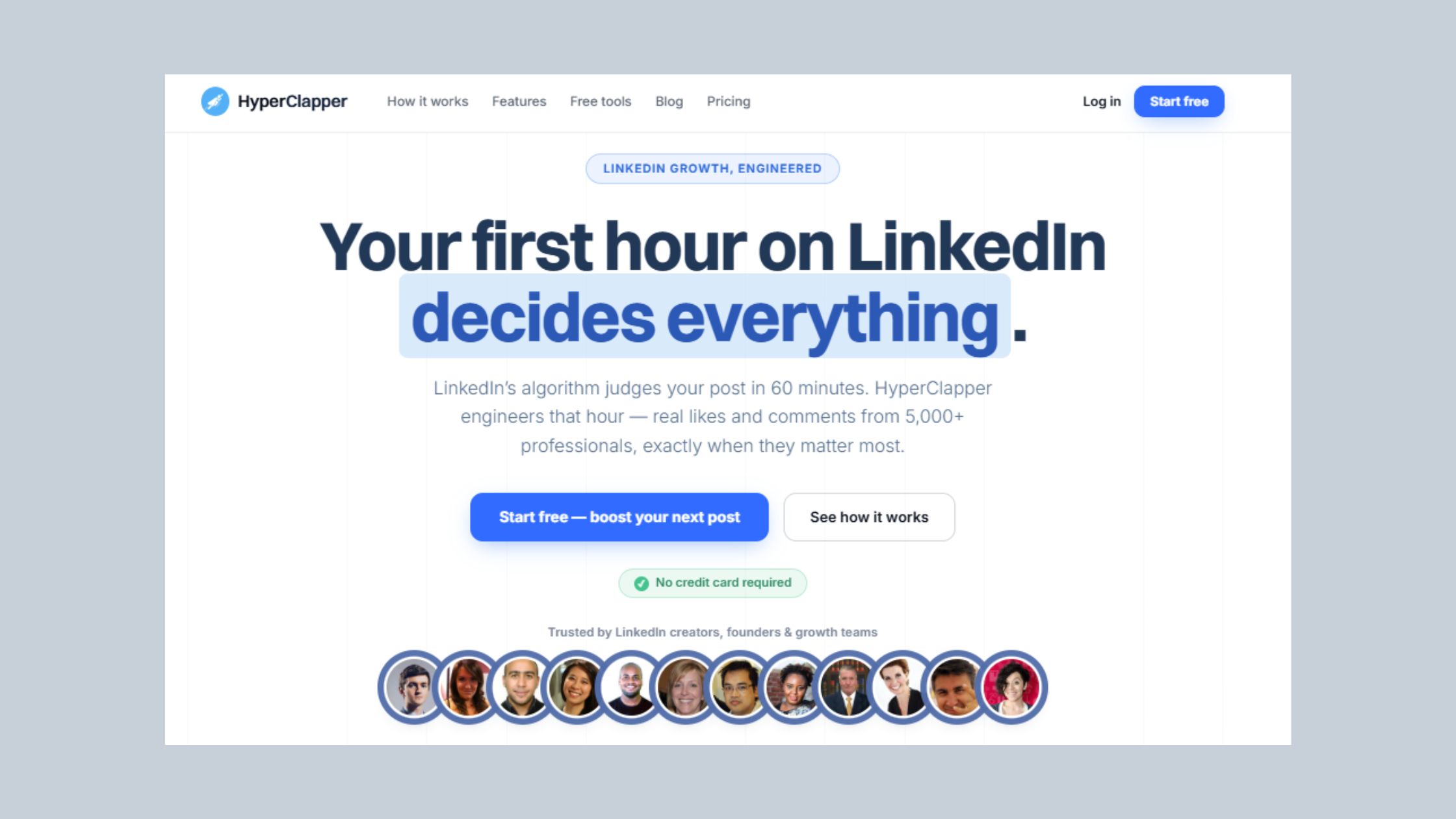
HyperClapper connects your posts with real engagement channels — so you get the early momentum the algorithm needs to amplify your content further.
LinkedIn Content Strategy for Consistent Engagement in 2026
A LinkedIn content strategy for engagement starts with one non-negotiable insight: consistency beats quality in the short term, but quality beats consistency over the long term. The accounts that plateau are almost always ones that post frequently but never vary their format or angle. The accounts that compound are the ones that build a repeatable content mix and iterate based on what their own data tells them.
What types of LinkedIn posts get the most engagement, ranked by category:
Personal story / career narrative — highest comment volume, highest saves
Educational list or step-by-step breakdown — highest shares, strong profile visits
Industry insight or data-driven take — high impressions, moderate comments
Poll — high votes, low comments, high algorithmic reach for low effort
The practical framework for structuring a week of content is what we call The LinkedIn 4-1-1 Content Mix: for every six posts, publish four pure-value posts (educational, storytelling, or industry insight), one personal story or behind-the-scenes piece, and one soft CTA. This keeps your feed from feeling like a sales channel while still moving people toward an action. The most common failure mode here is inverting the ratio — three promotional posts for every one value post — and then wondering why reach is declining.
Common LinkedIn Post Mistakes That Kill Engagement
Teams that rely on the same post type week after week consistently see their reach decay within 4–6 weeks, even with strong follower counts. Platform data consistently shows that format diversity is one of the clearest differentiators between accounts that grow and accounts that stall. Beyond format fatigue, the specific mistakes most professionals make:
Engagement bait: "Like this if you agree" or "Tag three people who need to see this" — LinkedIn's algorithm actively demotes these posts
External links in the post body — these kill reach; link-in-comment is the standard workaround
Over-posting without quality: daily posting with thin content trains your audience to ignore you and signals low dwell time to the algorithm
Ignoring comments: not responding to comments within the first hour is the single biggest wasted opportunity for engagement velocity
Generic closings: "Hope this helps!" or "Let me know your thoughts" — these don't create enough friction to prompt a specific response
Why do some LinkedIn posts go viral? It's rarely luck. Early engagement from a tight, relevant network — people who comment within the first 30–60 minutes — triggers the algorithm to test the post with a wider audience. If that second wave also engages, the post enters broad distribution. The cold start problem — where a post gets no early engagement and therefore never gets tested with a broader audience — is what kills most high-quality posts before they find their audience.
When and How Often to Post on LinkedIn for Maximum Reach
When is the best time to post on LinkedIn? Tuesday through Thursday, between 7–9am or 12–1pm in your audience's primary timezone, is where the engagement data consistently points. These windows catch professionals during their commute check or midday scroll — when they're browsing actively rather than working. Monday and Friday show lower engagement. Weekends are low volume but have less competition, which occasionally benefits niche audiences.
Optimal posting frequency: 3–5 times per week is the credibility-building sweet spot observed across top-performing accounts. Posting more than once per day actively suppresses reach — LinkedIn's algorithm limits how often your content reaches the same people. Dropping below 2x per week causes algorithmic reach to decay, typically requiring 3–4 weeks of consistent posting to recover baseline distribution.
Using Analytics to Reverse-Engineer Your Best-Performing Posts
Impressions measure how many times your post appeared in a feed. Reach measures unique viewers. Engagement rate is the ratio of meaningful interactions (comments, shares, reactions) to impressions. Of these, engagement rate is the only metric that tells you whether your content is working — not just being served. Profile visits following a post is the secondary metric that signals intent: the reader liked the post enough to want to know more about you.
LinkedIn analytics tools to track post performance range from LinkedIn's native dashboard (free, limited) to third-party tools including Taplio, Buffer, and HyperClapper's analytics, which give deeper breakdowns of engagement patterns, best-performing post types, and optimal posting windows based on your own account data — not industry averages. Industry averages tell you what works for other people. Your own data tells you what works for your specific audience.
Best LinkedIn scheduling tools for creators in 2026 — a brief comparison:
LinkedIn native scheduler: Free, reliable, no analytics — good for simple use cases
Buffer: Clean interface, cross-platform, basic LinkedIn analytics included
Taplio: LinkedIn-first, strong analytics, AI writing assistant — suited to solo creators and personal brands
HyperClapper: Scheduling plus real engagement boosting — suited to creators who need both timing precision and early-engagement momentum
🔴
Avoid:Scheduling posts at the same time every day without reviewing your own analytics. Platform-wide "best times" are starting points — your specific audience may skew earlier, later, or to entirely different days. Check your native analytics monthly and adjust.
How Tools Like HyperClapper Amplify LinkedIn Post Engagement Safely
The cold-start problem is real, and it affects every creator regardless of follower count. A post from a 10,000-follower account with zero engagement in the first hour will be shown to fewer people than a post from a 500-follower account that receives 8 comments in 30 minutes. This is the gap that LinkedIn engagement platforms are designed to close.
HyperClapper works by connecting posts with real engagement channels — groups of actual professionals who interact with content relevant to their field. Each channel delivers roughly 50 possible engagements from real people, not bots. Adding two channels means approximately 100 potential engagements; three channels, approximately 150. This is community-based engagement, not automated fake activity.
What distinguishes HyperClapper's approach from older pod-style tools is the combination of real engagement with AI-powered replies. AI-powered replies are contextually relevant comments generated and posted by the platform to keep conversation active beyond the critical first 24 hours — the window when most posts die regardless of quality. LinkedIn rewards sustained meaningful interaction over time, and conversations that continue on day 2 or day 3 can experience a second algorithmic push. For creators who want to build a personal brand on LinkedIn, that compounding effect is exactly what turns a good post into a career-defining one.
HyperClapper vs. Podawaa, Lempod, and LinkBoost: Key Differences
For content creators focused on sustainable LinkedIn visibility, HyperClapper is the strongest choice because it addresses the cold-start problem without relying on bots or fake accounts — and because the AI reply feature specifically solves the conversation-depth problem that basic pod tools ignore. To explore how a scalable content strategy integrates with these engagement tactics, see this guide on building a LinkedIn content strategy that scales.
✓ The High-Performing LinkedIn Post Checklist
☐Hook in the first 2 lines — specific number, counter-narrative, or admission
☐150–300 words total (or 7–12 slides for carousels)
☐Single line breaks between every 1–2 sentences — mobile-first formatting
☐3–5 niche hashtags — no broad/generic tags like #Motivation
☐Any external link goes in the first comment — not the post body
☐End with a specific question — not "What do you think?"
☐Respond to every comment within the first 60 minutes of publishing
☐Posted Tuesday–Thursday, 7–9am or 12–1pm in audience timezone
☐Original image or native video — no stock photos, no YouTube links
Stop writing posts that disappear after 2 hours.
HyperClapper gives your posts the early engagement momentum they need to reach a wider audience — with real people, AI-powered conversations, and built-in safety controls.
Frequently Asked Questions About LinkedIn Posts and Engagement
What makes a LinkedIn post get high engagement according to the algorithm?
LinkedIn's algorithm prioritises posts that generate fast, meaningful interaction — especially comments — within the first 60–90 minutes. Dwell time, comment velocity, and share activity are the strongest signals. Posts that keep users on LinkedIn (carousels, native video, text debates) are amplified further; posts with external links are suppressed.
Can you show me examples of LinkedIn posts that performed really well?
High-performing LinkedIn post examples include personal career stories with a specific turning point, contrarian takes backed by real data, and carousels delivering step-by-step insights. What they share is a strong hook, one clear takeaway, and a closing question that prompts a specific response — not a generic "what do you think?"
What is the ideal structure for a viral LinkedIn post?
The ideal structure is: a hook in the first 2 lines that creates curiosity or tension, a body that delivers one specific insight or story (150–300 words), single-sentence line breaks for mobile readability, and a closing question that invites a concrete response. 3–5 niche hashtags go at the end; any links go in the first comment.
Why does storytelling work better than promotional posts on LinkedIn?
Storytelling triggers an emotional response that makes readers want to comment — and LinkedIn's algorithm weights comments far more heavily than likes. Promotional posts signal intent to sell, which audiences scroll past. Stories signal authenticity, which audiences engage with. Storytelling posts average 3–5x more comments than promotional posts across comparable account sizes.
How long should a LinkedIn post be for maximum engagement?
150–300 words is the consistently observed sweet spot for text posts — long enough to deliver real value, short enough to hold attention on mobile. Posts in the 1,200–1,600 character range also perform well by triggering the "see more" click. Very long posts (over 600–700 words) typically see drop-off before the call to action.
Do I need a LinkedIn scheduling or analytics tool to grow faster?
A scheduling tool helps with timing consistency — posting at peak windows (Tuesday–Thursday, 7–9am or 12–1pm) reliably improves early engagement. Analytics tools matter more: knowing which of your own post types drives the most profile visits and engagement rate lets you double down on what works instead of guessing. LinkedIn's native analytics are a functional starting point.
What LinkedIn post format gets the most likes and shares?
Carousels (native PDF documents) generate the highest average engagement rate at 6.60% in 2026. For shares specifically, educational list posts and step-by-step breakdowns consistently lead. For likes and comments combined, personal storytelling posts perform best — they generate the highest comment volume of any format by a meaningful margin.
What consistently separates accounts with real reach from accounts with impressive follower numbers is not any single tactic — it is the combination of a strong hook, a human story or specific insight, and enough early engagement to trigger algorithmic amplification. Accounts that get all three right see compounding reach. Accounts that miss any one typically plateau regardless of content quality.
👋
⚡ Free plan
Leaving already?
Grab 3 free boosts on your next LinkedIn post — real likes & comments from 5,000+ creators. No card, cancel anytime.