LinkedIn for nonprofits is genuinely one of the highest-converting platforms available — but only when teams use it with a clear, narrow purpose. A pattern observed across dozens of nonprofit social media strategies is that the organizations burning out fastest are the ones treating LinkedIn like Instagram or Facebook, chasing follower counts and posting daily. The ones that get real results — donor introductions, volunteer leads, corporate partnership conversations — post less, say more, and have a system. This guide gives you that system without requiring a full-time social media hire.
- Who this is for: Nonprofit comms leads, EDs, and small teams managing LinkedIn with limited bandwidth
- LinkedIn converts: According to Classy platform data, LinkedIn has a 30% mobile conversion rate for nonprofits — the highest of any social channel
- Sustainable posting frequency: 2–3 times per week is the proven sweet spot; daily posting burns teams and rarely improves reach
- The nonprofit LinkedIn discount program is real: Qualifying 501(c)(3) organizations can get up to 75% off Sales Navigator and LinkedIn Recruiter tools
- Most counterintuitive finding: Personal posts from your Executive Director consistently outperform org-page content — by 3–5x reach
- Burnout prevention: One 2-hour monthly batching session can produce 8–10 posts and eliminate daily decision fatigue entirely
- Is LinkedIn Actually Worth It for Nonprofits in 2026?
- Nonprofit LinkedIn Page Best Practices: Setup That Does the Work for You
- Nonprofit LinkedIn Content Strategy: What to Post, How Often, and How to Make It Sustainable
- How to Manage LinkedIn With a Small Nonprofit Team
- Tracking LinkedIn Performance as a Nonprofit
- Frequently Asked Questions: LinkedIn for Nonprofits
Is LinkedIn Actually Worth It for Nonprofits in 2026?
Yes — but the question matters less than understanding what it's worth it for. According to Classy's donor engagement platform data, LinkedIn delivers a 30% conversion rate on mobile for nonprofits — the highest of any social channel. Separately, 42% of US donors use LinkedIn to research nonprofits before deciding to give, and 26% discover donation opportunities there. These are not vanity numbers. They reflect real intent from a high-quality audience.
What LinkedIn Can (and Cannot) Do for Nonprofit Organizations
LinkedIn's audience includes 63 million decision-makers and 180 million senior-level influencers — the exact people nonprofits need for corporate partnerships, major gifts conversations, and board recruitment. That makes LinkedIn far more valuable for relationship-building and mission amplification than for direct fundraising at scale.
What LinkedIn does well for nonprofits:
- Reaching program officers, foundation staff, and corporate CSR leads
- Building a volunteer recruitment pipeline through professional networks
- Establishing thought leadership that earns press mentions and speaking invitations
- Cause-driven storytelling that resonates with an educated, values-aligned audience
What it does less well:
- Mass peer-to-peer fundraising (Facebook and Instagram win here)
- Rapid event promotion to community audiences
- Donor acquisition from cold, small-dollar audiences
Nonprofits that treat LinkedIn like every other social platform — posting daily, chasing likes, announcing every gala — burn out fast. The ones that win set a clear purpose: we use LinkedIn to reach professional partners and amplify our mission to decision-makers. Everything else is secondary.
LinkedIn is not where nonprofits should be asking for $25 donations. It is where they should be building the relationships that lead to $25,000 ones.
Nonprofit LinkedIn Page Best Practices: Setup That Does the Work for You
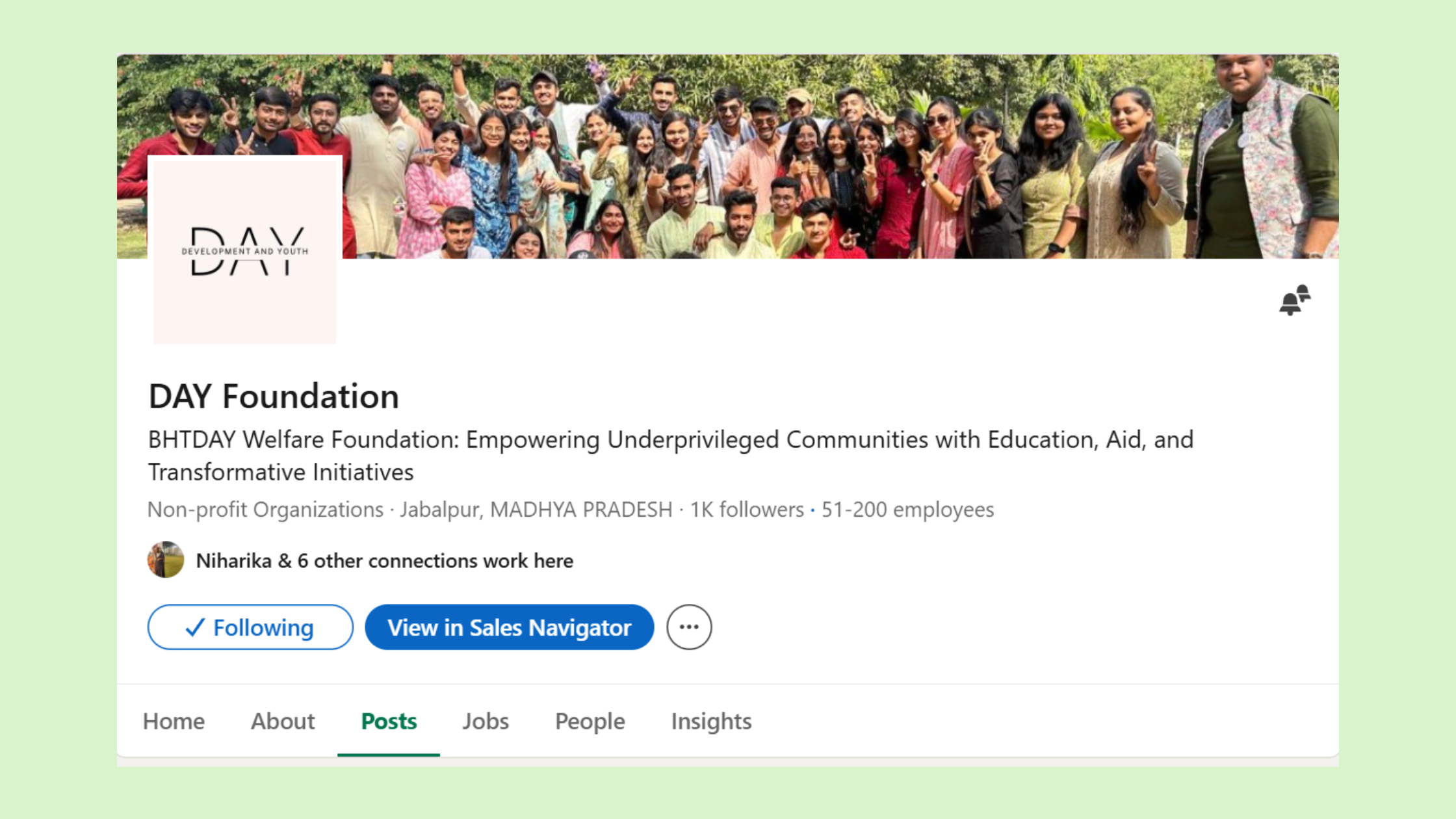
A fully optimized"LinkedIn page for nonprofits" does passive conversion work around the clock — no staff effort required once it's set up correctly. Most nonprofit pages leave significant credibility on the table by skipping optional fields that sophisticated donors and partners specifically look for when vetting an organization.
LinkedIn Nonprofit Profile Optimization Checklist
✓ Nonprofit LinkedIn Page Setup Checklist
- ☐Set organization type to "Nonprofit" — unlocks nonprofit-specific features and trust signals
- ☐Write a tagline (120 chars) that states your mission and impact — not your name
- ☐Complete the About section with a clear impact statement and a call to action (donate, volunteer, partner)
- ☐Set a custom CTA button (e.g., "Donate" or "Visit Website") — the default "Follow" button wastes this space
- ☐Add 3–5 featured posts: your best impact story, your annual report, and your volunteer/donor page
- ☐Upload a high-quality cover image that shows mission in action — not a logo on a white background
- ☐Apply for the LinkedIn nonprofit discount program to access discounted Recruiter Lite and Sales Navigator tools
The LinkedIn nonprofit discount program is one of the most underused resources available. According to Goodstack's LinkedIn for Nonprofits guide, qualifying organizations receive a 75% discount on LinkedIn Sales Navigator Core — a tool that normally costs hundreds per month — making it viable for donor prospecting and major gift relationship management. LinkedIn also connects eligible nonprofits with discounted LinkedIn Recruiter Lite access through its dedicated nonprofit hub. To apply, visit nonprofit.linkedin.com and confirm your 501(c)(3) status.
Additionally, LinkedIn Learning for nonprofits offers discounted access to skill-building courses for staff — useful for capacity building without expensive external training budgets.
Once the page foundation is solid, the question becomes: what do you actually post?
Nonprofit LinkedIn Content Strategy: What to Post, How Often, and How to Make It Sustainable
The single question that drives the most anxiety for small nonprofit teams is LinkedIn posting frequency for nonprofits. Here's the direct answer: 2–3 times per week is the sustainable sweet spot. Posting daily rarely improves reach — and for resource-constrained teams, it reliably causes burnout. According to Nonprofit Tech for Good, organic reach for LinkedIn Pages is currently estimated at 3.5% — which means quality and conversation-starting format matter far more than volume. This is what makes effective social media management on LinkedIn different from every other platform: less is genuinely more.
Best Content Formats for Nonprofit LinkedIn Engagement (Video, Carousel, Text)
The most common failure mode for nonprofit LinkedIn content strategy is posting organizational announcements — grant wins, board appointments, event flyers — instead of human stories. LinkedIn's algorithm favors personal narrative and conversation-starting content. Teams that skip this step typically find their posts reach fewer than 200 people regardless of follower count.
What type of content works on LinkedIn for nonprofits, ranked by consistent engagement performance:
- Impact stories with data: "47 families received emergency housing this quarter — here's what that looked like" — combines emotion with proof
- Staff and volunteer spotlights: personal stories with a face drive 2–3x the comments of org-only posts
- Text-heavy thought leadership: 150–300 word posts from leadership on sector trends — these drive shares and inbound connections from peers
- Document carousels: 5–8 slide PDF carousels summarizing an annual report or program milestone — highly shareable among professional audiences
- Short video (60–90 seconds): a field visit, a beneficiary story, a behind-the-scenes moment — video gets native reach boost
- Link-heavy posts and press release reposts: consistently underperform — LinkedIn suppresses outbound links in the algorithm
Social Media Workflow for Nonprofits: Scheduling Tools and Time-Saving Systems
The most practical fix for nonprofit social media strategy burnout is a content batching workflow. One 2-hour monthly session — drafting 8–10 posts in one sitting, then scheduling them — eliminates daily decision fatigue entirely. This is how small teams realistically maintain a LinkedIn presence without a dedicated social media manager.
Recommended best social media scheduling tools for nonprofits:
- LinkedIn's native scheduler — free, built-in, and reliable for most small teams. See LinkedIn's scheduling clock icon trick for a faster posting workflow
- Buffer — free plan covers 3 channels, ideal for solo comms staff
- Hootsuite — free nonprofit tier available for qualifying organizations
- Later — strong visual calendar; useful for teams managing multiple platforms
The social media workflow for nonprofits that sticks looks like this: monthly batch-write → schedule → monitor comments twice per week for 15 minutes → repeat. That's it. Anything more complex fails within 60 days.
How to Manage LinkedIn With a Small Nonprofit Team
Three roles, not three headcounts. The minimal viable structure for managing LinkedIn with a small nonprofit team is:
- Content Owner — drafts posts (could be a program staffer, not just comms)
- Approver — ED or comms lead reviews and approves; one round of edits maximum
- Optional Contributors — staff or volunteers posting on personal profiles and tagging the org page
Assigning LinkedIn to "whoever has spare time" is the most common mistake observed across small nonprofit communications setups — it creates inconsistency, which the algorithm penalizes within 10–14 days of irregular posting. Accounts that drop below 2x/week typically require 3–4 weeks of consistent posting to recover their baseline distribution. See how to work with the LinkedIn algorithm without posting more content for a deeper breakdown of this dynamic.
For nonprofits where every post needs to earn its keep, tools like HyperClapper can extend the reach of high-value posts through real community engagement and AI-powered replies — keeping the conversation active on important posts without staff monitoring comments for hours. This matters because LinkedIn's algorithm rewards posts with sustained engagement depth, not just initial likes. A well-timed reply thread can double a post's total reach over 48 hours.
LinkedIn Groups and Newsletter Features for Nonprofits
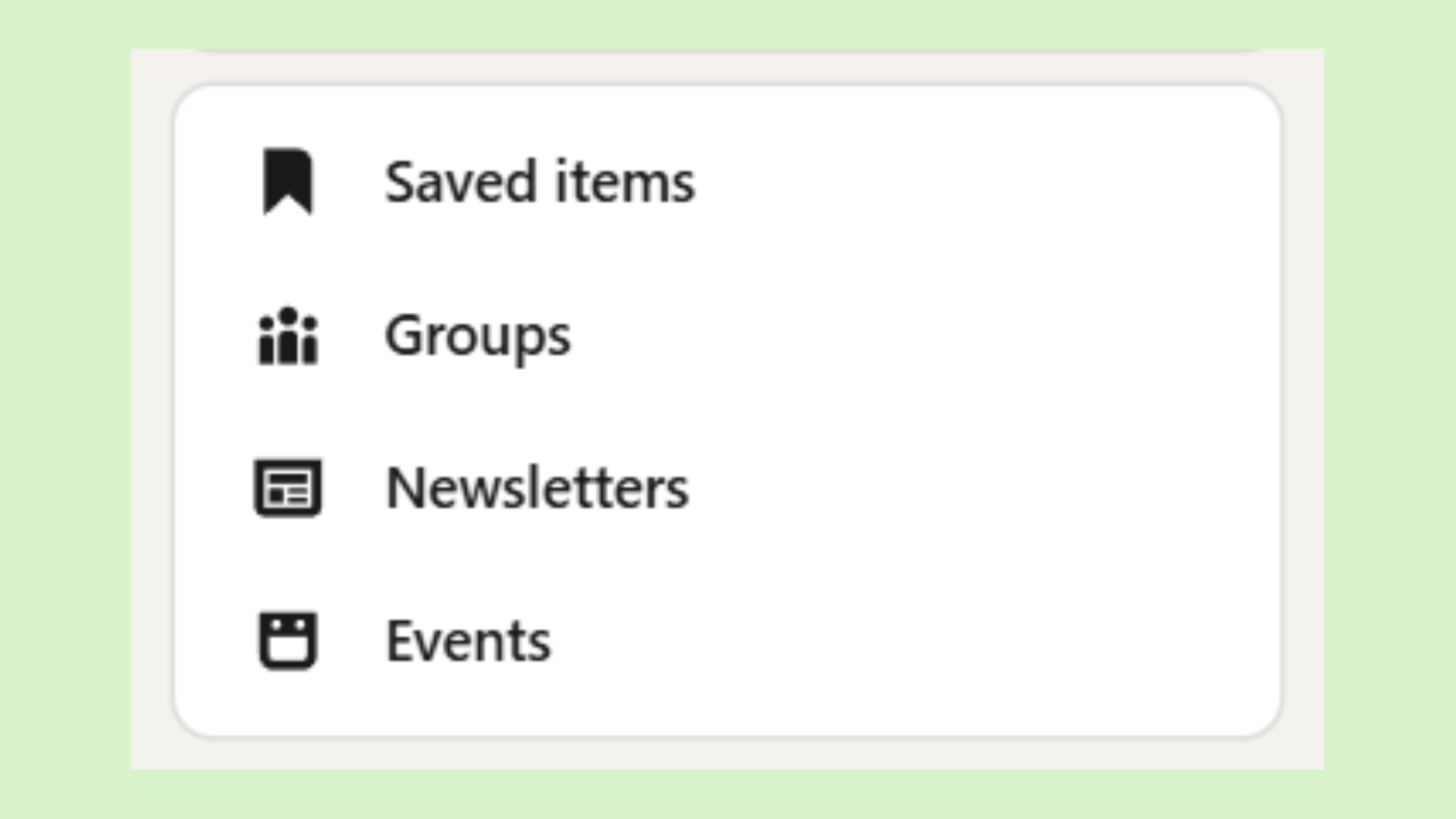
Two underused LinkedIn features that pay dividends with minimal ongoing effort:
- LinkedIn Groups: Joining 3–5 active groups where your target donors, partners, or volunteers gather (e.g., "Nonprofit Leadership," sector-specific professional groups) allows organic relationship-building without paid ads. Participating in conversations — not just posting your org's content — is what generates inbound connection requests from qualified prospects.
- LinkedIn Newsletter: A LinkedIn newsletter — a recurring long-form publication native to the platform — is one of the most powerful tools nonprofits ignore. Each edition gets sent directly to subscribers' email and LinkedIn inboxes, bypassing the algorithm entirely. A monthly "impact update" newsletter from your ED can build a high-quality subscriber list of 500–2,000 engaged professionals within a year.
Get more reach from every LinkedIn post — without more staff hours
HyperClapper helps nonprofit teams boost post visibility and keep conversations active through real community engagement and AI-powered replies — no bot activity, no account risk.
See How It WorksTracking LinkedIn Performance as a Nonprofit: How to Know If It's Working
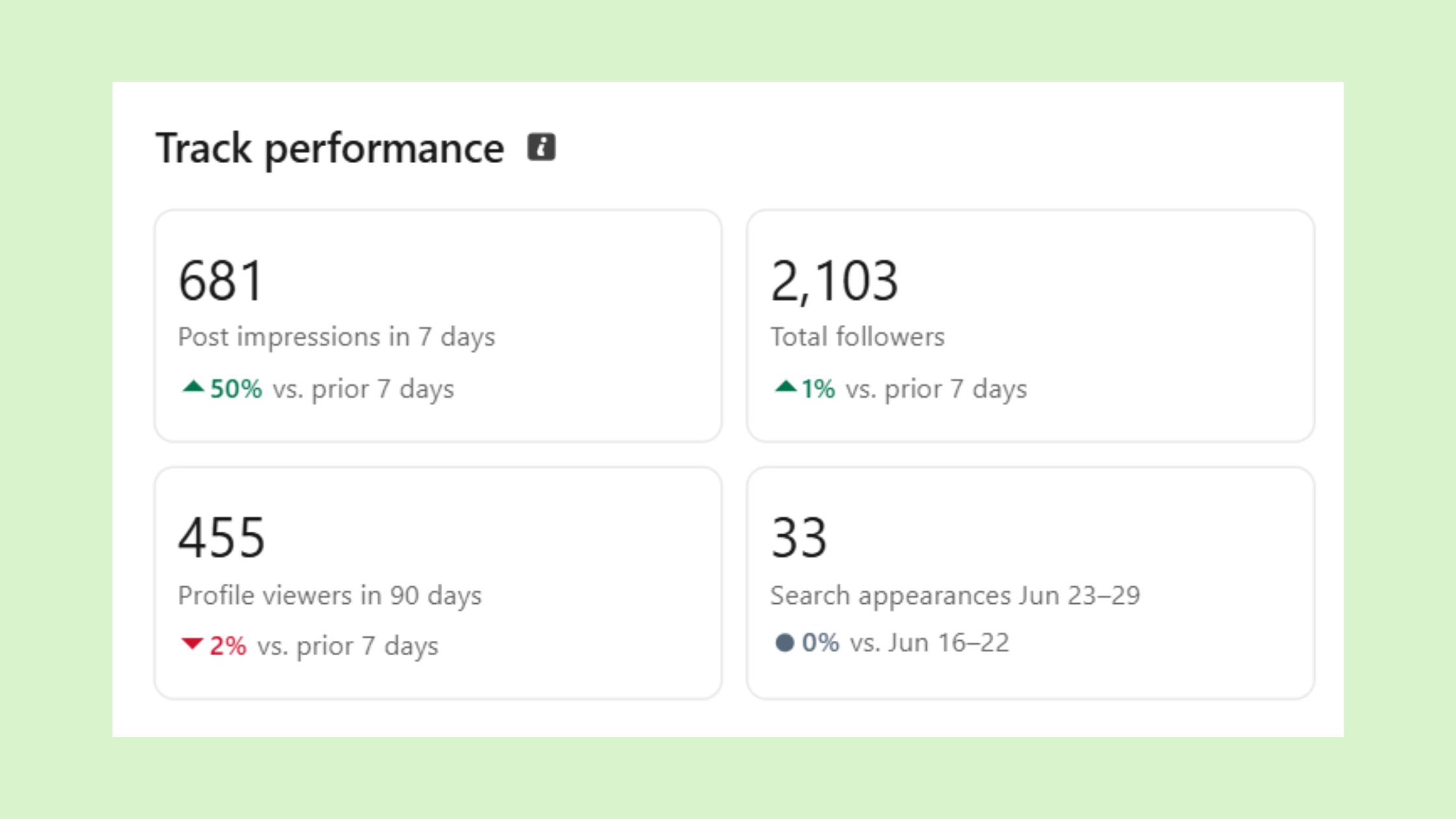
Burnout often comes from invisible ROI — putting effort into LinkedIn and having no way to tell whether it's working. The fix is ruthless metric simplicity. According to Nonprofit Tech for Good's 2026 social media statistics, there are 22 million nonprofit professionals on LinkedIn — but most nonprofit pages have no system for turning that audience into measurable outcomes.
Three metrics worth tracking for how to measure ROI and track LinkedIn performance as a nonprofit:
- Follower growth rate — aim for 5–10% quarter-over-quarter; below 2% suggests content or posting frequency needs adjustment
- Post impressions per post — benchmark: 500–2,000 impressions per post for pages under 5,000 followers. Consistently below 300 indicates an algorithm issue, not an audience size issue
- Website referral clicks via UTM parameters — tag every LinkedIn link with a UTM source in Google Analytics to see exactly how many visits, newsletter signups, or volunteer applications LinkedIn is driving
LinkedIn's native Page Analytics reveal something more valuable than follower counts: visitor demographics by job title, industry, and seniority level. This is social proof and mission amplification intelligence. If your content is consistently reaching program officers, foundation staff, or C-suite professionals, LinkedIn is working — even when follower growth feels slow. In practice, a nonprofit whose content regularly reaches grant-makers at foundations has a far higher LinkedIn ROI than one with 10x the followers but an audience of students and interns.
A pattern consistently observed among nonprofits that activate their ED's personal profile alongside the org page: 3–5x more profile visits and inbound connection requests from potential partners within 90 days, compared to org-page-only strategies. The personal profile has a native credibility and algorithmic advantage the company page simply cannot match. The highest-performing approach combines both.
What separates nonprofits that get genuine LinkedIn ROI from those that don't is rarely content quality — it is whether someone is actually tracking whether any of it is converting into relationships, referrals, or revenue.
Turn your nonprofit's LinkedIn visibility into measurable reach
HyperClapper's analytics and post-boosting tools help lean nonprofit teams track what's working and amplify the posts that matter most — without hiring a social media manager.
Start Boosting PostsFrequently Asked Questions About LinkedIn for Nonprofits
Is LinkedIn for nonprofits free?
The basic LinkedIn Company Page is completely free for any organization to create. LinkedIn also offers a linkedin nonprofit discount program giving qualifying 501(c)(3)s up to 75% off paid tools like Sales Navigator Core and LinkedIn Recruiter Lite. LinkedIn Learning for nonprofits access is also available at reduced cost through the same program.
Can a nonprofit have a LinkedIn account?
Yes. Nonprofits can create a LinkedIn Company Page by selecting "Nonprofit" as the organization type during setup. This unlocks nonprofit-specific features and signals organizational credibility to visitors. Staff members can also maintain personal LinkedIn profiles and link them to the org page to amplify reach.
Is LinkedIn good for nonprofits?
LinkedIn is good for nonprofits specifically targeting professional donors, corporate partners, and high-value volunteers — not for mass community fundraising. Classy platform data shows LinkedIn has a 30% mobile conversion rate for nonprofits, the highest of any social channel. It excels at relationship-building and mission amplification with decision-makers.
What is the most sustainable way for a small nonprofit team to maintain a LinkedIn presence without burning out?
The most sustainable approach is a monthly 2-hour content batching session that produces 8–10 pre-scheduled posts, eliminating daily decision-making. Assign one content owner, one approver, and limit to 2–3 posts per week. Tools that automate engagement — like post scheduling and AI-assisted replies — further reduce the hourly load without sacrificing consistency.
How can a nonprofit create LinkedIn content without a dedicated social media manager?
Repurpose existing content: program reports become impact posts, staff emails become thought leadership drafts, volunteer thank-yous become spotlights. Batch-writing monthly means one focused session covers four weeks of content. Personal posts from leadership require no design work and consistently outperform org-page posts — making them the highest-ROI, lowest-effort format available.
Does LinkedIn actually help nonprofits raise awareness or find donors?
Yes — with the right framing. According to Classy's data, 42% of US donors use LinkedIn to research nonprofits before giving. LinkedIn works best for awareness among professional and major-donor audiences, not for broad community fundraising. Organizations that use it for relationship-building and thought leadership see higher conversion rates than those using it for direct asks.
What should a nonprofit post on LinkedIn to grow followers without a big team?
Post impact stories with specific numbers ("312 meals served this month"), staff and volunteer spotlights, and short thought leadership posts from your ED — these require no design budget and consistently outperform polished graphics. Aim for 2–3 posts per week and prioritize posts that invite comments, since conversation depth drives algorithmic reach far more than one-way announcements.
Does Google offer nonprofit tools similar to LinkedIn's?
Yes. Google for nonprofits is a separate program offering qualifying organizations free access to Google Workspace for Nonprofits, Google Ad Grants (up to $10,000/month in free search advertising), and YouTube Nonprofit Program features. It is complementary to LinkedIn's nonprofit tools and worth applying for alongside the LinkedIn nonprofit discount program.



