
A pattern observed consistently across high-performing LinkedIn creators is that they are not simply writing better posts — they are using tools to ensure those posts actually get seen. LinkedIn content creation tools span four categories: AI writing assistants, scheduling platforms, engagement boosters, and analytics dashboards. Most creators only engage with the first two, which is exactly why their reach stalls. The algorithm's distribution window is short — typically 24 to 72 hours — and posts that fail to signal early engagement velocity never get pushed to broader audiences. Tools that accelerate that signal are no longer optional for serious creators; they are competitive infrastructure.
- Who this is for: LinkedIn creators, founders, marketers, recruiters, and agencies trying to grow visibility faster.
- What you'll learn: How the four categories of LinkedIn content tools work, where each fits, and where HyperClapper leads.
- The core insight: Writing well is not enough — the LinkedIn algorithm rewards early engagement signals, and tools that generate those signals are the real growth lever.
- Counterintuitive finding: HyperClapper's AI replies — not just its likes — extend a post's active lifecycle by days, because LinkedIn surfaces posts with ongoing conversations more than posts with static like counts.
- Taplio vs. HyperClapper: They solve different problems. Taplio helps you create the post; HyperClapper helps it get seen. The strongest stacks use both layers.
- Risk reality: HyperClapper uses real community members and content moderation to reduce platform risk — but no tool is without exposure. Informed use is the safest use.
- Why LinkedIn Content Tools Matter More Than Ever in 2026
- The Main Categories of LinkedIn Content Tools
- What Is HyperClapper and How Does It Work?
- HyperClapper vs. Taplio and Other Alternatives
- Is HyperClapper Worth It? Benefits, Risks, and Honest Limitations
- How to Grow LinkedIn Followers and Automate Your Content Strategy
- Frequently Asked Questions About LinkedIn Content Tools and HyperClapper
Why LinkedIn Content Tools Matter More Than Ever in 2026
The most common pain point reported across LinkedIn creator communities is posting consistently for months and seeing almost no growth in reach. The instinct is to blame the content. The real culprit, in most cases, is missing engagement velocity — the speed at which a post receives likes and comments after publishing. LinkedIn's algorithm reads early engagement as a quality signal and amplifies accordingly. Posts that receive no activity in the first hour are often algorithmically invisible by hour four, regardless of how good the writing is.
According to ConnectSafely's LinkedIn Statistics 2026, the platform now has 1.3 billion members. That scale means feed competition has fundamentally changed the content game. A post that would have reached thousands organically three years ago now needs structural help to break through.
The term LinkedIn content tools covers a broader ecosystem than most creators realise. It includes:
- AI writing assistants — help with post ideation, drafting, and tone (e.g., Taplio, AuthoredUp)
- Scheduling and publishing tools — manage posting frequency and timing (e.g., Buffer, Hootsuite, Publer)
- Engagement and post-boost tools — generate early likes and comments via community (e.g., HyperClapper, Podawaa)
- Analytics dashboards — track reach, engagement trends, and audience growth (e.g., Shield Analytics, Taplio, HyperClapper)
2026 is a turning point because personal brand amplification — the strategic use of your professional identity to drive business outcomes — has moved from a nice-to-have into core B2B growth strategy. Companies whose teams show up visibly on LinkedIn generate more inbound than those that rely solely on company pages. The gap between creators who use the full tool stack and those who don't is measurably widening.
How the LinkedIn Algorithm Responds to Engagement Signals
LinkedIn's algorithm uses LinkedIn algorithm visibility signals — early reactions, comments, shares, and dwell time — to decide whether a post deserves wider distribution. The first 60 to 90 minutes after publishing is the highest-leverage window. Posts that hit a critical engagement threshold in that window get pushed to second-degree connections and beyond. Posts that don't, regardless of quality, stay within the immediate network. This is the structural reason engagement tools create a genuine advantage: they ensure the algorithm receives the signals it needs to do its job.
The Main Categories of LinkedIn Content Tools and What Each Does
Teams that approach LinkedIn growth systematically — using a tool for each layer of the content process — consistently see stronger compounding reach than those who rely on writing alone. Understanding what each category does (and doesn't do) is the prerequisite to building a stack that actually works.
Engagement and Pod Tools: How LinkedIn Post Boosting Actually Works
LinkedIn post engagement tools work by connecting your post to a community of real users who engage with it — typically through a structured group called an engagement pod or channel. When you submit a post to HyperClapper, for example, members in your selected channels receive a notification and engage with likes and contextual comments. This is distinct from bot-driven tools that simulate engagement with fake accounts.
Understanding the post-boost content lifecycle is critical here. Every LinkedIn post has a short algorithmic window — roughly 24 to 72 hours — during which engagement drives distribution. After that window closes, the post enters a long tail of low activity. Engagement tools serve the active window. Analytics tools inform what to do next. The creators who conflate "content tool" with "AI writing assistant" miss this entirely — which is why their engagement plateaus despite consistently good copy.
Here is how the major tools break down by primary function:
| Tool | Primary Strength | Engagement Boost | AI Replies | Company Page |
|---|---|---|---|---|
| HyperClapper | Engagement + AI replies + analytics | ✅ Real community channels | ✅ Yes | ✅ Yes |
| Taplio | AI content writing + scheduling | ⚠️ Basic pod only | ❌ No | ❌ No |
| Podawaa | Pod-based engagement | ✅ Pod-based | ⚠️ Limited | ❌ No |
| Shield Analytics | Analytics and tracking | ❌ No | ❌ No | ❌ No |
| Buffer / Hootsuite | Scheduling + publishing | ❌ No | ❌ No | ✅ Yes |
What Is HyperClapper and How Does It Work?
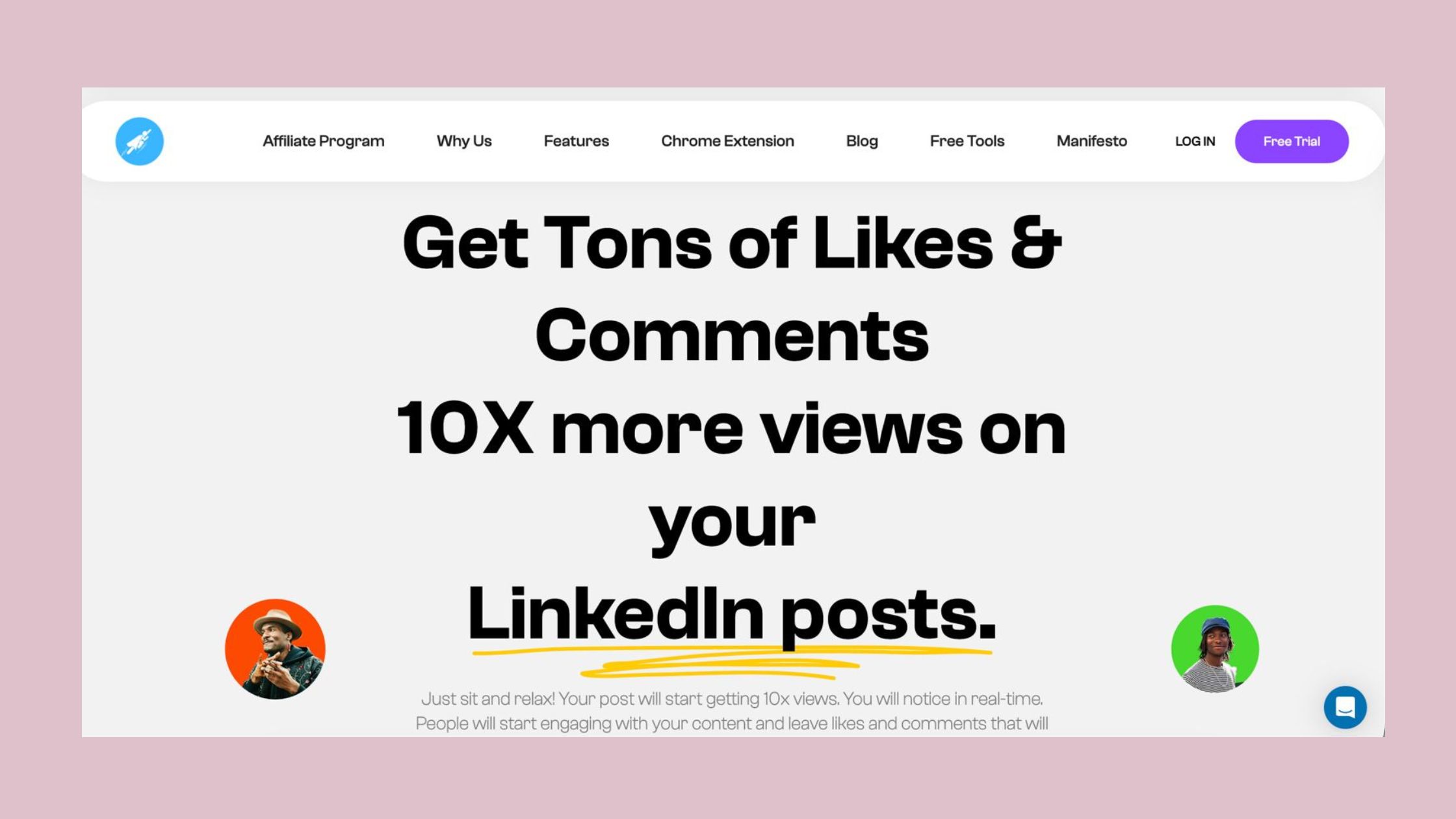
HyperClapper is a LinkedIn engagement platform that combines real community engagement via structured channels, AI-powered comment replies, company page support, and analytics into a single tool — built specifically for creators, founders, marketers, and agencies who need LinkedIn visibility to drive real business outcomes.
The workflow is straightforward:
- Submit your LinkedIn post URL to the HyperClapper dashboard (approximately 30 seconds)
- Select your channels — each channel contains roughly 50 real users who can engage
- Receive likes and contextual comments from real community members within the platform (typically begins within minutes)
- Activate AI Replies to generate and post additional comments, keeping the conversation alive
- Use Feed More AI Replies at hour 4, day 2, or later to restart algorithmic interest in the post
- Review analytics on post performance, engagement trends, and growth metrics
AI Replies and Content Guard: The Features That Set It Apart
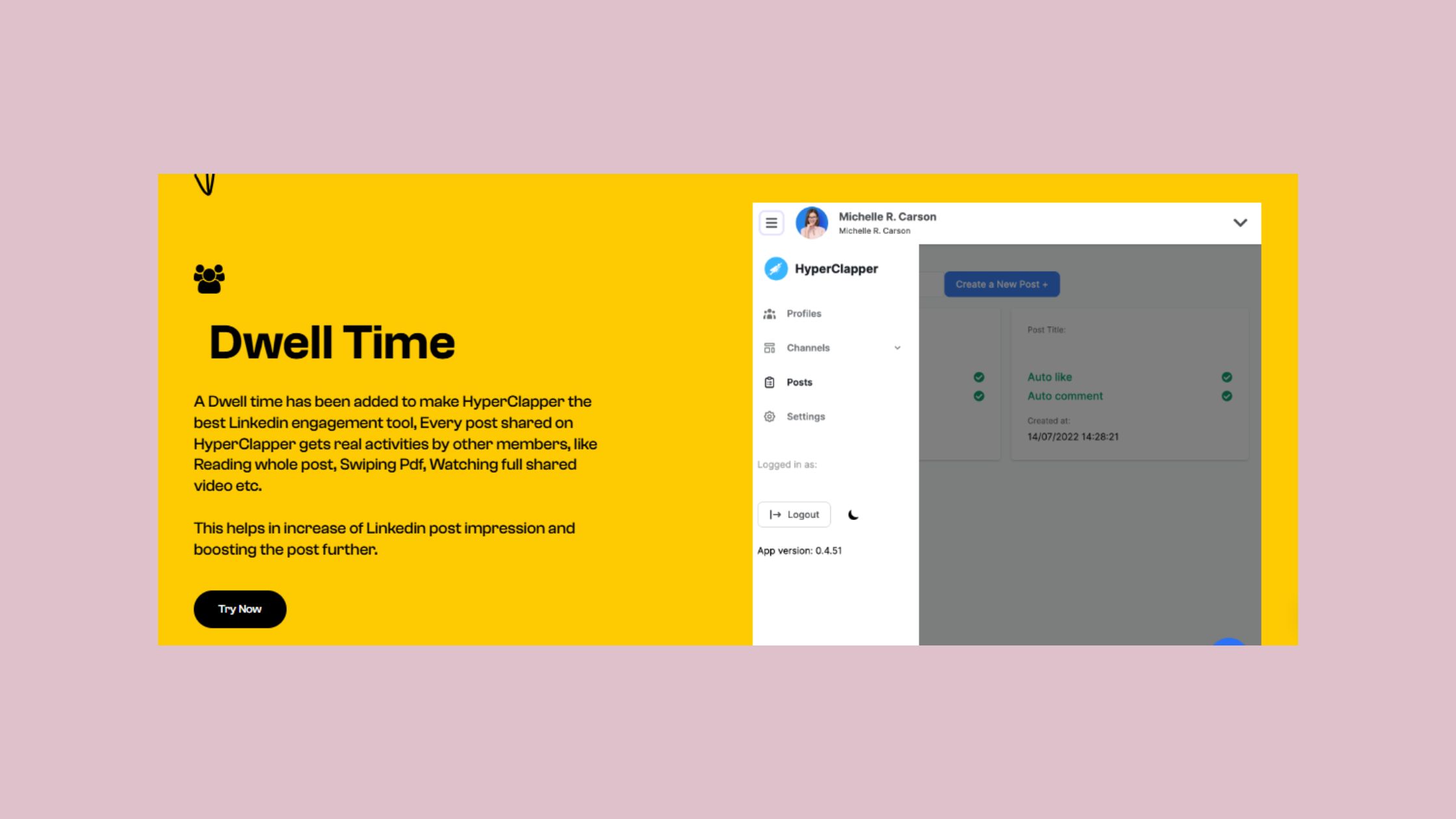
Most engagement tools stop at likes. HyperClapper's AI Replies feature generates and posts contextual comments that extend the post's conversation depth — and this matters because LinkedIn's algorithm favours posts with ongoing, meaningful discussion over posts with high like counts but no comments.
The Feed More AI Replies function is particularly underused. Most creators think a post is "dead" after 48 hours. In practice, feeding new AI replies into a post on day two or three can restart a second wave of algorithmic distribution — LinkedIn treats renewed engagement as a signal that the content is still relevant.
Content Guard is HyperClapper's built-in moderation layer. It screens posts for content that could attract platform risk — politics, divisive topics, sensitive global events — before they enter the engagement system. This protects both the post author and the community members who engage with it.
Company Page Boosting: Growing Brand Presence, Not Just Personal Profiles
One of HyperClapper's most overlooked features is company page support. Most LinkedIn engagement tools focus exclusively on personal profiles. HyperClapper allows users to boost company page posts and add replies from company pages — making brand-level LinkedIn presence look naturally active rather than artificially inflated. For agencies managing multiple brand clients, this is a significant practical advantage.
%2520(1).png) hyperclapper.com
hyperclapper.comHyperClapper vs. Taplio and Other Alternatives: Which Tool Wins for Engagement?
The comparison between HyperClapper and Taplio is frequently asked but slightly misframed — these tools solve adjacent, not identical, problems. Understanding where each wins prevents creators from picking the wrong one for the wrong job.
The most effective LinkedIn stacks in 2026 don't choose between a content creation tool and an engagement tool — they use both, because great writing and invisible posts are equally useless outcomes.
Taplio is primarily an AI content creation and scheduling platform. It excels at helping creators write LinkedIn posts faster, build a content calendar, and schedule ahead. It has a basic pod feature, but pod engagement authenticity in Taplio's implementation is limited — it is not the platform's core competency. If your primary bottleneck is writing output, Taplio addresses it well.
Podawaa and Lempod focus on pod-based engagement but operate on older mechanics with less AI integration and fewer safety controls than HyperClapper. Pod engagement authenticity — the degree to which engagement reads as natural to both the algorithm and human observers — is lower in tools that generate generic or templated comments. HyperClapper's AI Replies produce contextual responses rather than boilerplate reactions.
LinkedIn Content Tool Alternatives to Taplio: A Practical Comparison
For creators specifically looking for LinkedIn content tool alternatives to Taplio, the distinction comes down to what you need most:
- Need better writing and scheduling? Taplio, AuthoredUp, or Buffer are the right layer.
- Need more impressions and faster early engagement? HyperClapper is the right layer — it handles what Taplio cannot.
- Need analytics to understand what's working? Shield Analytics and HyperClapper's built-in dashboard both serve this need.
For a deeper breakdown of how HyperClapper compares against Taplio specifically on AI content features, see HyperClapper as a Taplio alternative for AI LinkedIn content. And for a head-to-head on engagement pod mechanics, the HyperClapper vs. Podawaa comparison covers the differences in practical depth.
See Why Creators Switch to HyperClapper for LinkedIn Engagement
Real community channels, AI-powered replies, and company page support — in one platform designed for LinkedIn growth.
Try HyperClapper FreeIs HyperClapper Worth It? Benefits, Risks, and Honest Limitations
After seeing this across a range of LinkedIn creator profiles, the pattern is clear: HyperClapper delivers measurable value for creators who already produce decent posts but can't break through the algorithmic ceiling. For creators who are still working out their voice, content angle, or audience targeting, the tool amplifies the problem as much as it amplifies the post.
Benefits worth knowing:
- Faster early engagement velocity — more likes and comments in the first hour after publishing
- Extended post lifecycle — AI replies can restart distribution days after the initial publish
- Safer than traditional bot-based tools, because engagement comes from real community members
- Works for both personal and company pages — unusually broad for this category
- Content Guard reduces the risk of pushing sensitive content through a boosting system
Honest limitations to acknowledge:
- HyperClapper amplifies good content; it cannot rescue posts with weak hooks or off-topic angles
- Channels have per-post engagement caps — very high-volume needs require scaling up your channel selection
- No tool replaces the human voice in the post itself — the copy still needs to sound genuinely like you
On HyperClapper pricing and plans: the platform uses tiered pricing based on channel access and usage volume. The clearest way to evaluate it is against the ROI of a single LinkedIn-driven client or lead in your business — for most B2B professionals, a handful of incremental conversations from better post visibility pays for a monthly subscription multiple times over. Specific current pricing is available at app.hyperclapper.com.
Common Mistakes to Avoid When Using LinkedIn Engagement Tools
The most common failure mode is treating engagement tools as a substitute for content strategy rather than a complement to it. Creators who skip the foundational work — clear audience targeting, strong hooks, consistent posting cadence — and jump straight to boosting typically see inflated vanity metrics but no growth in followers, inbound messages, or leads.
Three mistakes that consistently produce poor results:
- Boosting every post regardless of quality — reserve channels for your highest-value content; save engagement budget for posts that deserve amplification
- Ignoring the analytics layer — HyperClapper's dashboard tells you which post types are working; creators who skip this miss the compounding feedback loop
- Treating AI replies as a set-and-forget feature — the most effective use is reviewing AI-generated replies before they post and editing the ones that feel generic
For a full breakdown of how HyperClapper performs against the field, the top LinkedIn engagement tools comparison covers the competitive landscape in detail.
How to Grow LinkedIn Followers and Automate Your Content Strategy with Tools
The fastest-growing LinkedIn creators in 2026 treat engagement tools the same way YouTube creators treat SEO — not as a shortcut, but as infrastructure. The goal is not to fake growth; it is to ensure that legitimately good content reaches the audience it deserves. With 1.3 billion LinkedIn members, organic reach alone is an increasingly unreliable distribution channel.
Here is the framework — call it The LinkedIn Visibility Stack — that consistently outperforms single-tool approaches:
- Write the post — focus on a single insight, strong opening hook, and a clear point of view (2–3 minutes)
- Schedule with a publishing tool — use Buffer, Hootsuite, or native LinkedIn scheduling to post at your audience's peak active time (typically Tuesday–Thursday, 8–10am local time)
- Submit to HyperClapper channels at publish time — not an hour later; the first window matters most (30 seconds)
- Add AI replies at hour 4 — keeps the conversation active through the algorithm's secondary evaluation window
- Feed more AI replies on day 2 — extends the post's active lifecycle beyond the initial 24-hour window
- Review analytics — note which post formats, topics, and lengths drove the highest engagement velocity, and replicate
LinkedIn Algorithm Boost Tools: Getting More Impressions on Every Post
What separates top performers in the LinkedIn algorithm boost tools category is not just their ability to generate early engagement — it is their ability to sustain conversation depth over time. According to DSMN8's 2026 LinkedIn report, which analysed over 110,000 employee posts, meaningful conversations — not just reactions — are the primary signal driving extended distribution.
This is precisely why HyperClapper's AI reply system is more than a cosmetic feature. Likes increment a counter. Comments create conversations. And conversations signal to LinkedIn's algorithm that the content is generating genuine human value — which triggers wider distribution. In practice, a post with 20 likes and 8 substantive comments will frequently outperform a post with 50 likes and 2 emoji responses.
Personal brand amplification — using your professional presence systematically to attract clients, talent, or opportunities — compounds over time in a specific way. Creators who use engagement tools consistently for 60 to 90 days build a larger baseline audience, meaning future posts start with more organic engagement before any boosting kicks in. The tool's ROI increases as the audience grows.
For a broader view of how HyperClapper stacks up against Podawaa, Lempod, and Alcapod in the pod-tool category specifically, the top 5 LinkedIn engagement pods comparison is worth reading alongside this guide.
✓ The LinkedIn Visibility Stack Checklist
- ☐Post has a strong single-insight hook in the first line
- ☐Scheduled or published during peak audience time (Tuesday–Thursday, 8–10am)
- ☐Submitted to HyperClapper channels at the moment of publishing
- ☐AI replies activated or scheduled for hour 4 after publishing
- ☐Feed More AI Replies used on day 2 to restart distribution
- ☐Post reviewed for polarising or sensitive content before boosting
- ☐Analytics reviewed post-boost to identify top-performing post patterns
Ready to Make Every Post Work Harder on LinkedIn?
HyperClapper combines real engagement channels, AI replies, and analytics to give every post the visibility window it deserves.
Start Growing on LinkedInFrequently Asked Questions About LinkedIn Content Tools and HyperClapper
What is the best tool to grow my LinkedIn presence in 2026?
The most effective approach in 2026 combines a writing/scheduling tool (Taplio or Buffer) with an engagement platform like HyperClapper. For creators whose main bottleneck is post visibility rather than content output, HyperClapper's community channels and AI replies directly address the algorithm's engagement velocity requirement — making it the strongest single choice for impression growth.
How does HyperClapper help with LinkedIn engagement compared to other tools?
HyperClapper generates real likes and contextual comments from community members, not bots — and then extends the post's active lifecycle through AI-powered replies that can be fed into the conversation hours or days after publishing. Most competitors offer one or the other; HyperClapper combines community boosting, AI reply depth, content moderation, and company page support in one platform.
Can LinkedIn content tools get your posts seen by more people?
Yes — when used correctly. LinkedIn's algorithm uses early engagement signals to decide how widely to distribute a post. Tools that accelerate likes and comments in the first 60 to 90 minutes directly improve the chance of wider algorithmic distribution. The result is more impressions from second and third-degree connections who would not otherwise see the post.
Which LinkedIn tool is best for B2B content creators who want more impressions?
For B2B creators focused on impressions, HyperClapper consistently outperforms pod-only tools because its AI replies generate the conversation depth that LinkedIn's algorithm reads as high-value content. B2B audiences also respond well to substantive comment threads — which AI replies help create — making the engagement look natural rather than manufactured.
What makes HyperClapper different from other LinkedIn automation tools?
HyperClapper is not a traditional automation tool — it doesn't send connection requests, scrape profiles, or simulate human browsing. It specifically targets post engagement through real community members (not bots), adds AI-powered conversation replies, supports company pages, and includes Content Guard moderation. The focus is narrower and safer than general-purpose LinkedIn automation tools.
Is HyperClapper worth it for LinkedIn growth?
HyperClapper is worth it for creators who already post consistently but struggle to break through LinkedIn's algorithmic ceiling. It is less suitable as a starting point for creators still developing their content strategy. The clearest ROI calculation: if one additional LinkedIn-driven lead or client per month exceeds the subscription cost, the tool pays for itself — and for most B2B professionals, that threshold is low.
How do LinkedIn content tools improve reach, and is there any risk to using them?
LinkedIn content tools improve reach by providing engagement velocity signals the algorithm needs to push posts to wider audiences. The risk is that LinkedIn's Terms of Service restrict inauthentic engagement. HyperClapper mitigates this through real user participation and Content Guard, but platform risk cannot be completely eliminated. The safest approach is gradual scaling, natural posting frequency, and avoiding sensitive content in boosted posts.
What consistently separates LinkedIn accounts with real reach from those with impressive follower counts but flat impressions is not any single tool — it is whether the engagement signal actually reaches the algorithm when it matters most. The creators who solve that first, and layer content quality on top, are the ones whose growth compounds.



