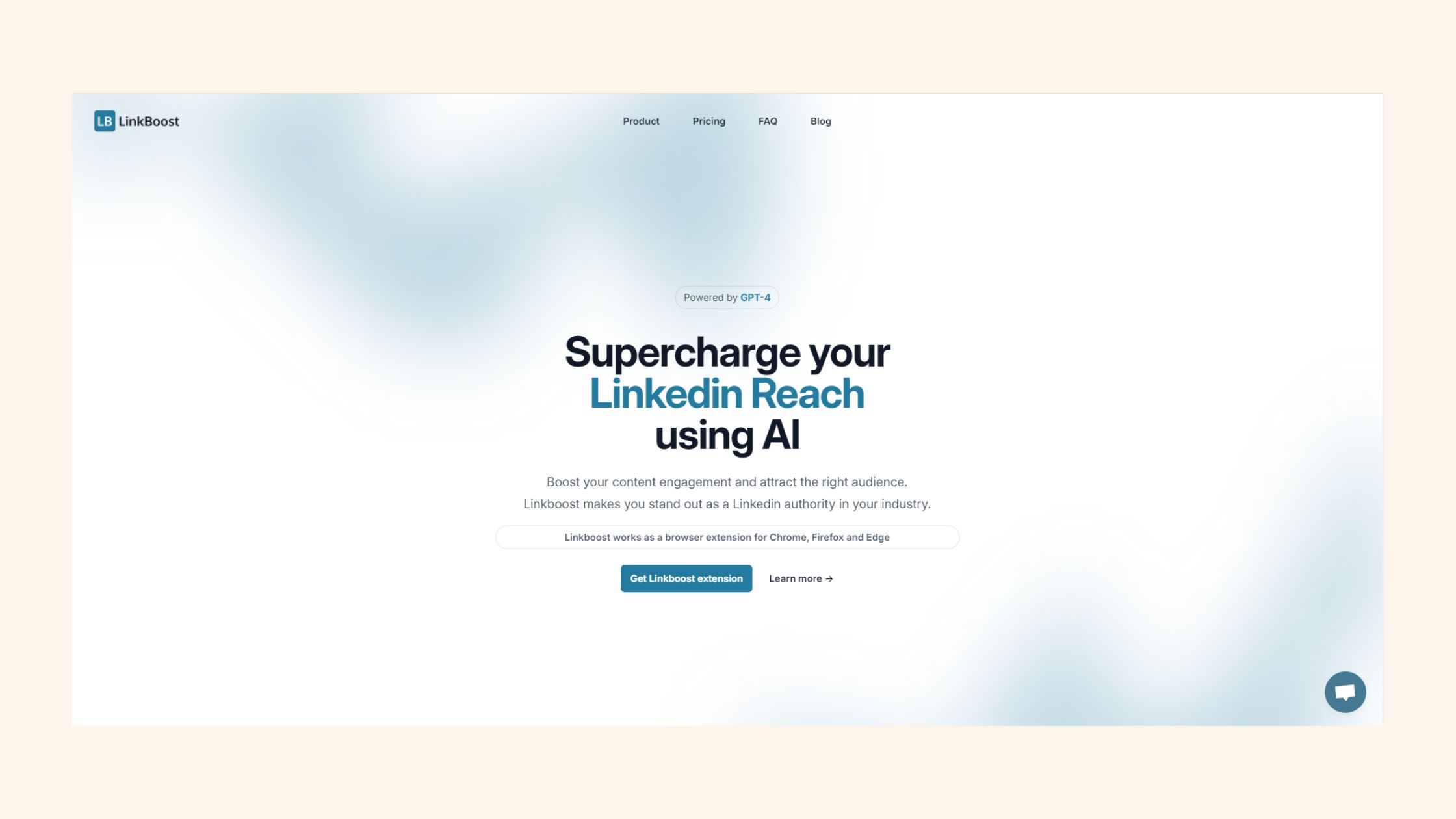
Linkboost is a LinkedIn engagement pod tool — software that coordinates likes and comments from a network of users to give your posts early-signal traction with the LinkedIn algorithm. A pattern observed across thousands of LinkedIn accounts is that the first 60–90 minutes after publishing are disproportionately decisive: posts that collect engagement fast get pushed to second- and third-degree connections; posts that don't, disappear. Linkboost positions itself as the solution to that window. Whether it delivers on that promise — without costing you your account or your credibility — is exactly what this review covers.
Key Takeaways
Who this is for: LinkedIn creators, founders, marketers, and agencies hitting a content plateau despite consistent posting.
What Linkboost does: Coordinates engagement pods to artificially boost early post signals and expand algorithmic reach.
The honest trade-off: Real visibility uplift in the short term, but pod-generated comments risk looking generic and violate LinkedIn's ToS.
Pricing reality: Free tier is limited; meaningful results typically require a paid plan — costs can escalate for agencies managing multiple profiles.
Most counterintuitive finding: More engagement is not always better — irrelevant pod members commenting can actively damage post credibility with your real audience.
Best alternative:HyperClapper combines real community channels with AI-powered contextual replies and stronger safety controls.
Linkboost is a LinkedIn boost tool that uses coordinated engagement pods — groups of users who agree to like and comment on each other's posts — to trigger LinkedIn's organic reach algorithm early. The premise is straightforward: LinkedIn's distribution model weighs initial engagement velocity heavily, so artificially seeding that signal pushes content to wider audiences before it would otherwise qualify for broader distribution. According to Linkboost's own published data (2026), LinkedIn has surpassed 1.3 billion registered members — meaning the competition for feed space is fierce, and tools that move the algorithmic needle have real appeal.
The tool targets professionals stuck in what community feedback consistently describes as a content plateau — a phase where posting quality content regularly produces diminishing reach returns, with no clear organic path out. Linkboost's pitch is essentially: we jump-start the signal that gets your post out of that plateau.
1.3B
LinkedIn members in 2026 — making early algorithmic traction more competitive than ever
Linkboost as a LinkedIn Tool vs. an SEO Link Building Tool
A persistent source of confusion: when people search "Linkboost link building tool" or "What does Linkboost do for SEO?" they are often looking for two completely different products. The Linkboost reviewed here is a LinkedIn engagement amplification tool — it has nothing to do with building backlinks for website SEO. There is a separate category of SEO link-building platforms that may share similar naming. If you arrived here looking for a domain-authority or backlink tool, this review will not be relevant to your needs. Linkboost (as a LinkedIn product) is about social proof on professional networks — not off-page SEO.
With that cleared up, here is how the platform actually works under the hood.
How Linkboost Works: Features Explained
The core mechanic is simple: you submit a LinkedIn post URL, select one or more engagement pods, and members of those pods receive a notification to engage with your content within a defined time window — typically the critical first hour after publishing. This manufactured engagement spike feeds LinkedIn's content velocity signal, which measures how quickly a post collects interactions after going live.
Linkboost features typically include:
Post boosting — submit a post and receive coordinated likes from pod members
Engagement pod selection — choose pods by industry, size, or niche relevance
Comment templates — pre-written or semi-customised comment options that pod members can post
Basic analytics — impression and engagement tracking per boosted post
The quality gap between tools lives almost entirely in that third bullet. Generic comment templates ("Great post!", "Really insightful!") are the most common failure mode observed across pod tools — they signal inauthenticity to any reader who glances at the comment thread, which undermines the credibility you were trying to build.
💡
Pro Tip:LinkedIn's algorithm weighs comment length and relevance — not just comment count. A single substantive, contextual reply signals more engagement depth than five generic one-liners. Tools that generate meaningful comments outperform those relying on templates.
Company Page Boosting and Comment Controls
Linkboost's company page support is limited compared to personal profile boosting. Most pod tools — Linkboost included — are primarily designed around individual LinkedIn profiles. Company page boosting, where available, tends to have narrower pod access and fewer comment customisation options. This matters for agencies managing brand LinkedIn presences alongside personal profiles, since it creates a two-tier experience within the same tool.
Linkboost Pricing Plans: How Much Does It Cost?
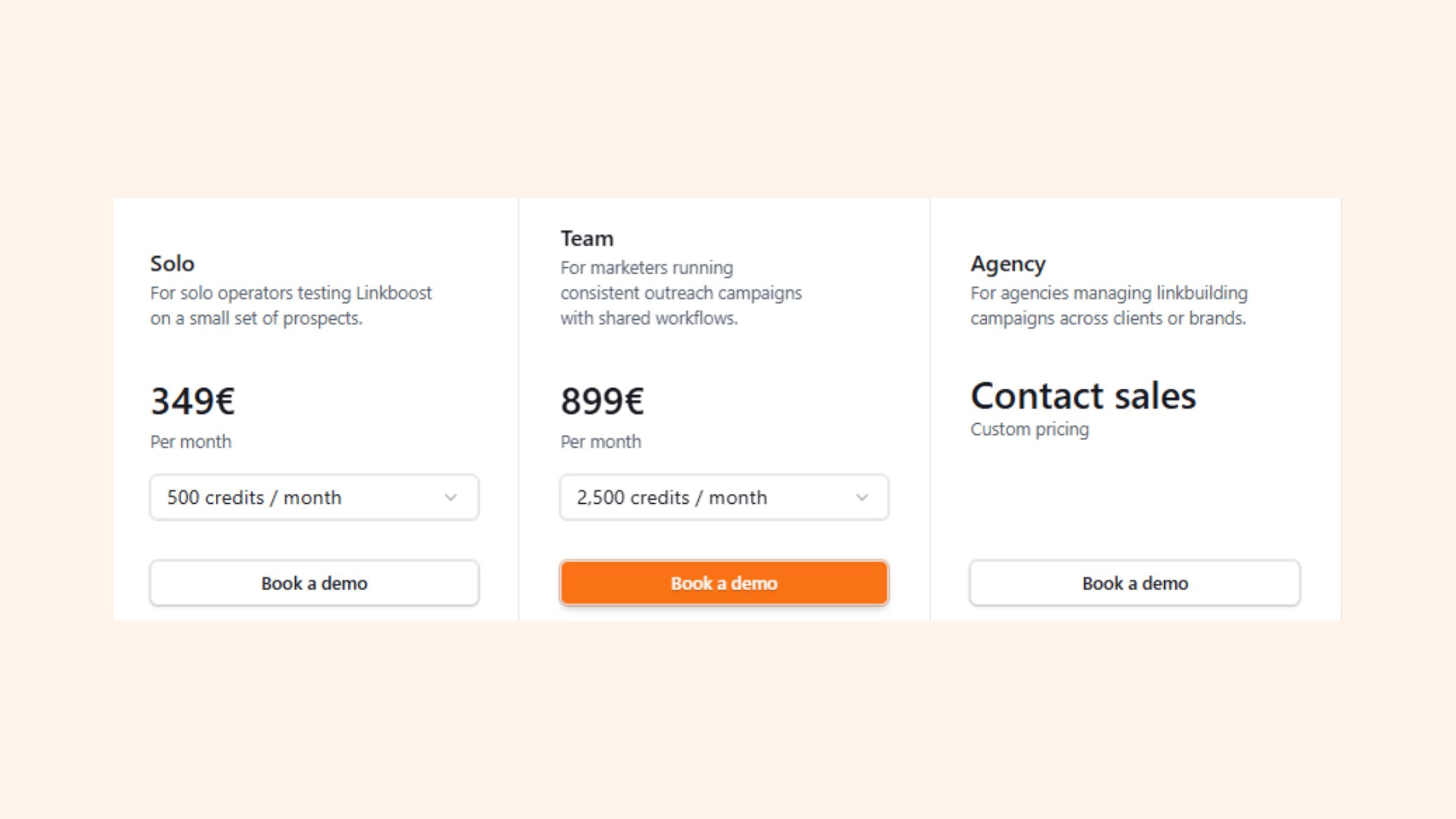
Linkboost Pricing Plans
Linkboost operates on a freemium model with tiered paid plans. The free tier exists but is genuinely restricted — typically capped at a small number of post submissions per month and limited pod access. Does Linkboost offer a free trial? Based on observed pricing structures for this category: a free-forever tier with feature caps is available, but a time-limited full-access trial is not consistently offered. Users wanting to test the platform's full pod network usually need to commit to a paid plan first.
Typical Linkboost pricing plans break down roughly as follows:
Free — limited post submissions, access to smaller pods, no analytics
Starter (~$15–25/month) — more monthly submissions, broader pod selection
Pro (~$40–60/month) — higher submission volume, priority pod access, basic reporting
Agency (~$80–120/month) — multi-seat or multi-profile management, expanded analytics
⚠️
Warning:Linkboost pricing tiers often use credit-based or per-boost submission models at higher volumes, which can make monthly costs unpredictable if you're running multiple active posts simultaneously. Audit your actual post frequency before committing to any plan.
Is Linkboost Worth It for Agencies and Small Teams?
For a solo creator publishing two to three times per week, the starter tier is workable. The economics get strained for small agencies. Managing five or more LinkedIn profiles — each needing consistent boosting — pushes costs into territory where the per-profile value has to be clearly demonstrated. Teams that invest in Linkboost at the agency tier consistently find they need to supplement it with stronger comment strategy, because the volume of generic pod comments at scale becomes harder to justify to clients who can see the comment quality directly.
The tools that win for agencies are not the ones with the most connections to pods — they are the ones whose comments survive scrutiny when a prospect reads the thread.
Honest Assessment: Benefits, Risks, and Limitations
The core benefit is real. Posts that would otherwise flatline in the first hour get rescued by coordinated early engagement, and LinkedIn's distribution model responds to that signal. According to Sprout Social's LinkedIn data (2026), nearly 70% of users interact with brand content on the platform — which means a post that reaches beyond your immediate first-degree network lands in a genuinely active environment. Getting there is the bottleneck Linkboost addresses.
What consistently separates high-performing pod users from average ones is selectivity. Using only pods with professionally relevant members — people whose comments read as credible to your actual audience — produces sustainable results. Using broad, generic pods produces inflated numbers that don't convert to connection requests, DMs, or business outcomes. That gap between vanity metrics versus meaningful engagement is the defining risk of any pod tool used indiscriminately.
The ToS risk is real but unevenly enforced. Coordinated inauthentic engagement formally violates LinkedIn's terms of service. LinkedIn has historically pursued this inconsistently — periodic crackdowns affect heavy users more than casual ones — but the risk is not zero. Account restrictions are the typical consequence, not permanent bans, but any restriction disrupts momentum at exactly the wrong time.
Common Mistakes to Avoid When Using LinkedIn Boost Tools
Boosting low-quality posts — amplifying weak content accelerates its failure, not its success. The algorithm distributes it wider, but the audience reacts negatively, sending negative engagement signals back.
Over-relying on boost volume — submitting every post to maximum pods signals artificial patterns more detectable to LinkedIn's systems.
Ignoring comment relevance — pod comments from unrelated industries (a logistics professional commenting on a fintech post with "Great insights!") visibly damage credibility.
Using pod tools as a content strategy replacement — the most common failure mode observed is creators treating the boost as a substitute for audience development rather than a temporary amplification mechanism.
🔴
Avoid:Boosting more than 50% of your published posts. Accounts that submit every post to pods show unnatural engagement-to-impression ratios that are detectable both by LinkedIn's systems and by real audience members who notice the comment patterns.
Want engagement that holds up to scrutiny?
HyperClapper combines real community engagement with AI-powered contextual replies — no generic comments, no credibility risk.
Linkboost vs. Competitors: Alternatives Worth Considering in 2026
Among the established LinkedIn engagement pods tools available in 2026, four names come up consistently: Linkboost, Lempod, Podawaa, and HyperClapper. Each takes a distinct approach to the same core problem — getting your post seen by more of the right people.
Lempod charges per pod member and is priced around $5 per member per month. For small pods it's affordable; for large campaigns it scales expensively. Comment quality is largely template-dependent, and there's no AI layer to generate contextually relevant responses.
Podawaa operates a freemium model with access to large pod networks. The breadth is its main advantage — you can access pods with hundreds of members. The weakness is the same as Lempod's: volume doesn't compensate for generic comment quality, and very large pods attract mixed-industry members whose engagement reads as low-relevance to your actual followers.
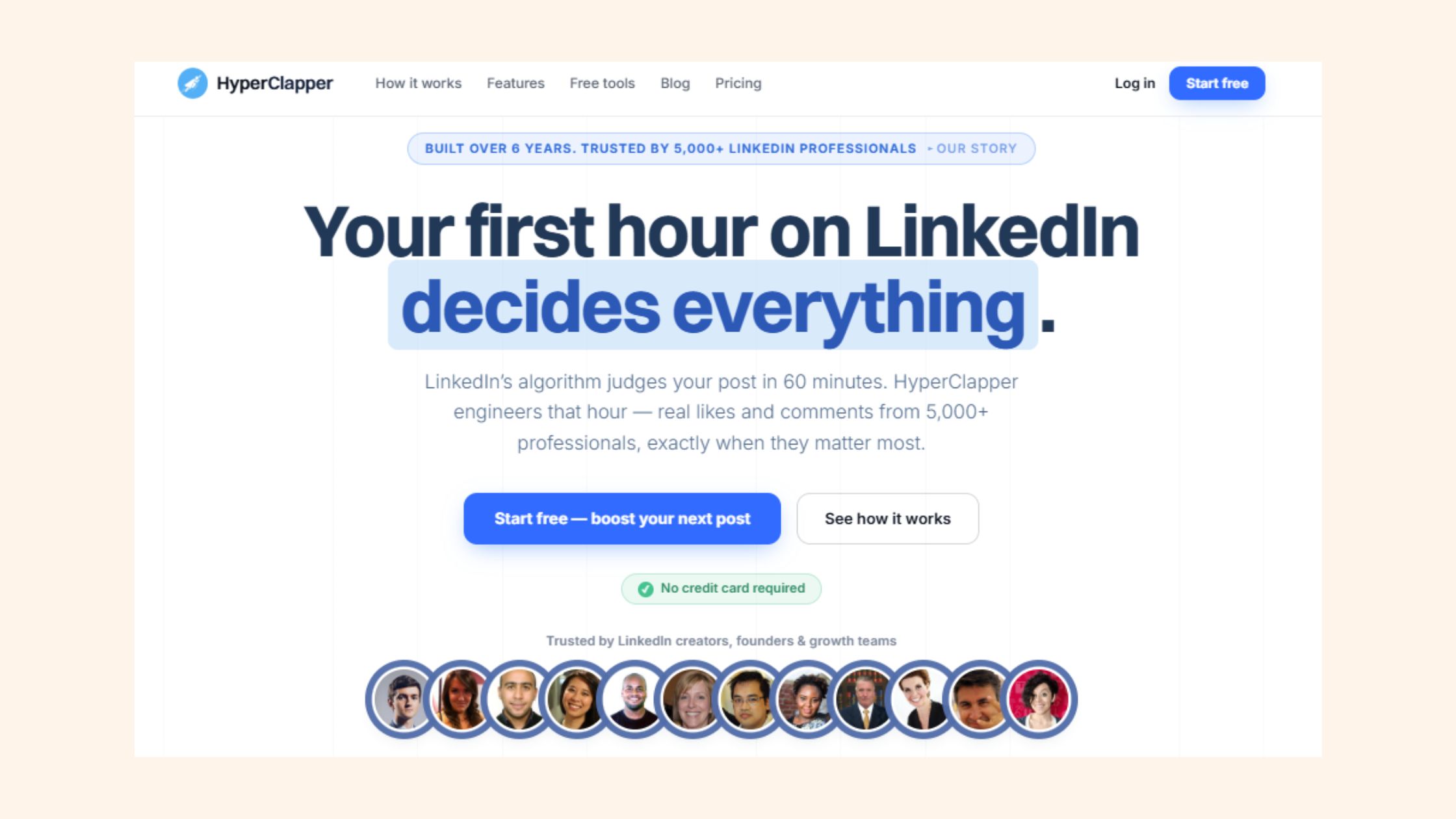
Tools like HyperClapper take a fundamentally different approach: instead of connecting users within anonymous pods, it uses structured channels — curated groups of real professionals who engage meaningfully — combined with AI-generated contextual replies. One channel delivers approximately 50 possible engagements; three channels push that to 150. Critically, HyperClapper's AI replies are designed to read as substantive comments, not filler — and its Content Guard moderation layer filters out sensitive or controversial content before it enters the engagement system. For a fuller breakdown, see the detailed Linkboost vs HyperClapper comparison.
Who Is Linkboost Best Suited For?
Linkboost is most effective for:
Solo creators who post two to four times per week and want an algorithmic boost without complex setup
Founders in the early phase of building a LinkedIn audience who need initial social proof to attract organic followers
Marketers running short-term campaign content who need specific posts to reach beyond their current follower base
It is a weaker fit for agencies managing multiple client profiles, teams that need company page boosting at scale, or anyone whose audience will scrutinise comment quality closely (thought leaders in tight-knit professional communities, for example).
That distinction — who it genuinely serves well versus who it lets down — shapes the final verdict.
Honest Verdict: Should You Use Linkboost in 2026?
After reviewing Linkboost features, pricing, and real-world application: it works as advertised within a narrow use case. If you are a solo creator hitting a content plateau and you want a structured way to inject early engagement signals into your posts, Linkboost delivers a tangible short-term lift. The mechanism is sound. The limitations are real.
The honest trade-off is this: you gain algorithmic visibility, but the comment quality ceiling is determined by whoever is in your pods. That is outside your control. And for professionals whose credibility is tied to their content — consultants, executives, thought leaders — a thread full of generic comments from unrelated industries can undermine the impression the post was meant to make.
Is Linkboost worth it? For casual use at low volume — yes, the lift is real. For sustained, scalable use where engagement quality matters — the alternatives have caught up and, in most cases, pulled ahead.
✓ The LinkedIn Boost Tool Decision Checklist
☐Confirm your post quality is strong before boosting — amplifying weak content accelerates negative signals
☐Select pods with members from your actual target industry — relevance beats volume
☐Limit boosting to your highest-value posts — not every piece of content needs pod amplification
☐Review what comment templates or AI replies the tool will post on your behalf before going live
☐Check whether company page boosting is supported if you manage brand LinkedIn accounts
☐Evaluate the tool's content moderation — sensitive topics in boosted posts carry amplified reputational risk
☐Track downstream outcomes (connection requests, DMs, profile views) — not just likes and impressions
For content creators focused on sustained visibility and engagement quality, HyperClapper is the stronger choice in 2026 — specifically because it pairs real community engagement with AI replies that read as substantive, not filler, and because the Content Guard layer adds a safety buffer that Linkboost and most pod tools don't offer. For a comparison with other outreach-focused tools, the Alfred pricing and features review and the Koncert review are useful reference points.
What consistently separates accounts with real, compounding LinkedIn reach from those that plateau — even after using boost tools — is not the tool itself. It is whether the engagement the tool generates is credible enough to convert casual viewers into followers who show up for the next post.
Ready to break out of your content plateau for good?
HyperClapper gives you real community engagement, AI-powered replies, and analytics — without the credibility risks of generic pod comments.
What are the main pros and cons of using Linkboost for LinkedIn growth?
The main pro is genuine algorithmic lift: early coordinated engagement pushes posts past the initial distribution threshold, reaching second- and third-degree connections who would never have seen it otherwise. The main con is comment quality — generic pod responses inflate engagement numbers without building real audience relationships, creating a vanity metrics gap that doesn't translate to followers, leads, or meaningful professional connections.
Is Linkboost a legitimate SEO tool or a black-hat link scheme?
Linkboost is a LinkedIn engagement tool, not an SEO link-building platform. It operates in a grey area: the mechanics are real and the engagement is from human accounts, but coordinated inauthentic engagement formally violates LinkedIn's terms of service. It is not a link scheme in the SEO sense. Most enforcement risk is account-level restriction, not legal consequence — but that risk is real and should factor into any decision to use it.
How does Linkboost pricing compare to similar LinkedIn engagement tools?
Linkboost is competitively priced at the entry level, with a free tier and paid plans likely starting around $15–25/month. Lempod charges per pod member (~$5/member/month), which scales expensively. Podawaa offers a larger free tier. HyperClapper offers tiered plans with more feature depth — AI replies, company page support, analytics — making its pricing more justified for professionals wanting more than basic
👋
⚡ Free plan
Leaving already?
Grab 3 free boosts on your next LinkedIn post — real likes & comments from 5,000+ creators. No card, cancel anytime.