
To repurpose LinkedIn posts with automation, you extract the core insight from a high-performing post, feed it into an AI tool, and route the output to multiple formats — blog draft, newsletter, carousel script, short-form video — in a single workflow. A pattern consistently observed across high-output LinkedIn creators is that the ones who grow fastest aren't publishing more; they're distributing smarter. One strong insight, repurposed across five formats, typically generates 5x the impressions for a fraction of the creation effort.
- Content repurposing is the practice of turning one LinkedIn post into blogs, newsletters, carousels, and video scripts — without starting from scratch each time.
- Batching by format (not by post) cuts repurposing time by roughly two-thirds — process all your blog conversions together, then all carousels.
- Zapier suits simple linear workflows; Make (formerly Integromat) handles complex multi-step logic at lower cost for teams repurposing 20+ pieces monthly.
- Only repurpose posts that beat your average engagement rate — automation multiplies what works, not what didn't.
- The counterintuitive finding: repurposing without an engagement strategy on the redistributed content leaves most of the reach gain on the table.
- What Is Content Repurposing and Why Does It Matter
- How to Turn LinkedIn Posts Into Multiple Formats
- Best Tools to Automate LinkedIn Content Repurposing
- Common Mistakes to Avoid When Repurposing with Automation
- Frequently Asked Questions About Repurposing LinkedIn Posts
What Is Content Repurposing and Why Does It Matter for LinkedIn in 2026

Content repurposing — also called content atomization — is the practice of taking one LinkedIn post and transforming it into multiple distinct formats: a blog post, a newsletter issue, a carousel, a short-form video script, or a Twitter/X thread. The core idea is maximizing content ROI by distributing a single insight across every channel where your audience lives, rather than creating original material for each one separately.
According to Dataslayer (2026), overall LinkedIn views are down 50% and engagement down 25% year-over-year. That shift makes cross-platform content distribution not a nice-to-have — it's the primary lever for maintaining reach when the platform's organic distribution is tightening.
Content with relevant images gets 94% more views than content without them, according to Lean Labs. In practice, this means a LinkedIn post that performed well as text has real upside potential when repurposed as a carousel or image-based article — the format switch alone can double its reach.
Why Most Creators Leave 80% of Their Content ROI on the Table
The most common failure mode is the "publish and forget" pattern: a creator spends 45 minutes writing a genuinely insightful LinkedIn post, gets decent engagement for 48 hours, then moves on to the next idea. The insight is buried. The effort is spent once. Evergreen content recycling — systematically resurfacing strong posts in new formats on a 30–60 day cadence — is the mechanism that turns single-use content into compounding reach.
Publishing once and moving on is the single most expensive habit in content marketing. The post that took 45 minutes to write can fuel a month of cross-platform distribution — if you have a system.
Now that the strategic case is clear, here's exactly how to build the workflow that turns a LinkedIn post into five pieces of content in under an hour.
How to Turn LinkedIn Posts Into Multiple Content Formats (Step-by-Step Workflow)

The practical content repurposing workflow for social media that consistently outperforms ad-hoc repurposing follows one rule: batch by task type, not by post. Most creators try to fully repurpose one post before touching the next — that switching cost kills speed. Instead:
- Audit and select (15 min): Pull your last 30 posts. Flag every post that exceeded your average engagement rate. These are your repurposing candidates.
- Extract the core insight (5 min per post): One sentence that captures the main idea. This becomes the "source atom" for every format.
- Batch by format (bulk session): Convert all selected posts to blog drafts in one sitting, then all newsletters, then all carousels. Switching between formats — not between posts — is what creates flow.
- Adapt structure, not just tone: A LinkedIn post's hook becomes a blog intro. Each bullet becomes a subheading. The CTA becomes a conclusion. A 300-word post becomes a 900-word article in under 20 minutes with AI assistance. That's LinkedIn post to blog post automation at its most practical.
- Schedule and distribute: Route outputs to their platforms via automation (see tools section below).
Mapping Each LinkedIn Post to the Right Output Format
Not every post converts equally well into every format. Use this as your routing guide:
- List posts → carousel slides or Twitter/X thread
- Story/narrative posts → newsletter section or short-form video script
- Educational how-to posts → blog article (expand each step into a subheading)
- Opinion/hot-take posts → podcast talking point or LinkedIn article
How to Retrieve and Audit Old LinkedIn Posts Worth Repurposing
LinkedIn's native analytics only surfaces recent posts. To retrieve older posts worth repurposing: go to your profile → click "Show all posts" → sort by "Top" (not "Recent"). This surfaces your historically highest-performing content. Alternatively, export your activity data via Settings → Data Privacy → Get a copy of your data — the CSV includes all posts with timestamps, which you can paste into a spreadsheet and filter by engagement metrics before feeding into your repurposing workflow.
With the workflow mapped, the next question is which tools actually automate the heavy lifting — and how to choose between them.
Best Tools to Automate LinkedIn Content Repurposing in 2026
Teams that invest in a structured automation stack — rather than one-off AI prompts — consistently produce 3x the content volume at the same headcount. Here's how the leading tools break down by role in the stack.
Building a Simple Automate LinkedIn Content Repurposing Stack
The most efficient automate LinkedIn content repurposing stack has three layers:
- Format conversion layer: Castmagic and Repurpose.io handle audio/video-to-text; Taplio specialises in LinkedIn post scheduling and repurposing; ChatGPT or Claude rewrites tone and expands posts to long-form.
- Workflow automation layer: This is where the Zapier vs Make for content repurposing decision matters. Zapier is faster to set up and works well for simple linear triggers — e.g., new LinkedIn post published → draft sent to Notion. Make (formerly Integromat) handles complex multi-branch logic and is more cost-effective at scale, making it the better choice for creators managing 20+ repurposed pieces per month.
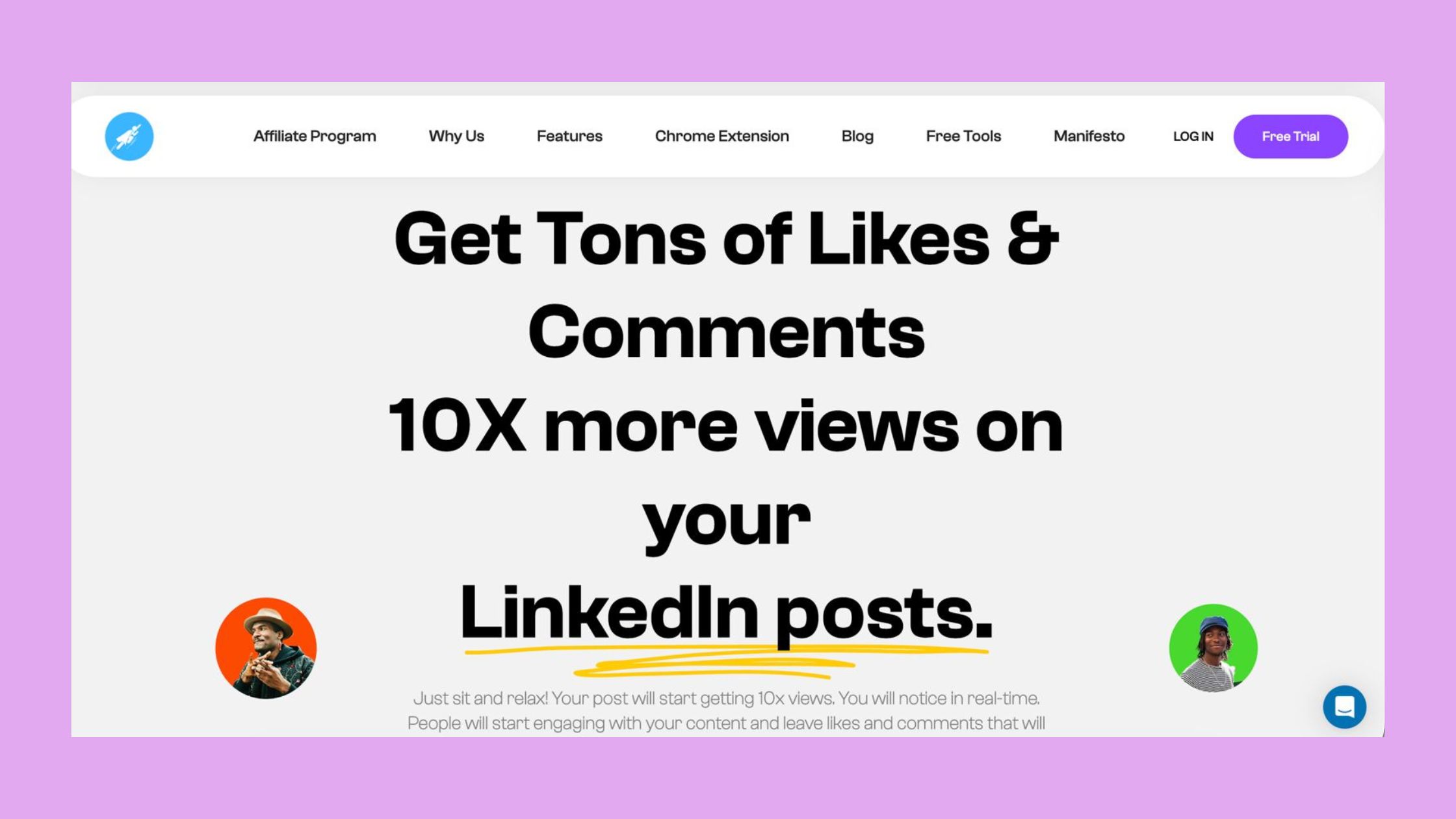
- Engagement layer: Repurposing content back onto LinkedIn — recycled posts, carousel versions, LinkedIn articles — only works if the algorithm notices early traction. Tools like HyperClapper handle this by boosting repurposed posts through real channel-based engagement and AI-powered replies that increase engagement velocity — the speed at which a post accumulates interactions after publishing — signalling quality to LinkedIn's distribution model.
%2520(1).png) hyperclapper.com
hyperclapper.comFor a deeper look at how HyperClapper compares to other LinkedIn engagement tools, see the top LinkedIn engagement pods comparison — it covers the key differences in safety, reach, and real-vs-bot engagement across the major platforms.
Get More Reach from Every Post You Repurpose Back to LinkedIn
HyperClapper boosts repurposed posts with real engagement and AI replies — so the LinkedIn algorithm actually distributes them.
Try HyperClapper FreeCommon Mistakes to Avoid When Repurposing LinkedIn Posts with Automation
Four mistakes account for the majority of failed repurposing efforts. Each one is preventable with a single process change.
- Copy-pasting verbatim across platforms. A LinkedIn post pasted unchanged into a newsletter reads as lazy and performs poorly — each platform has a distinct native tone and algorithm. Always adapt voice and structure to the destination format.
- Repurposing low-performers. Automating the wrong posts amplifies mediocre content. Only repurpose posts that cleared your engagement benchmark — automation should multiply what works, not broadcast what didn't.
- Skipping content moderation in the workflow. Automated pipelines can accidentally republish content that touches sensitive topics — fine in one context, inflammatory in another. Build a content filter step into your workflow. HyperClapper's Content Guard feature handles this on the LinkedIn side, flagging potentially risky content before it's boosted.
- Skipping the engagement loop after redistribution. Saving time repurposing content LinkedIn-side means nothing if the repurposed post lands with zero traction. A post with no early engagement signals is effectively invisible to the algorithm — seed initial engagement on reposts just as you would on originals.
✓ The LinkedIn Repurposing Quality Checklist
- ☐Post beat your average engagement rate before selecting it for repurposing
- ☐Core insight extracted as a single sentence before adapting to any format
- ☐Voice and structure adapted to the destination platform — not copy-pasted verbatim
- ☐Human review checkpoint built into the automation before any post goes live
- ☐Content moderation filter applied — no sensitive or context-dependent topics auto-published
- ☐Engagement strategy activated on the repurposed LinkedIn post within the first hour of publishing
- ☐Evergreen posts scheduled for a 30–60 day recycling cadence, not a one-time republish
According to DSMN8's 2026 LinkedIn report, image posts make up 42.4% of all LinkedIn content — the dominant format by volume. What this tells you is that carousel and image-based repurposing isn't just a nice extra; it's where the audience is already looking. Creators who skip visual format repurposing are effectively opting out of the most-consumed content category on the platform. For a broader view of what's working across LinkedIn's B2B ecosystem right now, see the 10 proven LinkedIn B2B strategies for 2026.
Don't Let Repurposed Posts Die Without Engagement
HyperClapper's channel-based boosting and AI replies give your redistributed LinkedIn content the early traction it needs to actually reach people.
Start Boosting Repurposed PostsFrequently Asked Questions About Repurposing LinkedIn Posts
How to repurpose LinkedIn content without starting from scratch?
Extract the core insight from an existing post as a single sentence, then map it to a new format — blog, carousel, newsletter — expanding or condensing structure to fit the destination. You're not rewriting; you're restructuring. A 300-word LinkedIn post can become a 900-word blog in under 20 minutes using AI assistance to expand each bullet into a subheading.
What is the fastest way to repurpose a LinkedIn post into other content formats using automation?
The fastest method is to paste your post into an AI tool (ChatGPT or Claude) with a format-specific prompt — "turn this into a 5-slide carousel script" or "expand this into a 600-word blog post" — then route the output via Zapier or Make into your publishing tool of choice. End-to-end, this takes under 10 minutes per post once the workflow is set up.
Can I use AI tools to automatically convert LinkedIn posts into newsletters or blog posts?
Yes. AI tools like ChatGPT, Claude, and Taplio can convert LinkedIn posts into newsletters or blog drafts with a single prompt. The key is format-specific instructions: for a newsletter, ask for a conversational tone with one clear takeaway; for a blog, ask for an expanded structure with subheadings. Always review the output before publishing.
What automation workflow should I use to repurpose LinkedIn content 3x faster?
Use a three-layer stack: AI tool for format conversion (ChatGPT/Claude) → workflow automation for routing (Zapier for simple flows, Make for complex multi-step logic) → engagement tool for distribution traction back on LinkedIn (HyperClapper for channel-based boosting). Batching by format rather than by post cuts switching costs and roughly triples repurposing output speed.
How do content creators use automation to scale LinkedIn content without burning out?
Creators who scale sustainably use automation for mechanical tasks — format conversion, scheduling, routing — and reserve human effort for insight generation and quality review. The model is: create one strong original post per week, repurpose it into 4–5 formats via automation, and schedule distribution across a 4-week window. This keeps the content calendar full without requiring daily original creation.
How often should I repurpose LinkedIn content, and how do I retrieve old posts worth reusing?
Repurpose any post that exceeded your average engagement rate, on a 30–60 day recycling cadence for evergreen pieces. To retrieve old posts: go to your LinkedIn profile → "Show all posts" → sort by "Top." For a full archive, export your data via Settings → Data Privacy → Get a copy of your data — the CSV includes all historical posts with timestamps you can filter by performance.
What are the best tools to repurpose LinkedIn content in 2026?
The strongest stack combines Taplio or Repurpose.io for format conversion, ChatGPT or Claude for AI rewriting and expansion, Zapier or Make for workflow automation, and HyperClapper for engagement on redistributed posts. Choose Zapier for simplicity; choose Make if you're managing more than 20 repurposed pieces monthly and need multi-branch logic at lower cost.
What consistently separates accounts with real compounding reach from accounts that plateau is not the volume of posts they produce — it's whether they have a system that extracts full value from every insight they create. Creators who build even a basic repurposing workflow typically see their effective content output triple within 60 days, not because they're working harder, but because they've stopped leaving the majority of their content ROI on the table.



