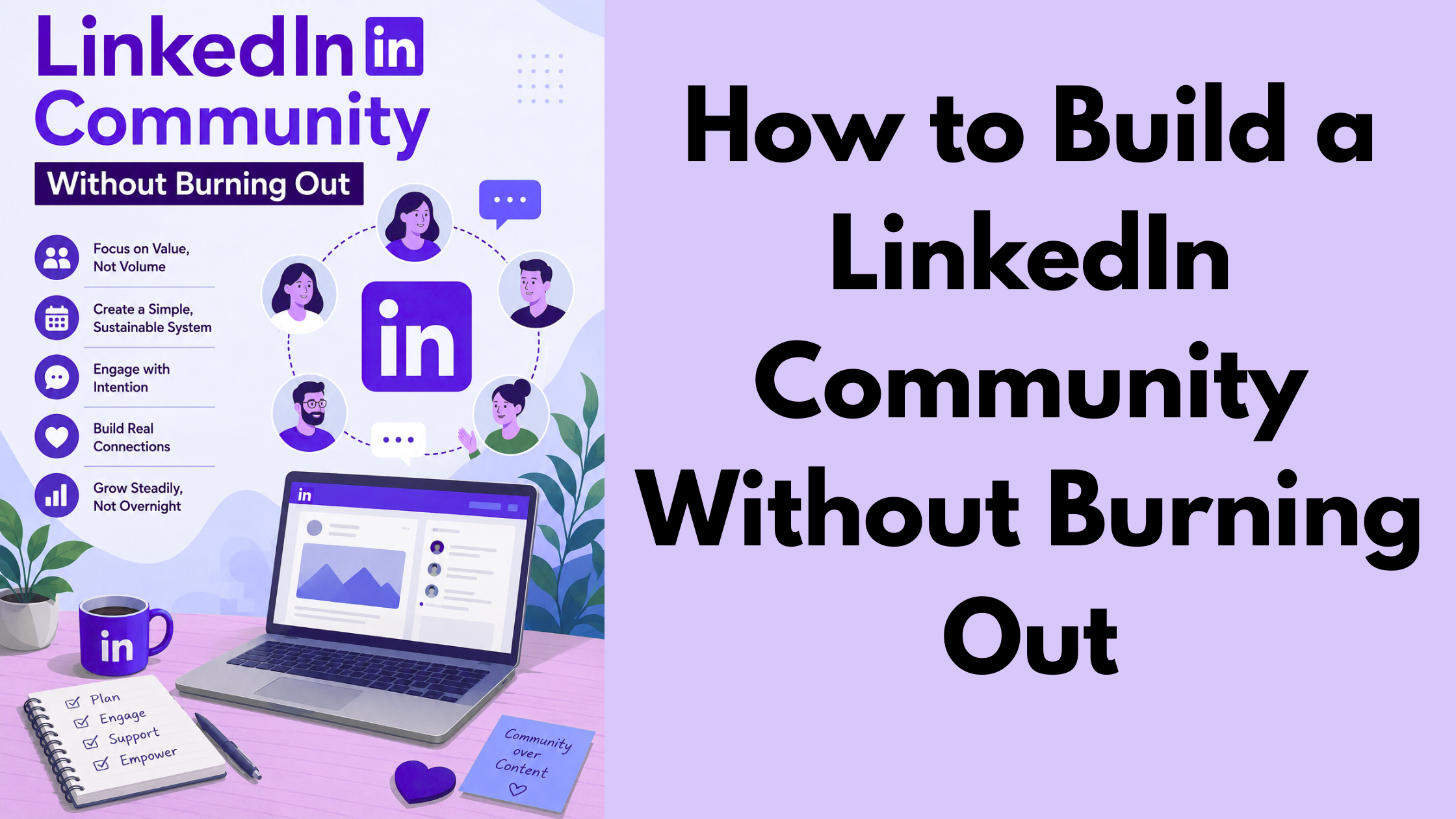
A recurring pattern among creators trying to manage LinkedIn community growth is that they treat it like a sprint — posting daily, responding to every comment instantly, and monitoring notifications around the clock — until they crash. The smarter approach is building a system: a defined niche, a minimum viable posting cadence, and smart tools that multiply your effort without multiplying your hours. Creators who do this consistently see compounding reach from smaller, more deliberate output. Those who don't hit burnout within three to six months and often abandon the platform entirely.
- For: creators, founders, coaches, and professionals who want LinkedIn growth without the overwhelm
- You'll learn: how to build a LinkedIn community from scratch using a five-step launch sequence — and how to sustain it without daily posting
- Why it matters: LinkedIn's algorithm rewards engagement depth over posting frequency, meaning a smaller, active community beats a large passive following every time
- Most counterintuitive finding: 15 minutes of strategic commenting drives more inbound than posting original content every day
- Burnout fix: two high-quality posts per week + batched reply windows + the right tools = a system you can sustain for years
- Tools matter: engagement platforms like HyperClapper handle the mechanical parts — real community likes, AI replies, and post boosting — so you focus on actual conversations
- What Is a LinkedIn Community and How Does It Actually Work?
- How to Build a LinkedIn Community From Scratch
- How to Manage a LinkedIn Community Without Spending Hours Every Day
- LinkedIn Creator Burnout: Why It Happens and How to Recover
- How to Measure What Your LinkedIn Community Is Actually Worth
- Frequently Asked Questions About Building a LinkedIn Community
What Is a LinkedIn Community and How Does It Actually Work?
A LinkedIn community is the ecosystem of followers, connections, group members, and engaged readers who consistently interact with your content or profile — not just people who clicked "connect" once and disappeared. It is built around niche audience cultivation and professional network nurturing, not raw follower numbers.
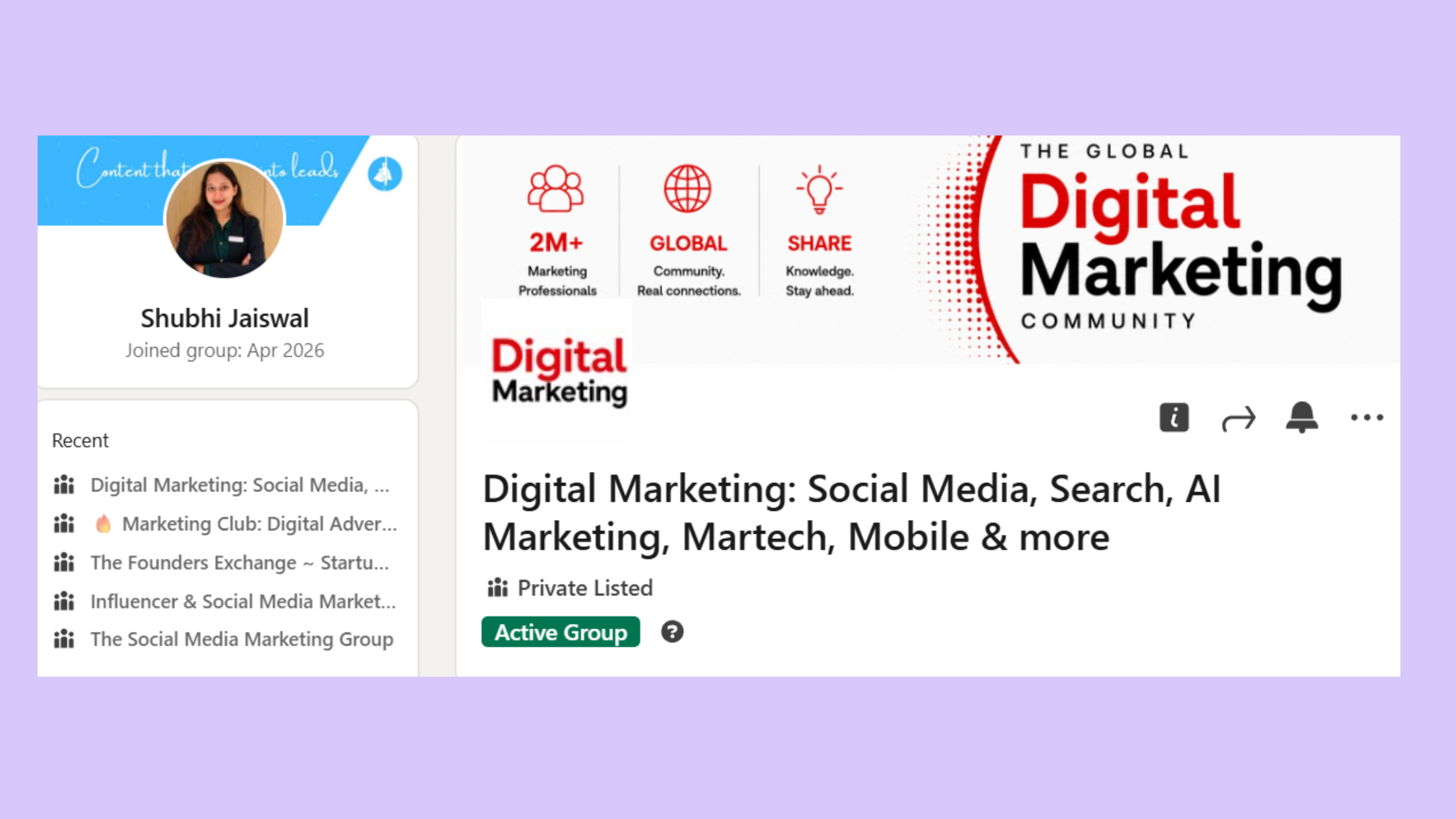
What makes LinkedIn's community mechanic distinct is how its algorithm distributes content. LinkedIn rewards meaningful conversations — comments, threaded replies, and dwell time — far more than passive likes. A post with 20 or more comments can receive roughly 3x more reach than one with only a handful of reactions. This means engagement depth is the core growth mechanic, not posting volume.
LinkedIn Groups vs. Pages vs. Newsletters: Which One Builds a Real Community?
These three formats serve different intents and are frequently confused:
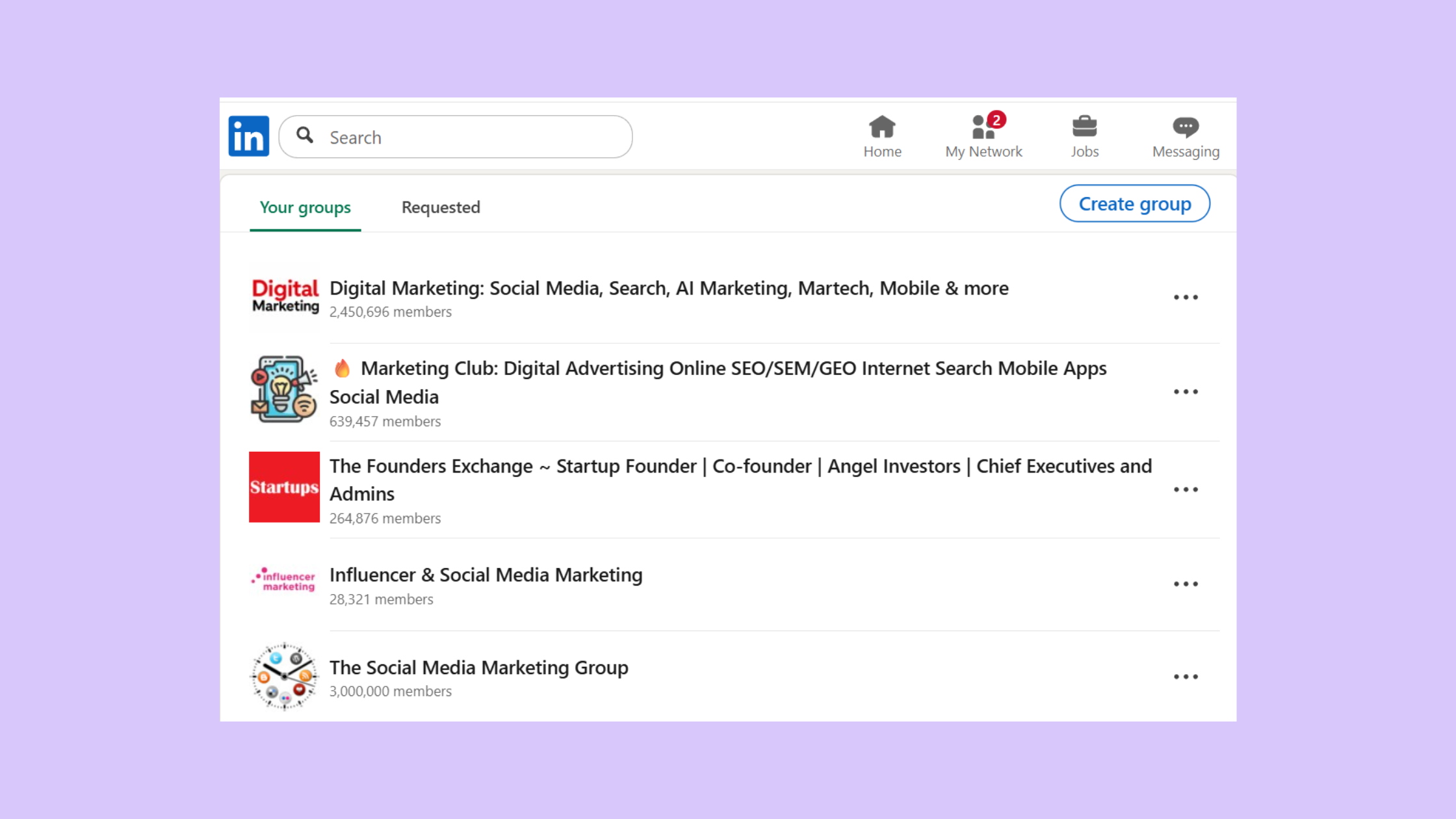
- LinkedIn Groups — peer discussion spaces where members initiate conversations; best for niche topic communities and two-way discourse
LinkedIn Groups - LinkedIn Pages — brand hubs with a follower model; better for companies than individual creators; less conversational by design
- LinkedIn Newsletters — subscriber lists that deliver content directly to inboxes; strong for audience retention but one-directional
For most creators and founders, a combination works best: your personal profile as the conversation hub, a Group or Newsletter for deeper community layers. Learn more about how to use LinkedIn Groups to build a real community and decide which format fits your goals.
How to Build a LinkedIn Community From Scratch (Without Starting From Zero Every Week)
The most common failure mode here is starting without positioning. Vague communities attract vague audiences. Before publishing a single post, nail one sentence: "I help [specific audience] achieve [specific outcome] by [specific method]." This becomes your filter for every piece of content and every connection request you send.
LinkedIn Community Building Tips: A Five-Step Launch Sequence
- Define your niche — specific enough that your ideal follower immediately self-identifies (30 minutes)
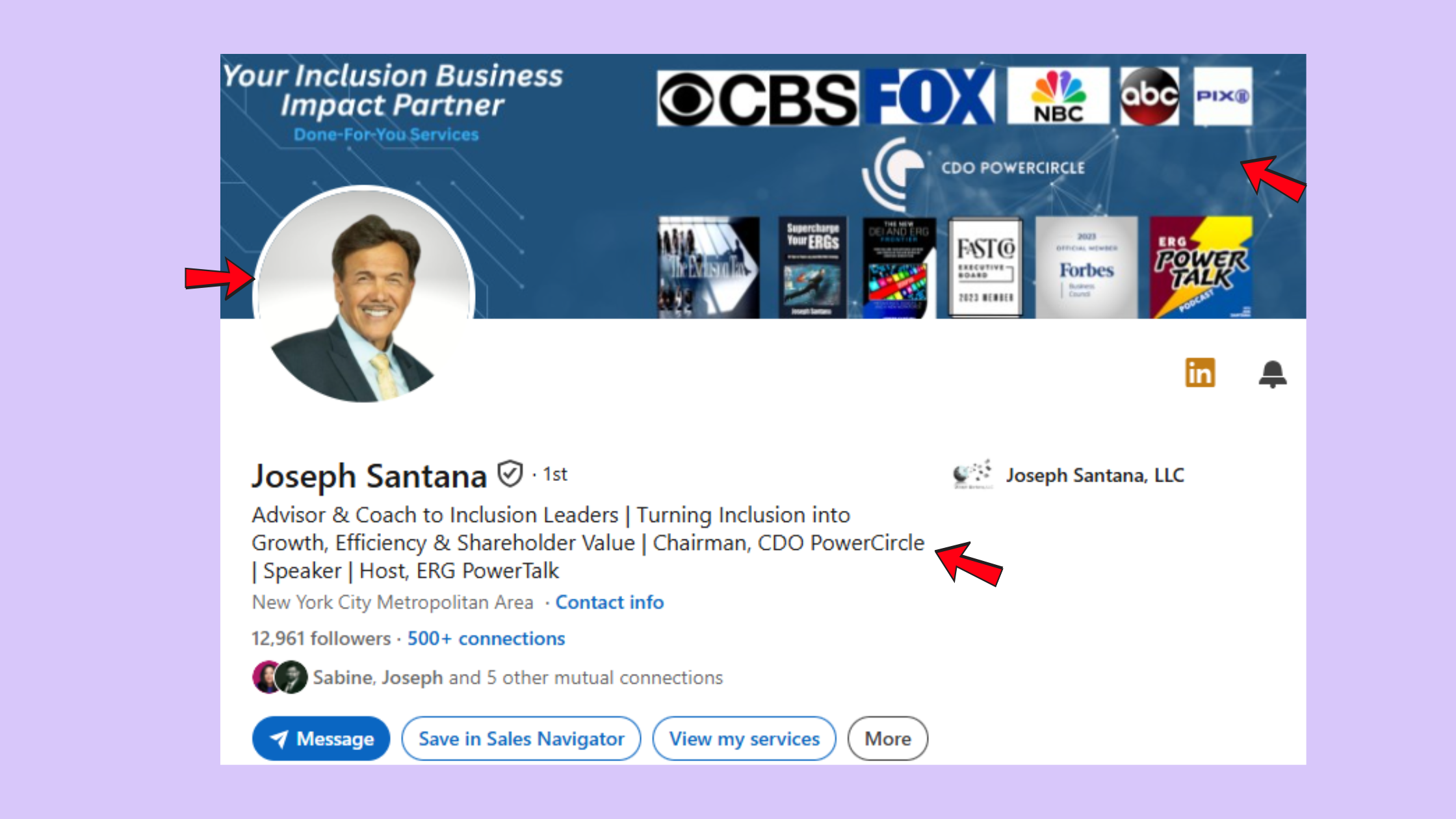
- Optimise your profile — headline, about section, and featured posts should all speak to that niche before you start creating (1–2 hours)
Optimise your profile - Publish a community-intent post — tell your network who you're here for and what you'll be sharing consistently (one post)
- Invite your first 50 targeted connections — personalised notes, not spam (1 week)
- Set a minimum viable posting cadence — two posts per week minimum, not seven (ongoing)
⚠ Warning: Chasing follower count over connection quality is the most expensive mistake in early community building. A 500-person engaged niche audience consistently outperforms 5,000 passive followers for generating leads, partnerships, and speaking opportunities. Organic reach amplification comes from depth, not width.
On content mix: teams that build LinkedIn community following without burning out typically use roughly a 70/30 split — 70% practical, actionable posts their audience can use immediately, 30% perspective or story posts that build personal connection. Vary format across text, carousels, and short video.
The creator who posts twice a week with a clear point of view and replies to every comment will out-grow the creator who posts daily with nothing to say. Consistency of quality compounds. Consistency of volume alone doesn't.
How to Manage a LinkedIn Community Without Spending Hours Every Day
15 minutes a day is enough — if the 15 minutes are deliberate. What consistently separates communities that stay active from those that go quiet is not time invested, but how that time is structured.
A simple community moderation workflow that works:
- Post a pinned welcome message in any Group you manage with clear community norms
- Use weekly themed prompts ("Monday: share one win, Thursday: ask your biggest challenge") to reduce the burden of constant original content
- Batch your comment replies into two daily windows — once in the morning, once in the afternoon — rather than responding to each notification as it arrives
- Spend 7–10 minutes each day commenting on posts from creators in your niche before expecting engagement on your own
As noted in a widely shared analysis by a B2B growth practitioner, 15 minutes of consistent commenting generates more inbound reach and conversations than reactive posting. In practice, this means commenting before you create — not after.
Also worth noting from an analysis of LinkedIn's algorithm behaviour: AI-generated comments receive 5x less author response and 7x less audience engagement than genuine ones. Quality commenting matters.
Best LinkedIn Scheduling and Engagement Tools for Creators in 2026
The best LinkedIn scheduling tools for creators handle the mechanical work — timing, distribution, and initial engagement — so creators can focus on actual conversations. Here's a quick comparison:
| Tool | Best For | Key Feature | Safety Level |
|---|---|---|---|
| HyperClapper | Real engagement + AI replies | Real community channels + Content Guard | High |
| Buffer / Hootsuite | Scheduling only | Multi-platform post scheduling | High |
| Lempod / Podawaa | Engagement pods | Like/comment pods | Lower |
For creators focused on community growth, LinkedIn automation tools for community management like HyperClapper work differently from scheduling tools: they connect your posts to real engagement channels — groups of genuine users who interact with content — and layer in AI-powered replies that keep conversations active for days after publishing. One channel reaches roughly 50 real engagements; three channels extend that to 150, without you manually chasing every reply.
Stop managing LinkedIn manually — let real community engagement do the work
HyperClapper connects your posts to real engagement channels so you get likes, comments, and visibility without spending hours on the platform every day.
Try HyperClapper FreeLinkedIn Creator Burnout: Why LinkedIn Feels Exhausting and How to Recover
LinkedIn creator burnout is real, widely experienced, and almost never talked about honestly on the platform itself. The signs are specific:
- Dreading opening the app
- Obsessing over metrics after each post
- Writing posts that feel performative rather than genuine
- Declining quality in your own content that you can see but can't fix
- Feeling like you need to post today or "lose your momentum"
The structural cause of why LinkedIn feels exhausting to keep up with is a design tension: the algorithm rewards high-frequency posting, which creates a treadmill. Creators feel they must post daily or lose algorithmic momentum. This is a real pressure — not a personal failure. Platforms are built to maximise time-on-platform, not creator wellbeing.
LinkedIn Content Strategy for Long-Term Consistency Without the Grind
The practical recovery protocol for LinkedIn creator burnout, based on patterns seen across accounts that successfully rebuilt after a pause:
- Take a 1–2 week intentional pause — announced, deliberate, not a fade-out
- Audit your last 20 posts — identify the 3–4 that generated the most meaningful replies for the least effort
- Rebuild your LinkedIn content strategy for consistency around those formats only — ignore everything else
- Set a sustainable LinkedIn posting schedule of 2 posts per week maximum until the habit feels effortless
Reframing consistency is the key mental shift. Posting twice a week with something genuinely worth saying outperforms seven mediocre updates — for the algorithm and for your audience's perception of your credibility. See how to beat the LinkedIn algorithm without posting more content for a deeper look at this dynamic.
How to Measure What Your LinkedIn Community Is Actually Worth
Vanity metrics — follower count, impressions, profile views — tell you almost nothing about community health or business value. The indicators that actually measure ROI from a LinkedIn community are:
- Comment depth — are people replying to each other, or just to you?
- Repeat commenters — a core group of 15–30 people who show up consistently is worth more than 500 one-time reactions
- DM inquiries generated — direct messages from people who found you through content signal real authority
- Inbound leads or opportunities — the clearest revenue signal
According to LinkedIn Demographics 2026, LinkedIn has 1.3 billion registered members worldwide, with approximately 310 million monthly active users. This means your niche — however specific — almost certainly has a viable audience already present on the platform.
LinkedIn's native analytics cover impressions and follower growth but miss the engagement trends that actually predict community health. Tools like HyperClapper's engagement tracking fill this gap with post-level data, channel performance, and growth trend visibility — giving you a clearer picture of which content is building real community versus which is just collecting views.
Common LinkedIn Community Management Mistakes That Stall Growth
The single most common mistake observed across stalled LinkedIn communities is measuring the wrong thing for too long. Creators who optimise for follower growth often find themselves at 2,000 followers with no meaningful conversations and no leads. Creators who optimise for comment depth from day one tend to build communities that generate real business outcomes — even at smaller scales. Check your LinkedIn peak hours and posting schedule to ensure your content is reaching your audience when they're most active — timing compounds community momentum.
✓ The LinkedIn Community Health Checklist
- ☐Niche positioning statement written and visible in your profile headline
- ☐Minimum 2 posts per week scheduled (not daily volume chasing)
- ☐15-minute daily comment window blocked in your calendar
- ☐Reply batching set to two windows per day (not reactive)
- ☐Monthly content audit: review top 5 posts, identify highest-return formats
- ☐Engagement tool (e.g. HyperClapper) active to amplify posts without manual grind
- ☐Success metrics set on comment depth and DM inquiries — not follower count
Build a LinkedIn community that grows while you sleep
HyperClapper's real engagement channels, AI-powered replies, and content analytics give your posts the momentum they need — without daily manual effort.
Start Building SmarterFrequently Asked Questions About Building a LinkedIn Community
How to do community management on LinkedIn?
Community management on LinkedIn means consistently creating content, moderating comments, welcoming new followers, and engaging in your niche daily. The practical approach: post 2x per week, batch replies into two daily windows, comment on others' posts in your niche for 15 minutes each morning, and use a weekly themed prompt to reduce content pressure.
What is a LinkedIn community and how does it work?
A LinkedIn community is the engaged ecosystem around your profile or Group — followers, connections, and readers who consistently interact with your content. It works through LinkedIn's algorithm, which amplifies posts that generate meaningful conversations (comments, replies, dwell time) to wider audiences, creating a compounding visibility loop for active community members.
How do you find communities on LinkedIn?
Search for LinkedIn Groups using keywords from your niche via the search bar — filter by "Groups" in the results. You can also find communities by following hashtags, joining industry Newsletters, or looking at who comments most on posts by creators in your space. Engaging inside those communities is the fastest path to building your own.
What is the best way to build a LinkedIn community without spending too much time on it?
Post twice per week with a clear niche focus, spend 15 minutes daily commenting on others' posts, and use a tool like HyperClapper to boost your posts with real engagement from community channels. This approach — post less, comment more, amplify smartly — is how creators grow LinkedIn community without burnout and without living on the platform.
Is it possible to build a LinkedIn audience by posting only a few times a week?
Yes. Posting 2–3 times per week with high-quality, conversation-starting content consistently outperforms daily posting of mediocre content. LinkedIn's algorithm rewards engagement depth over frequency, so a post with 25 thoughtful comments gets far more distribution than seven posts with three likes each. Quality and consistency beat volume every time.
What are the signs of LinkedIn creator burnout and how do I recover?
Signs include dreading the app, declining content quality, obsessing over metrics, and feeling like you're performing rather than communicating. Recover by taking a 1–2 week intentional pause, auditing which past content generated the most return for the least effort, then rebuilding a sustainable LinkedIn posting schedule — two posts per week — around only those formats.
How can I stay consistent on LinkedIn without burning out as a creator?
The key is a sustainable system, not willpower. Use a LinkedIn content strategy built around 2 posts per week, batch your engagement into time-blocked windows, and use scheduling and engagement tools to handle distribution. A recurring pattern among creators who stay consistent long-term is that they optimise their workflow until posting feels easy — not heroic.
What separates communities with real reach from profiles with impressive follower counts is not how often they post — it is whether every post gives someone a genuine reason to respond. Depth of engagement compounds. Volume without depth doesn't.



