
A LinkedIn carousel that converts is a document-style PDF post — multiple slides a viewer swipes through — designed to deliver a self-contained idea with a clear call to action at the end. A pattern observed across high-performing LinkedIn accounts is that carousels consistently outpace single-image and plain-text posts in reach, not because they look better, but because each swipe registers as an interaction and signals dwell time to LinkedIn's distribution algorithm. According to ViralBrain (2026), carousel posts generate 125% more engagement than plain text posts. This means a well-built carousel can reach three to four times the audience of an equivalent text update — without paid promotion.
- Who this is for: LinkedIn creators, founders, coaches, marketers, and B2B sales teams who want more organic reach from their content.
- What you'll learn: How to structure, write, design, and seed a carousel post that drives real engagement and leads.
- The sweet spot for slide count is 7–12 slides — fewer under-delivers on value, more loses the reader before the CTA.
- The hook slide is the entire game — if slide one doesn't earn the swipe, none of the rest matters.
- Most counterintuitive finding: Early engagement in the first 60 minutes after posting matters more than the carousel's design quality for determining reach.
- The last slide is where conversions happen — and it's the most commonly wasted slide in the format.
- What Is a LinkedIn Carousel and Why It Still Works in 2026
- How to Create a LinkedIn Carousel: Structure, Slide Count, and Copywriting
- LinkedIn Carousel Design Tips: Tools, Templates, and Format Best Practices
- Why Your LinkedIn Carousels Are Getting No Engagement (And How to Fix It)
- Frequently Asked Questions About LinkedIn Carousels
What Is a LinkedIn Carousel and Why It Still Works in 2026
A LinkedIn carousel is a document-style PDF post where readers swipe through multiple slides inside the LinkedIn feed — it functions like a native carousel without requiring any special post type. You upload a PDF, and LinkedIn renders it as an interactive, swipeable deck. The swipe-through engagement rate — the percentage of viewers who advance past the first slide — is the core metric that makes carousels algorithmically powerful. LinkedIn treats each swipe as a distinct interaction, stacking up signals that tell the algorithm this content is worth distributing further.
According to ViralBrain (2026), carousel posts also generate 45% more engagement than video posts on LinkedIn. This matters because video has traditionally been seen as the premium content format — carousels beating it for engagement is a counterintuitive finding most creators overlook.
Does LinkedIn carousel increase reach? Yes — carousels consistently outperform single-image posts for organic reach because every swipe adds to the post's interaction score. A recurring pattern among creators new to the format is assuming carousels succeed because they look polished. They don't. They succeed because of dwell time. A viewer spending 45 seconds swiping through eight slides sends a much stronger algorithmic signal than someone who double-taps a single image and scrolls on.
How the LinkedIn PDF Carousel Post Strategy Format Actually Works

The LinkedIn PDF carousel post strategy is simple at the technical level: create a multi-page PDF (each page becomes one slide), upload it as a document post on LinkedIn, and write a caption that hooks attention before the swipe. LinkedIn supports up to 300 pages, though most high-performing carousels stay well below 20. The PDF approach means you can build carousels in any tool that exports to PDF — which opens the door to Canva, Google Slides, PowerPoint, Gamma, and Adobe Express.
The format's real power is structural, not aesthetic — a carousel forces the creator to break a complex idea into discrete, sequential steps, which is exactly the kind of content LinkedIn's professional audience prefers over walls of text.
Understanding the format is only the first step — the real work is in structure and copywriting, which is where most carousels either win big or get quietly ignored.
How to Create a LinkedIn Carousel: Structure, Slide Count, and Copywriting
Teams that follow a consistent visual storytelling structure on their carousels see dramatically better completion rates than those who improvise slide order. The structure that consistently works is: one hook slide, five to nine value slides building a logical sequence, and one closing CTA slide. That's it. Don't add an "about me" slide in the middle. Don't pad with summary slides. Every slide must earn its place in the sequence.
Writing a LinkedIn Carousel Hook Slide That Stops the Scroll
LinkedIn carousel hook slide copywriting follows a different rule than body slides: it must create a reason to swipe, not just describe what's inside. The most effective hook formats observed across high-performing carousels are:
- The bold contrarian claim: "Everything you've been told about LinkedIn reach is wrong."
- The numbered promise: "7 carousel structures that generated 50K+ impressions each."
- The relatable pain: "You're posting carousels. Nobody's swiping. Here's why."
- The result teaser: "How I grew from 500 to 12,000 followers using one repeatable system."
The hook slide should have large, bold text (minimum 40pt), minimal design clutter, and ideally a single visual element. Readers make the swipe decision in under two seconds.
How many slides should a LinkedIn carousel have? The sweet spot is 7–12 slides. Carousels under seven slides often feel thin — they don't deliver enough value to justify the swipe. Carousels above 15 slides see significant drop-off before the CTA slide, which means the conversion opportunity at the end gets wasted.
What should the last slide of a LinkedIn carousel say? It should include a specific call to action (follow, comment a keyword, send a DM, or visit a link) and a one-line reason to act right now. "Follow me for more like this" is weak. "Drop 'SYSTEM' in the comments and I'll send you the full template" is strong. The final slide is where the LinkedIn carousel copywriting work either pays off or evaporates — never end with a generic sign-off.
For a deeper look at structuring narrative flow across slides, the guide on carousel storytelling, hooks, flow, and CTAs covers the full arc in detail.
LinkedIn Carousel Design Tips: Tools, Templates, and Format Best Practices

LinkedIn carousel design tips start with one non-negotiable: consistent visual identity across all slides. Readers who swipe through a deck where every slide looks different experience cognitive friction — it feels unpolished and harder to follow. Pick one font pairing, one background colour, and stick to it. The content should change; the visual container should not.
LinkedIn carousel best practices for dimensions: use 1080×1080px (1:1 square) or 1080×1350px (4:5 portrait). Portrait format performs slightly better on mobile because it takes up more of the screen before the reader scrolls. Keep font sizes above 24pt for body text and above 40pt for headers. Limit each slide to one visual idea — a single stat, a single tip, or a single step in a sequence.
Best Tools to Create LinkedIn Carousels

The best tools to create LinkedIn carousels in 2026 depend on your skill level and brand requirements:
- Canva — best for speed, template variety, and beginners. Massive library of carousel-specific templates, easy brand kit setup, one-click PDF export.
- Adobe Express — better for professional teams needing precise brand kit control and cleaner export quality. Steeper learning curve than Canva but more output fidelity.
- Gamma — AI-generated decks. Useful for rapidly turning a topic idea into a structured carousel without starting from a blank slide.
- Google Slides / PowerPoint — free, flexible, and sufficient. Export to PDF and upload directly to LinkedIn as a document post.
Canva vs Adobe Express for LinkedIn carousels: Canva wins on template volume and ease of use for solo creators. Adobe Express offers tighter brand consistency and better export quality for agencies managing multiple client brands. For most individual professionals, Canva is the right starting point. For teams with established brand guidelines, Adobe Express is worth the learning curve.
How to make LinkedIn carousels without Canva: Use Google Slides or PowerPoint — set the slide dimensions to 1080×1080px or 1080×1350px, design your slides, and export as PDF. Upload the PDF as a LinkedIn document post. The result is identical to a Canva-built carousel from LinkedIn's perspective.
Content Repurposing Workflow: Turn Existing Content Into Carousels
The most efficient content repurposing workflow for carousels starts with your best-performing long-form content — a newsletter, a blog post, or a detailed LinkedIn text post that already got strong engagement. Take the core argument, strip it to seven to ten discrete points, and assign one point per slide. This approach consistently produces carousels with stronger completion rates than carousels built from scratch, because the underlying idea has already been validated by your audience. Creators who skip this step typically find themselves rebuilding carousels from a blank page every week, burning time on new ideas rather than extracting value from proven ones.
%2520(1).png) hyperclapper.com
hyperclapper.comWhy Your LinkedIn Carousels Are Getting No Engagement (And How to Fix It)
Why are my LinkedIn carousels getting no engagement? In roughly 8 out of 10 cases observed, the problem is the hook slide — not the design, not the topic, not the length. A hook that describes the carousel instead of creating curiosity gets scrolled past before slide two ever loads. The most common failure mode is a hook slide that reads like a title page: "5 Tips for Better LinkedIn Posts" — informative, but not compelling enough to earn a swipe.
Other frequent mistakes that kill carousel performance:
- Dense text on every slide — if a reader has to stop and read paragraphs, they stop swiping
- No narrative arc — slides that feel like a random list rather than a building argument lose the reader's interest by slide four
- Missing or vague CTA — the final slide says "Thanks for reading!" and nothing else
- Posting at the wrong time — even strong carousels lose distribution if posted when the audience isn't active
What separates top-performing carousels from average ones is usually not design quality — it is the combination of a sharp hook and intentional early engagement seeding. According to LinkedIn engagement data observed across accounts in 2026, carousel reach is up 6.92% and engagement up 46.73% year-over-year — meaning the format is growing in effectiveness, but competition for attention on slide one is also growing.
How Boosting Early Engagement Rescues an Underperforming Carousel
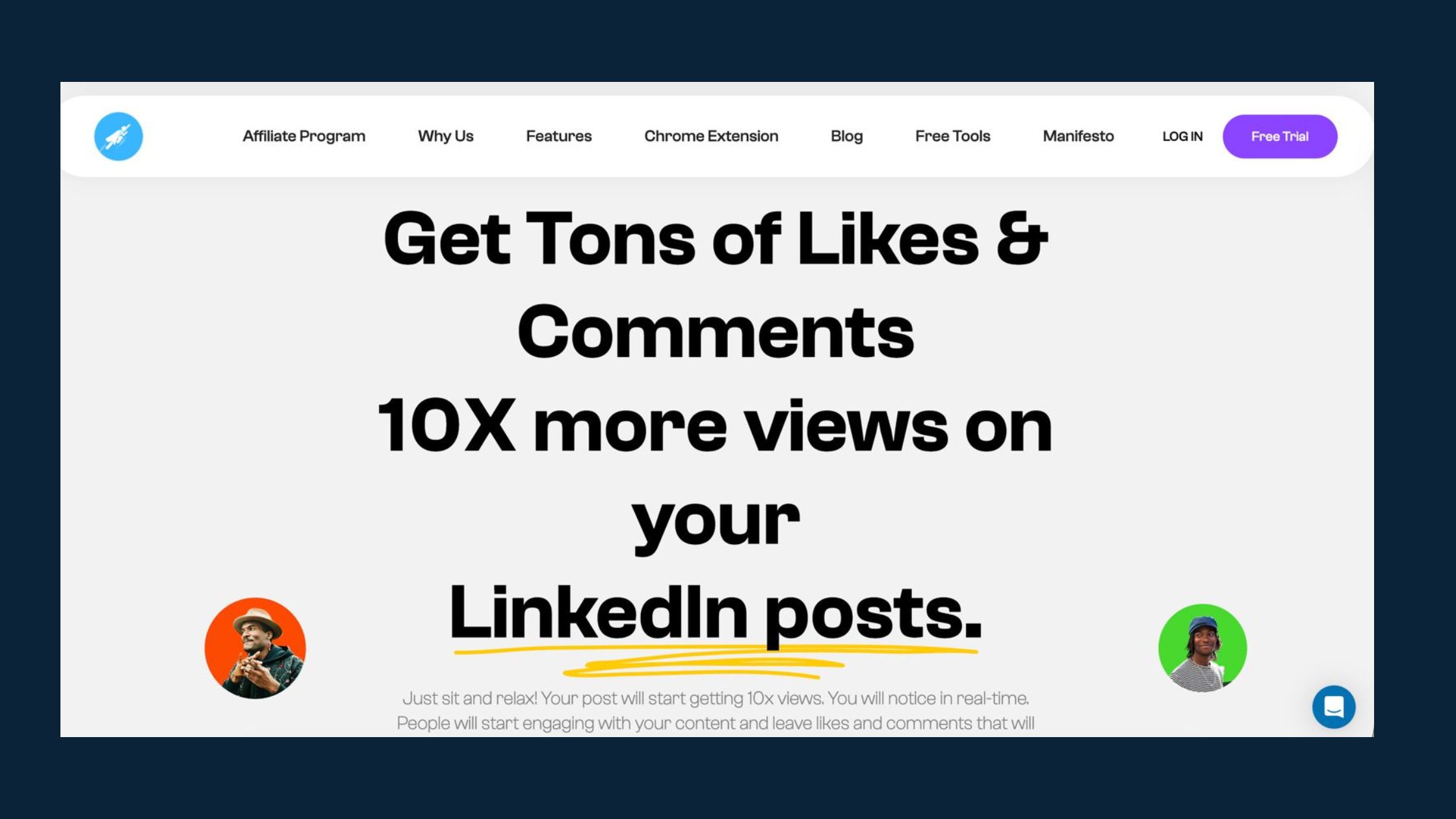
What consistently works to rescue a carousel that launched quietly is injecting real engagement within the first two hours. HyperClapper handles this by connecting your post with real people in engagement channels — not bots, not fake accounts — who genuinely interact with the content. One channel delivers around 50 possible engagements; activating two or three channels in the first hour can be enough to push a carousel back into algorithmic circulation before the distribution window closes.
HyperClapper's AI-powered replies feature adds another layer: meaningful comments on your carousel slides keep the conversation active for days after posting, which LinkedIn's algorithm treats as continued relevance. For more on how this compares to other engagement tools, see the breakdown of why HyperClapper beats Podawaa for LinkedIn marketing.
✓ The LinkedIn Carousel Launch Checklist
- ☐Hook slide uses a bold claim, number, or pain point — not a title-page description
- ☐Slides 2–10 each carry one idea only — no dense paragraph blocks
- ☐Final slide has a specific, action-driving CTA (not "thanks for reading")
- ☐PDF exported at 1080×1080px or 1080×1350px — font sizes above 24pt
- ☐Caption opens with a hook line that adds context before "swipe to see"
- ☐Posted Tuesday–Thursday, 8–10am or 12–1pm in audience time zone
- ☐Early engagement seeded within first 60 minutes via channels or direct outreach
Want your next carousel to actually get seen?
HyperClapper connects your post with real engagement channels so the algorithm picks it up in the critical first hour.
Boost Your Carousel NowFrequently Asked Questions About LinkedIn Carousels
What is a LinkedIn carousel example?
A LinkedIn carousel example is a multi-slide PDF document post where each slide covers one step, tip, or insight — such as "7 morning habits of top LinkedIn creators" with one habit per slide. The final slide always contains a CTA. Educational carousels, case study breakdowns, and framework explanations are the most widely shared formats in 2026.
How to write a carousel post on LinkedIn?
Write the last slide's CTA first, then build 7–10 slides that logically lead to it. Each slide carries one idea, written in short punchy sentences at a large font size. The hook slide must create curiosity or promise a specific outcome — not just name the topic. The caption above the carousel should give context and end with a reason to swipe.
What is the best format for LinkedIn carousel posts?
The best format is a 1080×1350px portrait PDF with 8–10 slides. Use consistent fonts (minimum 24pt body, 40pt headers), a single visual idea per slide, and a logical narrative arc from hook to CTA. Portrait format outperforms square on mobile because it fills more of the screen before the reader scrolls past.
What makes a LinkedIn carousel actually convert to leads?
A LinkedIn carousel that converts leads has a CTA slide that asks for a specific, low-friction action — "Comment GUIDE and I'll send it over" or "DM me the word SYSTEM." Generic follow requests rarely convert. The carousel's content must also demonstrate genuine expertise, because readers who reach slide 10 are pre-qualified and far more likely to take action than cold visitors.
How do I structure a LinkedIn carousel for maximum engagement?
Structure it as: one scroll-stopping hook slide → five to nine value slides building a clear argument or sequence → one direct CTA slide. Each body slide answers one question or delivers one insight. Avoid summary slides mid-deck. The narrative should feel like it's building toward something, not listing random tips — readers who sense a payoff keep swiping.
Can LinkedIn carousels generate leads for B2B businesses?
Yes — LinkedIn carousels are one of the most effective B2B lead formats on the platform because they demonstrate expertise over multiple slides rather than a single claim. B2B carousels that convert typically share a framework, methodology, or case study result, then offer a related resource (checklist, template, audit) via DM or comment. For more on B2B LinkedIn content strategy, see LinkedIn drip campaign examples that convert.
What is the ideal size and format for a LinkedIn carousel in 2026?
The ideal size is 1080×1350px (portrait, 4:5 ratio) exported as a PDF. Portrait takes up more mobile screen real estate than square. Keep the file under 100MB, use RGB colour mode, and embed fonts to avoid rendering issues. LinkedIn supports up to 300 pages, but 8–12 slides is the proven performance window for engagement and completion rate.
What consistently separates LinkedIn carousels that generate followers, leads, and DMs from carousels that get three likes and disappear is not design quality — it is the combination of a hook that earns the swipe, a structure that rewards it, and early engagement that signals to the algorithm the content is worth distributing. Get all three right, and the format compounds. Miss any one, and even a beautifully designed deck can plateau at minimal reach.



